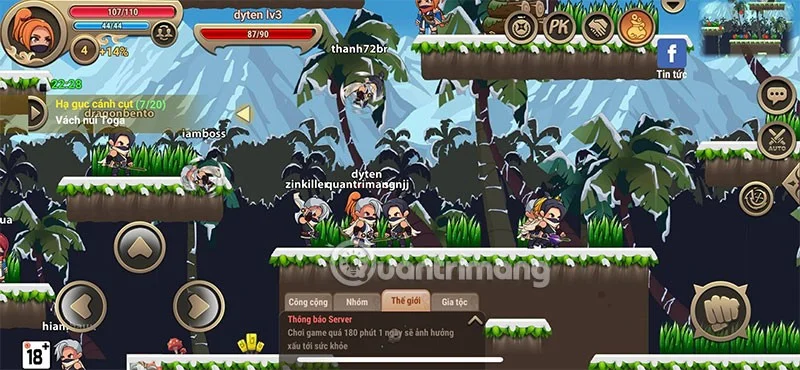
Gia Toc Huyen Thoai is a light 2D game but still has all the game modes like other games. Gia Toc Huyen Thoai Code is a way for you to start the game more easily to receive support rewards from the beginning of the game. Below is the list of the latest Gia Toc Huyen Thoai codes and how to enter the code.
Code Gia Toc Huyen Thoai and all related things
Latest Legendary Clan Code
| Code |
Validity period |
Bonus |
ninja88
|
Still valid |
|
ninja99
|
Still valid |
|
giatoc88
|
Still valid |
|
giatoc99
|
Still valid |
|
huyenthoai99
|
Still valid |
|
TANTHUHTGT
|
Still valid |
Reinforcement Stone 3 x2, Precision Pill x1, 2000 yen |
TANT2022
|
Still valid |
Strengthening Stone 3 x2, Longevity Pill x1, 2000 yen |
How to enter the Legendary Clan code
Step 1: First, visit the website to redeem the Gia Toc Huyen Thoai code below. Then log in to the account you are playing GTHT with.
Link to enter Gia Toc Huyen Thoai code
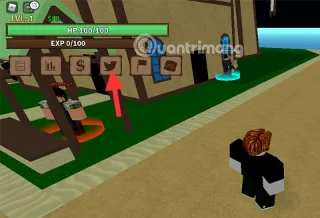
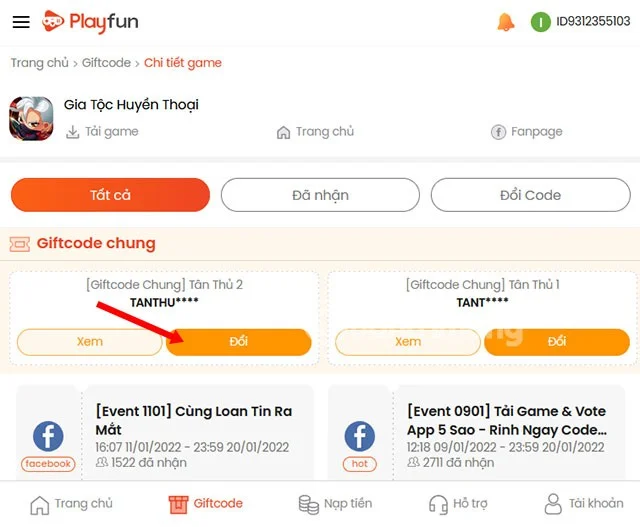
Step 2: Once you have logged into your account, select Change below to proceed with changing the code.

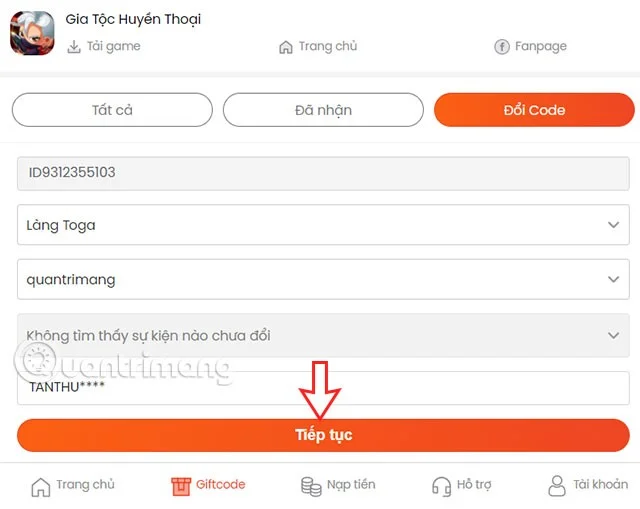
Step 3: Then select the server you want to receive the giftcode and select Continue. If there is a message that the gift exchange was successful, please re-enter the game to check your reward.

How to receive gifts from Legendary Clan giftcode
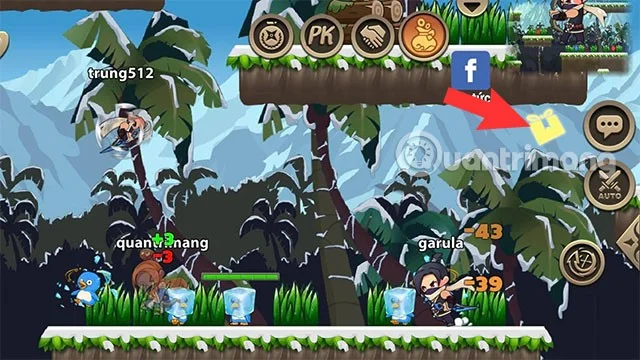
Step 1: Once you have entered the Legendary Clan code above, go back to the game and select the Mail section to receive the Legendary Clan code.

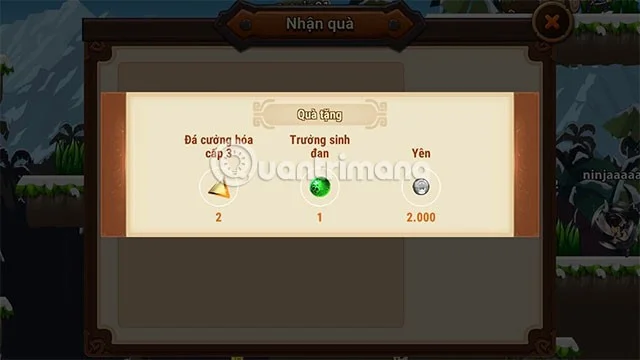
Step 2: In the mail section, you will see the mail sent from the system. If there are attached rewards, you will see them. Select Receive Gift in the lower right corner of the mailbox to receive the gift from the giftcode.

What does the Legendary Family Code usually have?
Giftcodes are given to gamers by the publisher and even the GTHT codes you receive when participating in the event will give you rewards such as: Strengthening Stones, Violent Pills, Standard Pills, Body Protection Pills, Yen... These are all very timely support rewards for new players.
Other ways to get Gia Toc Huyen Thoai code
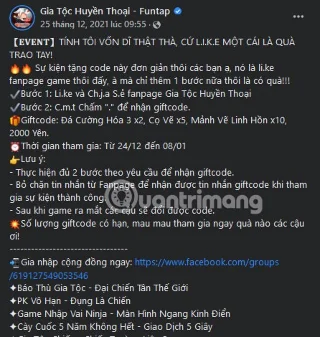
In addition to the game codes that are directly released to gamers by the game publisher, you also have the opportunity to receive additional GTHT giftcodes by participating in events held on the Gia Toc Huyen Thoai fanpage.

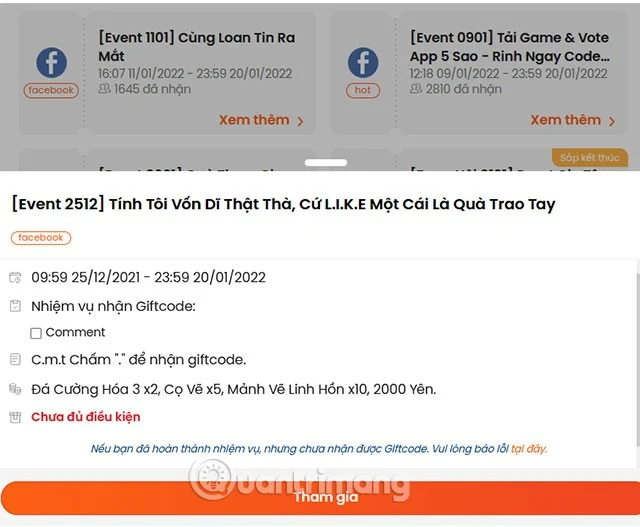
Also in the link to enter the Gia Toc Huyen Thoai code above, go to the All tab. Scroll down and select See more in the available activities below. You will receive some information such as event time, rewards and how to receive rewards.

You just need to select Join to go to the game's Fanpage. Then make a request in the Legendary Family Fanpage and return to this website to receive the giftcode.
Introducing the Legendary Family

You will play as a new ninja, on a journey to reclaim the blood debt of the clan. Train hard in the ninja academy, increase your strength, and master all the secret techniques.
Special features in Legendary Clan:
- Classic but attractive plot: Ninja demands blood revenge from the clan
- Side-scrolling gameplay with easy and engaging gameplay.
- Sophisticated combat mechanics with diverse skills.
- Diverse secret system, fast transaction.
- Light game capacity, compatible with many platforms.
- Family War - Cross-server battlefield
- Battle of the Sun and Moon
- Kill the Evil Beast
See also: