Home
» Wiki
»
New Alternative Browsers to Chrome You Should Try Today
New Alternative Browsers to Chrome You Should Try Today
Google Chrome is the world's most popular browser, but that doesn't mean you have to use it. There are plenty of great Chrome alternatives that will help you leave Google behind for good, and here are the best.
7. Microsoft Edge
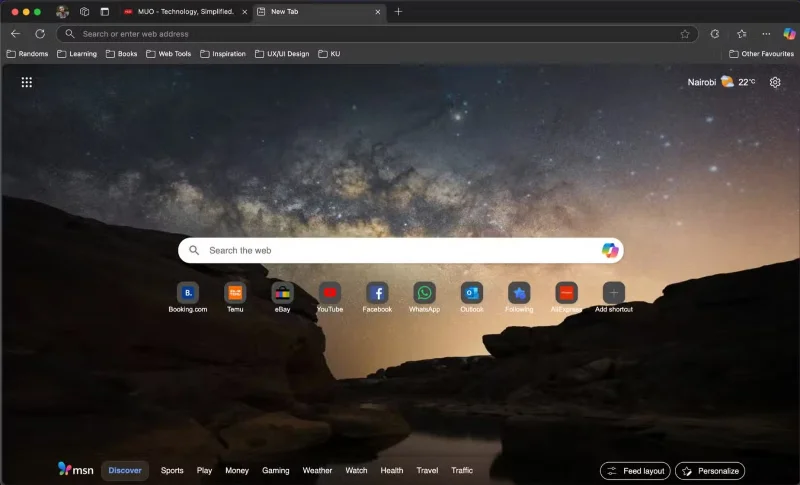
Microsoft Edge New Tab
Ever since Microsoft switched its browser to Chromium, it has become one of the best browsers on the market. Edge includes many of the features found in Chrome and some additional features like a powerful PDF reader - which is why Edge is the favorite browser for reading PDFs. Another standout feature that makes Edge a worthy alternative to Google Chrome is the built-in Copilot chatbot , making it the best browser with AI.
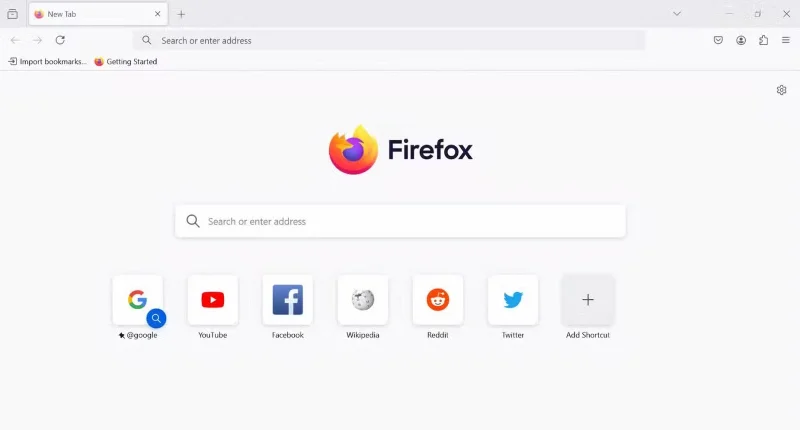
Firefox is one of the leading browsers in the fight for online privacy. So if you’re concerned about privacy, Firefox is a lot better than Chrome. First, it’s one of the few mainstream browsers that doesn’t use Google’s Chromium engine. Other prominent browsers like Brave, Vivaldi, Arc, Edge, and Opera all run on Chromium. Since Firefox uses its own browser engine, Gecko, it’s easy to maintain its privacy focus.
In addition to its focus on privacy, Firefox has a vibrant extensions ecosystem (second only to Chrome), is fast, and uses less memory. It also includes many modern browser features, like cross-device sync, a built-in password manager, and a bookmark manager.
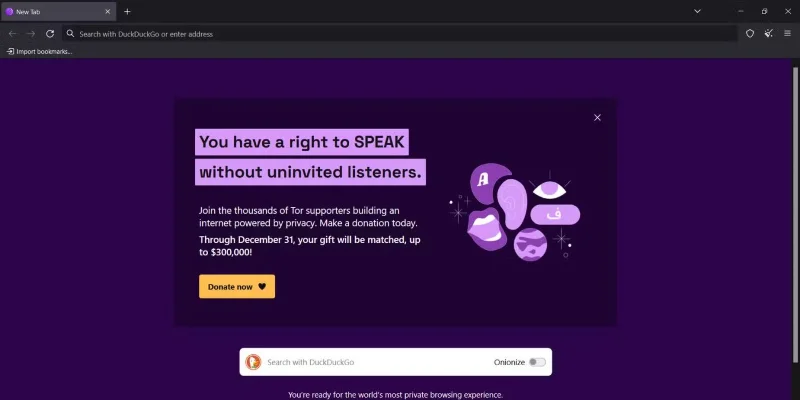
Tor Browser may not be the prettiest or fastest browser, but it's a great choice if you need near-total anonymity when browsing the web. It uses multi-layer encryption to encrypt your traffic and route it through a network of servers called Tor relays, making it difficult for anyone to track your activity.
This architecture also protects your IP address, making it difficult for websites or trackers to pinpoint your location. It also has built-in protection against trackers by isolating each website you visit. To combat Browser Fingerprinting , Tor Browser makes all users appear the same.
Waterfox is a fork of Firefox that aims to improve upon Mozilla’s ideals of a free and open web. It’s an open-source option that uses only open-source tools. If you want a more privacy-friendly version of Firefox, look no further. While Firefox is a privacy champion, it’s not perfect. For example, the browser collects analytics and telemetry data. Waterfox, however, doesn’t.
Waterfox eliminates analytics and telemetry data, and doesn’t track usage. As a result, it’s lighter, faster, and more private than Firefox. If you don’t like Firefox’s privacy and terms of use, Waterfox is a better alternative. The browser has a familiar interface with all the built-in features.
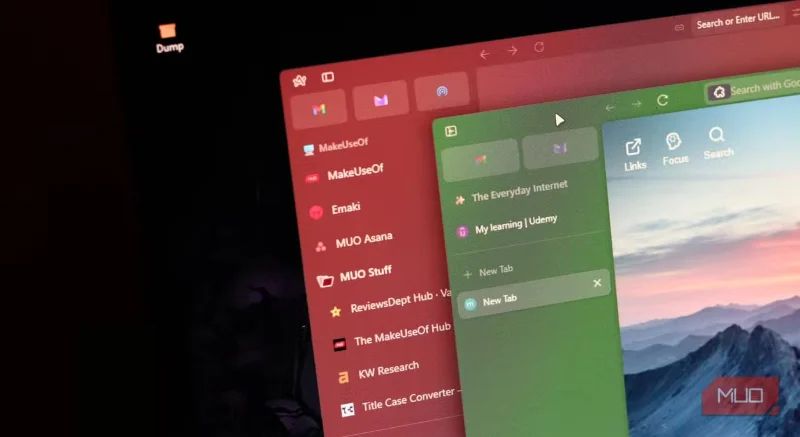
Unlike the other browsers on this list that have been around for decades, Zen Browser has only been around for less than a year. Zen’s standout feature is its modern approach to browsing, largely borrowed from Arc Browser (which has sadly since been discontinued). For all its features, Zen makes all the current options seem like tools built for one purpose only: Browsing the web. However, Zen is more optimized for productivity.
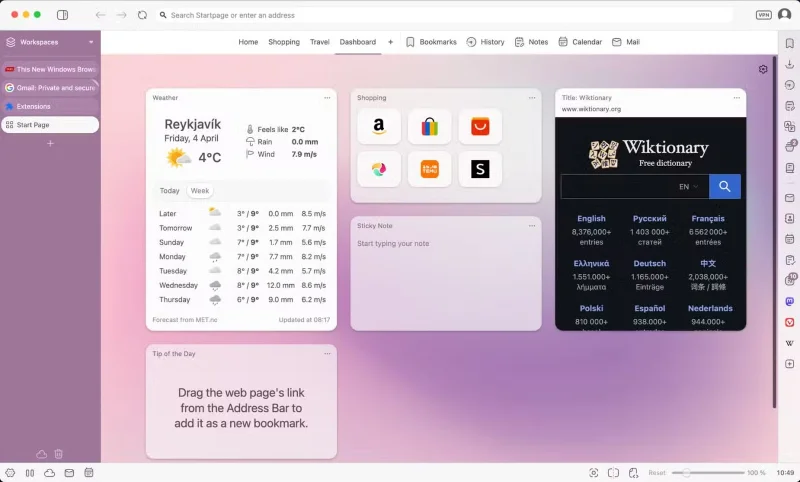
Vivaldi is the perfect choice for those looking for a customizable browsing experience. Other browsers have limited customization options and can only go further with extensions. However, Vivaldi has focused on customization, giving you more options than a regular browser. With a mission to give users complete control over their online experience, Vivaldi is the most customizable browser without extensions.
Besides the customizable focus, Vivaldi offers a variety of handy tools, like a VPN (Proton VPN), a note-taker, screenshots, a calendar, a feed reader, and more. The new tab also has a customizable panel, an all-in-one place to get updates from email to calendar and your favorite websites.
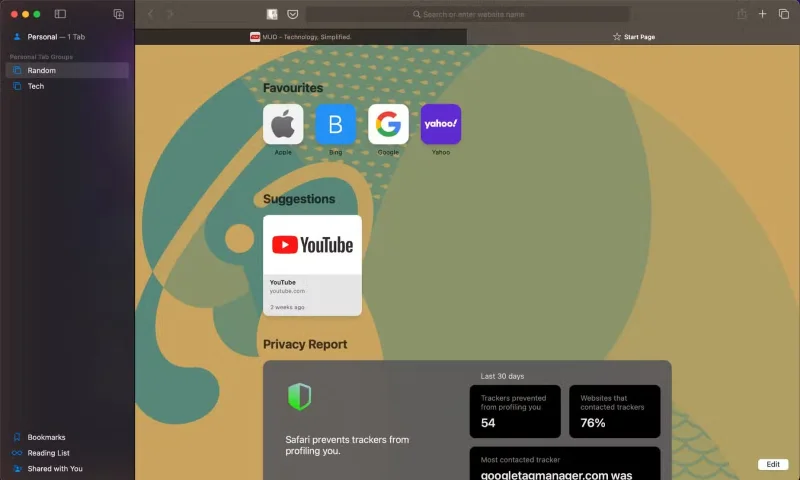
For Apple platforms, Safari is the best browser you can use. The fact that it’s made by Apple isn’t the reason Safari is on this list; it’s the fact that it’s lightweight and well-optimized, making it faster than its competitors. Thanks to Apple’s lightweight WebKit engine, Safari uses less memory and is optimized for less battery life.
Safari also focuses on privacy, with a number of built-in features including Intelligent Tracking Protection, social widget tracking protection, and fingerprint protection. Support for 4K HDR video playback, along with other media-focused features, makes Safari the perfect browser for entertainment. Safari also features cross-device sync, tab groups for organization, live text, and more.
Chrome is a great browser, but it's known for being slow, draining battery life, hogging memory, and collecting large amounts of user data. If you want something better than Chrome, you can find alternatives. Each option excels in certain situations; you should try them all to find the one that best suits your needs without making too many trade-offs. And these aren't the only options; you can also try Opera's relaxation-focused Air browser.