Desk Decorating Ideas for a Spooky Office Cubicle

Create a spooky office cubicle with Halloween desk decor ideas that keep your workspace usable, tidy, and mindful of workplace safety.
Path of Exile 2 is the latest title in the beloved action role-playing game series, especially on PC . If you've ever been fascinated by games like Diablo, The Binding of Isaac, or the first part of Path of Exile, you definitely can't miss this part.
Like the original, Path of Exile 2 is a free-to-play game with features that aren't as "blood-sucking" as many other games out there. The random survival gameplay and action-packed fantasy setting promise to continue to be a hit. But before we dive in, let's check out the minimum and recommended specs for the game.
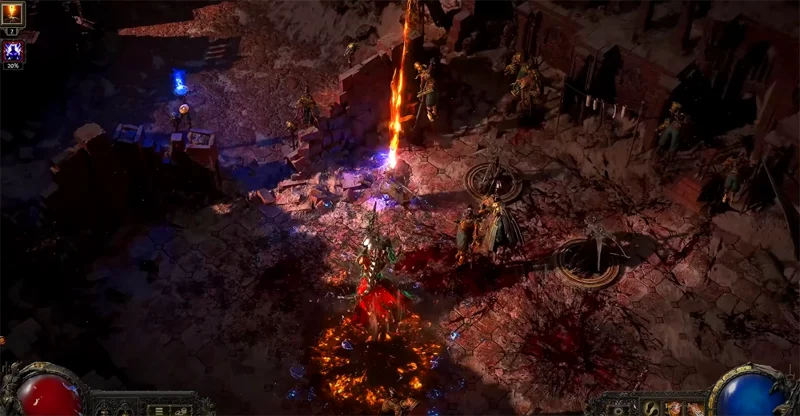
Path of Exile 2 Minimum System Requirements
Path of Exile 2 Recommended System Requirements
Can your PC handle Path of Exile 2?
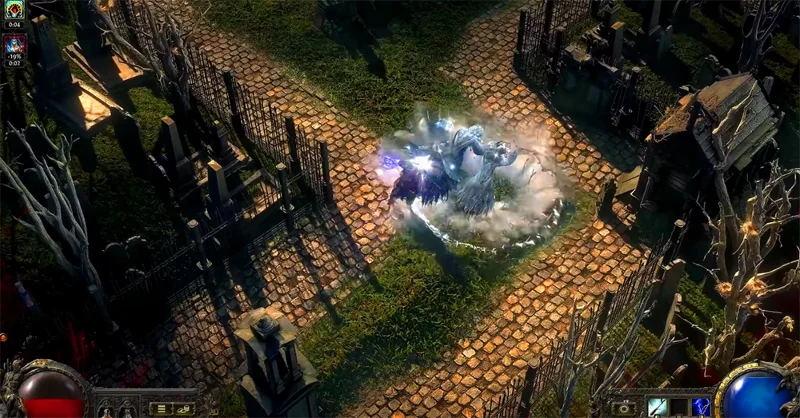
If your computer meets the above requirements, your PC is ready to run Path of Exile 2. However, the game's Steam page requires a GPU with at least 3GB of VRAM, and the game's developers also recommend an SSD. If you're stuck with an HDD, it's time to upgrade.
Top-down action RPGs like Path of Exile don't typically require as much hardware as blockbuster titles like Star Wars Outlaws or Black Myth: Wukong, making them accessible to less-modern PC users.
However, if your CPU is old, consider upgrading the heatsink to ensure performance without worrying about overheating. In addition, the price of RAM, especially DDR4 RAM, is very reasonable now. If you still only have 8GB of RAM, now is the right time to upgrade to 16GB, or even 32GB for a smoother gaming experience.
What kind of game is Path of Exile 2?
Path of Exile 2 is in the classic PC action role-playing genre, where you and your party or AI will travel through dungeons to hunt for items and kill monsters.
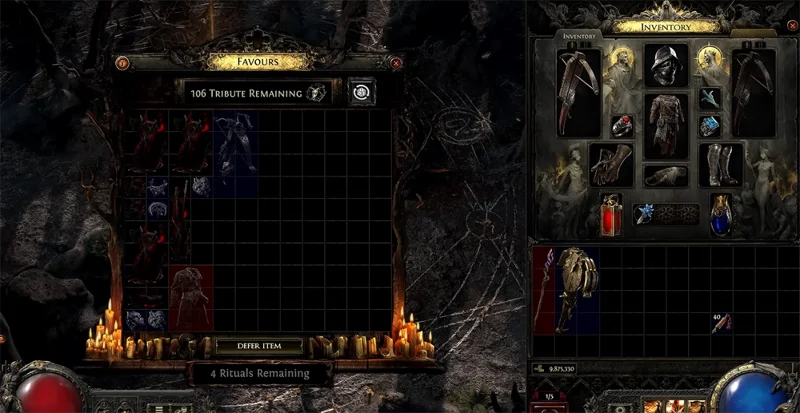
The game also integrates RPG elements with an open skill tree, allowing you to freely customize your character to suit your play style. With about 1,500 different skills, this is definitely a big challenge for those who are passionate about "grinding" or completing the game 100%.
Path of Exile 2's unique feature is its randomly generated dungeons, which increase replay value and encourage players to experiment with different fighting styles.
Create a spooky office cubicle with Halloween desk decor ideas that keep your workspace usable, tidy, and mindful of workplace safety.
Plan a recognizable Halloween 2026 look with pop culture costumes inspired by Spider-Man, Supergirl, Toy Story 5, Moana, Mario, and Wednesday.
Sort leftover Halloween candy safely, share or repurpose sealed treats, and choose food use or compost for pumpkins based on their condition.
Compare workplace Halloween costume choices by respect, dress code, mobility, and safety—and learn when a subtle accessory or a policy check is the better option.
Find a couples costume that fits your style, budget, and comfort level, from Addams Family classics to original inside-joke duos.
Need a last-minute high school Halloween costume? Compare 10 easy closet-based ideas by prep time, comfort, school-day practicality, and simple safety checks.
Use a simple 2026 Halloween decorating timeline for indoor décor, outdoor displays, and fresh pumpkins, with practical adjustments for weather and events.
Mix five vivid, approachable Halloween cocktails with measured recipes, simple prep tips, and an alcohol-free option for your party guests.
Find 15 office-friendly Halloween costume ideas for 2026, with practical checks for dress codes, respectful themes, comfort, and workplace safety.
Plan a fun elementary school Halloween party with easy crafts, games, inclusive treats, costume tips, and a sample 75-minute classroom schedule.








