Desk Decorating Ideas for a Spooky Office Cubicle

Create a spooky office cubicle with Halloween desk decor ideas that keep your workspace usable, tidy, and mindful of workplace safety.
Have you ever looked back at an old, over-filtered photo and cringed? Filters can kill a good photo faster than bad lighting. Natural is still the best option and it makes your photos truly timeless.
Table of Contents
Filters are like instant coffee. Easy to make. Amateurs won't mind the taste. Filters are also a shortcut to enhancing photos. With just one tap, you can smooth out skin for the perfect portrait or selfie. Have you ever taken a photo on a bright sunny afternoon? There are photo filters that simulate the golden hour.
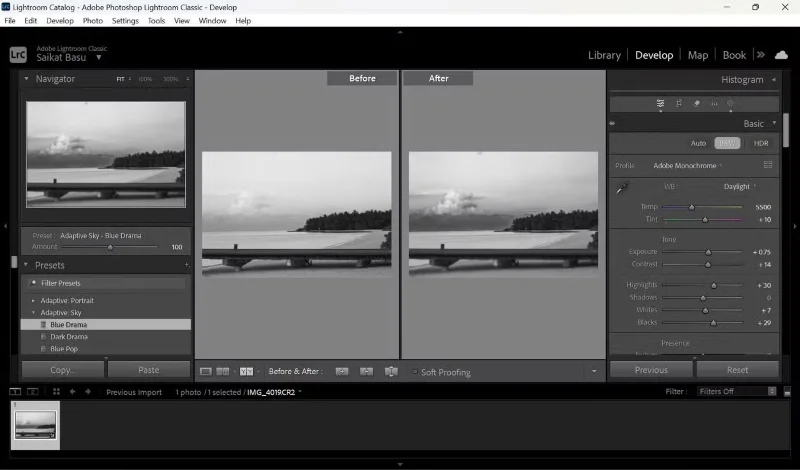
Industry-leading software like Lightroom has a whole collection of presets and filters. Instagram has a diverse collection of filters for every photo. The App Store is filled with suggestions for the next best filter-rich photography app. Social media fuels this obsession.
Sometimes, a filter turns a dull photo into something eye-catching. But over time, something starts to go wrong.
Sometimes when you look back at your photo roll, you'll realize that many of your favorite photos don't have filters applied.
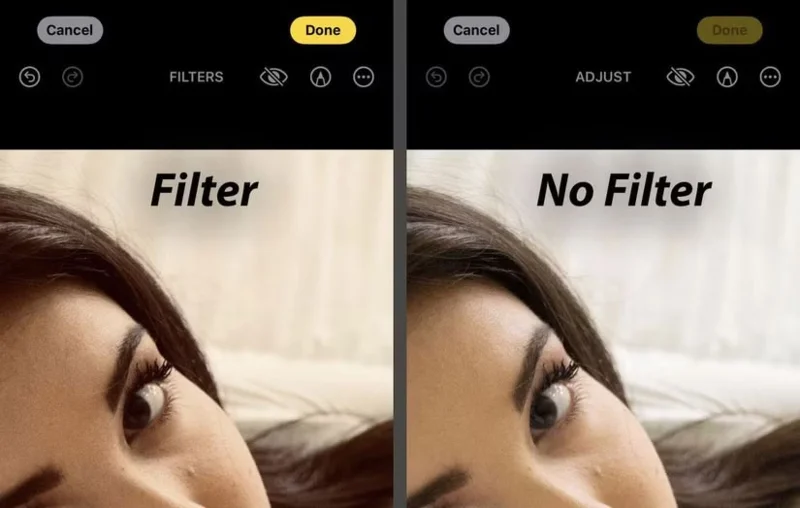
They're not perfect, but they feel authentic. No matter how subtle, a photo with a filter can feel like it's trying too hard.
Even AI filters have practical uses, and people still use them from time to time. But they make some images look over-edited. Skin is too smooth without any brown spots. Skies are saturated with fake hues. Shadows are washed out. Highlights are blown out. The photo feels less like a vintage photo and more like a poster.
When you take photos of family and friends, you simply want to capture the emotions people feel together, not to appease the crowd and seek the validation of “Likes” through the aesthetics of a filter. Like the black and white photos in our parents’ photo albums, raw photos are often personal and have a timeless beauty.
You can think of a filter as an extra layer between the real and the virtual. So a photo without a filter applied can evoke more emotion.
How many times have you faced the disappointment of reality when you get caught up in the Instagram version of it? Travel photos often tempt us to overuse filters.
The #nofilter movement has gained traction around the world. It's riding on the body positivity movement. Many photographers are starting to value simplicity and honesty in their work.
Hopefully this trend will reshape into a habit even though some studies show that images without filters are 70% more memorable than images with filters.
Skip the filter and start developing your own sense of a scene. Other camera settings can also help you take better photos without a filter.
The warm tones of the golden hour can enhance even ordinary photos beautifully. Use it early in the morning or just before sunset whenever possible. Also, avoid harsh midday sunlight unless your concept calls for it.
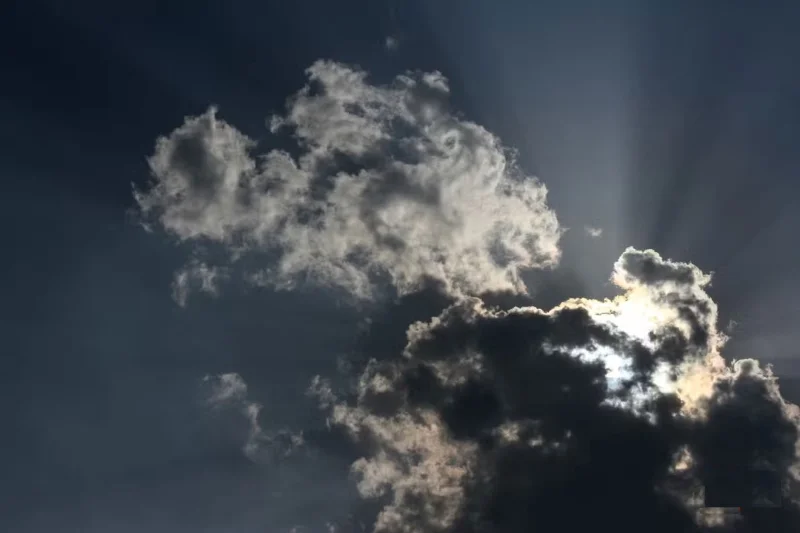
Light plays a huge role in photography. So using light strategically will reduce the need for post-processing. Even rainy days can be used for photography if you start thinking about it creatively.
Filters control your photos. Without filters, you have to control everything yourself. Even though smartphone cameras have many automatic functions, you can still focus and adjust exposure.
Tap the screen to set focus. Then drag your finger up or down to adjust exposure manually. This helps prevent blown-out spots and preserve detail.
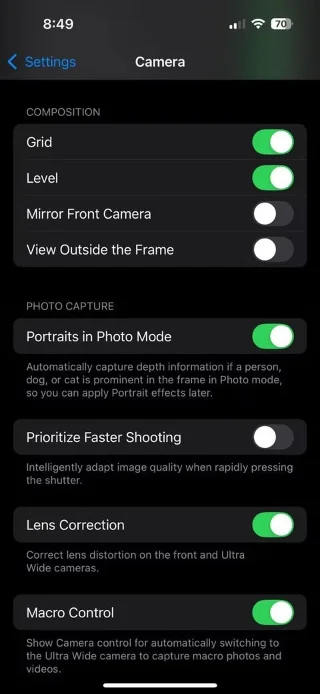
Turn on a grid in your camera settings. The rule of thirds is an easy way to position your subject in a photo. A clean composition creates a photo that doesn't need much editing later.
Editing is not the same as filtering. Adjusting brightness, contrast, white balance, and sharpness can enhance your photo without changing its essence. Smartphone camera software enhances digital images, but it's more subtle than a filter.
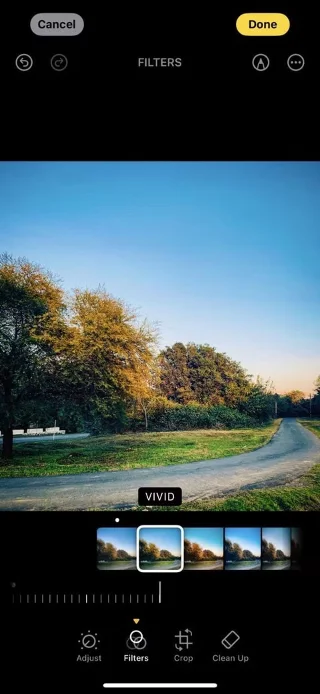
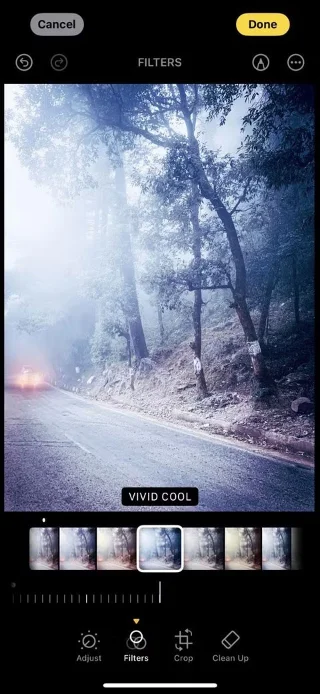
The Photos app on iOS has powerful features for tweaking images in seconds. Subtle changes can improve photos instead of using filters to transform them.
Note : You can stop the iPhone camera from automatically enhancing photos to a certain extent.
Not every photo needs to be “Instagram ready.” A photo is just about capturing the moment. The more you take photos, the more creative you’ll learn to be in your photography.
Additionally, eliminating the need for filters gives you better suggestions for improving your photography.
Tip : Set photography challenges like “take a portrait in the harsh midday sun without any filters” or “take a landscape photo in the fog without adding any artificial emotions”. These can help develop specific skills.
Filters aren't bad. They can be fun and interesting in the right kind of photo. But they can get in the way of honest emotion.
Our phones are already powerful storytelling devices. Letting go of our reliance on filters can help train our eyes while saving us time choosing filters. As a final test, return to an unfiltered photo after a few days and see if it still appeals to you.
Create a spooky office cubicle with Halloween desk decor ideas that keep your workspace usable, tidy, and mindful of workplace safety.
Plan a recognizable Halloween 2026 look with pop culture costumes inspired by Spider-Man, Supergirl, Toy Story 5, Moana, Mario, and Wednesday.
Sort leftover Halloween candy safely, share or repurpose sealed treats, and choose food use or compost for pumpkins based on their condition.
Compare workplace Halloween costume choices by respect, dress code, mobility, and safety—and learn when a subtle accessory or a policy check is the better option.
Find a couples costume that fits your style, budget, and comfort level, from Addams Family classics to original inside-joke duos.
Need a last-minute high school Halloween costume? Compare 10 easy closet-based ideas by prep time, comfort, school-day practicality, and simple safety checks.
Use a simple 2026 Halloween decorating timeline for indoor décor, outdoor displays, and fresh pumpkins, with practical adjustments for weather and events.
Mix five vivid, approachable Halloween cocktails with measured recipes, simple prep tips, and an alcohol-free option for your party guests.
Find 15 office-friendly Halloween costume ideas for 2026, with practical checks for dress codes, respectful themes, comfort, and workplace safety.
Plan a fun elementary school Halloween party with easy crafts, games, inclusive treats, costume tips, and a sample 75-minute classroom schedule.








