Desk Decorating Ideas for a Spooky Office Cubicle

Create a spooky office cubicle with Halloween desk decor ideas that keep your workspace usable, tidy, and mindful of workplace safety.
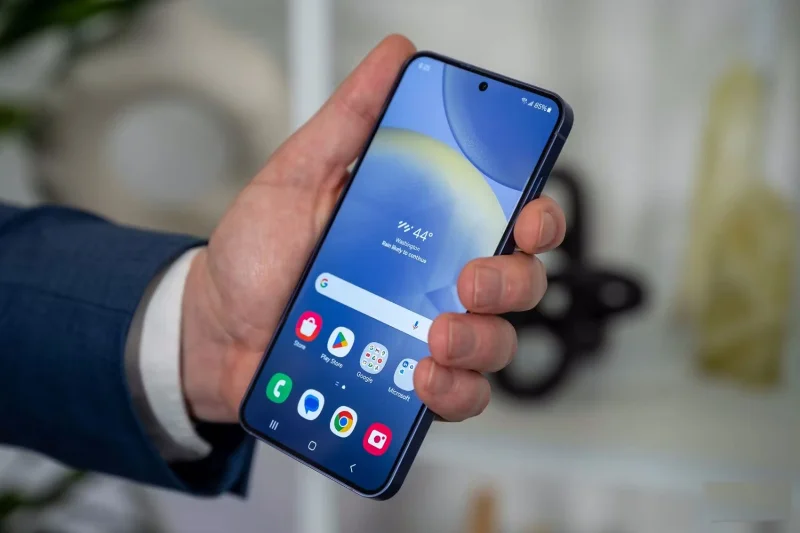
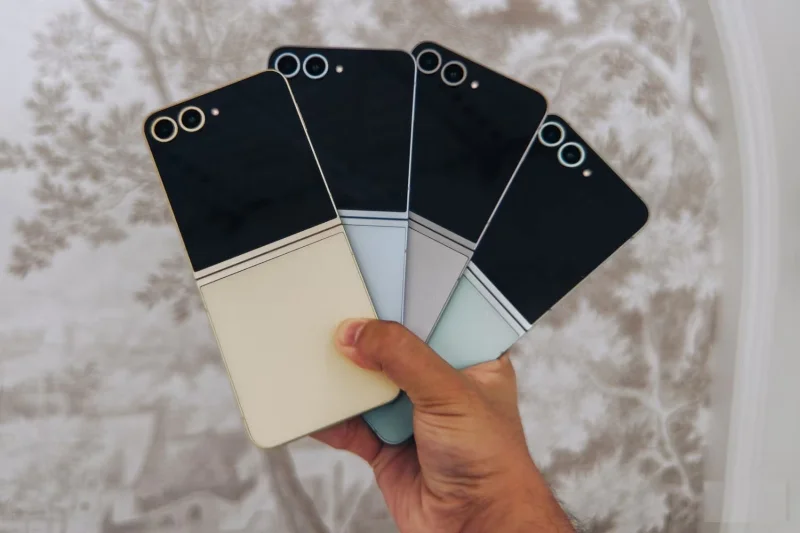
The Galaxy Z Flip 6 is the best foldable phone you can buy from Samsung in 2024, but the Galaxy S24 offers similar specs at a more affordable price. So which one should you choose? Find out in the following article!
Design and durability
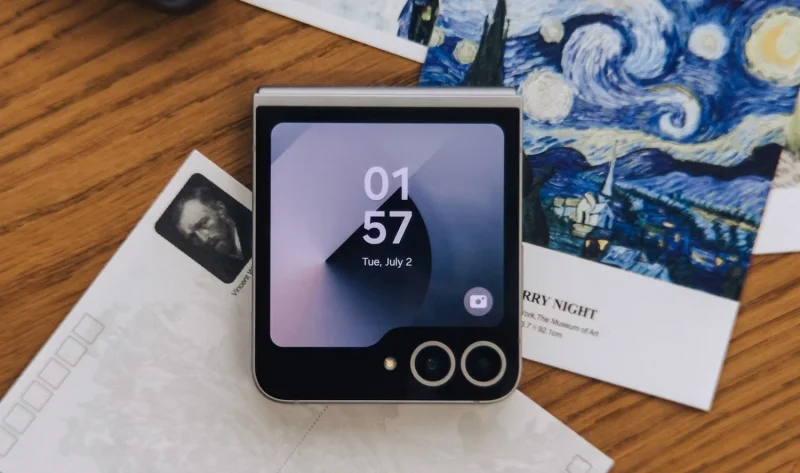
The Galaxy Z Flip 6 is taller, wider, thinner, and heavier than the base Galaxy S24 when unfolded. When folded, it's small enough to fit easily in a pocket and leaves no gaps, providing extra protection for the fragile display inside.
What's new this time around is the IP48 rating on the Z Flip 6. We're used to Samsung's foldable phones being water-resistant, but this is the first time we've seen an official rating for dust resistance. However, it's not as good as the S24's IP68 rating, as it only protects against particles larger than 1mm.
Samsung has made an effort to make the crease less noticeable on the Flip 6, but it’s likely to become more noticeable after a year of use. The S24, on the other hand, is likely to stay in mostly pristine condition for longer. So if you’re someone who buys a new phone every three to five years, the S24 will be more cost-effective in the long run.
Like last year, the Galaxy S24 uses an ultrasonic in-display fingerprint sensor that's faster and more reliable, while the Flip 6 uses a side-mounted capacitive sensor. Since your thumb naturally rests on the side of the phone, the side-mounted sensor is faster because it's already unlocked when you take the device out of your pocket, allowing you to quickly unlock the screen.
Camera hardware
The camera performance of both devices is very good. However, both have their pros and cons. With the Galaxy S24, you won't miss out on the rear telephoto camera, which many people find essential for portrait shots.
However, the FlexCam mode on the Galaxy Z Flip 6 allows you to use the main camera as a front camera and take high-quality selfies with details that the S24's front camera can't achieve. Other than that, the camera performance is pretty much the same on both devices.
Screen difference
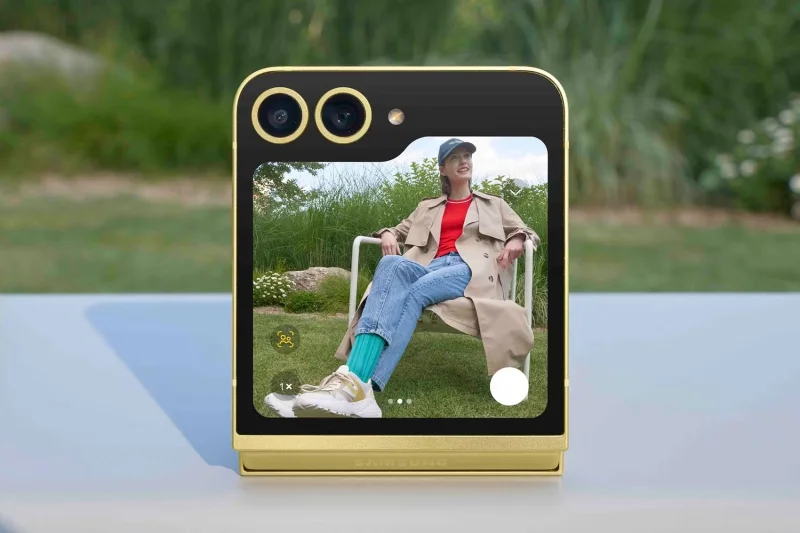
One of the biggest advantages of the Flip 6 over the S24 is the ability to stand upright when folded halfway. This allows you to use an external screen to see what you’re recording. If you’re a content creator, you’ll know how handy this feature is.
Both devices are now brighter than their respective predecessors, with a maximum brightness of 2,600 nits, which is plenty bright enough for outdoor use. However, thanks to the taller display, the Flip 6 is a better device for viewing media and scrolling through social media, as it can fit more content at once.
Battery and charger
Poor battery life is one of the reasons foldable phones haven't caught on. After all, there's not much room left in the device's body once the already bulky hinge is installed.
Surprisingly, Samsung has included a respectable 4,000mAh battery on the Flip 6 this time around, putting its battery life on par with the Galaxy S24 – at least on paper. Both phones have identical charging speeds and reverse wireless charging.
Price, RAM and storage
Unfortunately, the base variant of the Galaxy S24 only has 128GB of storage, which isn't enough if you're buying a premium smartphone in 2024. The base 256GB storage on the Z Flip 6 is more than respectable.
More importantly, the Galaxy S24 only has 8GB of RAM, while the Z Flip 6 offers 12GB across both storage options. You'll benefit from the extra RAM on the Z Flip 6 if you're a power user and multitask, but the difference may be negligible if you're just doing basic tasks like scrolling through social media, browsing the gallery, and taking photos.
When it comes to price, however, the S24 has the edge, starting at around $800. To get the Z Flip 6, you'll have to spend an extra $300.
The Z Flip 6's internal display is still thin and it doesn't have a telephoto camera, but those two things are probably its only weaknesses. Sure, it's more expensive than the S24, but it also offers more RAM and double the storage.
Overall, while the Z Flip 6 isn't objectively better than the S24 in every way, it's still worth picking up if you want to change things up a bit and try a new form factor.
Create a spooky office cubicle with Halloween desk decor ideas that keep your workspace usable, tidy, and mindful of workplace safety.
Plan a recognizable Halloween 2026 look with pop culture costumes inspired by Spider-Man, Supergirl, Toy Story 5, Moana, Mario, and Wednesday.
Sort leftover Halloween candy safely, share or repurpose sealed treats, and choose food use or compost for pumpkins based on their condition.
Compare workplace Halloween costume choices by respect, dress code, mobility, and safety—and learn when a subtle accessory or a policy check is the better option.
Find a couples costume that fits your style, budget, and comfort level, from Addams Family classics to original inside-joke duos.
Need a last-minute high school Halloween costume? Compare 10 easy closet-based ideas by prep time, comfort, school-day practicality, and simple safety checks.
Use a simple 2026 Halloween decorating timeline for indoor décor, outdoor displays, and fresh pumpkins, with practical adjustments for weather and events.
Mix five vivid, approachable Halloween cocktails with measured recipes, simple prep tips, and an alcohol-free option for your party guests.
Find 15 office-friendly Halloween costume ideas for 2026, with practical checks for dress codes, respectful themes, comfort, and workplace safety.
Plan a fun elementary school Halloween party with easy crafts, games, inclusive treats, costume tips, and a sample 75-minute classroom schedule.








