Samsung One UI 9: Features, Eligible Devices and Release Updates
Samsung One UI 9 is rolling out in stages. See confirmed features, named devices, current release news and how to check your Galaxy phone.
Updated September 20, 2026: One UI 9 has moved from preview to an official rollout. Samsung says the software first arrived on the Galaxy Z Fold8 Ultra, Galaxy Z Fold8, and Galaxy Z Flip8, then began expanding to the Galaxy S26, S26+, and S26 Ultra in Korea on September 16. That is meaningful for owners of newer Galaxy devices, but it is not a complete worldwide eligibility list. Samsung still describes the wider rollout as gradual, and the timing can vary by model, country, and carrier.
One UI is Samsung’s software interface for Galaxy phones, tablets, foldables, and connected devices. One UI 9 is the next major version described by Samsung in 2026, with a focus on smoother navigation, deeper Galaxy AI assistance, foldable-friendly layouts, and more visible privacy controls.
The important distinction is between a device that ships with One UI 9 and an older device that receives an upgrade. Samsung’s current official pages confirm the former and name the first rollout groups. They do not yet provide a single, final list covering every Galaxy phone sold in the United States. Therefore, a Galaxy S, Z, or A-series owner should treat online compatibility charts as provisional unless the model appears in Samsung Members or the phone itself offers the update.
Samsung’s US One UI 9 page and its Global Newsroom announcement give a useful baseline. The features below are confirmed by Samsung, but not every feature is available on every model. AI tools may also depend on language, region, network access, a Samsung Account, or hardware capability.
Now Nudge can suggest a next action in context. Samsung’s example is a conversation about making plans: the phone can help surface reservation details, save a location, or open a relevant task without requiring the user to start over in another app. Now Brief gains more personal control through Generative and Editable Cards, so users can choose or create summaries around areas such as health, weather, and video.
The practical benefit is reduced app switching, not an automatic guarantee that every suggestion will be correct. Users should review a suggested event, location, or generated result before saving or sharing it.
My FanCam can reframe a recorded video around a selected person, keeping that subject centered as the scene moves. Samsung notes that the feature requires a Samsung Account, may vary by video, and is not supported when there is no trackable subject. That makes it useful for some performances, sports clips, or family videos, but it should not be treated as a replacement for careful filming or manual editing in every situation.
Samsung also describes Photo Assist improvements that let users describe an edit by voice or written prompt and compare the original and edited images. AI results can be imperfect, so keep the original file when an image matters and check the result for unwanted changes.
One UI 9 is especially tailored to the newer foldables. Samsung describes two-way and three-way split views, smoother transitions between screens, and more direct FlexWindow controls on the Galaxy Z Flip8. Users can rearrange apps, widgets, and Quick Panel controls from the cover screen. On large displays, the changes are intended to make multiple apps easier to use at once rather than simply adding more visual effects.
Samsung also highlights more flexible Quick Panel controls and an enhanced DeX window-snapping experience. These are interface and productivity changes; they do not mean that every older Galaxy phone will expose the same layout or multitasking behavior.
The new Warranty and Care area brings warranty status, diagnostics, repair estimates, Samsung Care+ management, and service appointments closer to Settings. Samsung also describes Security Brief and Privacy Alerts, which are intended to make malware warnings, risky permissions, and unusual background access easier to notice.
Samsung’s One UI 9 information also mentions AI Assistant Activity, on-device protection through Personal Data Engine, KEEP encrypted storage, and Knox Vault on supported hardware. These names describe layers of Samsung’s security approach; they are not a promise that a phone can prevent every scam, malicious app, or privacy incident. Keep the operating system and apps current, use a strong screen lock, and review permission warnings rather than dismissing them automatically.
As of September 20, 2026, the safest confirmed groups are:
Samsung says One UI 9 will expand to other Galaxy devices, but it has not published one universal schedule in the official pages checked for this article. That means a missing update on a Galaxy S25, S24, A-series phone, tablet, or older foldable should not automatically be interpreted as a problem. The device may be scheduled later, restricted by region or carrier, or not eligible at all. Only a model-specific notice or update package can settle that question.
These are the steps Samsung lists on its One UI 9 support page. If the phone reports that its software is up to date, that result only describes the build currently available to that device and market. It does not prove that One UI 9 will never arrive.
For rollout notices, check the Samsung Members app and the notices for your country or carrier. Before installing a major update, use Wi-Fi, charge the phone, make a backup of important data, and leave enough storage for the download. Do not install a package from an unofficial website simply because it appears earlier than the official update channel.
A Samsung announcement can describe a global product rollout while an individual US carrier still stages its own approval and distribution. A beta registration, a firmware reference, and a stable over-the-air update are also different milestones. The most reliable order of evidence is:
As of the date above, the verified release update is that One UI 9 is officially rolling out beyond the first foldables, with the Galaxy S26 series named as the next expansion group. A precise US date for every model is not established by the sources used here, so this article does not convert the Korea start date into a US promise.
One UI 9 is a real, active Samsung release with confirmed improvements to AI assistance, video reframing, Now Brief personalization, foldable multitasking, device care, and privacy visibility. The confirmed device list is still narrower than many online “eligible devices” articles suggest. If your phone is a newer Z Fold, Z Flip, S26-series model, or S26 FE, it belongs to the groups Samsung has already identified. For every other Galaxy device, check Samsung Members and the phone’s own Software update screen, and wait for a model- and market-specific notice before assuming a date.
Samsung Global Newsroom: official One UI 9 rollout announcement
Samsung US: One UI 9 features, compatibility guidance, and update instructions
Samsung product information: Galaxy S26 FE and One UI 9 at launch
Samsung One UI 9 is rolling out in stages. See confirmed features, named devices, current release news and how to check your Galaxy phone.
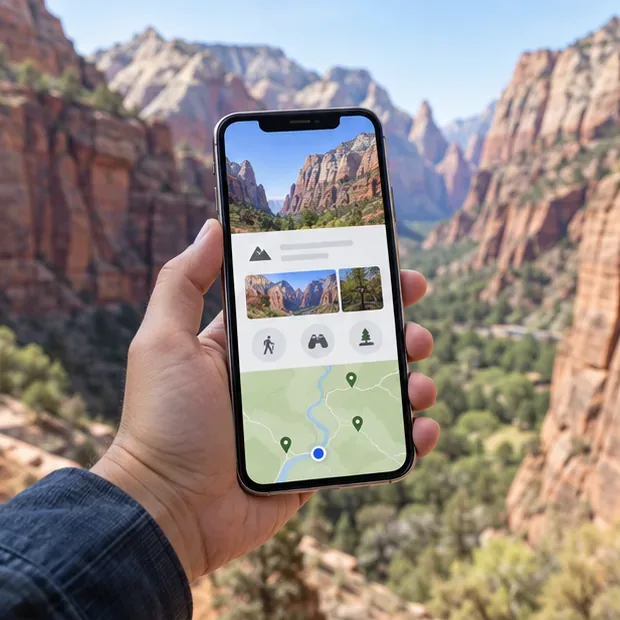
Plan a Zion National Park trip with the NPS App, offline maps, shuttle information, alerts, and a simple phone-based navigation backup.
Tesla Roadster latest details, specs, release expectations, and limits of the current information—what is confirmed, what remains a target, and what to watch next.
New Netflix movies in the UK this week, verified for September 20, 2026: what is confirmed, what is uncertain, and how to check availability.
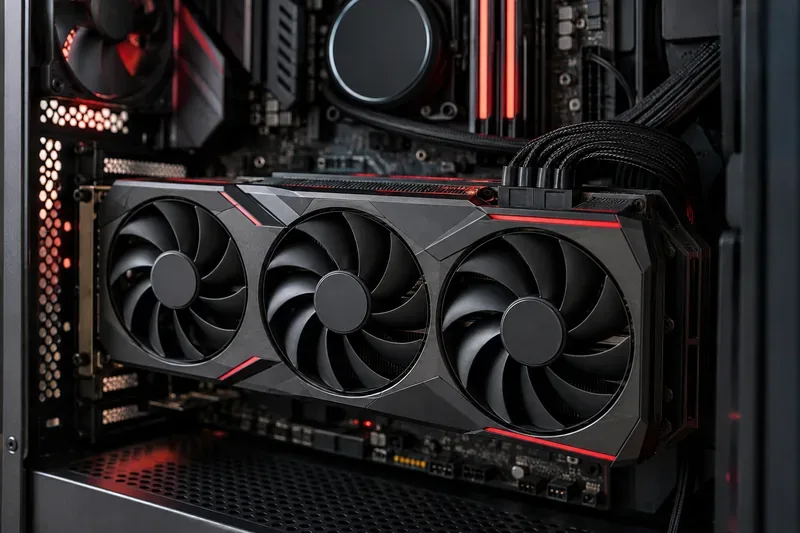
AMD Radeon interest is rising around the RX 9000 series, new RX 9070 GRE and RX 9050 support, RDNA 4, FSR Redstone, and ongoing Adrenalin driver updates.
Find the new Netflix movies to watch in Australia this week, including Best of the Best, The Doll, and Stop! That! Train!, with regional availability tips.
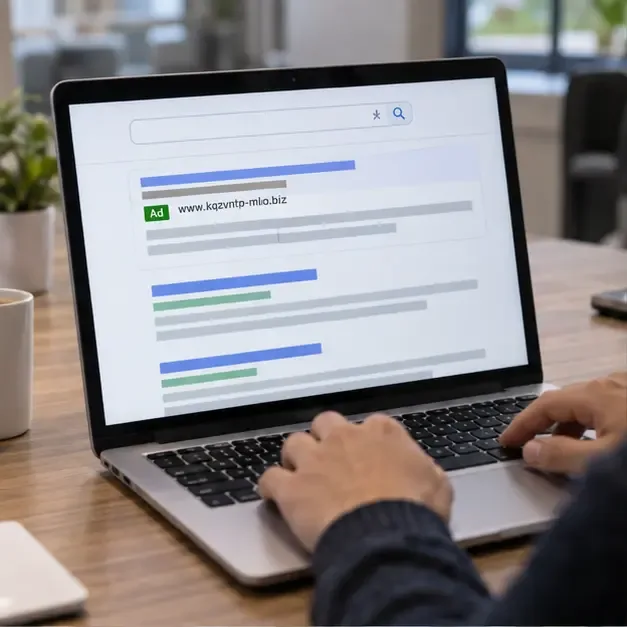
Learn how to recognize invalid traffic, fake ads, and malvertising—and protect your money, accounts, website, and ad campaigns.
A practical Golden Retriever guide covering daily care, training, grooming, health screening, exercise, feeding, and realistic U.S. ownership costs.
On football boots are coming in 2027. Learn what On has confirmed so far, what remains unknown, and how to choose the right soccer cleats by surface, fit, and use.
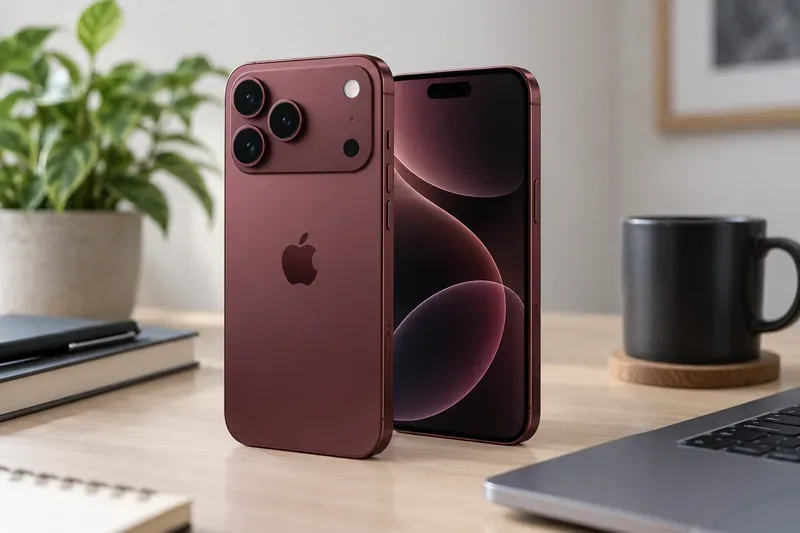
Our iPhone 18 Pro Max review covers the verified camera upgrades, A20 Pro performance, battery life, display, pricing, and buying advice based on Apple’s launch details.