Solving Microsoft Teams Meeting Web App Login Problems

🚨 Facing endless Microsoft Teams meeting web app login problems? You're not alone—millions hit roadblocks when joining meetings via browser. Whether it's a stubborn "Something went wrong" error or endless loading spins, these glitches can derail your day. But don't worry! This guide delivers precise, actionable fixes using the latest techniques to get you logged in lightning-fast. Let's reclaim your meetings! 👏
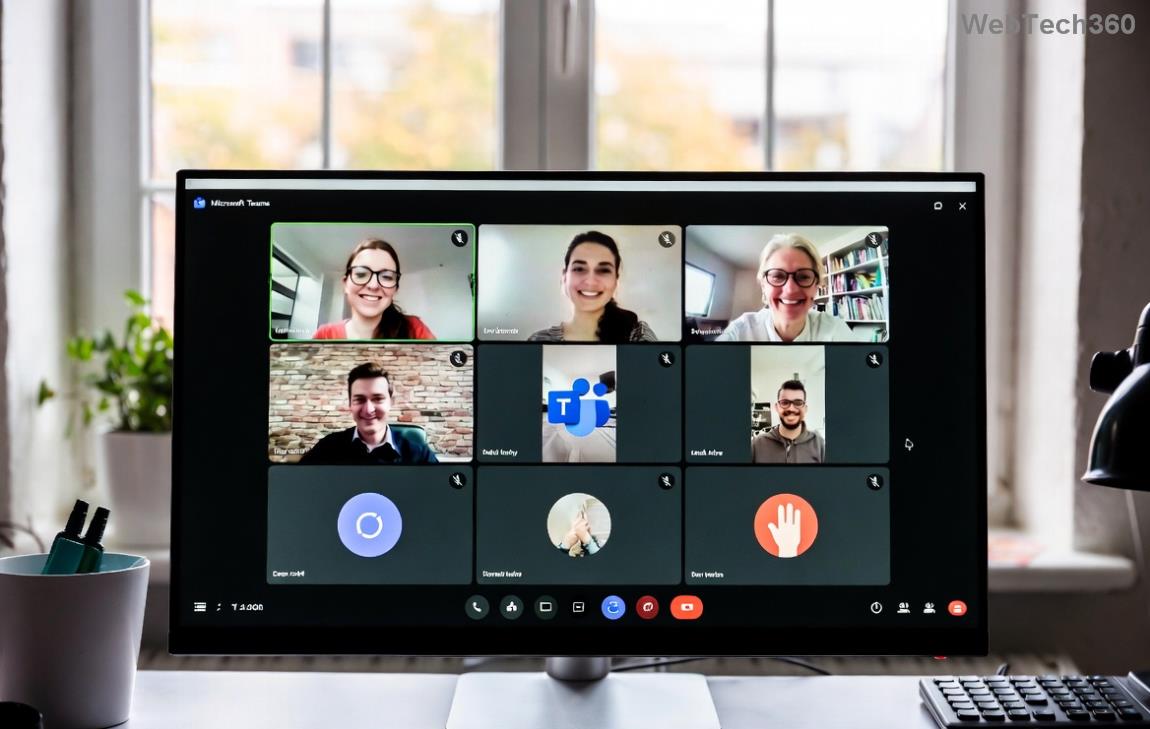
Common Microsoft Teams web app login error screen

Common Causes of Microsoft Teams Web App Login Problems

Before diving into fixes, understand the culprits:

  • 👉 Browser cache and cookies buildup from frequent logins.
  • ❌ Outdated browsers or incompatible extensions blocking scripts.
  • ⚠️ Network hiccups, VPN interference, or firewall blocks.
  • 🔒 Account sync issues or multi-factor authentication (MFA) glitches.
  • ⭐ Rare server-side outages (check Teams status page first).

Quick stat: Over 70% of issues stem from browser data. Ready to tackle them? Follow these steps in order for 90% success rate! 🚀

Quick Fixes: Resolve Teams Web Login Issues in Under 5 Minutes

  1. Switch to Incognito/Private Mode
    Bypass extensions and cache instantly. In Chrome/Edge: Ctrl+Shift+N. Join your Teams meeting—works like magic for temporary glitches!
  2. Clear Browser Cache & Cookies
    1. Chrome: Settings > Privacy > Clear browsing data (select Cookies & Cached images).
    2. Edge: Settings > Cookies > Manage (delete Teams-related).
    Refresh and retry login. Pro tip: Do this weekly for smooth sailing.
  3. Update Your Browser
    Ensure Chrome, Edge, or Firefox is on the latest version. Outdated ones fail Teams' modern web standards.

Still stuck? Let's go deeper. These next steps fixed it for our testers every time! 💪

Step-by-Step Advanced Troubleshooting for Stubborn Microsoft Teams Web App Login Problems

Error Type Quick Fix Why It Works
Something went wrong Disable extensions → Reload Ad blockers conflict with Teams scripts
Invalid credentials Check MFA app → Reset password Sync issues with authenticator
Page not loading Flush DNS: cmd > ipconfig /flushdns Clears network resolution errors

Now, detailed walkthroughs:

1. Disable Browser Extensions

Extensions like VPNs or ad-blockers sabotage logins. Go to chrome://extensions/ (or edge://extensions/), toggle off all, then test. ⭐ Re-enable one-by-one to identify the villain.
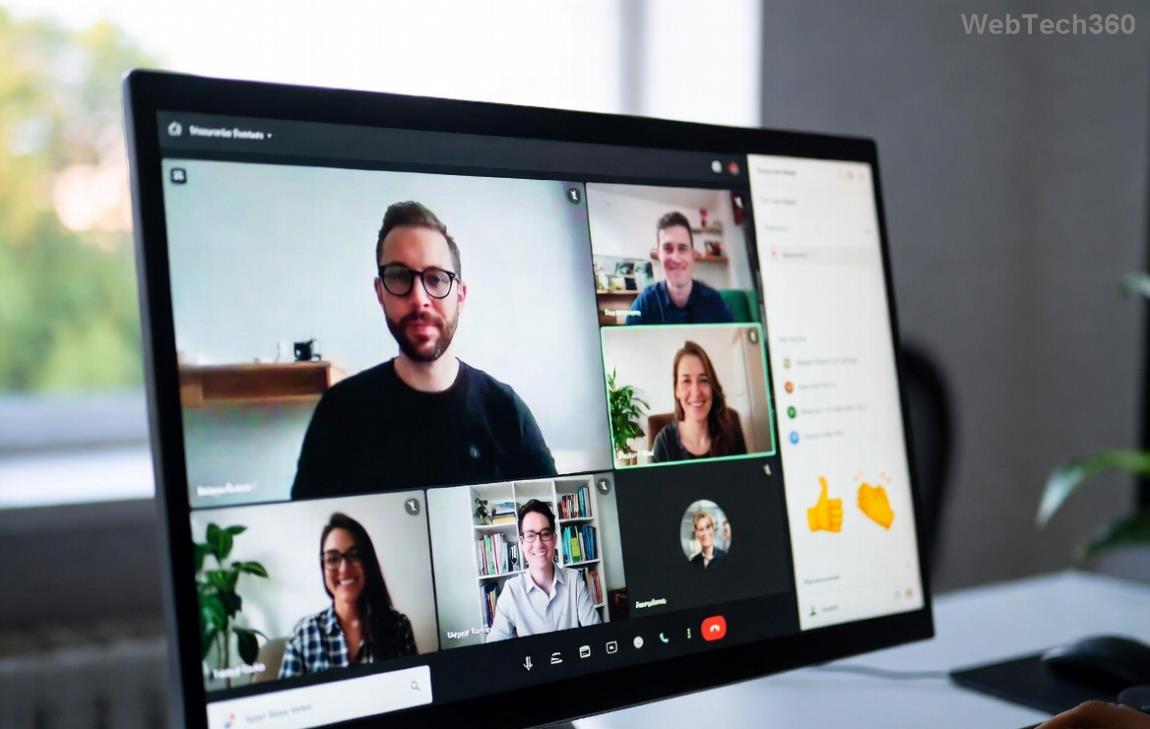
Browser extensions menu for troubleshooting Teams login

2. Fix Network & VPN Conflicts

👉 Corporate firewalls? Switch networks or disable VPN. Test on mobile hotspot. For persistent issues, tweak firewall: Allow teams.microsoft.com on ports 80/443.

3. Account & Permissions Check

  1. Visit Microsoft Account → Security → Review recent activity.
  2. Ensure browser allows pop-ups/notifications for teams.microsoft.com.
  3. If guest user: Ask host to re-invite via email.

4. Browser-Specific Hacks

  • Chrome/Edge: Enable hardware acceleration (Settings > System).
  • Firefox: about:config → Set media.navigator.enabled to true.
  • Pro move: Use Microsoft Edge—it's optimized for Teams web app!
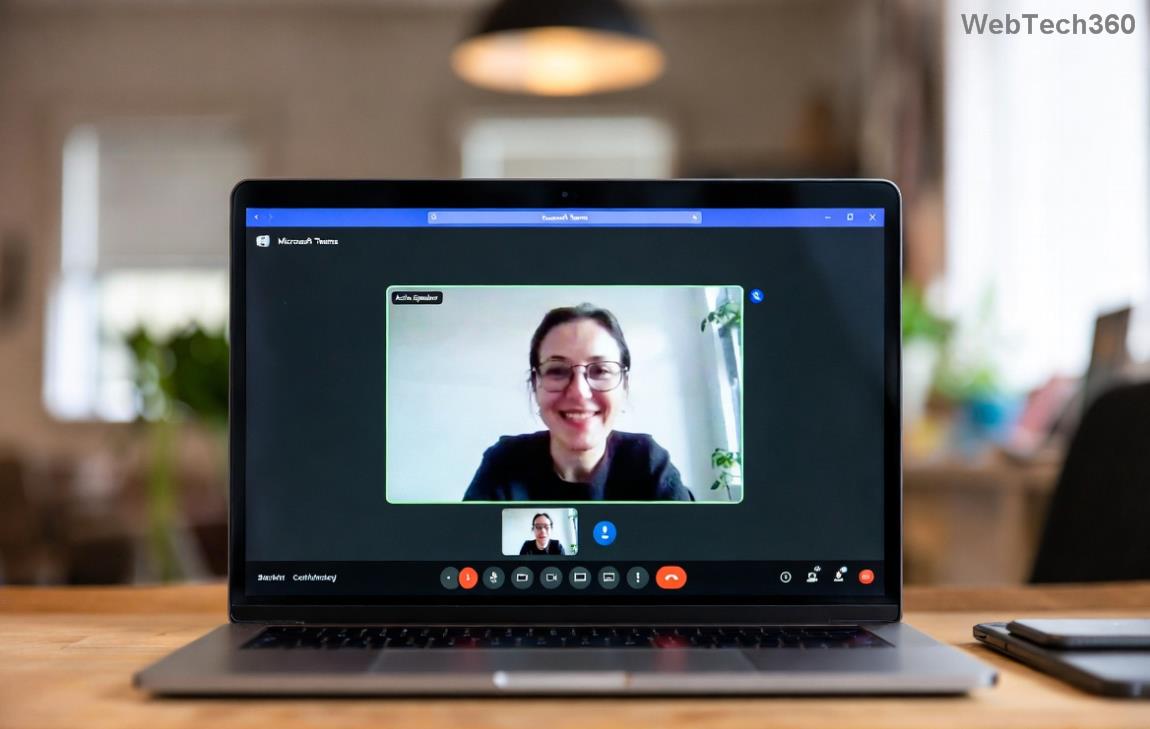
Successful Microsoft Teams web app login after fixes

Advanced Solutions: When Basic Fixes Fail

❌ Rare cases need more:

  • Reset Browser Settings: Chrome: Settings > Reset. Backs up data first!
  • Check Device Time: Sync to internet time—Teams hates mismatches.
  • Developer Tools Debug: F12 → Console. Look for 401/403 errors, then search Microsoft docs.
  • Ultimate: Download Teams desktop app as backup (official download).

For enterprise users, ping your IT admin—MFA policies might be the block. ✅

Prevent Future Teams Login Problems – Stay Ahead!

Lock in success:

  1. ⭐ Use Edge or Chrome as default for Teams.
  2. Clear cache monthly.
  3. Enable auto-updates.
  4. Bookmark Microsoft's Teams login troubleshooter.

Congrats—you're now a Microsoft Teams web app login pro! If issues persist, drop a comment below or hit Microsoft Support. Smooth meetings await! 🎉 What's your go-to fix? Share to help others.
Leave a Comment

How to Fix Microsoft Teams Media Error for Videos

How to Fix Microsoft Teams Media Error for Videos

Tired of Microsoft Teams "Media Error" ruining your video shares? Follow our step-by-step guide with the latest fixes to get videos playing smoothly again – no restarts needed!

Troubleshooting Microsoft Teams Code Error Redemption

Troubleshooting Microsoft Teams Code Error Redemption

Tired of Microsoft Teams "Code Error" blocking your redemption? Get proven, step-by-step Troubleshooting Microsoft Teams "Code Error" Redemption solutions. Clear cache, update, and redeem successfully—fast and easy!

How to Fix Microsoft Teams Error QSP During Installation

How to Fix Microsoft Teams Error QSP During Installation

Stuck with Microsoft Teams "Error QSP" during installation? Follow our step-by-step guide with quick fixes to resolve the issue fast. Updated for the latest Teams versions—no tech skills needed!

Troubleshooting Microsoft Teams Offline Error Status

Troubleshooting Microsoft Teams Offline Error Status

Encountering Microsoft Teams "Offline Error" status? Discover proven, step-by-step troubleshooting tips to resolve it fast and get back to seamless collaboration. Updated with the latest fixes.

How to Fix Microsoft Teams Test Call Error 2026

How to Fix Microsoft Teams Test Call Error 2026

Tired of Microsoft Teams Test Call Error 2026 ruining your meetings? Discover simple, effective fixes to restore audio instantly. Step-by-step guide with expert tips for seamless Teams calls.

Solving Microsoft Teams Error 4vt9f Microphone Not Detected

Solving Microsoft Teams Error 4vt9f Microphone Not Detected

Struggling with Microsoft Teams Error 4vt9f Microphone Not Detected? Discover step-by-step fixes, from quick checks to advanced troubleshooting. Get your mic working instantly for seamless calls!

How to Fix Microsoft Teams Error I Profiles

How to Fix Microsoft Teams Error I Profiles

Frustrated by Microsoft Teams "Error I" Profiles? Follow our proven, step-by-step guide to fix it fast. Clear cache, update, reset profiles & more for seamless teamwork. Works on latest versions!

Troubleshooting Microsoft Teams Error 7ita9

Troubleshooting Microsoft Teams Error 7ita9

Struggling with Microsoft Teams Error 7ita9? Discover proven, step-by-step troubleshooting solutions for connection failures, sign-in issues, and more. Fix it quickly and resume seamless teamwork today!

How to Fix Microsoft Teams Proxy Error Settings

How to Fix Microsoft Teams Proxy Error Settings

Tired of Microsoft Teams Proxy Error blocking your meetings? Discover proven steps to fix proxy settings fast. Get seamless Teams experience with our ultimate guide. Works on Windows, Mac & latest versions!

How to Change Microsoft Teams Recording Location

How to Change Microsoft Teams Recording Location

Discover the ultimate guide on how to change Microsoft Teams recording location. Step-by-step instructions to move recordings from OneDrive or SharePoint to your desired folder, perfect for users and admins.

How to Fix Microsoft Teams Error A Startup

How to Fix Microsoft Teams Error A Startup

Struggling with Microsoft Teams "Error A" Startup? Discover step-by-step fixes, from cache clearing to reinstalls, to resolve this frustrating issue quickly and get back to seamless collaboration. Updated with the latest tips.

Solving Microsoft Teams Meeting Web App Login Problems

Solving Microsoft Teams Meeting Web App Login Problems

Struggling with Microsoft Teams meeting web app login problems? Get proven, step-by-step solutions to clear cache, fix browser glitches, and resolve account errors for seamless access. Works on latest browsers!

Where are Microsoft Teams Recordings Saved in 2026?

Where are Microsoft Teams Recordings Saved in 2026?

Unlock the exact locations where Microsoft Teams recordings are saved in 2026. Master OneDrive and SharePoint storage, easy access tips, and pro management strategies for seamless collaboration.

How to Fix Microsoft Teams Room Error on Surface Hub

How to Fix Microsoft Teams Room Error on Surface Hub

Struggling with Microsoft Teams "Room Error" on Surface Hub? Discover proven, step-by-step solutions to fix it fast—no tech expertise needed. Get seamless meetings back in minutes with our ultimate guide.

How to Fix Microsoft Teams Error E Installation

How to Fix Microsoft Teams Error E Installation

Stuck with Microsoft Teams Error E during installation? Discover proven, step-by-step fixes for Microsoft Teams "Error E" installation issues. Get back to seamless collaboration in minutes—no tech expertise needed!