iCloud is a very useful cloud computing to help you synchronize backup data of photos, contacts, ... So you know how to set up iPhone data backup to iCloud yet? If not, let's find out through this article!
1. Benefits of backing up iCloud.
- Makes it easy to set up new devices.
- Helps recover information on lost devices.
- Helps you to store data, protect data on iCloud.
2. Instructions on how to set up iPhone data backup to iCloud.
Quick start Guide:
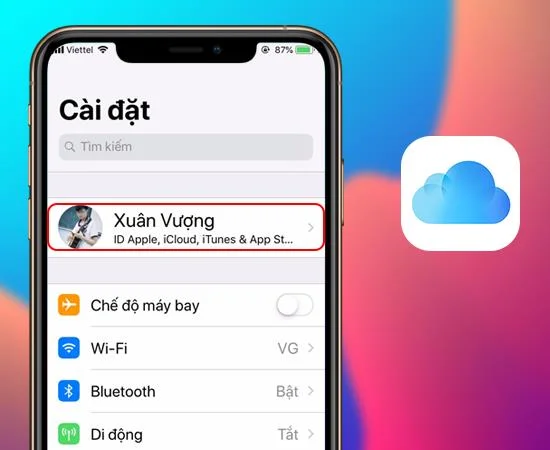
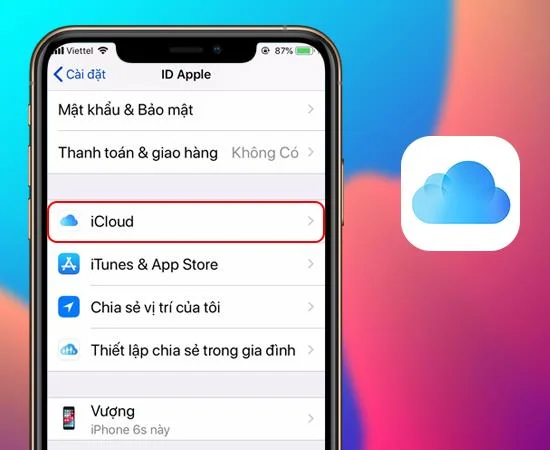
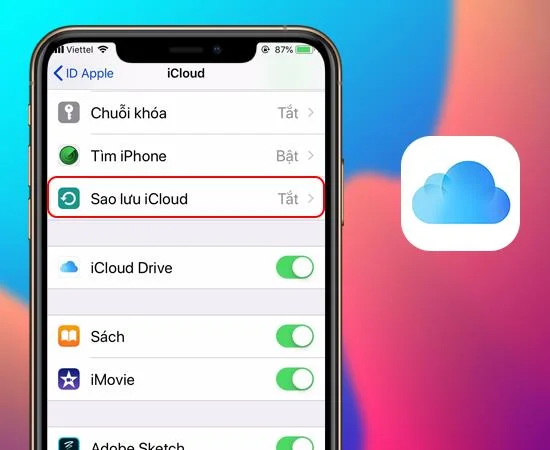
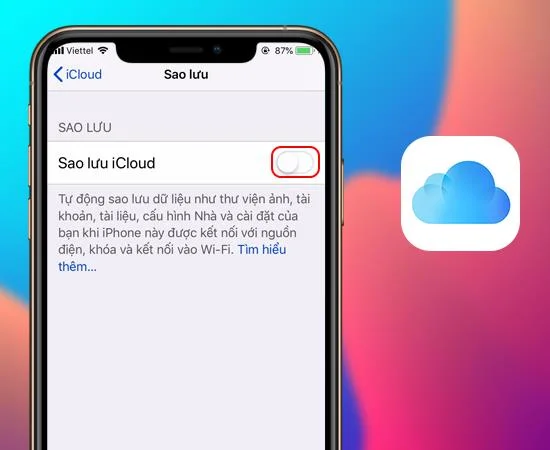
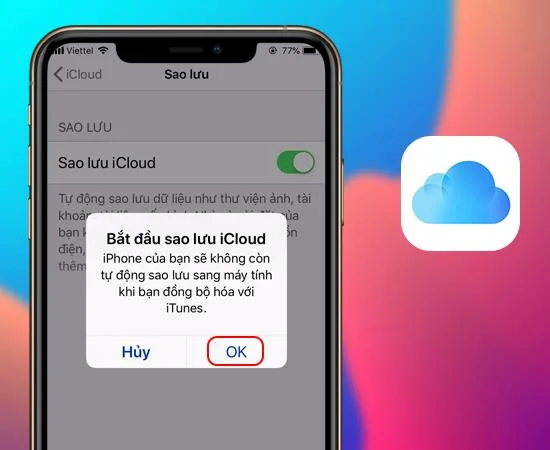
Go to Settings -> Apple ID name -> iCloud -> iCloud Backup -> turn on iCloud Backup -> OK.
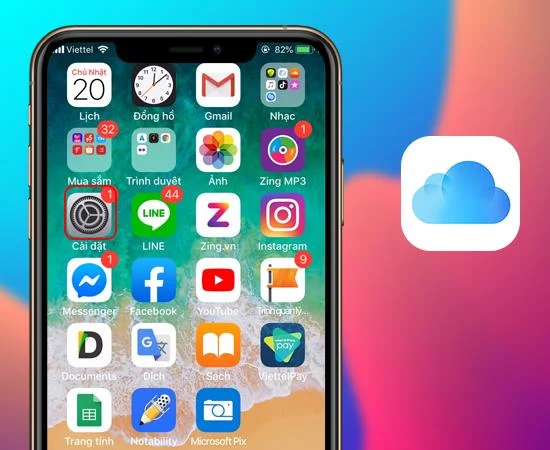
Step 1: First go to Settings.
Step 2: Next, choose the Apple ID name.

Step 3: Then you choose to go to iCloud.

Step 4: Next, select iCloud Backup.
>>> See also: Guide Livestream Facebook on your phone

Step 5: Select the switch to turn on iCloud Backup.

Step 6: Finally, select OK to start iCloud backup.

So have completed the steps to set up iCloud Backup on iPhone already.
Good luck.