Pop Culture Costume Ideas That Will Dominate Halloween 2026

Plan a recognizable Halloween 2026 look with pop culture costumes inspired by Spider-Man, Supergirl, Toy Story 5, Moana, Mario, and Wednesday.
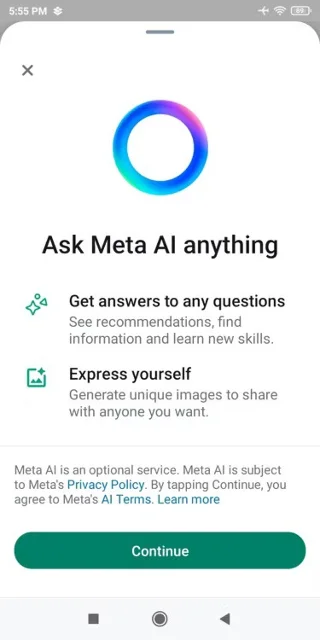
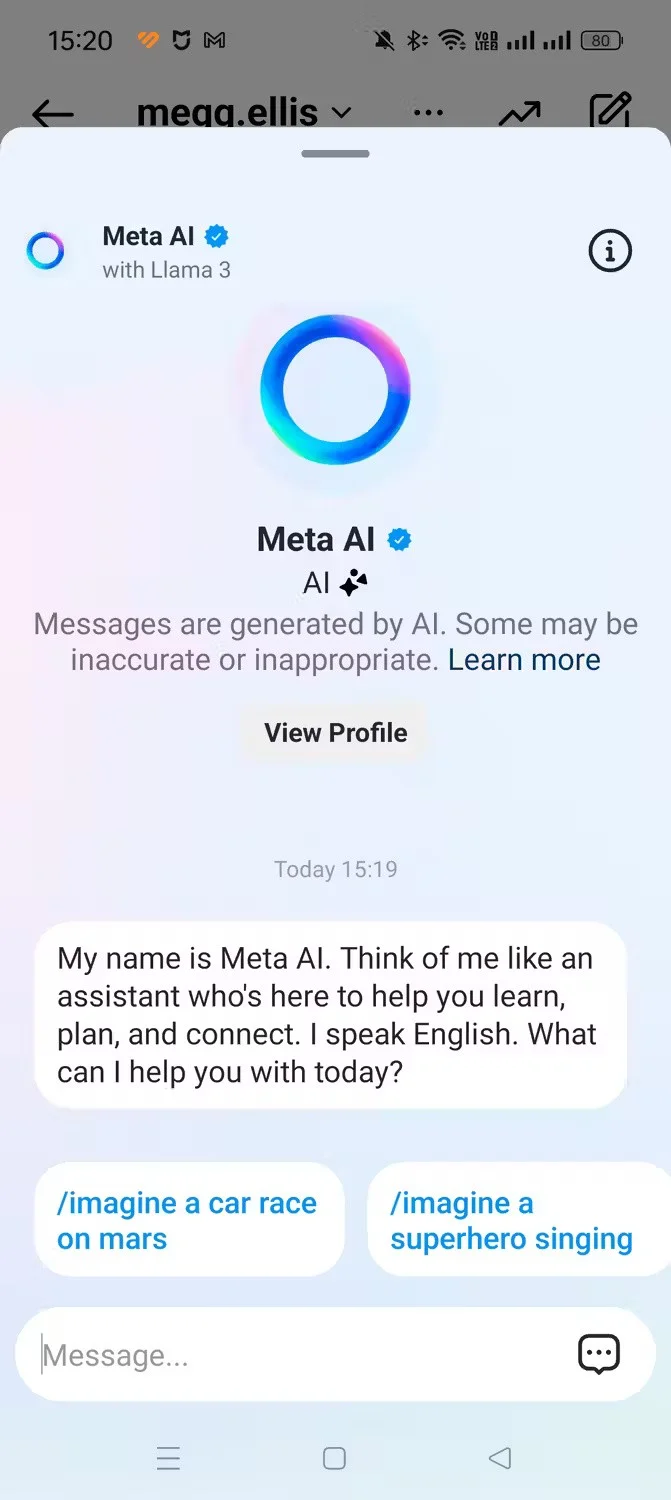
Integrating Meta’s AI features into the company’s platforms seems like the final step in making AI accessible to billions of people around the world. However, despite the hype surrounding these new features, many have made the conscious decision to stay away from Meta AI. Here’s why!
1. They used other AI tools
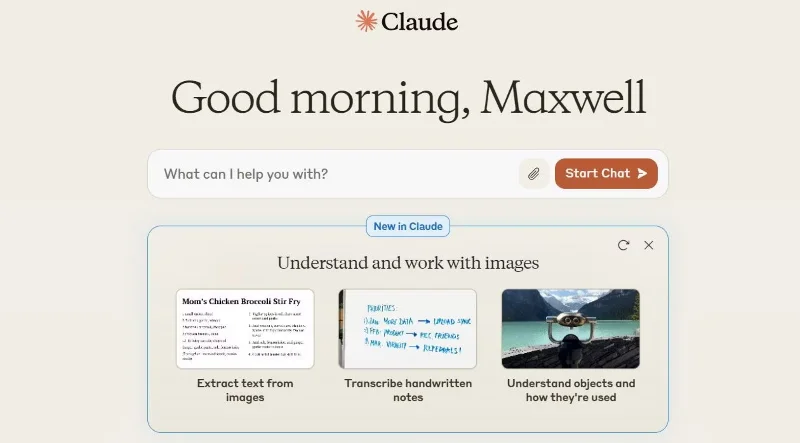
First, many people are comfortable with the AI tools they currently use. From Claude AI for text generation and problem solving to DALL-E for image generation, there is a robust set of tools available. These tools have proven their worth time and time again.
Moving to a new AI platform will require relearning processes, adjusting to different interfaces, and potentially impacting features that are already familiar.
2. Meta AI has limited capabilities
Meta AI’s current offerings are largely focused on generating text and images, which while useful, don’t have much impact on the AI implementations we’re seeing on Snapchat. Snapchat’s AI features include dynamic lenses that can morph your appearance in real time, AI-generated chat backgrounds, and even the ability to create stylized images using your photos.
The contrast is clear. While Meta AI is offering what is essentially the equivalent of a basic chatbot and image generator, other platforms are pushing the boundaries of what can be done with AI on social media platforms. This limited scope makes Meta AI feel more like a throwaway feature than an innovative leap forward.
Those who have tested Meta AI have found its reliability and output quality to be often questionable. For example, users have reported that when it comes to generating images, Meta AI struggles to accurately combine different artistic styles, often producing generic or off-target results.
Similarly, in terms of text generation and information delivery, there have been cases where Meta AI’s answers weren’t completely accurate. No AI tool is always accurate. However, this is one of the few cases where few tools have had problems.
3. Meta's long-standing scandal
Many people decide not to use Meta AI not only because its features are too mediocre, but also because of concerns about Meta's history with user data.
Meta, formerly Facebook, has a checkered history with protecting user privacy. From the Cambridge Analytica scandal to multiple data breaches, the company’s track record has left many users feeling uneasy. If privacy is important to you, some may be hesitant to give more of their data to Meta’s system.
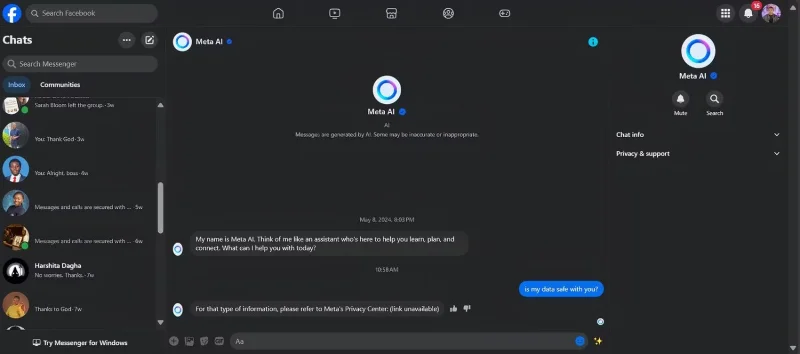
Furthermore, they are particularly concerned about how users’ interactions with Meta AI might be used. Will conversations become training data for future versions of the AI? Will queries be used to build more detailed profiles of users for advertising purposes? These questions make many uncomfortable, especially since Meta’s core business model revolves around monetizing user data.
4. Don't want to risk invading your friends' privacy in a group chat
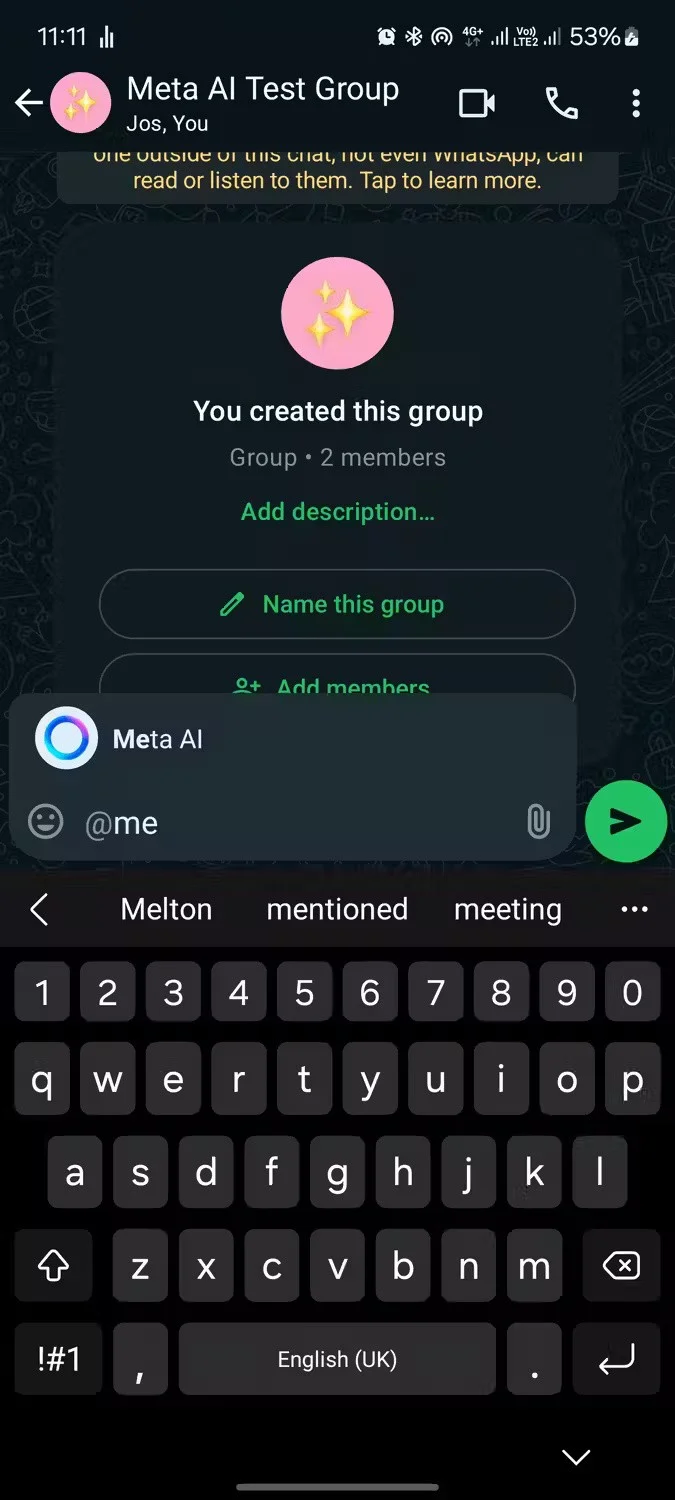
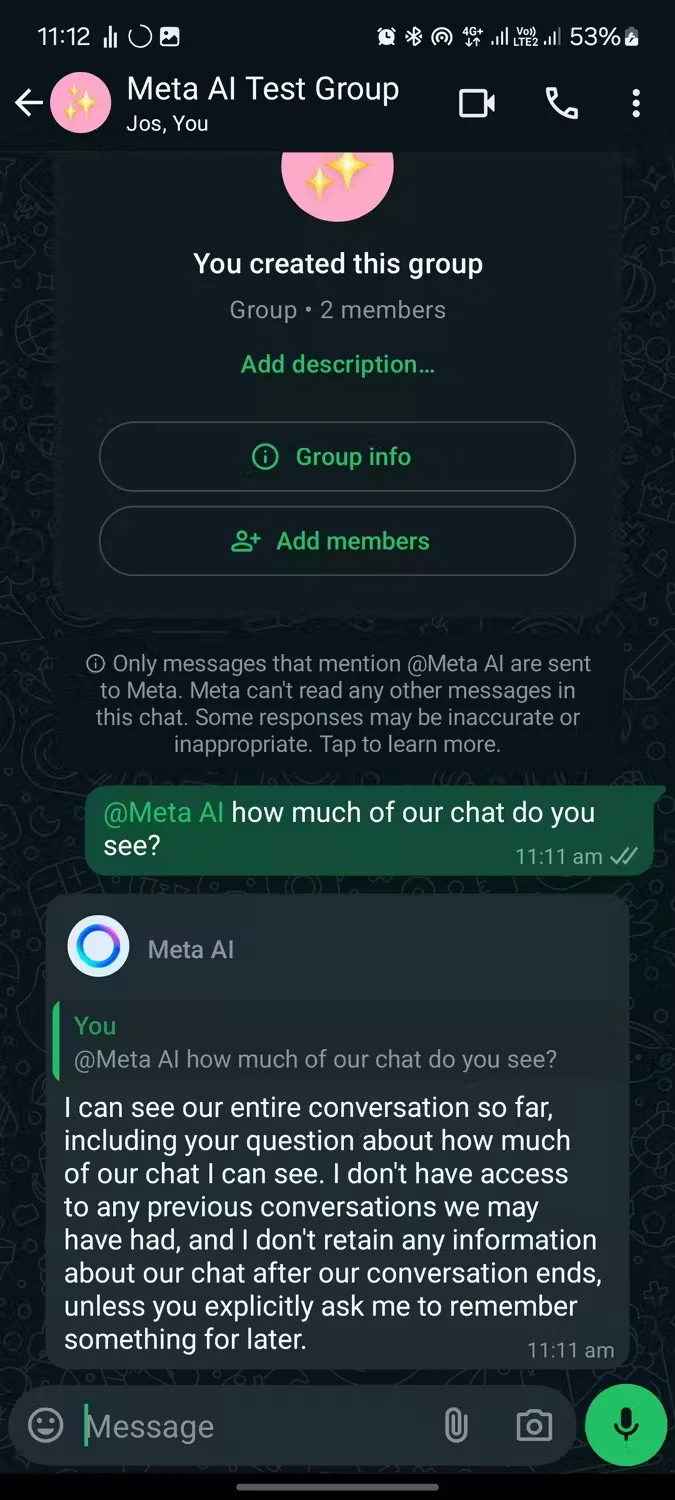
Privacy concerns don't stop at personal data. If you're a frequent user of group chats, Meta AI's presence in those conversations could impact the privacy of your friends and family.
When AI is used in a personal context, users make conscious choices about what information they share. However, in a group chat setting, the use of AI can expose conversations and data of people who have not consented to it. This is no longer just a personal issue; it is about respecting people’s privacy on social media.
Meta may need to rethink its AI deployment strategy. A conversational chatbot is not a compelling proposition. Meta AI, in its current state, feels more like a Perplexity competitor than an AI application from a well-established social media company, Meta.
Meta CEO Mark Zuckerberg has done a few interviews talking about the “AI Studio” feature. Hopefully it comes with some cool AI features that users will want to use!
Plan a recognizable Halloween 2026 look with pop culture costumes inspired by Spider-Man, Supergirl, Toy Story 5, Moana, Mario, and Wednesday.
Sort leftover Halloween candy safely, share or repurpose sealed treats, and choose food use or compost for pumpkins based on their condition.
Compare workplace Halloween costume choices by respect, dress code, mobility, and safety—and learn when a subtle accessory or a policy check is the better option.
Find a couples costume that fits your style, budget, and comfort level, from Addams Family classics to original inside-joke duos.
Need a last-minute high school Halloween costume? Compare 10 easy closet-based ideas by prep time, comfort, school-day practicality, and simple safety checks.
Use a simple 2026 Halloween decorating timeline for indoor décor, outdoor displays, and fresh pumpkins, with practical adjustments for weather and events.
Mix five vivid, approachable Halloween cocktails with measured recipes, simple prep tips, and an alcohol-free option for your party guests.
Find 15 office-friendly Halloween costume ideas for 2026, with practical checks for dress codes, respectful themes, comfort, and workplace safety.
Plan a fun elementary school Halloween party with easy crafts, games, inclusive treats, costume tips, and a sample 75-minute classroom schedule.
Compare realistic side hustles for 2026 by startup cost, fees, flexibility, and income control, with current tax and scam guidance from official sources.








