Home
» Games
»
Tips to make lots of gold and diamonds in My Talking Angela game
Tips to make lots of gold and diamonds in My Talking Angela game
Video Tips to make lots of gold and diamonds in My Talking Angela game
Cats who mimic human voices are becoming more and more popular and popular. Have you downloaded My Talking Angela and adopted this extremely adorable female cat?
You may see My Talking Angela keeping the same gameplay as when raising Tom cat . But not quite so, in the game Talking Angela cat, you are provided with new collection feature Sticker. Surely game lovers always want to own a lovely cat with splendid costumes, homes decorated with many expensive items. So how to earn a lot of gold and diamonds in the game Talking Angela ? Download.com.vn would like to reveal some tips to help you quickly fill Angela cat's pocketbook and buy many useful appliances.
First of all, you need to be sure to download My talking Angela to your phone or play the latest version to fully use the features of the game.
To earn a lot of gold in the game, you can do one or more of the following ways.
1. Play mini games
Playing mini games is the best way to earn gold. You can earn decent money after 10-15 minutes of gaming. There are 4 types of games that Download.com.vn mentioned in the tutorial to play My Talking Angela. You can refer to the details here .
In 4 mini games, shooting the ball and happy connect are considered 2 games that make money easier and more. You just play entertaining game, just make a lot of gold. This mission is not too difficult, is it?
2. Take advantage of the Free Coin section in the Coin store.
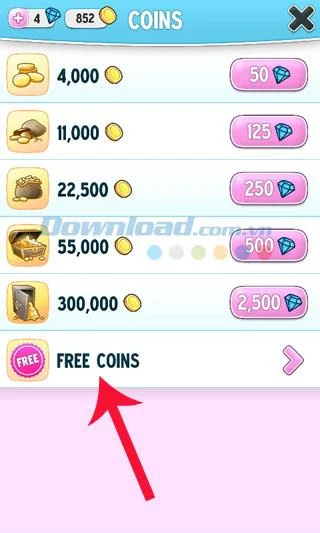
Visit the store (the trolley icon), touch the Coin coin icon. You are taken to a screen where you can buy additional gold through diamond exchanges (diamonds are bought with money) so they are quite expensive. So take advantage of the Free Coin option at the bottom of the screen.
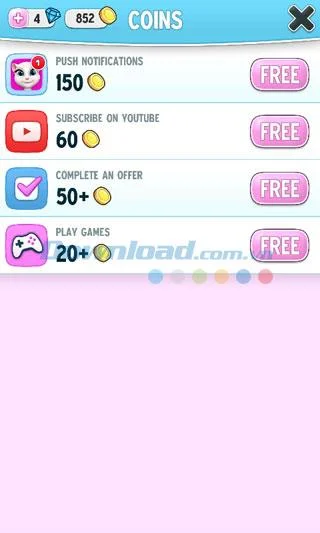
Receive push notifications: receive 150 gold, subscribe to OutFit7 channel on YouTube: receive 60 gold, complete any task: get 50 gold, play games: get 20 gold.
3. Open the network when playing
The first time you play a game of the day you can open the network while playing. Although there are ads, it may bring good luck to you. Sometimes diamonds will appear on the floor. Touch them to collect. Or you can watch the Promotional Video to receive 1 free diamond.
4. Use Sticker to unlock items without spending any money.
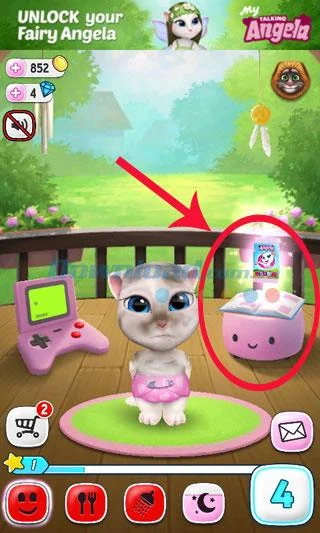
To access the Sticker collection. Touch the book icon at the playground of My Talking Angela cat.
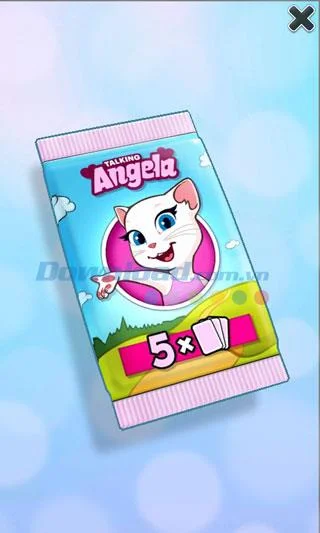
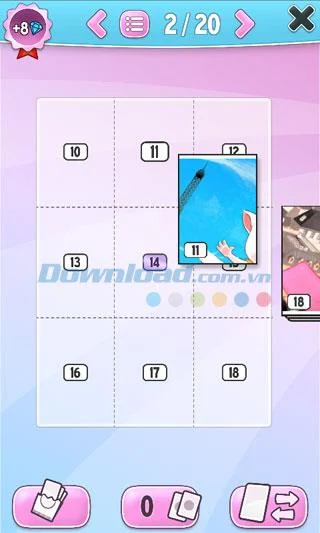
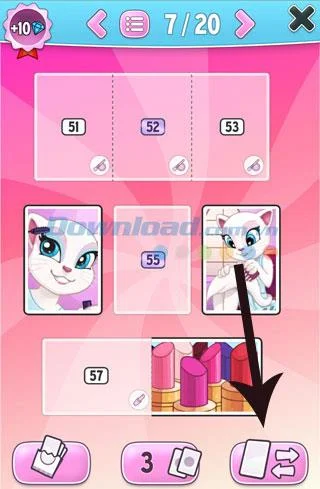
Here, you can view your sticker set of 20 pages. Each time you level up, you will receive 1 Sticker pack of 5 cards. You need to drag these Stickers into the collection. Each card has its own unique symbol, you need to collect enough required cards to unlock.
Unpack the Sticker received each time you level up. Move the Sticker tags into place
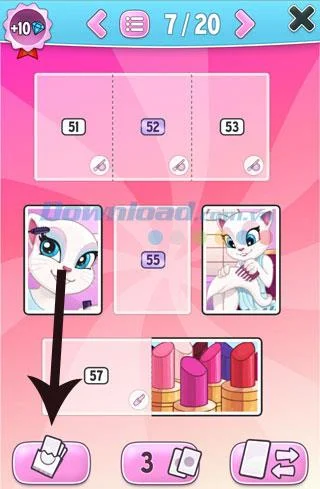
For example, to unlock a cat eye makeup box, collect enough Sticker 51, 52 and 53. But it is not always possible to open the desired Sticker so you can use the following methods to earn Add Sticker.
a / Buy a Sticker pack with real money
On screen in your Sticker set. Choose the symbol as shown below to buy more Sticker sets.
You can buy 1 pack (25 diamonds), 3 packs (65 diamonds) and 10 packs (200 diamonds) for real money.
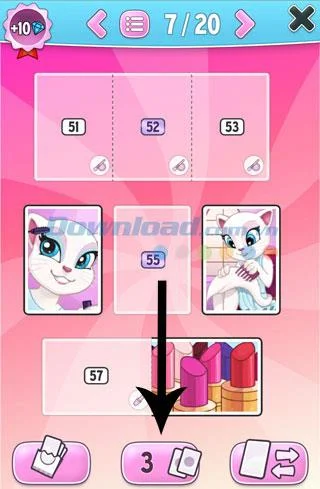
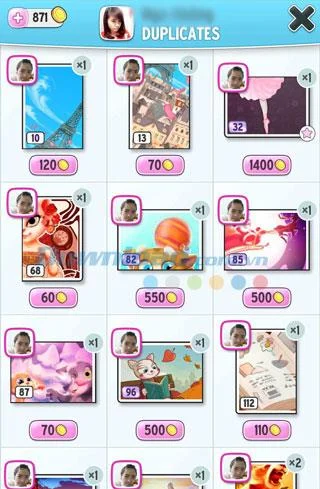
b / Duplicate sticker
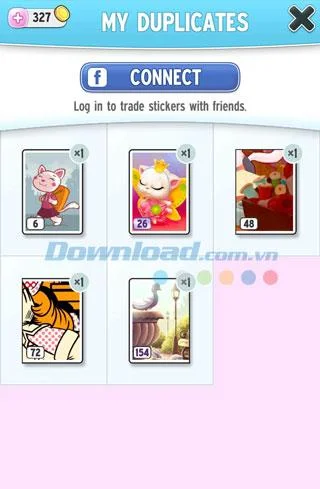
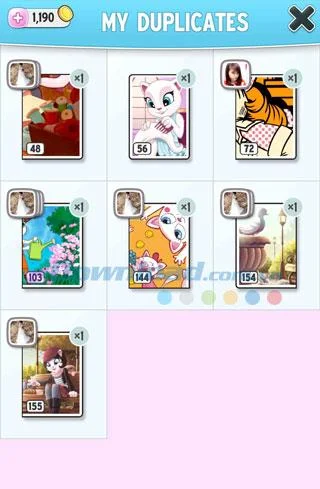
You can sell or trade repeated Stickers by clicking on the icon as shown below.
Connect to social networks Facebook to see people playing cat games and also need cards like you. You can click the icon of their photo on each Sticker and choose:
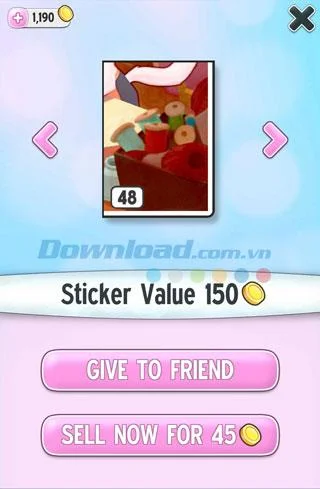
Give Sticker to a friend (click give to friend)
Or sell to get gold coins (click Sell now). Each sticker has different prices.
c / Buy Sticker from friends
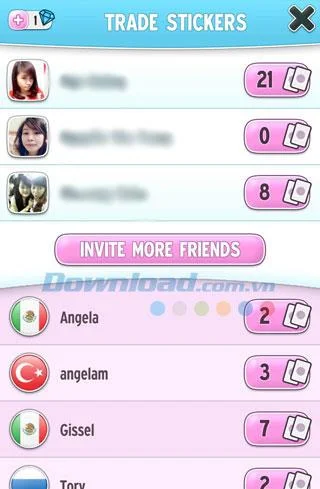
Click on the icon below to access the function of buying Sticker.
To be able to exchange Sticker you need to log in to social network Facebook. Here, you can buy Sticker from friends for a certain price.
5. Thrift shopping
Only buy products that are able to gain experience points (See Tips for quick leveling in My Talking Angela). Don't waste money on buying food, you need to calculate it to buy the right amount of food for cats 100% full.
Above are some tips to help you earn a lot of gold and diamonds in My Talking Angela game.