NVIDIA RTX graphics is a combination of GPU hardware, rendering software and AI-assisted features. At its core, an RTX card still renders a game using programmable shader cores and graphics memory; dedicated RT cores accelerate ray-tracing calculations, while Tensor cores handle certain AI and matrix operations. NVIDIA’s current GeForce RTX 50 Series uses the Blackwell architecture, with fourth-generation RT cores and fifth-generation Tensor cores. The practical result depends on the exact GPU, game, resolution, settings and whether features such as DLSS are supported and enabled.
Understanding those parts helps make sense of RTX performance claims. A higher frame-rate number can reflect more native rendering, AI reconstruction, generated frames, or a mixture of all three. Those methods affect image quality and responsiveness differently, so one headline FPS figure does not tell the whole story.
Destaques
RTX combines traditional shader rendering with dedicated ray-tracing and AI hardware.
RT cores accelerate parts of ray tracing; Tensor cores accelerate matrix operations used by DLSS and other AI features.
DLSS options vary by GPU generation and game. Multi Frame Generation and DLSS 5 neural rendering are listed for RTX 50 Series.
For fair performance comparisons, check native FPS, frame times, resolution, ray-tracing settings, VRAM and feature support.
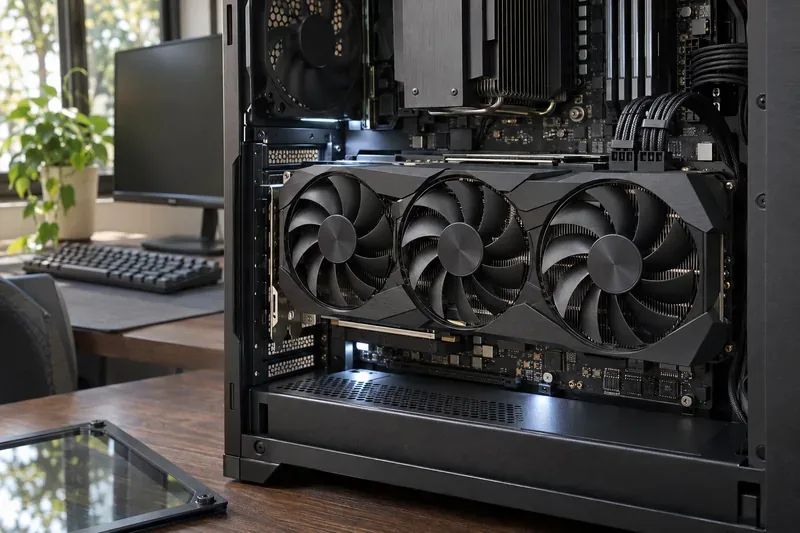
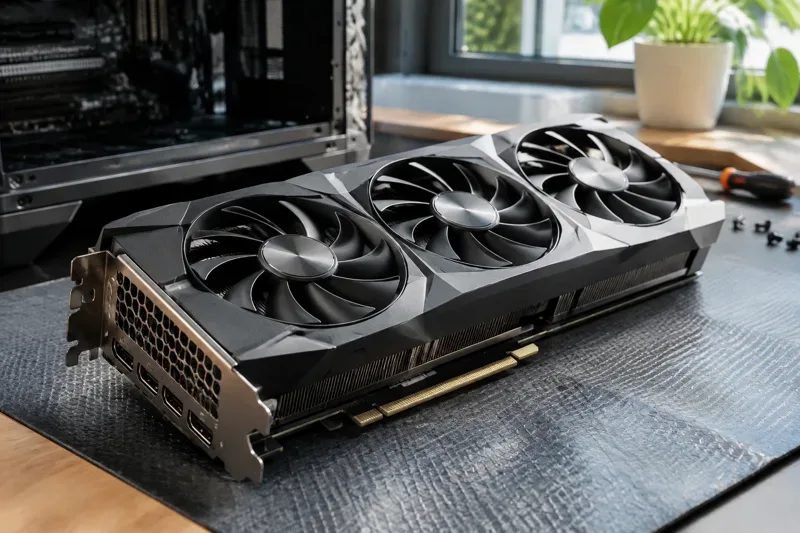
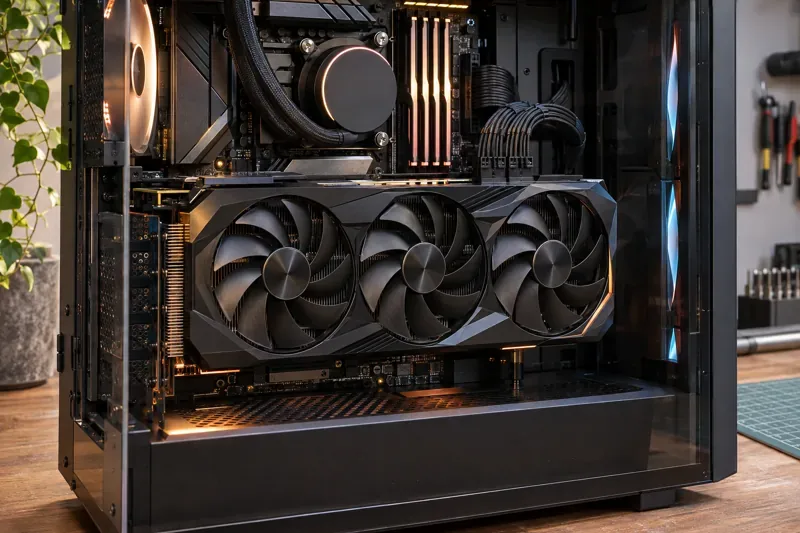
A graphics card combines processing hardware, memory and cooling to render games and accelerate creative workloads. This is an illustrative, unbranded image.
What does “RTX” mean?
RTX is NVIDIA’s graphics platform and product branding for GPUs with hardware and software built around real-time ray tracing and AI-assisted graphics. It is not a single chip or a promise that every feature works on every RTX card. GeForce RTX products target consumer PCs, while NVIDIA also sells RTX-branded workstation products with different configurations and professional software positioning.
The first GeForce RTX generation, Turing, introduced RT cores and Tensor cores alongside programmable shading hardware. Later architectures advanced those specialised units. In NVIDIA’s current GeForce comparison, RTX 50 Series models are identified as Blackwell, with fifth-generation Tensor cores and fourth-generation ray-tracing cores. The generation name matters because feature support and performance can differ even when two products both carry the RTX label.
How do CUDA, RT and Tensor cores work together?
CUDA cores are NVIDIA’s general-purpose graphics and compute units. In a game, shader programs use them for work such as lighting, materials, geometry and post-processing. Their count can help describe a GPU, but it does not predict performance alone: clock speed, chip design, memory bandwidth, power limits and workload all matter.
RT cores accelerate key ray-tracing tasks, including traversing a bounding-volume hierarchy and checking whether a ray intersects geometry. These calculations help simulate how light reflects, refracts or casts shadows. They do not render an entire scene by themselves; the GPU’s other units and the game engine still perform shading and surrounding work. Ray tracing can improve visual accuracy, but it adds computation, so performance may fall when more effects or more complex lighting are enabled.
Tensor cores specialise in matrix operations used by neural networks. In graphics, those operations support features such as DLSS Super Resolution, Ray Reconstruction and frame generation. They also help accelerate compatible AI and creator workloads. A GPU’s advertised AI TOPS figure is a theoretical throughput measure under particular precision and operating conditions, not a direct estimate of game frame rate.
What does DLSS do, and which RTX GPUs support it?
DLSS is a group of technologies, not one universal switch. Super Resolution renders internally at a lower resolution and uses AI plus motion information to reconstruct a higher-resolution image. Ray Reconstruction uses AI to improve pixel reconstruction in supported ray-traced scenes. Deep Learning Anti-Aliasing, or DLAA, uses AI at native resolution to prioritise image quality rather than a frame-rate boost.
Frame Generation creates intermediate frames from rendered frames and other data. NVIDIA’s current compatibility table lists DLSS Frame Generation for RTX 40 and RTX 50 Series, while Multi Frame Generation and Dynamic Multi Frame Generation are RTX 50 Series features. The same page lists Ray Reconstruction and Super Resolution across RTX 20, 30, 40 and 50 Series, subject to the game’s implementation. NVIDIA currently describes DLSS 5 as 3D-Guided Neural Rendering for RTX 50 Series. Availability and results depend on game support, software updates and developer implementation.
Generated frames can make motion look smoother, but they are not the same as frames rendered from new player input. They do not erase the importance of a solid base frame rate, and image reconstruction can introduce artifacts in some scenes. NVIDIA Reflex is designed to reduce system latency in supported games; it complements frame generation but does not make every setup equally responsive.
How should you read RTX performance numbers?
Start with the workload that resembles your own. For games, compare the same title, scene, resolution, graphics preset, ray-tracing level and driver version. Separate native rendering results from tests that enable upscaling or frame generation. Average frames per second show broad throughput; frame-time consistency and 1% lows help reveal stutter and dips that averages can hide. Reviewers’ results are most useful when the test method and settings are clearly stated.
Memory matters too. Video memory, or VRAM, holds textures, geometry and other data the GPU needs quickly. If a workload exceeds available VRAM, performance and smoothness can suffer even when a card has strong compute units. Memory bandwidth and cache design affect how quickly data moves. For video editing, 3D work and local AI tools, check the software’s supported features and the size of the projects or models you actually use.
For Canadian readers comparing prices, evaluate complete local listings in Canadian dollars rather than treating a U.S. launch price as a current Canadian retail price. Add-in-card versions can differ in dimensions, cooling, power connectors and factory clocks, so confirm the specific manufacturer model and your PC’s case and power-supply requirements. This explainer focuses on how RTX technology works; it is not a ranking of current cards or a model-by-model buying guide.
What can RTX graphics do beyond gaming?
RTX GPUs can accelerate compatible creative applications, including 3D rendering, video effects and AI-assisted tools. NVIDIA Studio includes creator-focused software and drivers. GeForce RTX cards also have dedicated NVENC video encoders; supported codecs differ by GPU generation. NVIDIA’s documentation lists AV1 encoding for RTX 40 and 50 Series, while RTX 20 and 30 Series support H.264 and HEVC but not AV1 encoding. Streaming applications and platforms must also support the chosen codec.
The broad lesson is that RTX performance comes from a system of parts. Shader cores provide flexible throughput, RT cores accelerate ray tracing, Tensor cores power certain AI features, and VRAM and bandwidth keep data available. Features can improve image quality or perceived smoothness, but their value is conditional on the game, GPU generation, settings and the user’s tolerance for latency or visual artifacts.
No. RTX is NVIDIA’s broader graphics platform. Ray tracing is one capability; RTX cards also use shader cores, Tensor cores and software features such as DLSS.
Can every RTX card use Multi Frame Generation?
No. NVIDIA lists Multi Frame Generation and Dynamic Multi Frame Generation for GeForce RTX 50 Series. Other DLSS features have different hardware requirements.
Does DLSS frame generation make a GPU render more frames natively?
No. It inserts AI-generated frames between rendered ones to increase displayed smoothness. Check native frame rate and responsiveness as well as the generated-frame result.