Pop Culture Costume Ideas That Will Dominate Halloween 2026

Plan a recognizable Halloween 2026 look with pop culture costumes inspired by Spider-Man, Supergirl, Toy Story 5, Moana, Mario, and Wednesday.
Bing chilling and the phrase “Zao sheng hao zung wo, shenzai wai-oh bing chilling. Wo han she huây bing chilling” are appearing all over TikTok and Facebook, making many people confused about what is happening. The article below will help you know what Bing Chilling is and the origin of this hot trend phrase .
What is Bing Chilling?
"Bing chilling" is the transliteration of the Chinese word 冰淇淋, which means ice cream. So Bing chilling is ice cream and the saying 早上好中国 现在我有冰激 我很喜欢冰激淋 (transliteration Zǎoshang hǎo zhōngguó xiànzài wǒ yǒu bīng jī wǒ hěn xǐhuān bīng jī lín) means Good morning China, I have ice cream now, I really like to eat ice cream.
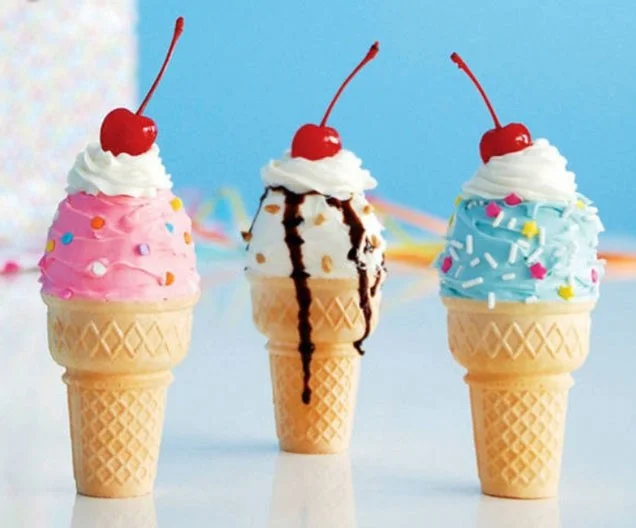
So, bing chilling is ice cream, a popular and favorite dish all over the world.
Where did bing chilling originate from?
In fact, the phrase "bing chilling" has been around since 2021. It originated from actor John Cena, who was talking about the movie Fast and Furious 9 in Chinese while eating ice cream. At that time, the actor said:
早上好中国 现在我有冰激淋 我很喜欢冰激淋 但是《速度与激情9》比冰激淋
(Zǎoshang hǎo zhōngguó xiànzài wǒ yǒu bīng jīlanh wǒ hěn xǐhuān bīng jīlanhànshì “sùquy yǔ jīqíng 9” bǐ bīng jīlanh.)
Good Morning China I'm having ice cream and I like ice cream. But to me "Fast and Furious 9" is better than ice cream.
Because the actor has a non-standard Chinese pronunciation along with a cute and funny expression, his video clip quickly attracted many people and became popular on social networks. Recently, the phrase "bing chilling" has become hot again. A series of funny memes about "bing chilling" have also been created, making this trend more popular than ever on social networks.
Plan a recognizable Halloween 2026 look with pop culture costumes inspired by Spider-Man, Supergirl, Toy Story 5, Moana, Mario, and Wednesday.
Sort leftover Halloween candy safely, share or repurpose sealed treats, and choose food use or compost for pumpkins based on their condition.
Compare workplace Halloween costume choices by respect, dress code, mobility, and safety—and learn when a subtle accessory or a policy check is the better option.
Find a couples costume that fits your style, budget, and comfort level, from Addams Family classics to original inside-joke duos.
Need a last-minute high school Halloween costume? Compare 10 easy closet-based ideas by prep time, comfort, school-day practicality, and simple safety checks.
Use a simple 2026 Halloween decorating timeline for indoor décor, outdoor displays, and fresh pumpkins, with practical adjustments for weather and events.
Mix five vivid, approachable Halloween cocktails with measured recipes, simple prep tips, and an alcohol-free option for your party guests.
Find 15 office-friendly Halloween costume ideas for 2026, with practical checks for dress codes, respectful themes, comfort, and workplace safety.
Plan a fun elementary school Halloween party with easy crafts, games, inclusive treats, costume tips, and a sample 75-minute classroom schedule.
Compare realistic side hustles for 2026 by startup cost, fees, flexibility, and income control, with current tax and scam guidance from official sources.








