Desk Decorating Ideas for a Spooky Office Cubicle

Create a spooky office cubicle with Halloween desk decor ideas that keep your workspace usable, tidy, and mindful of workplace safety.
2024 was a big year for AI features in creative software, and 2025 is predicted to be even bigger, with huge benefits for designers and creators.
1. We'll see more useful AI tools, fewer gimmicky options
All of the AI features announced in creative software throughout 2023 and more notably in 2024 are a mix of gimmicky, experimental, and occasionally useful AI tools.
Now that most of the experiments have been released to the world, it is likely that many more AI features will be released in 2025 and then will be features that are truly useful in creative workflows.
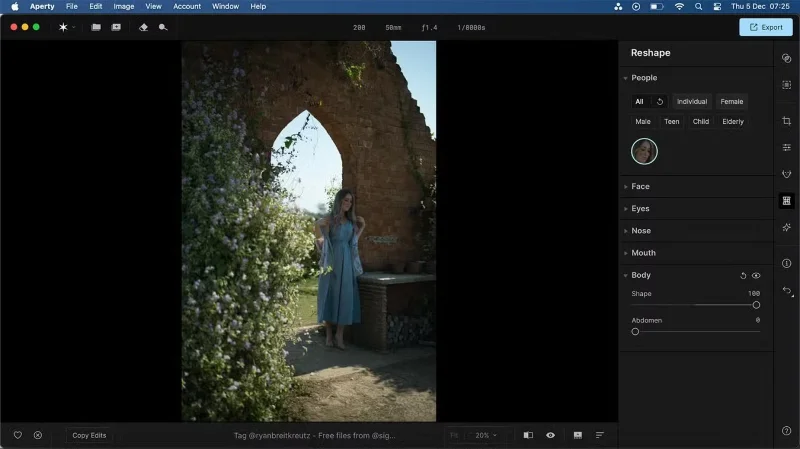
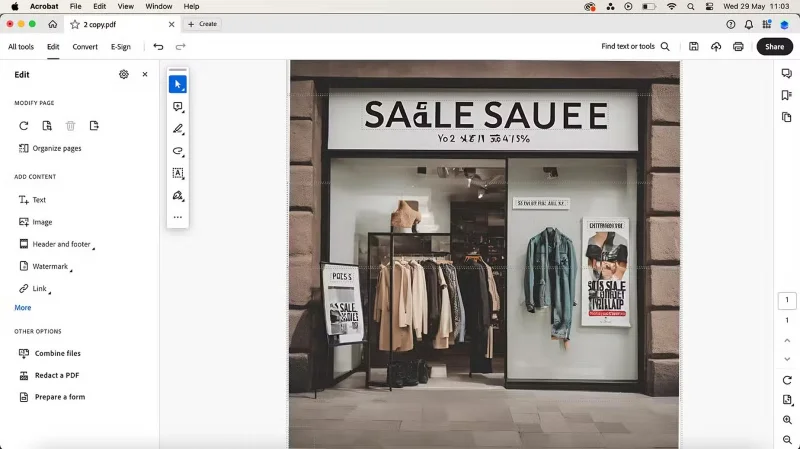
While what AI can do is impressive, it’s not omnipotent. Do we want to turn our cat photos into royal portraits with a single click? Not really. Do we want to add fingers to AI-generated images of people? Probably not. But do we want more specific results that match our text prompts better? Absolutely.
With companies like Adobe, Midjourney, Microsoft, and a few other big or emerging names with significant funding, hopefully we will see real improvement and focus on the capabilities of creative AI tools.
2. The quality of AI-generated results will be frighteningly high
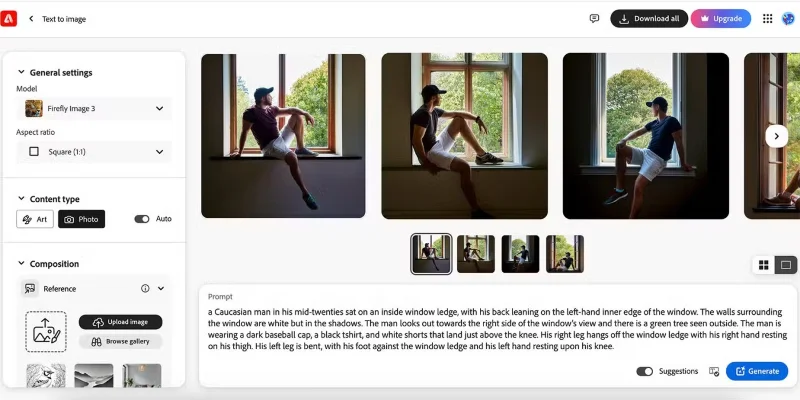
Just as AI results are becoming more useful, the quality of AI-generated images and videos will get much better. Adobe has improved the quality of AI-generated results by rolling out the Adobe Firefly 3 model in 2024, with impressive results. When comparing AI-generated images to smartphone photos, Canva and Firefly come out on top.
Not only will the visual results be better, but further research and development of AI video tools, such as Adobe's video creation integration in Premiere Pro and the development of AI features based on audio, graphics, and text, will also be improved.
While it’s impressive to see AI produce incredibly high-quality results, as creatives, many of us are also fearful of how these futuristic tools might impact our own and others’ work and hobbies in the future. Will AI really become better than human intelligence and creative skills? And do we want it to be?
3. Adobe will be steadfast in its AI deployment
Adobe has spent 2024 rolling out more AI features across its suite of tools. The AI features in Adobe Express are some of our favorites across the board, and are similar to the AI features found in Canva.
At Adobe Max 2024 — Adobe's annual conference — there were a number of new AI features announced across Adobe software that will be released immediately or are expected to launch from 2025 onwards.
Adobe has been at the forefront of creative AI tools. With a long history of being the #1 creative software, it’s no surprise that Adobe also owns some of the most successful AI tools.
In 2025, Adobe will roll out AI video creation permanently into Premiere Pro and possibly Adobe Express, as it was added as a beta feature in 2024. We'll also see more vector creation tools, including the ability to create multiple 3D views of a flat vector you create in Illustrator.
4. Designers are embracing AI
Monotype is one of the world's largest font foundries, and its CEO believes that designers are starting to embrace the use of AI. The study, conducted with the help of Censuswide, shows that AI has a future in the type design industry - the core of graphic design. 91% of designers surveyed said that AI could be useful in their type design industry.
AI font detection tools are now available in Photoshop, Illustrator, and InDesign. Canva has great AI type detection tools to help rewrite text embedded in images, even when not using a Latin alphabet. AI is increasingly being used for typography, as seen in Kittl , a great Canva alternative that creates template designs for social media and apparel.
AI isn’t always the enemy. Monotype’s research shows that the majority of designers are open to the use of AI. With a more relaxed approach to AI, some great and useful tools could emerge in 2025, rather than leaving designers fearful that these tools could take their jobs. AI could be a useful tool in the toolbox, combined with other tools already in use.
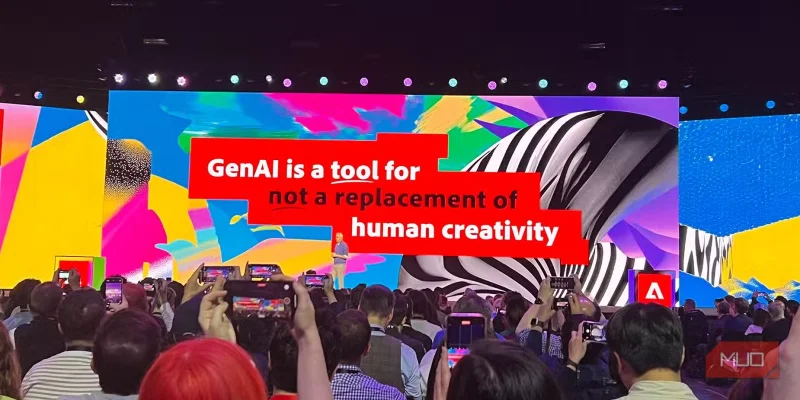
The introduction of AI into every creative tool we use can sometimes be intimidating, with many designers and creatives unsure of what it means for their work or their interests. 2025 will show us how AI tools and features can integrate naturally into workflows to benefit traditional designers, rather than replace them.
Create a spooky office cubicle with Halloween desk decor ideas that keep your workspace usable, tidy, and mindful of workplace safety.
Plan a recognizable Halloween 2026 look with pop culture costumes inspired by Spider-Man, Supergirl, Toy Story 5, Moana, Mario, and Wednesday.
Sort leftover Halloween candy safely, share or repurpose sealed treats, and choose food use or compost for pumpkins based on their condition.
Compare workplace Halloween costume choices by respect, dress code, mobility, and safety—and learn when a subtle accessory or a policy check is the better option.
Find a couples costume that fits your style, budget, and comfort level, from Addams Family classics to original inside-joke duos.
Need a last-minute high school Halloween costume? Compare 10 easy closet-based ideas by prep time, comfort, school-day practicality, and simple safety checks.
Use a simple 2026 Halloween decorating timeline for indoor décor, outdoor displays, and fresh pumpkins, with practical adjustments for weather and events.
Mix five vivid, approachable Halloween cocktails with measured recipes, simple prep tips, and an alcohol-free option for your party guests.
Find 15 office-friendly Halloween costume ideas for 2026, with practical checks for dress codes, respectful themes, comfort, and workplace safety.
Plan a fun elementary school Halloween party with easy crafts, games, inclusive treats, costume tips, and a sample 75-minute classroom schedule.








