Desk Decorating Ideas for a Spooky Office Cubicle

Create a spooky office cubicle with Halloween desk decor ideas that keep your workspace usable, tidy, and mindful of workplace safety.
Not only is Samsung beating Apple and Google to the punch with its so-called AI phone — launching the Galaxy AI in early 2024 — but Samsung is also doing AI better than the Gemini , despite being based on Google's software.
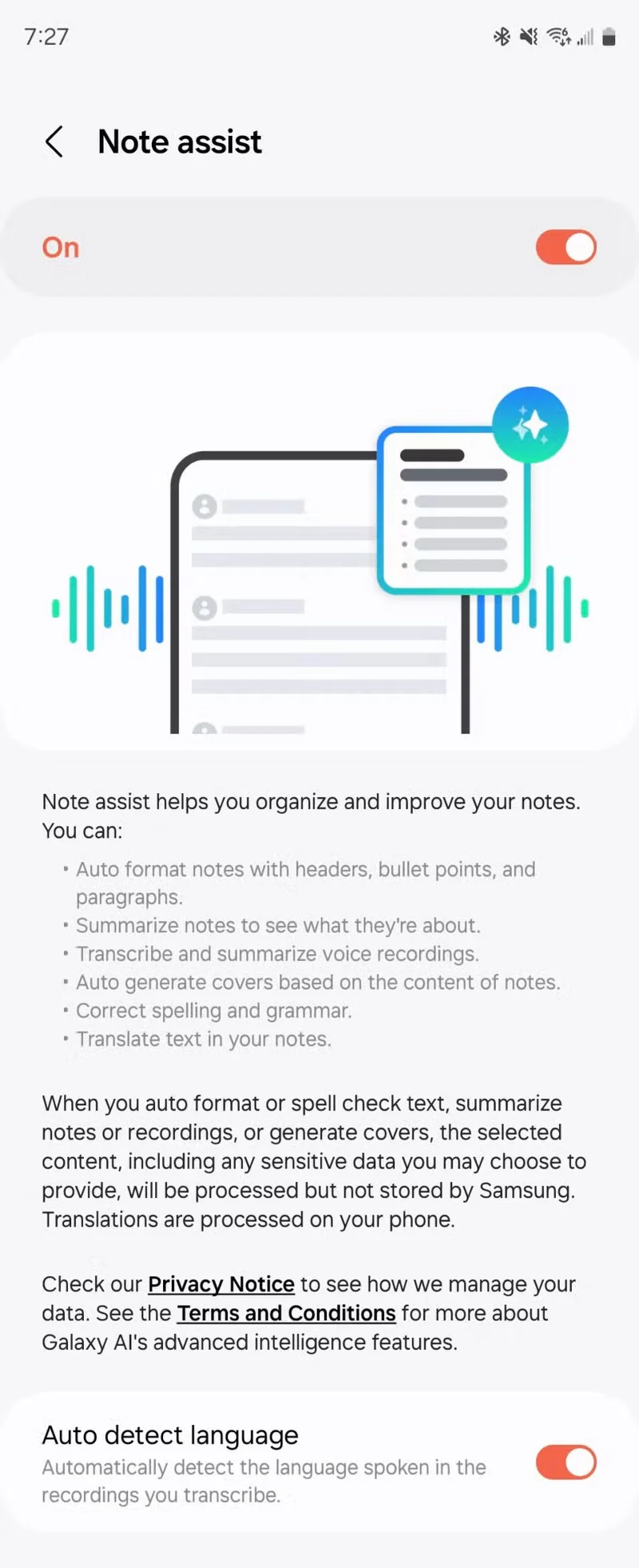
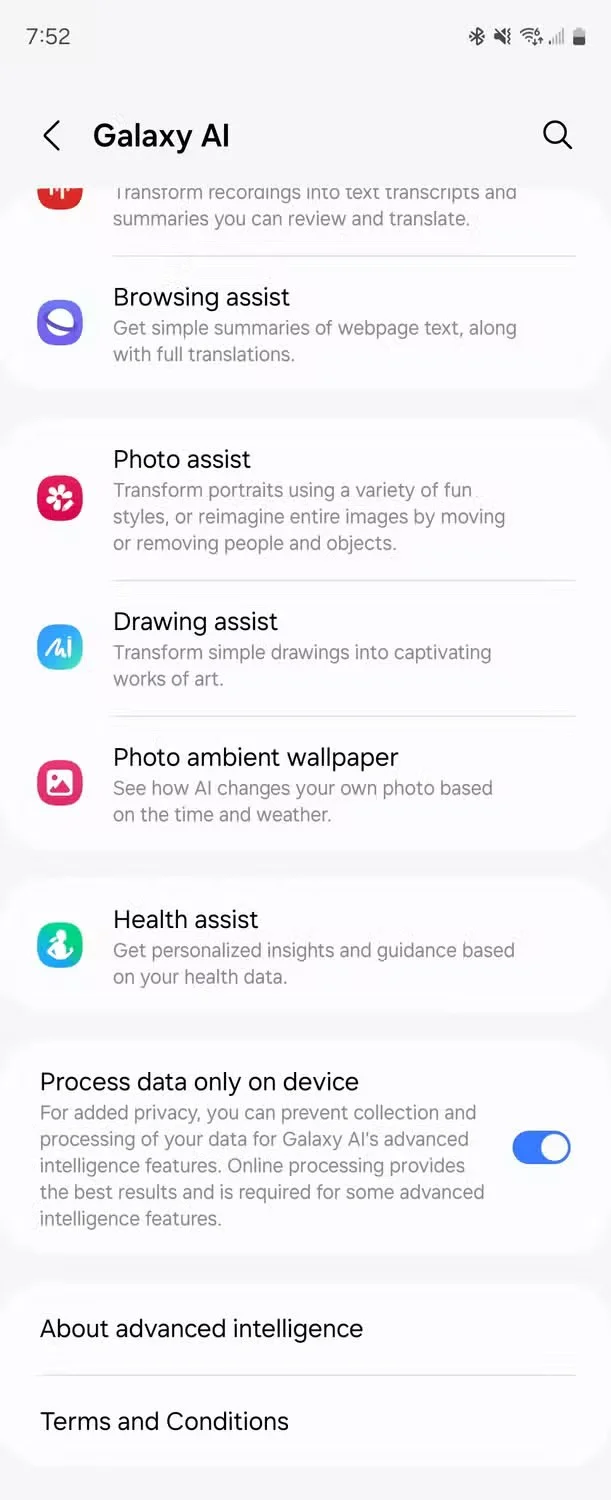
There is an option to process only on the device.
AI technology isn’t inherently bad. But running all this software in the cloud, using a lot of energy, and providing us with more information about ourselves isn’t a compelling trade-off for software that just works a little better.
However, if you create AI tools that run specifically on the device, that would solve both of those main concerns. Thankfully, Galaxy AI has a clear option to only allow on-device processing. Sure, you’ll have to sacrifice a bit of quality and functionality, but at least it’s something you can decide on.
Here’s the tricky part: Google is also supporting on-device AI. Google calls its “on-device” AI Gemini Nano, and it’s available on Pixel phones and some non-Pixel phones. But it’s pretty vague when you’re using Gemini Nano and regular Gemini. In theory, Gemini Nano is meant to compete with ChatGPT —and in some ways, it already does.
You're more likely to actually use Galaxy AI's integrations
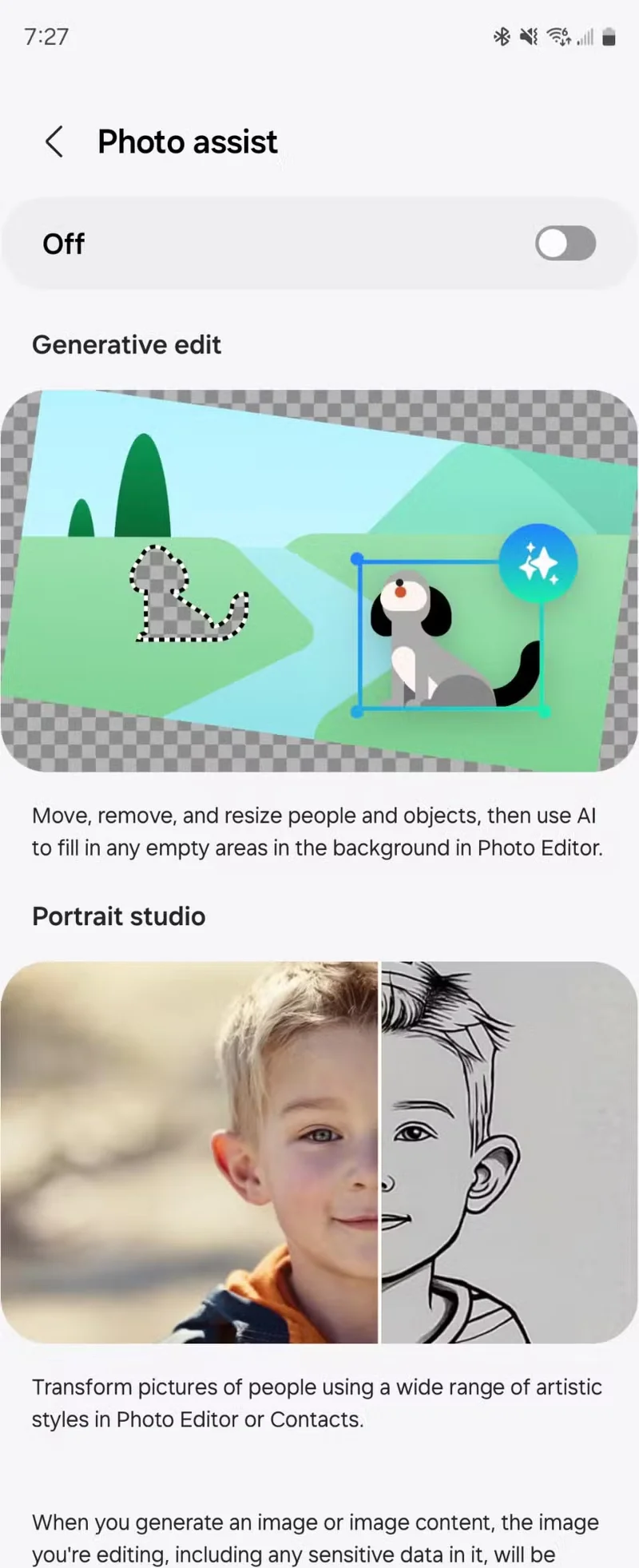
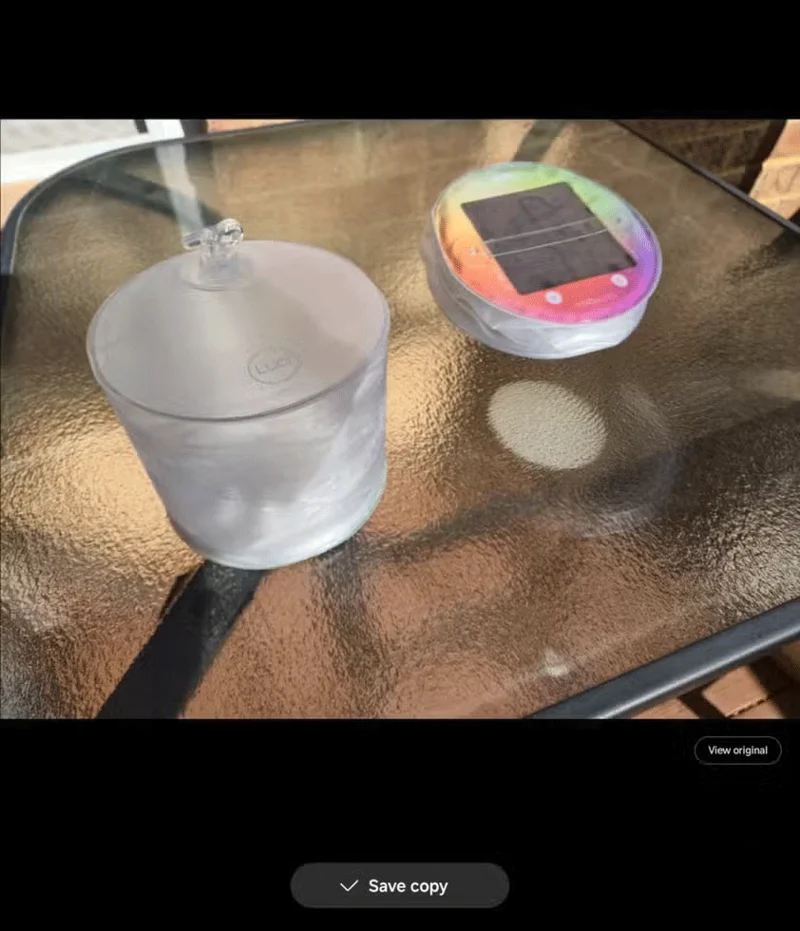
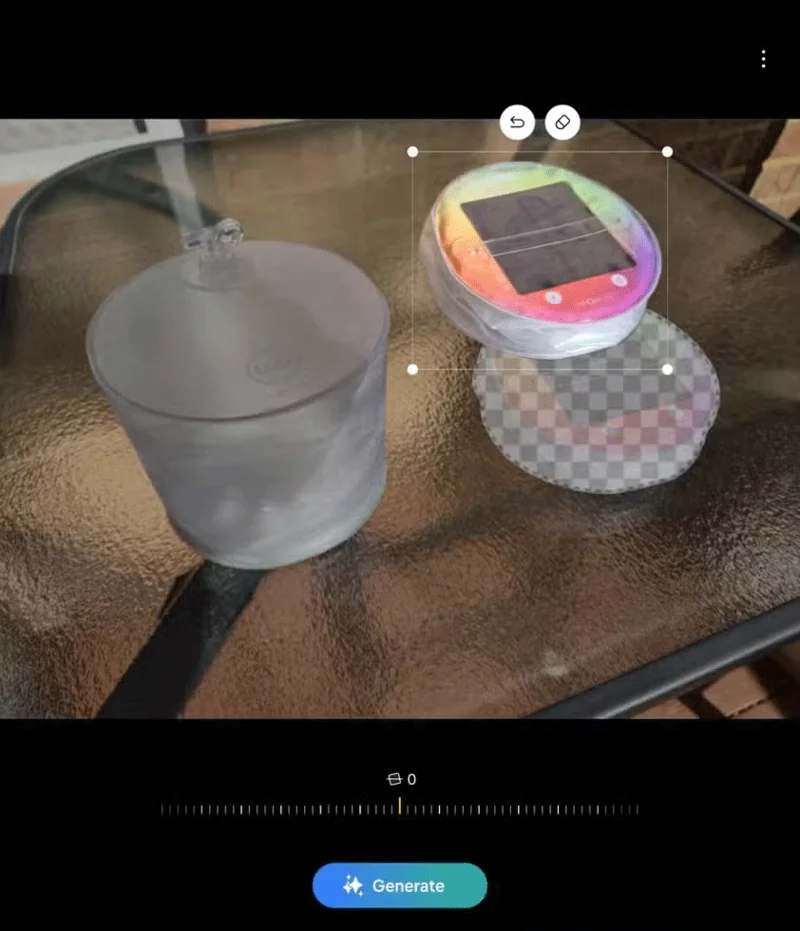
Galaxy AI isn’t presented as a conversational AI chatbot, which is great. Instead, Galaxy AI is integrated into apps in functional ways. It’s available in the Samsung Gallery app for removing objects from photos. You can also move objects around, which works pretty well.
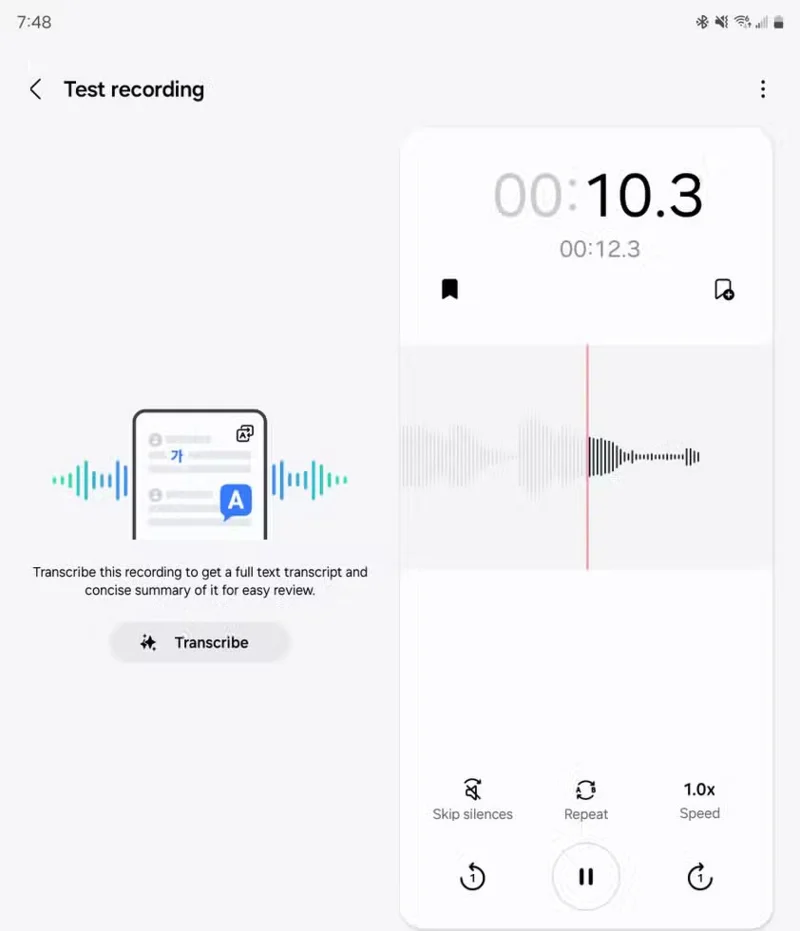
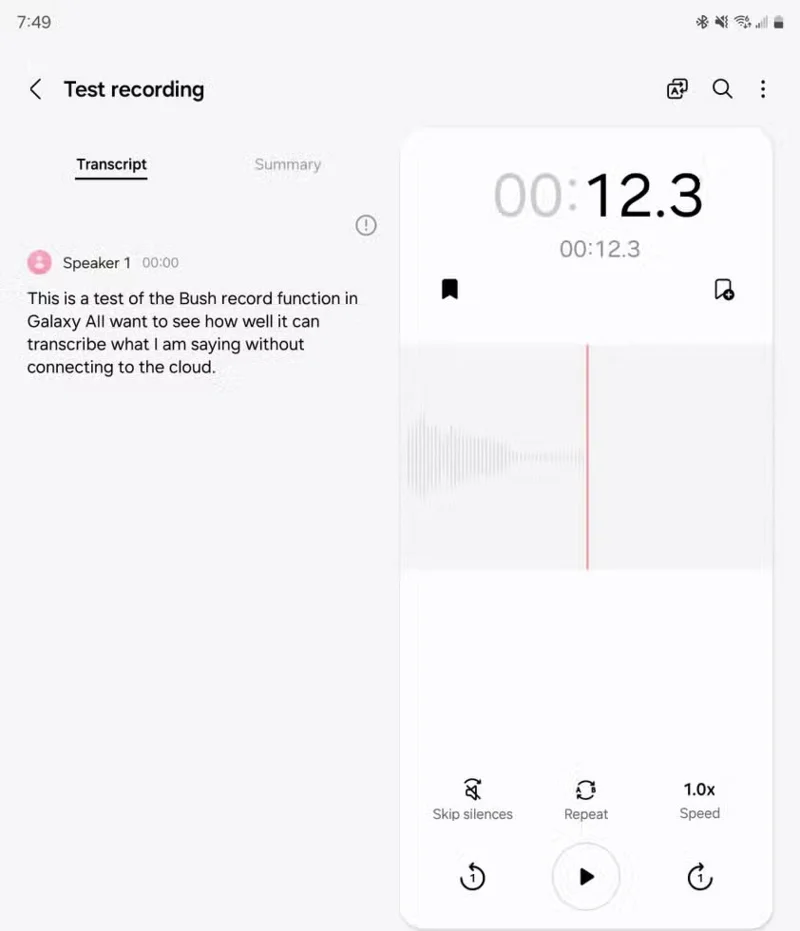
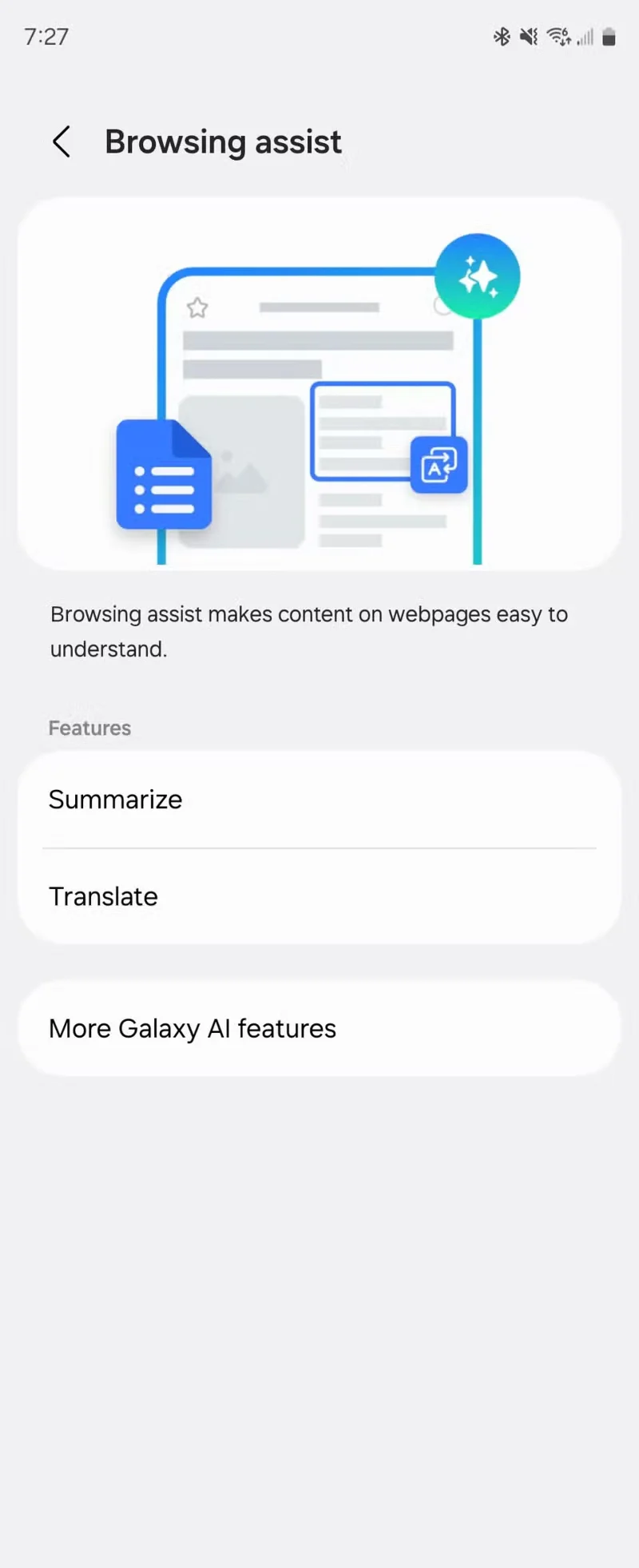
Being able to transcribe voice recordings can also be useful. If it works reliably, organizing notes into bullet points in Samsung Notes can also be useful. Tapping the “summary” button on a web page can be useful if you just want to get the gist of something to confirm whether you should read more.
The less an AI is presented as a “human” and the more it appears as a helpful button you can press, the more likely you are to engage.
For now, Samsung seems to have struck a good balance. The AI tools are there if you want them, and they’re more geared toward being useful than being your best digital friend. In a way, it’s funny that the Galaxy AI is based on Gemini, but it’s better than using the original.
Create a spooky office cubicle with Halloween desk decor ideas that keep your workspace usable, tidy, and mindful of workplace safety.
Plan a recognizable Halloween 2026 look with pop culture costumes inspired by Spider-Man, Supergirl, Toy Story 5, Moana, Mario, and Wednesday.
Sort leftover Halloween candy safely, share or repurpose sealed treats, and choose food use or compost for pumpkins based on their condition.
Compare workplace Halloween costume choices by respect, dress code, mobility, and safety—and learn when a subtle accessory or a policy check is the better option.
Find a couples costume that fits your style, budget, and comfort level, from Addams Family classics to original inside-joke duos.
Need a last-minute high school Halloween costume? Compare 10 easy closet-based ideas by prep time, comfort, school-day practicality, and simple safety checks.
Use a simple 2026 Halloween decorating timeline for indoor décor, outdoor displays, and fresh pumpkins, with practical adjustments for weather and events.
Mix five vivid, approachable Halloween cocktails with measured recipes, simple prep tips, and an alcohol-free option for your party guests.
Find 15 office-friendly Halloween costume ideas for 2026, with practical checks for dress codes, respectful themes, comfort, and workplace safety.
Plan a fun elementary school Halloween party with easy crafts, games, inclusive treats, costume tips, and a sample 75-minute classroom schedule.








