Desk Decorating Ideas for a Spooky Office Cubicle

Create a spooky office cubicle with Halloween desk decor ideas that keep your workspace usable, tidy, and mindful of workplace safety.
Most phones don't have wireless charging yet . This is a feature that people will use all the time. Here's why your phone needs wireless charging!
Charge in areas where cables may be hazardous
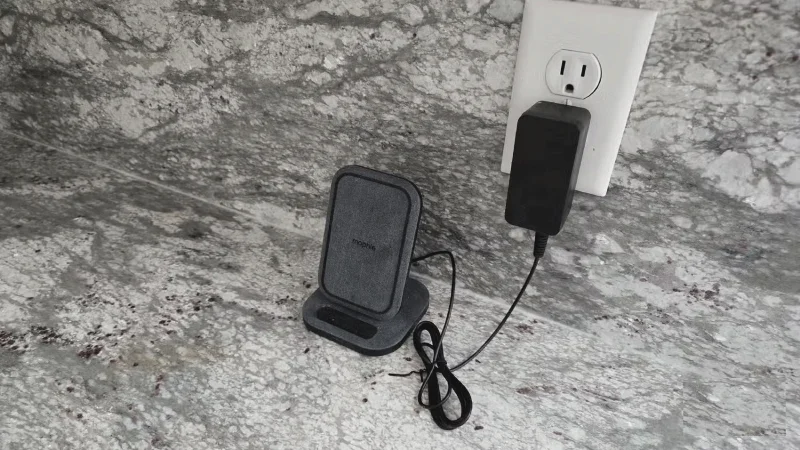
If you spend most of your day in the kitchen, this is a time when your phone is likely to be nearby, but you won’t touch it much, because your hands will be covered in dish soap or covered in vegetables or spices. You definitely don’t want any of that on your screen, especially near the USB port .
Instead, use a wireless charging pad. This keeps your phone safe in the kitchen. It’s a great spot to play music, watch videos, and even see when someone is calling. Most importantly, your phone can charge while it’s not in use.
The bathroom is another example. Electrical outlets are not ideally located in the bathroom, so having a phone charging pad in the bathroom, giving your phone a place to charge and play music without having to plug in a cable, is great.
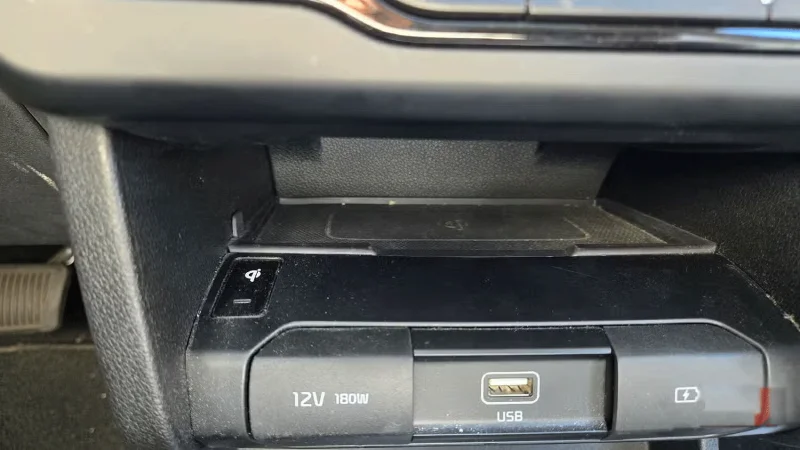
Charging pads in new cars
New cars have built-in wireless charging pads, hidden in the center console or under the infotainment screen. These are a natural place to put your phone while driving. If you’re a frequent road-tripper, you can rest assured that your phone will be fully charged when you get to your destination.
Convenience is often more important than speed
Considering the time you spend cooking and washing dishes, charging in the kitchen alone can be enough to keep your phone charged. The same goes for driving, especially for those who commute long distances.
At times like these, convenience matters more than speed. What difference does 30 minutes versus an hour make if you're not using your phone?
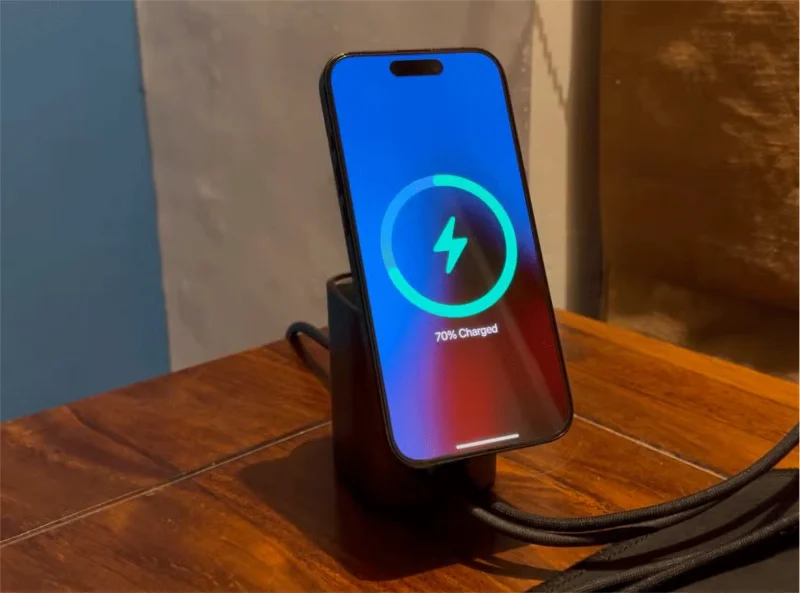
The corner of your office desk during the workday is another ideal time to charge your phone. Most people work from a laptop or desktop computer during this time. Their phones are usually nearby, unused, as they manage their communications from their PC. A wireless charging pad may not be as fast as a wired connection, but it’s fast enough to fully charge your phone before the end of an eight-hour workday.
Wireless accessories just got better
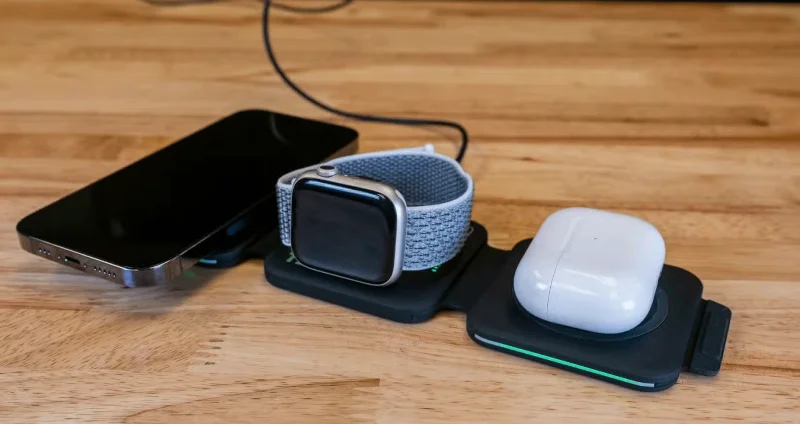
There’s no shortage of portable chargers on the market, but they still require you to plug your phone in. With wireless charging, you just place your phone on top of the charging pad instead. This is especially appealing if you have a lot of portable chargers that seem to have trouble charging via USB after repeated use. Wireless charging coils also seem less prone to breaking.
Once you invest in these types of accessories, it’s hard to consider going back to a phone without wireless charging. You have to change your habits, and you may end up with charging pads and accessories scattered around your house that no longer work. It’s a huge waste of money, and it doesn’t make up for any savings you get from buying a phone without the feature.
Is wireless charging better than fast charging? Many people argue that fast wired charging is much more important. This is an argument that some OnePlus fans make, since some of the company's high-end phones don't have wireless charging (like the OnePlus Open), but can charge much faster with a cable than most of the competition. However, you don't have to choose between the two. Be flexible!
Create a spooky office cubicle with Halloween desk decor ideas that keep your workspace usable, tidy, and mindful of workplace safety.
Plan a recognizable Halloween 2026 look with pop culture costumes inspired by Spider-Man, Supergirl, Toy Story 5, Moana, Mario, and Wednesday.
Sort leftover Halloween candy safely, share or repurpose sealed treats, and choose food use or compost for pumpkins based on their condition.
Compare workplace Halloween costume choices by respect, dress code, mobility, and safety—and learn when a subtle accessory or a policy check is the better option.
Find a couples costume that fits your style, budget, and comfort level, from Addams Family classics to original inside-joke duos.
Need a last-minute high school Halloween costume? Compare 10 easy closet-based ideas by prep time, comfort, school-day practicality, and simple safety checks.
Use a simple 2026 Halloween decorating timeline for indoor décor, outdoor displays, and fresh pumpkins, with practical adjustments for weather and events.
Mix five vivid, approachable Halloween cocktails with measured recipes, simple prep tips, and an alcohol-free option for your party guests.
Find 15 office-friendly Halloween costume ideas for 2026, with practical checks for dress codes, respectful themes, comfort, and workplace safety.
Plan a fun elementary school Halloween party with easy crafts, games, inclusive treats, costume tips, and a sample 75-minute classroom schedule.








