Pop Culture Costume Ideas That Will Dominate Halloween 2026

Plan a recognizable Halloween 2026 look with pop culture costumes inspired by Spider-Man, Supergirl, Toy Story 5, Moana, Mario, and Wednesday.
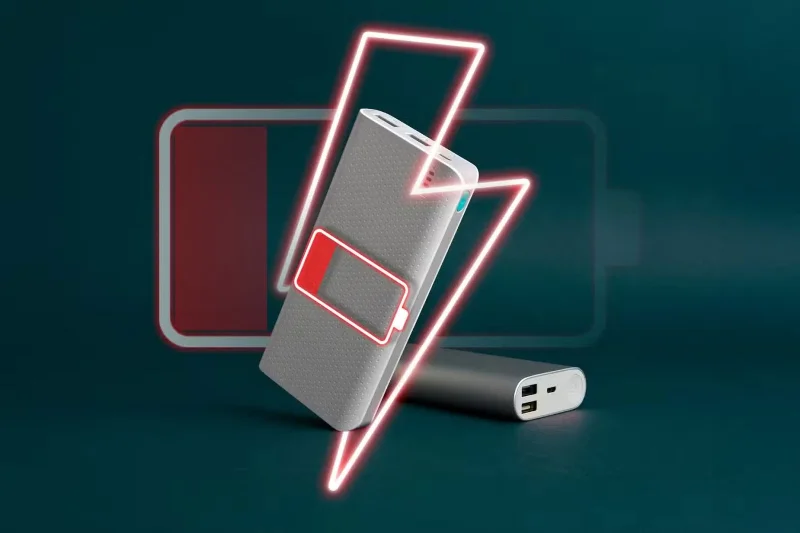
Even the best and newest smartphones have limited battery life. Sure, there are ways to extend your phone’s battery life, but they only work to a certain extent. It’s scary when your phone is down to 1% and you’re nowhere near a power outlet!
Table of Contents
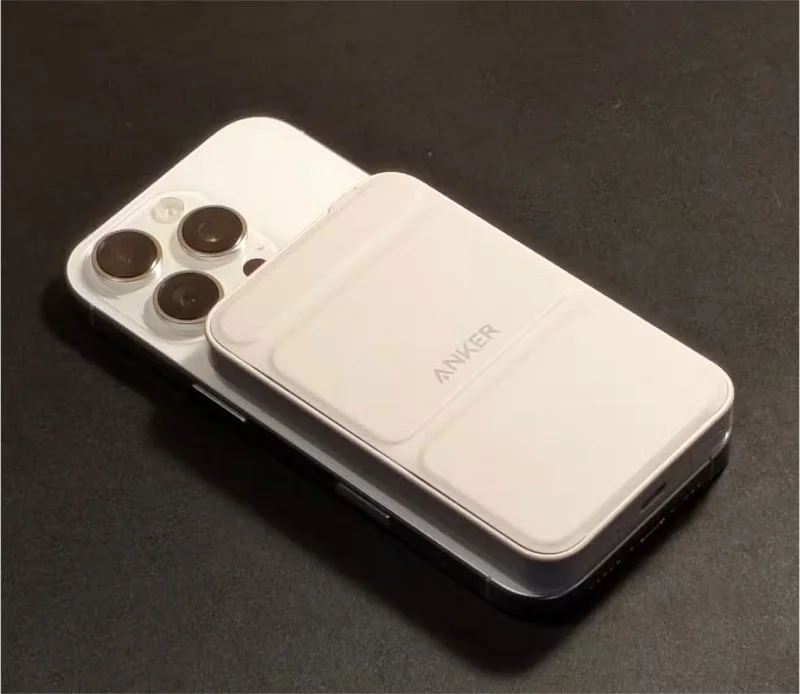
Most smartphone batteries can last 15 to 20 hours on a single charge. That's plenty for a typical day, but what happens if you forget to charge your phone before leaving the house or use a lot of power-hungry apps during the day? Your battery can die at the worst possible time.
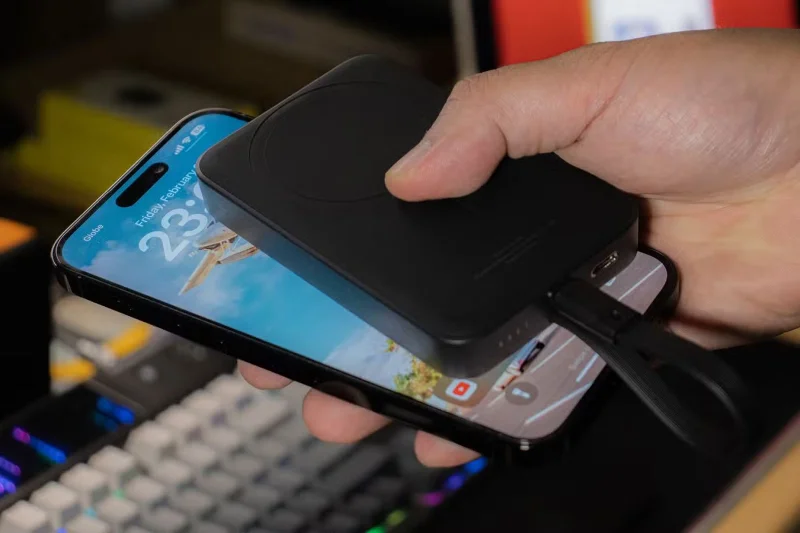
Of course, if you have a power outlet, you can just plug your phone in and wait for it to charge. But what if you’re traveling or stuck in the middle of nowhere? Plugging your phone in might not be an option. In times like these, a power bank can really come to your rescue. Many power banks even support fast charging, so you don’t have to wait too long to use your phone when you need it.
There’s nothing wrong with using a safe public charging station. But the reality is that if you’re in a crowded area, you’re unlikely to find one with an empty port. Even if you do find an empty charging station, your phone won’t charge as quickly as it would at home. This means you’ll essentially be waiting a long time at the charging station for your phone to turn on.
Additionally, the security risks really keep many people away from public charging stations. No one wants to risk having their data stolen or being exposed to malware just because they forgot to charge their phone. So carry a portable power bank with you to charge your phone whenever the battery gets too low.
You may have heard that charging your phone to its maximum overnight is bad. The opposite is also true. Regularly letting your phone battery run close to 0% can damage its lithium-ion battery.
If you want to prevent this kind of battery degradation, it is best to keep your phone's battery level between 20% and 80%. If you have trouble doing this, consider getting a portable power bank that can help you keep your phone's battery level from dropping too low. This way, you will not only always have enough power on your phone, but you will also maintain the battery health.
People tend to use their phones a lot when they travel, whether it’s for navigation, taking photos, or even just listening to music. All that extra use drains the battery pretty quickly, compared to when you’re at home or at work.
No one wants to run out of battery when they are in a strange place and have to search for a charging station. That is why you should always carry a spare charger with you during your trip.
Note : Power banks never provide as much capacity as advertised. So if you travel a lot, be sure to buy a power bank with more capacity than you think you need.
Power banks are relatively cheap but offer a lot of value. Since it’s not hard to find a high-quality power bank for under $20, and sometimes even cheaper when on sale, having a spare on hand can be very useful.
Unlike many other gadgets, power banks are quite compact and lightweight, meaning you can carry them in your backpack or handbag without taking up too much space or adding unnecessary weight.
Carrying a power bank with you all the time won’t do you any harm. In fact, it will just make your life easier. So if you find one at a good price, don’t hesitate to buy it.
Plan a recognizable Halloween 2026 look with pop culture costumes inspired by Spider-Man, Supergirl, Toy Story 5, Moana, Mario, and Wednesday.
Sort leftover Halloween candy safely, share or repurpose sealed treats, and choose food use or compost for pumpkins based on their condition.
Compare workplace Halloween costume choices by respect, dress code, mobility, and safety—and learn when a subtle accessory or a policy check is the better option.
Find a couples costume that fits your style, budget, and comfort level, from Addams Family classics to original inside-joke duos.
Need a last-minute high school Halloween costume? Compare 10 easy closet-based ideas by prep time, comfort, school-day practicality, and simple safety checks.
Use a simple 2026 Halloween decorating timeline for indoor décor, outdoor displays, and fresh pumpkins, with practical adjustments for weather and events.
Mix five vivid, approachable Halloween cocktails with measured recipes, simple prep tips, and an alcohol-free option for your party guests.
Find 15 office-friendly Halloween costume ideas for 2026, with practical checks for dress codes, respectful themes, comfort, and workplace safety.
Plan a fun elementary school Halloween party with easy crafts, games, inclusive treats, costume tips, and a sample 75-minute classroom schedule.
Compare realistic side hustles for 2026 by startup cost, fees, flexibility, and income control, with current tax and scam guidance from official sources.








