Desk Decorating Ideas for a Spooky Office Cubicle

Create a spooky office cubicle with Halloween desk decor ideas that keep your workspace usable, tidy, and mindful of workplace safety.
The original USB connector (USB-A) was only unidirectional due to economic reasons.
According to PCGamer, Ajay Bhatt, the leader of the Intel team that created the USB protocol, said that the original USB connector (USB-A) was only unidirectional and not reversible, mainly due to economic reasons. It would take twice as many cables and circuits to design a reversible USB connector, thus doubling the cost.
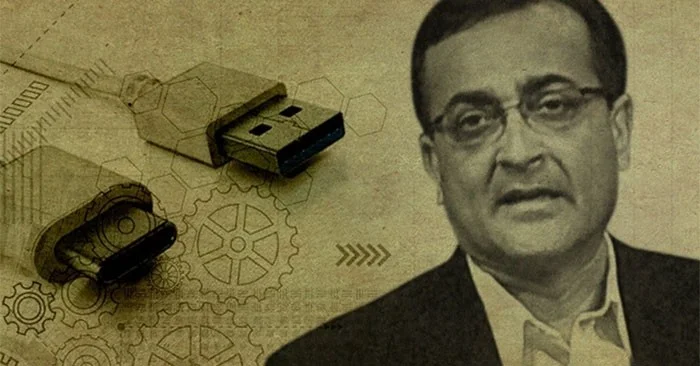
However, this cost-saving design inadvertently confuses users when making connections.
It wasn't until the USB-C connector came along that this changed and gained massive support from tech companies.
The Universal Serial Bus (USB) is an invention that revolutionized the way people connect devices, despite its lack of reversibility. Since its introduction with version 1.0 and its 12 Mbps data transfer rate, USB has seen major improvements in speed and performance. Today, we are in the era of USB4, which is based on the USB-C connector and offers faster transfer speeds.
Despite USB's ubiquity, Bhatt said, convincing major PC makers to adopt the specification was no easy task. It took his team a while to convince PC makers that it was an indispensable technology.
Create a spooky office cubicle with Halloween desk decor ideas that keep your workspace usable, tidy, and mindful of workplace safety.
Plan a recognizable Halloween 2026 look with pop culture costumes inspired by Spider-Man, Supergirl, Toy Story 5, Moana, Mario, and Wednesday.
Sort leftover Halloween candy safely, share or repurpose sealed treats, and choose food use or compost for pumpkins based on their condition.
Compare workplace Halloween costume choices by respect, dress code, mobility, and safety—and learn when a subtle accessory or a policy check is the better option.
Find a couples costume that fits your style, budget, and comfort level, from Addams Family classics to original inside-joke duos.
Need a last-minute high school Halloween costume? Compare 10 easy closet-based ideas by prep time, comfort, school-day practicality, and simple safety checks.
Use a simple 2026 Halloween decorating timeline for indoor décor, outdoor displays, and fresh pumpkins, with practical adjustments for weather and events.
Mix five vivid, approachable Halloween cocktails with measured recipes, simple prep tips, and an alcohol-free option for your party guests.
Find 15 office-friendly Halloween costume ideas for 2026, with practical checks for dress codes, respectful themes, comfort, and workplace safety.
Plan a fun elementary school Halloween party with easy crafts, games, inclusive treats, costume tips, and a sample 75-minute classroom schedule.








