Home
» Wiki
»
Why Many People Watch YouTube Every Day But Dont Pay for a Premium Subscription
Why Many People Watch YouTube Every Day But Dont Pay for a Premium Subscription
Watching YouTube is part of many people's daily routines, from watching video game reviews to learning about science. But despite spending hours on the platform each week, many users have never felt the need to upgrade to YouTube Premium. Here's why!
1. Users are already bombarded with ads every day, what's wrong with a few more?
Let’s face it, ads are everywhere. You can’t scroll through any social media app or website without encountering an ad within the first 10 seconds. Sure, YouTube throws more ads at users than they want, but most people are so used to ads being a part of the online experience that paying for an ad-free subscription doesn’t make a difference.
This doesn't mean people like ads - no one likes being bombarded with unnecessary products and services. However, simply ignoring them and turning off unskippable ads has become second nature.
It is estimated that the average person sees thousands of ads every day. If you watch three 20-minute YouTube videos a day, each with three ads, plus the embedded ads on the homepage, plus one or two sponsored ads from creators, that's about 20 ads in total. And that's just one of thousands of ads.
2. Not many people are excited about YouTube Originals content they didn't even know existed
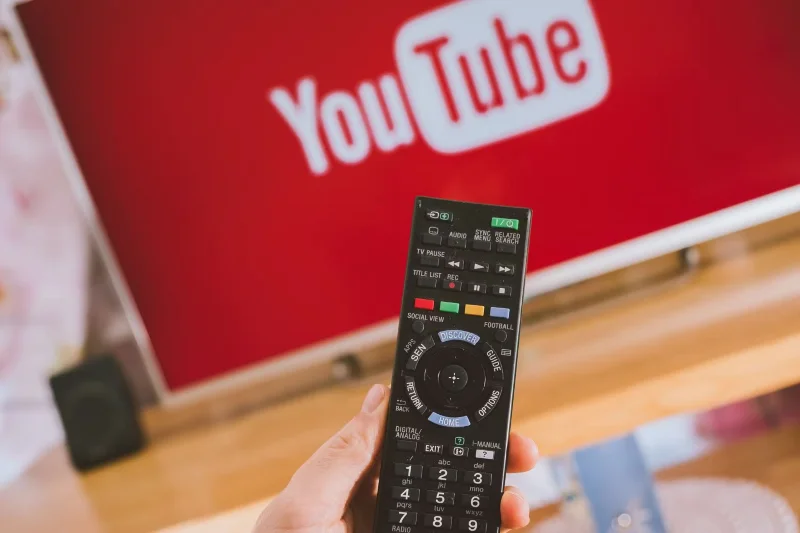
YouTube app on Sony smart TV
While YouTube Originals are available to all users, a paid subscription gives you access to bonus footage — which is completely unappealing to many.
Most of the content you watch is user-generated. It’s the work of independent creators, not studio-produced shows, that’s the core appeal of YouTube for many people. There are plenty of ad-free streaming services with big-budget movies and series that you can enjoy if you want to watch a studio’s work.
3. Some regions allow downloading videos for offline viewing on the app
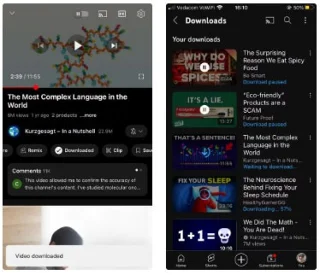
Download YouTube videos on app
One of the biggest benefits of YouTube Premium is being able to download videos for offline viewing on your mobile device or computer. But the problem is that some regions already allow downloading certain videos without a premium subscription.
There are limitations, sure—you can’t download any music videos, and you can’t download anything to your computer. But most subscription channels let you download their videos for offline viewing on their mobile apps. That’s more than enough; you don’t need access to every video in the world when you’re disconnected from Wi-Fi.
4. Many people prefer Apple Music over YouTube Music Premium
Another big advantage of YouTube Premium is that it includes YouTube Music Premium. Everyone can access YouTube Music, but YouTube Premium removes ads, lets you listen to music in the background, and downloads music for offline listening.
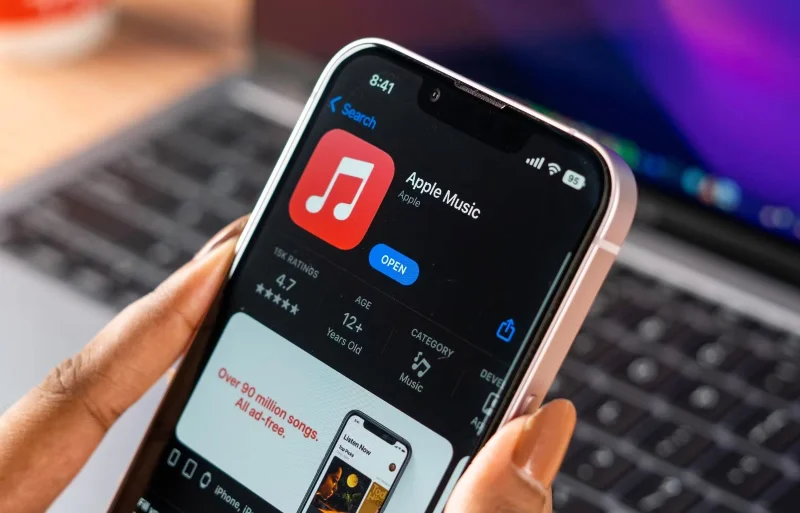
For many, this is a disappointing start. Apple Music has been a favorite for years—back when it was still called iTunes! People love the music selection and minimalist user interface.
YouTube Music Premium is like an add-on feature added to make the deal more appealing. People don't have to spend money just to listen to ad-free music when they already have a dedicated music streaming service they love.
YouTube Premium may be a good deal for some, but the benefits don’t justify the cost. People are used to ads, don’t get excited about YouTube Originals, and the limited number of downloads they have access to is enough. Plus, many people swear by Apple Music for music. The free version of YouTube has everything you need to stay entertained and informed.