Despite being on the market for years, there’s still not a lot of choice when it comes to PS5 controllers. But while the numbers may be lacking, the quality of the gamepads available is impeccable. From the standard DualSense to the high-end Nacon Revolution 5 Pro, here are the five best PS5 controllers available right now.
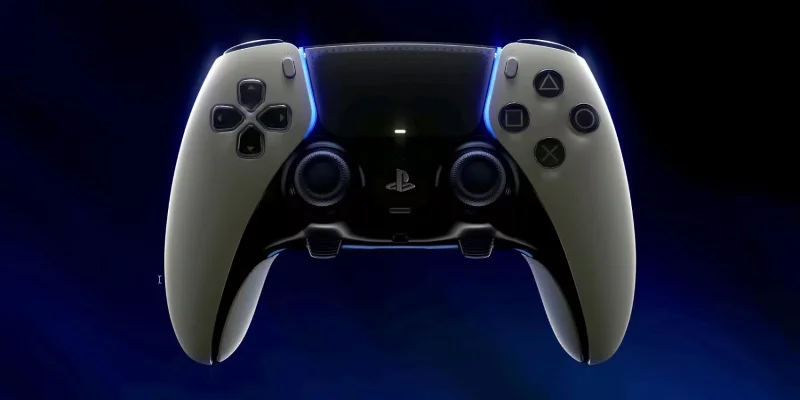
Sony DualSense Edge
Sony DualSense Edge Controller
While it's not cheap, the DualSense Edge is the best PS5 controller for serious gamers. Designed by Sony in console-inspired black and white, it's eye-catching and comfortable for long play sessions. With haptic feedback, responsive triggers, mappable back buttons, and adjustable trigger lengths, you can quickly swap profiles on the fly - making it easy to jump into a new game with all your favorite settings.
That's not all you get with the DualSense Edge. It also comes with three interchangeable analog stick covers and its own carrying case. The carrying case is a big plus if you plan on traveling with it, as it will keep the controller safe no matter where you play.
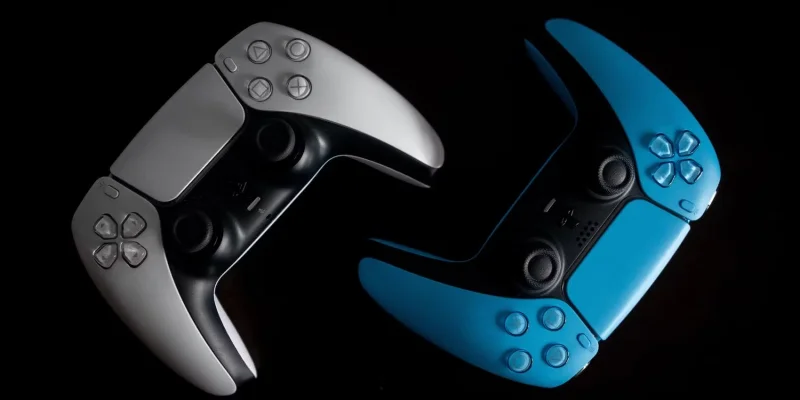
Sony DualSense
DualSense Controller
Oddly enough, there are very few budget PS5 controllers worth recommending. For that reason, the standard Sony DualSense remains the gamepad of choice for budget shoppers. There are some great colors to choose from right now, and if you're patient, you can easily find one on sale.
The fancy color and frequent price drops aren't the only reasons people like the DualSense. It offers many of the same features as the more expensive DualSense Edge, including haptic feedback, responsive triggers, a built-in microphone, and an ergonomic design. Another great thing about it is that it can be charged using a USB-C cable, so you can quickly charge the controller between play sessions without having to fumble around for AA batteries.
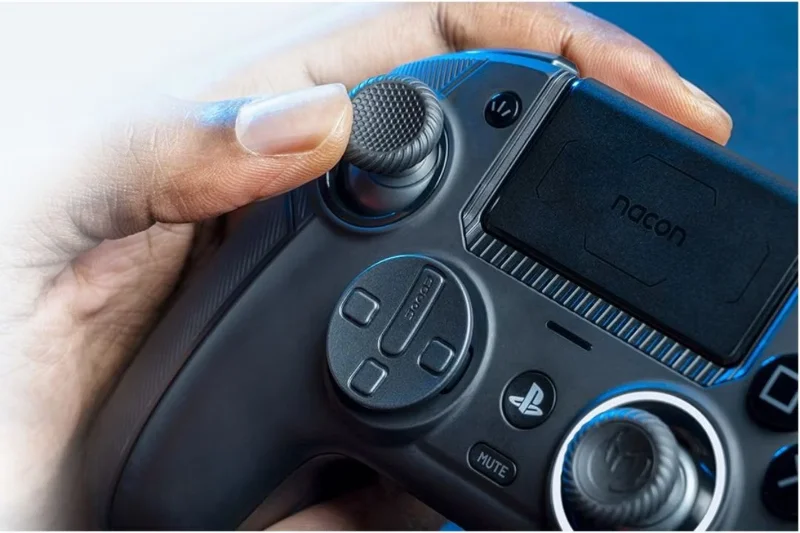
Nacon Revolution 5 Pro
Nacon Revolution 5 Pro
The Nacon Revolution 5 Pro is an officially licensed controller with a ton of cool features. One of the big draws is the Hall Effect magnetic sensor, which prevents the dreaded analog drift that can ruin your gear. There’s also a trigger blocker to adjust trigger depth along with four customizable rear paddles.
If you're into fighting games, you'll want the Revolution 5 Pro for its unique D-pad. You'll have access to two interchangeable styles, one of which was created in collaboration with fighting game expert Mister Crimson. That's a huge plus, and when combined with the gamepad's PS4 and PC support, it makes for a great all-around controller for cross-platform gamers.
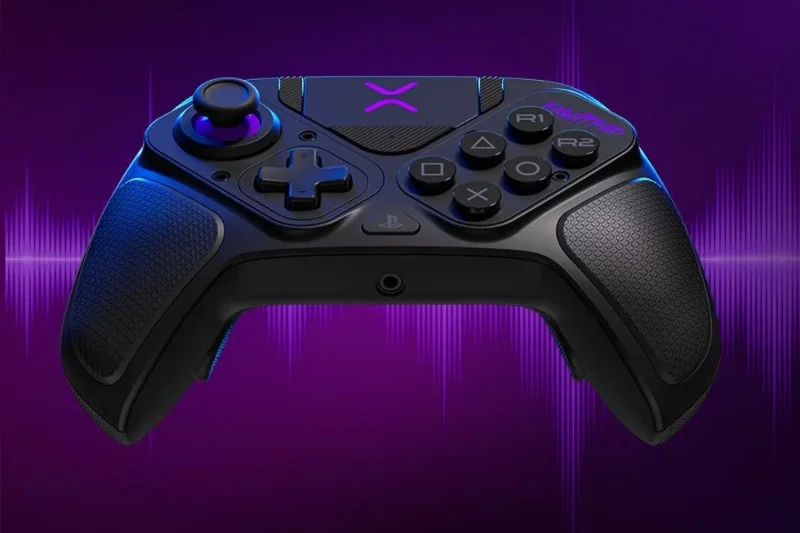
PDP Victrix Pro BFG Wireless Gamepad
PDP VictrixPDP
If you're the type who likes to tinker with every setting on your gamepad, then the PDP Victrix BFG wireless gaming controller should be on your radar. Its name is long, but so is its customizability. The Victrix BFG's most interesting feature is its modular design, which allows you to rotate the left analog stick and D-pad so you can use the analog sticks offset or aligned as you like. That's something you won't find on most controllers - and that's just the tip of the iceberg with the Victrix BFG.
Other customization options include mappable rear paddles, adjustable triggers, and support for both wired and wireless play. You can even use the Victrix Control Hub app to tweak even more settings. In short, almost everything about this gamepad is customizable. All the moving parts make it bulky, but it’s a great choice for hardcore gamers.
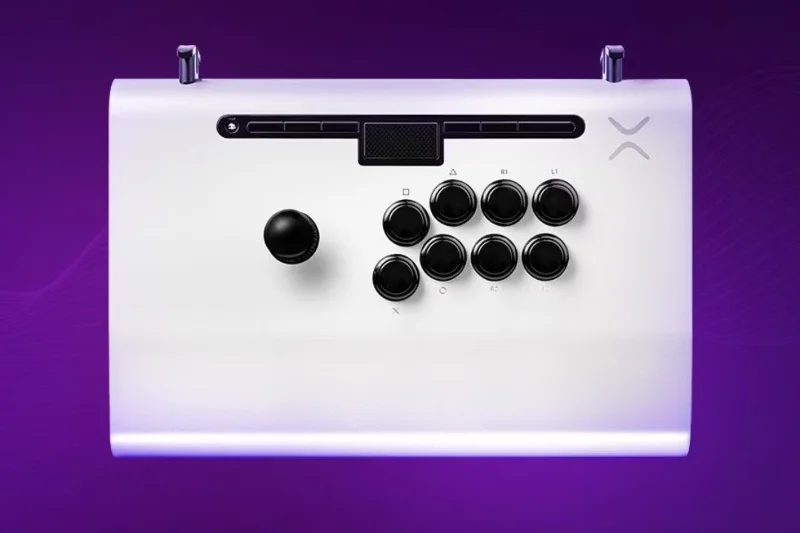
Victrix Pro FS
Victrix Pro FS
Anyone who invests in a fighting device is probably a competitive fighting game enthusiast. And if you want to compete with the best, the Victrix Pro FS is the way to go. It’s not cheap, but it has a durable aluminum build, responsive buttons, and support for mods and updates with a quick-access rear panel.
Part of the reason the Victrix Pro FS is so expensive is its overall design, which is crafted from a single block of aluminum. That makes it look striking and allows for a comfortable, seamless wrist rest that’s perfect for intense gaming. When you decide to leave the house and take it to a competition, you can use the included handle and cable organizer for added portability.