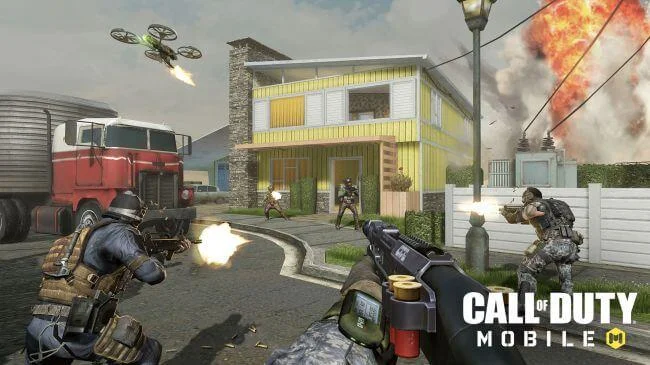
Call of Duty Mobile inherits and promotes every quintessence in previous versions
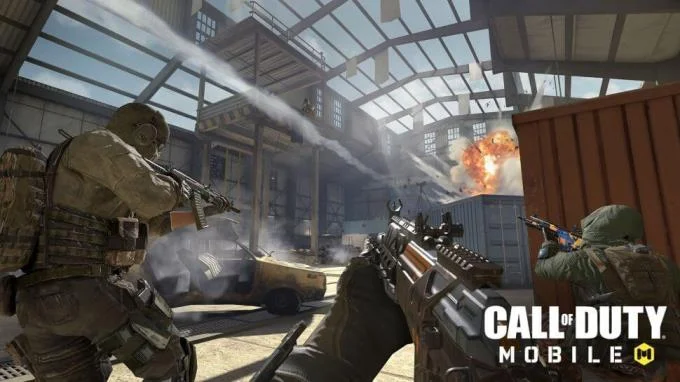
Call of Duty Mobile is currently in a testing phase in select regions of the world. You can become one of the thousands of players to experience the first game if you register in advance through the publisher's website. The all-new mobile version of this popular role-playing game series will have a "Life and Death" mode with 100 opponents. Therefore, do not be afraid to read the instructions for playing Call of Duty Mobile below to better understand all the basic aspects of the game.
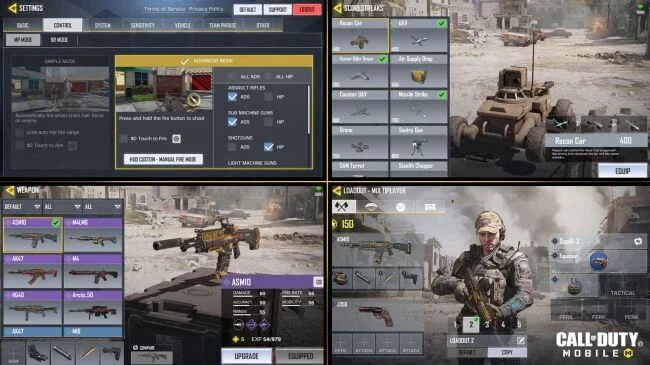
As soon as you start Call of Duty Mobile for the first time, go to the Settings menu and customize it the way you want to play. The developer of Call of Duty Mobile is making every effort to deliver the best FPS experience on handheld devices. So there are many things you need to delve into when you play.
Take Activision's example: Call of Duty Mobile has 17 sliders to adjust sensitivity when targeting. The game also has options to control how the character wields each weapon by default - like Hip-Fire for shotguns and Aim Down Sight (ADS) for rifles - and you can also set auto-gun activation. whenever you see an enemy. Take some time to gain experience to prepare yourself best before you enter the real battle of life and death.
Map of Call of Duty Mobile
Map of the game Call of Duty Mobile
Call of Duty Mobile has 7 basic maps, selected from the "elder" first. Official information on 6 of these maps is available, including:
Crash - Call of Duty 4: Modern Warfare
Crossfire - Call of Duty 4: Modern Warfare
Killhouse - Call of Duty 4: Modern Warfare
Firing Range - Call of Duty: Black Ops
Hijacked - Call of Duty: Black Ops
Standoff - Call of Duty: Black Ops 2
As expected, there is no special big map in Call of Duty Mobile. All are fan favorite, except Killhouse. However, it can create interesting things for Call of Duty Mobile.
Game mode Call of Duty Mobile
Call of Duty Mobile brings many attractive game modes
Call of Duty Mobile has 5 game modes that were confirmed at launch. 4 of them are the most attractive modes in the previous Call of Duty versions and a completely new mode.
Team Deathmatch: Defeat the player of the opposing team.
Free-for-all: Play solo, destroy all other opponents.
Domination: Capture and place flags across the map to earn points for the team.
Hardpoint: The siege of a hill revolves around a regular position to earn points for the team.
Frontline: After building the team's base, kill the player on the opposing team.
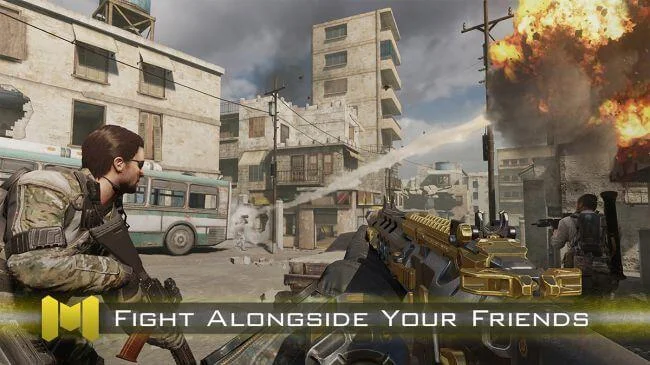
All modes support 10 players on each side, except for Free-for-all, which is limited to 8 players.
Recently, the developer has revealed that there will be a Battle Royale mode in Call of Duty Mobil e , but it will be different from what you already know in Black Ops. Before starting a match in this survival mode, you will have to choose to play in the first or third perspective. Matches will vary depending on the viewing angle selected.
Equip combat in Call of Duty Mobile
Call of Duty Mobile brings players powerful arsenal
The combat weapon in Call of Duty Mobile seems quite similar to its predecessor, including two main options - familiar sub-categories. Each weapon class has dozens of variants in each, so players will have a lot of options.
You can also get explosive grenades or smoke bombs along with a weapon skill. They are similar to the weapons used in Call of Duty: Black Ops 4. Currently, you can use the following equipment: Purifier (flamethrower), War Machine (grenade launcher), Death Machine ( minigun), Transform Shield (transformation shield), Sparrow (bow) and Tempest (firing gun).
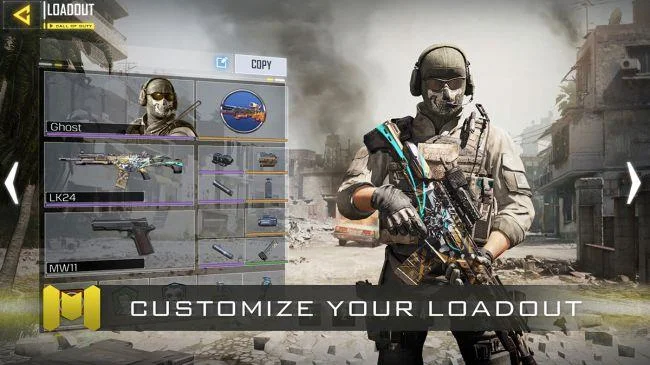
The favorite perk system is also back, allowing players to equip 3 combat tools at all times. In addition, you can save 5 sets of weapons at a time. Isn't that great?
Characters in Call of Duty Mobile
Meet many characters in the previous Call of Duty
Previous Call of Duty Mobile game fans will have 6 familiar faces to choose from before entering the match. Here is a complete list of these characters and the games they have appeared:
You can customize each character's costume as you like. A stress-free shooter that adds a bit of real fashion is not bad, is it?
Call of Duty Mobile promises to create a survival shooter craze on mobile. If you have ever loved this series or like to shoot, do not hesitate to register the game experience now.