Home
» Games
»
Tips and tricks for playing Star Trek Fleet Command you need to know
Tips and tricks for playing Star Trek Fleet Command you need to know
Star Trek Fleet Command opens a world of galaxies full of danger but also brings a huge source of treasure. The following article will give you tips, tricks and cheats to know when playing Star Trek Fleet Command.
How to take advantage of resources outside the stars depends on you and the crew members. You and many other commanders will join a new adventure in the legendary Star Trek. Welcome to the great mobile adventure in Scopely's Star Trek Fleet Command . There are countless things to admire, collect, fight and build as you travel in the MMO Star Trek game .
The following article will give you tips, tricks and cheat to know when playing Star Trek Fleet Command:
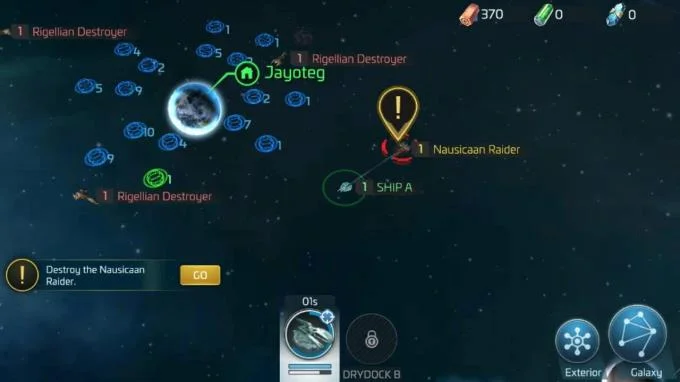
When you land on a planet in the solar system, look around and you will see that there are many factors that need to be handled, such as man-made ships, enemy ships, dense resource extraction areas. distinct. Some mining areas will run out of resources after a while. Opponents and enemy ships can crush you while your ship is active and disable it completely. Note, gamers can not challenge other players until reaching level 10. The next advice will support you until reaching that level.
Ship upgrades increase your chances of survival in many situations. Once there's plenty of spacecraft to deploy, maximize your catch by sending them to different galaxies. Concentrate for a while at the ship you want to put into combat and support the mining behavior. After completing the task with that ship, take the train to the space station to rest in a safe area. Then choose another spaceship and repeat the same work.
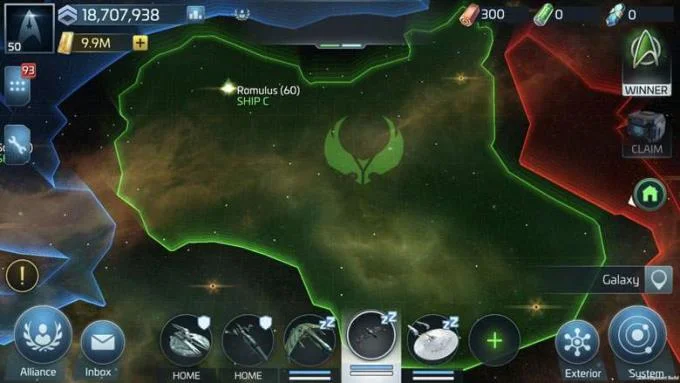
This process helps you discover new solar systems, collect more crates, and complete countless tasks in one play. Once you reach Player Level 10, this is the perfect time for you to take the strongest ship to explore, fight and exploit while the other ships are located at the base.
2. Choose a smart battlefield
When you explore every corner of the galaxy, you'll encounter countless enemy fleets, from small to your weaker ships. You simply need to touch one of the ships to see the prize after defeating them. You can also touch Scan at any enemies encountered to better understand what you are about to face.
Scan is best used when you are battling ships controlled by other players - You will need all the information about their crew, their weaknesses, their strengths. Tap the Missions icon (yellow exclamation mark) to get information about available combat missions. Focus on completing Combat Training Missions, you can get a lot of awards and get the necessary ship improvement resources.
A strong ship assigned to commanding officers should be fully equipped and upgraded to Tier level. When promoting the available Officers, assign the quest to Bridge for the strongest. For the weaker, put them in the Bridge team. After all, your best spaceship will unlock more Officer positions, meaning you can put more officers to increase the stats on it. Check each Officer's ability before assigning their duties on board. For example, you have a small ship located in the Attack area. Officers such as Instructor Spock, Nero, Komal, Kerla ... are excellent candidates for these types of ships.
3. Building and protecting bases on the galaxy (Starbase)
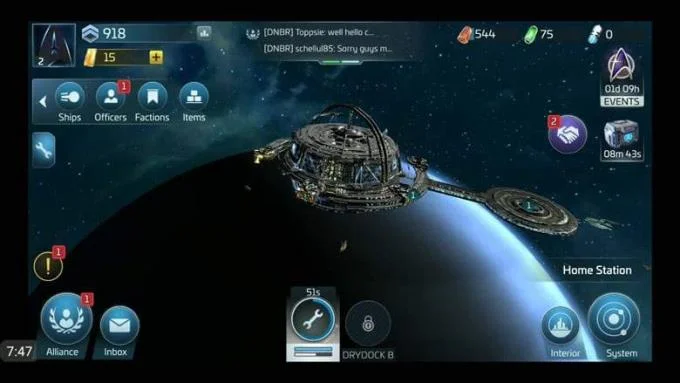
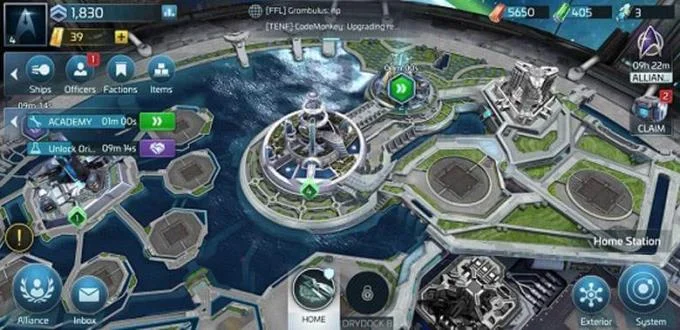
Your base in the Star Trek Fleet Command is called Starbase. After spending enough time completing missions, collecting chests, mining resources, you can pause to explore and return to the base. While restoring the ship or waiting for other instructions, explore inside / outside the base. Go to the Missions tab, you can see the base parts to build next.
You can use Speed Up widgets to complete building construction / upgrade tasks faster, but you should save them to speed up ship completion times and upgrade officers. Instead, ask the Alliance for help in situations like these. Next, go explore further and return to complete the task when the time for completion is 5 minutes. You can immediately complete any task when the time is less than 5 minutes.
When upgrading the base, you will have the opportunity to research the booster only in Combat, Station and Galaxy in Star Trek Fleet Command. You should do your best research in Combat area - Support from Combat Research will turn your ship into a formidable space army. The most important Research factor you should upgrade is the Galaxy discovery index booster.
You'll have to do a lot of exploring when upgrading the ship's Warp Engine, so you'll want to make sure you're well prepared for the bigger journey ahead. You need to pay a little attention to the Station Research upgrades after spending some resources on the previous two Research regions. Continue to build new base pieces so you can command more ships and unlock new Research topics in all 3 upgrade areas.
4. Create strong alliances with other players
An active Alliance will be invincible. When associated with an alliance, you will have many tasks related to the position in that Alliance. Please login regularly to complete Help Requests help requests from other players. You will also need to contribute resources to the goal so that the Alliance can gain AP and increase the overall level.
When the Alliance reaches a new level, the Alliance will have more resources. The maximum number of Alliance support members has also increased. If you access the Events menu, you can keep up with events to join as a Union member. Complete them to earn the most points possible with your teammates in the Alliance. The prize earned from the high scores in Daily Alliance events is completely commensurate with the effort you spend.
5. Complete daily goals
Star Trek Fleet Command provides detailed and extremely detailed daily task guide. The Missions tab always tells you the most important tasks to complete. In addition, it contains the Daily Goal submenu. Completing the main Missions in the game will give you the opportunity to interact with Fractions (Factions), help you receive favor or hate from them and unlock items in the Faction Store. Make a wise choice when you are on a mission so you can become the most desired person in the desired Faction.
You should complete every Daily Goal to get the total score needed if you want to collect all the boxes. You should also pay attention to the Events tab in daily service. Here, you'll find plenty of Daily and Daily Alliance events that limit the time to try. Finally, make it a habit to check the Gifts menu regularly to receive boxes that only appear for a limited time (10 minutes, 4 hours, 24 hours).
Above are the tips for playing Star Trek Fleet Command most effectively. Hope they are useful and help you become a legendary commander in Star Trek Fleet Command.