Netflix and the BBC Licence Fee: What UK Viewers Need to Check (November 2026 Guide)
Clarify whether Netflix viewers must pay the £180 UK BBC TV licence fee. Learn exact streaming exemptions, live TV broadcast rules, and how to declare status.
Verified November 28, 2026, at 20:02 UTC
To check for a cellphone setup fee, open the detailed version of your first bill after a new activation, device purchase or account change. Look under one-time charges or other charges and credits, then compare the line item with your order confirmation and the carrier’s current fee description. The label alone may not tell you whether a charge is for activating a plan, setting up a device, shipping or a SIM.
The CRTC’s recent Telecom Decision CRTC 2026-307 found specific device handling, device setup, and SIM/eSIM provisioning fees charged by Bell, Rogers and TELUS to be prohibited. It requires providers to stop charging prohibited fees by December 27, 2026. That does not identify every charge on an individual bill: check the description, date and circumstances, and ask the carrier to explain any unclear item.
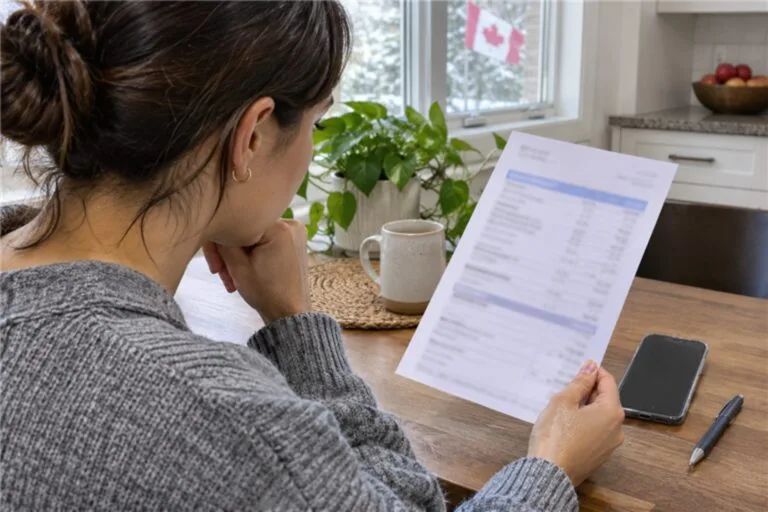
Sign in to your carrier account or app and open the PDF or detailed bill rather than relying only on the amount-due summary. The first bill after activation is a useful place to look, but a one-time charge can also appear on a later invoice depending on when the transaction was processed.
Search the itemized charges for terms such as “setup,” “device setup,” “device handling,” “connection,” “activation,” “SIM,” “eSIM,” “shipping,” or “one-time charge.” Note the exact wording, amount, tax and date. Check the line or subscriber it applies to if the account has multiple phone numbers. A monthly plan charge, device financing payment, prorated service charge or optional add-on is different from a one-time setup fee.
Bell says customers can view detailed bills in MyBell; its bill guide describes one-time fees under “Other charges and credits” and says customers can select an item for more detail. Rogers’ charge definitions describe its device setup charge as a one-time charge connected to an optional device purchase and list the types of setup help it covers. TELUS publishes a mobility fees page and notes that listed fees can change. Use the linked pages as descriptions to compare against your own bill, not as a substitute for checking the transaction date.
Gather the order confirmation, service agreement, receipt, activation date and any promotion or fee-credit offer. Check whether the charge was disclosed when you ordered, whether a promised credit appears on the same bill or a later one, and whether the description matches what you selected. A waived fee may show first as a charge and later as a credit, so review both sides of the bill and subsequent invoices before concluding the credit is missing.
There can be several distinct one-time costs around an activation. The CRTC’s Telecom Regulatory Policy 2026-43 defines activation or modification fees and describes limited exceptions, including reasonable physical installation and additional products or services a customer explicitly chose. A device purchase, optional help, shipping, replacement SIM or plan activation may therefore need to be assessed according to the specific charge and the applicable rule. Do not assume that every one-time charge is an activation fee, or that a different label settles the question.
Contact Bell, TELUS or Rogers through its account support or billing channel. Give the exact bill date, charge name, amount and phone line, and ask the representative to explain what the charge covers and how it relates to your order. If you believe it is a prohibited activation or modification fee, say so directly and request removal or a credit. Ask for a case or interaction reference and keep a copy of the response. If the carrier says a credit will arrive later, ask when to expect it and check the next bill.
If the carrier does not resolve the issue, the CRTC’s mobile bill help page says customers should make a complaint to the Commission for Complaints for Telecom-television Services (CCTS). Include the bill, supporting order documents, your contact with the carrier and the outcome you are seeking. The CRTC decision sets a December 27, 2026 compliance deadline; customers checking a charge before that date should document it and ask the provider how the decision applies to their account.
No. A bill may include prorated service, device payments, shipping, an optional product or other one-time items. Check the line-item explanation and the transaction that triggered it.
Use Bell’s one-time fees page, TELUS’s mobility fees page, and Rogers’ charge definitions. Fees and descriptions can change, so check the current page and your bill.
After raising the issue with your provider, you can submit a complaint to the CCTS. The CRTC directs customers there when a mobile billing issue cannot be resolved with the provider.
Clarify whether Netflix viewers must pay the £180 UK BBC TV licence fee. Learn exact streaming exemptions, live TV broadcast rules, and how to declare status.
Find the latest official vote count and confirmed winners for the Victoria election. Step-by-step guide to VEC portals, preference counts, and results.
Learn how to check official Gold Coast flash flooding warnings, track live road closures on the Disaster Dashboard, and protect your home and family safely.

Sainsbury’s uses Facewatch facial recognition in some stores. Learn how the system works, what the ICO says, and what to do if you are wrongly flagged.

A clear Inter vs Genoa guide to the Serie A matchup, confirmed lineups, tactical questions, head-to-head record, standings, and kickoff time.
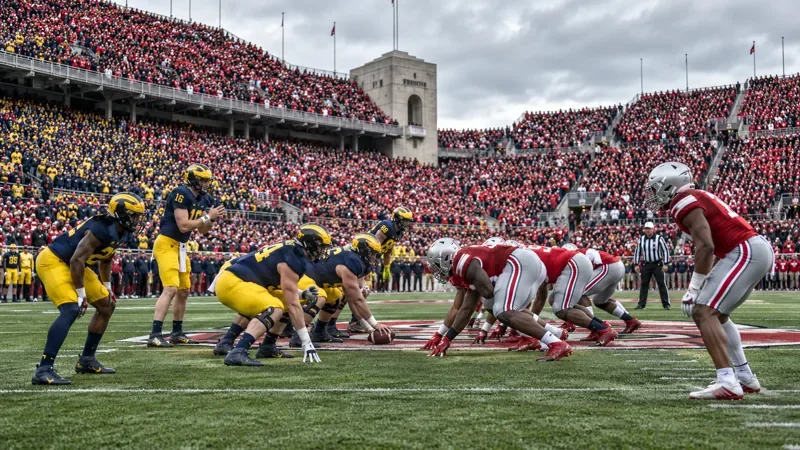
Ohio State beat Michigan 45–0 on Nov. 28 in Columbus, setting the rivalry’s largest winning margin. See the key plays, records, and context.

Alavés lead Real Madrid 1–0 at halftime in LaLiga Matchday 14. See who scored, first-half highlights, team form, and what to watch next.

Atlético Madrid beat Elche 3–2 at Martínez Valero on Nov. 28, 2026. See the key goals, match stats and what shaped this LaLiga matchup.
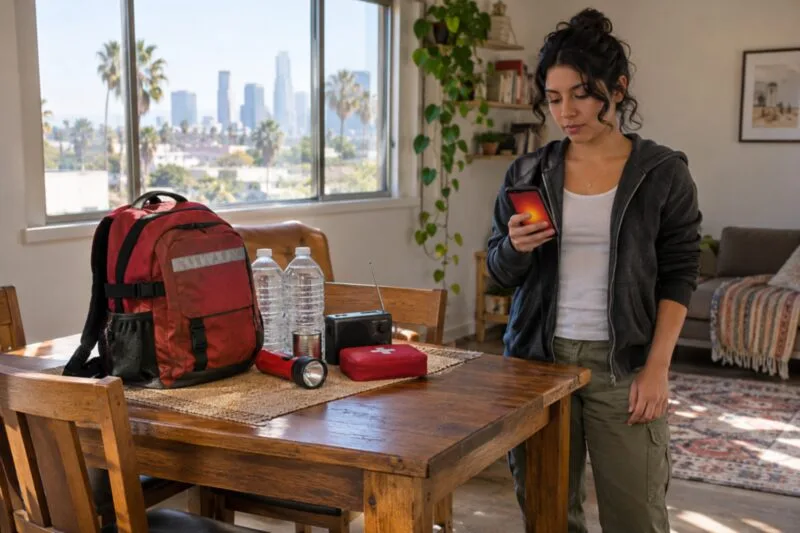
Check official LA earthquake updates through USGS and California alert channels. Learn what an alert can tell you and how to protect yourself during shaking.
Understand AI encryption and homomorphic encryption: how privacy-preserving machine learning evaluates sensitive data without plaintext exposure, key use cases, and current challenges.