Steam hosts hundreds of completely free-to-play titles that deliver hours of entertainment without any purchase required. The best free games on Steam range from competitive shooters to deep RPGs, giving players access to high-production experiences right away. This article covers standout options and walks through the exact process to locate and install them.
Why the Best Free Games on Steam Stand Out
Free games on Steam often receive regular updates from active developer communities, keeping content fresh long after launch. Many titles feature cross-platform play and large player bases, so matches start quickly even during off-peak hours. Popular picks include Dota 2 for strategic team battles, Warframe for fast-paced loot-driven missions, Destiny 2 for sci-fi co-op raids, Path of Exile for complex character customization, and Apex Legends for battle royale action. Each of these runs well on mid-range hardware and supports both solo and multiplayer modes.
Before diving in, confirm your PC meets the listed system requirements on each game's store page to avoid performance issues later. Steam also tracks playtime and achievements automatically, making it simple to compare progress across different free titles.
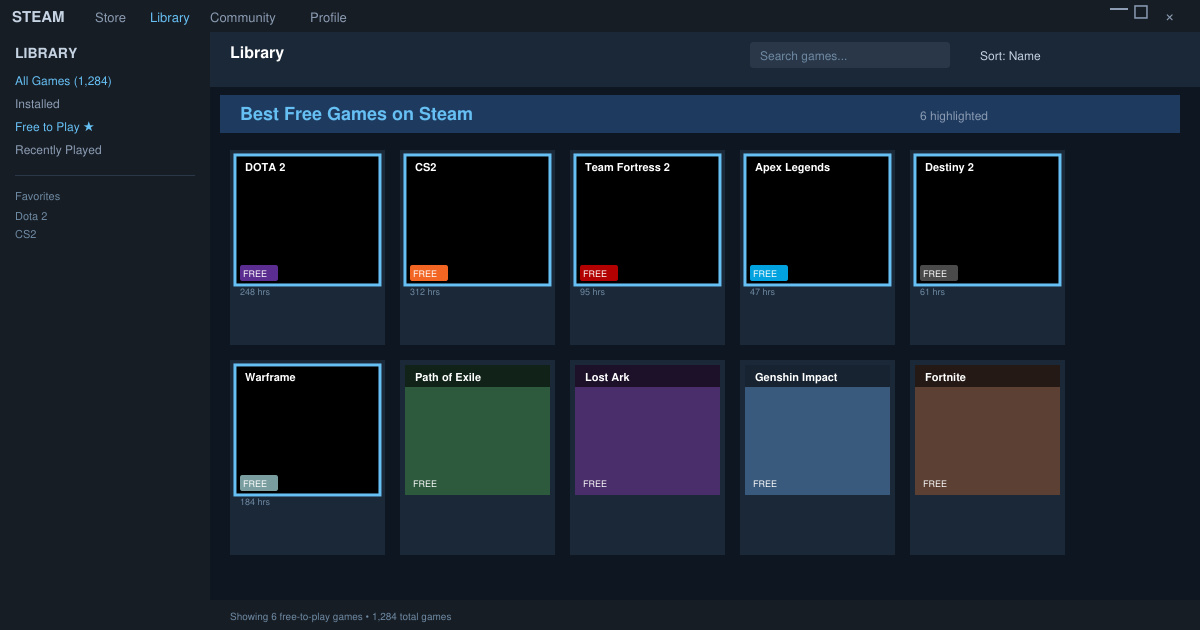
How to Download and Play the Best Free Games on Steam
-
Create or log into a Steam account
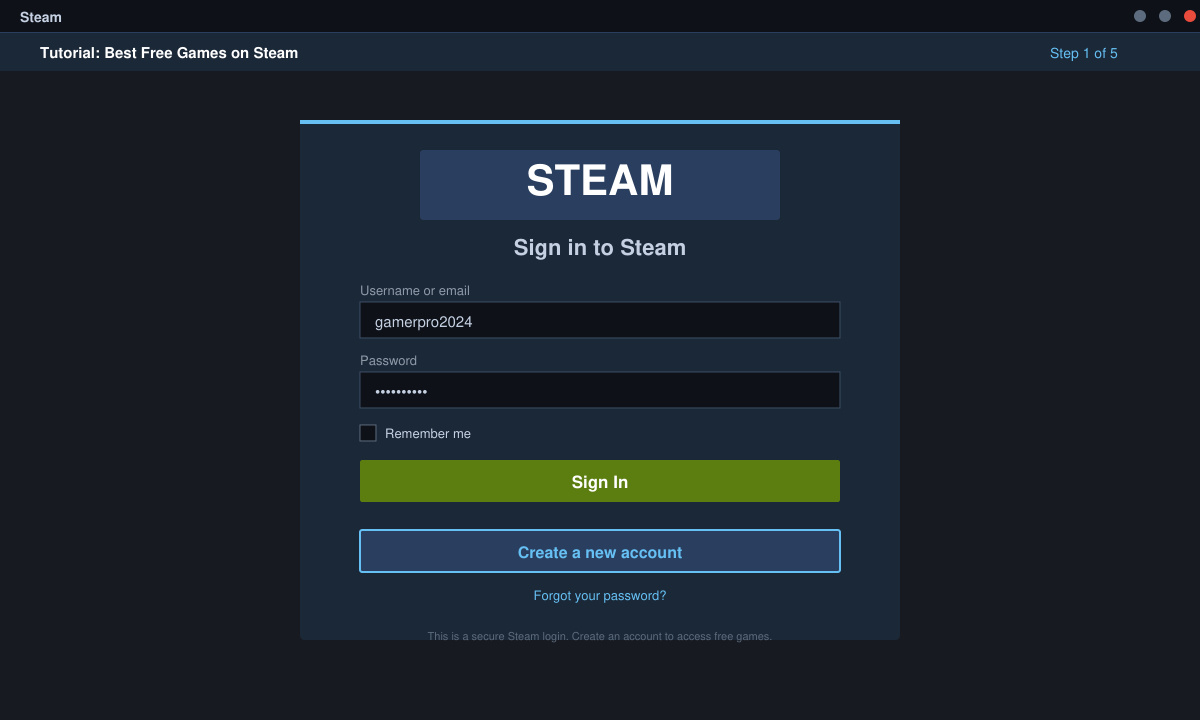
Visit store.steampowered.com in any browser or open the Steam desktop client. Click the green "Install Steam" button if you do not already have the application, then follow the installer prompts to finish setup. Once running, select "Login" and enter your existing account details or create a new free account using an email address.
-
Browse the free section in the Steam store
From the top navigation bar choose Store, then click the "Free to Play" filter on the left sidebar. Sort results by "Top Rated" or "Most Played" to surface the best free games on Steam. Use the search bar to locate specific titles such as "Dota 2" or "Warframe" directly.
-
Add a game to your library and install it
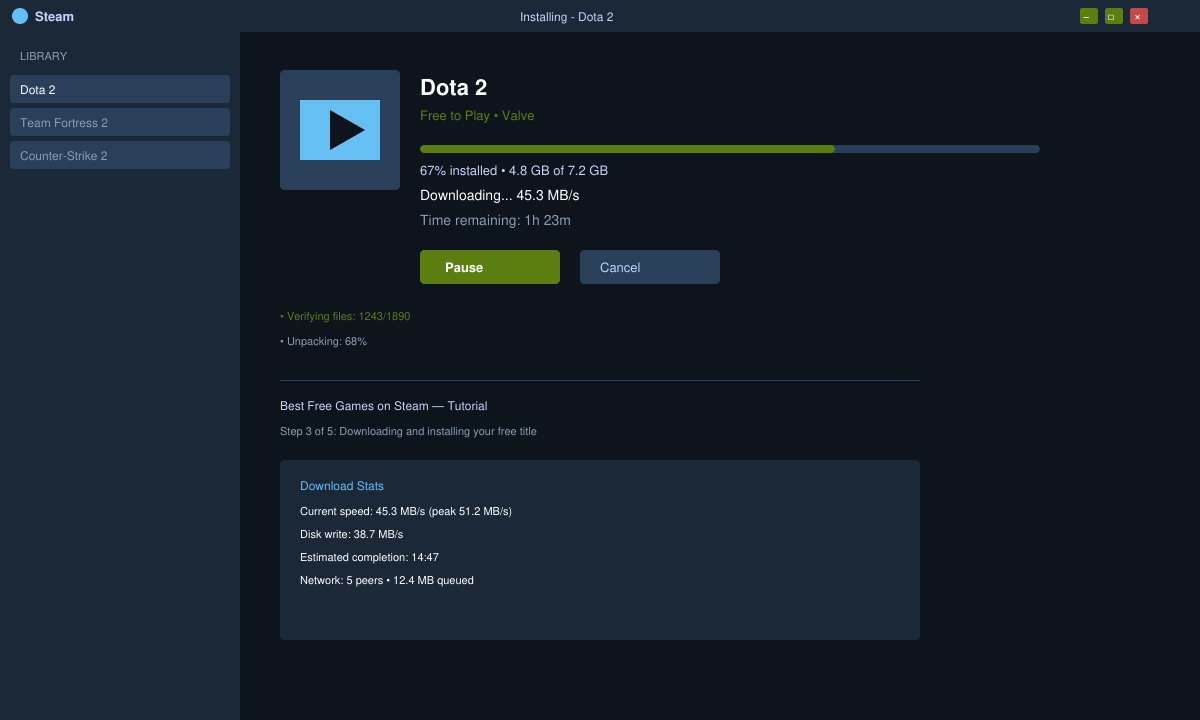
Click the large green "Play Game" or "Add to Library" button on any free title's store page. The game immediately appears in your library under the Games tab. Right-click the entry and select Install to begin downloading; Steam shows real-time progress and required disk space.
-
Launch the game and adjust settings
Once the download completes, click Play from your library. On first launch, the game often runs an additional update and graphics configuration wizard. Choose your preferred resolution and graphics preset based on your hardware, then create a new character or profile to start playing.
Practical Tips for the Best Free Games on Steam
Always review the "Free to Play" tag and any in-game purchase warnings before installing to understand monetization. Disable automatic background downloads in Steam settings if you have limited bandwidth. If a game fails to launch, verify integrity of game files by right-clicking the title in your library, selecting Properties, then Local Files. Many free titles also offer controller support that can be enabled in the game's own options menu rather than Steam's overlay.
Keep an eye on seasonal events and limited-time rewards that appear in the best free games on Steam, as these often provide exclusive cosmetics or progression boosts. Finally, join the official Discord or subreddit communities listed on each game's store page for build advice and group-finding help.
Frequently Asked Questions
Do all best free games on Steam require a constant internet connection?
Most online-focused free titles need an active connection for matchmaking and anti-cheat, but a few single-player experiences allow offline play after the initial download.
Can I play the best free games on Steam with friends who use different platforms?
Many titles such as Destiny 2 and Apex Legends support cross-play between PC, PlayStation, and Xbox users once you link the appropriate accounts inside the game settings.
Is there a limit to how many free games I can keep in my Steam library?
Steam imposes no limit on the number of free-to-play games you can add and keep installed simultaneously.
Conclusion
Exploring the best free games on Steam gives immediate access to polished experiences that continue to receive content updates. Follow the steps above to quickly build a varied library and start playing today.







