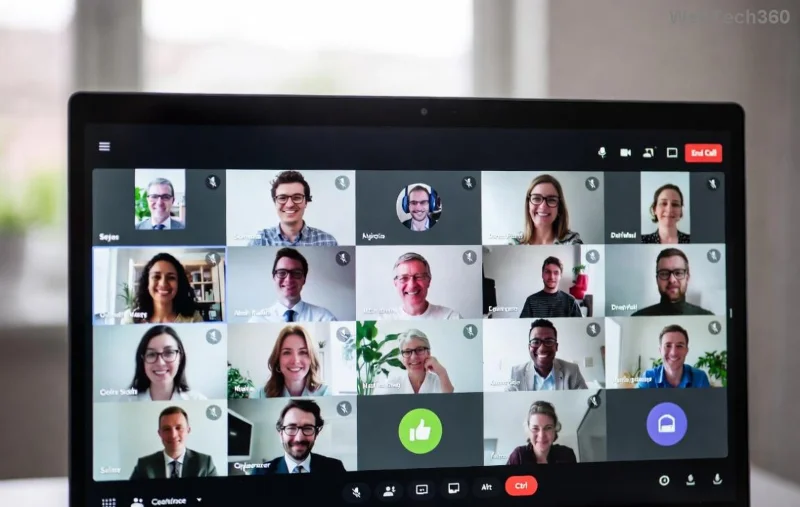
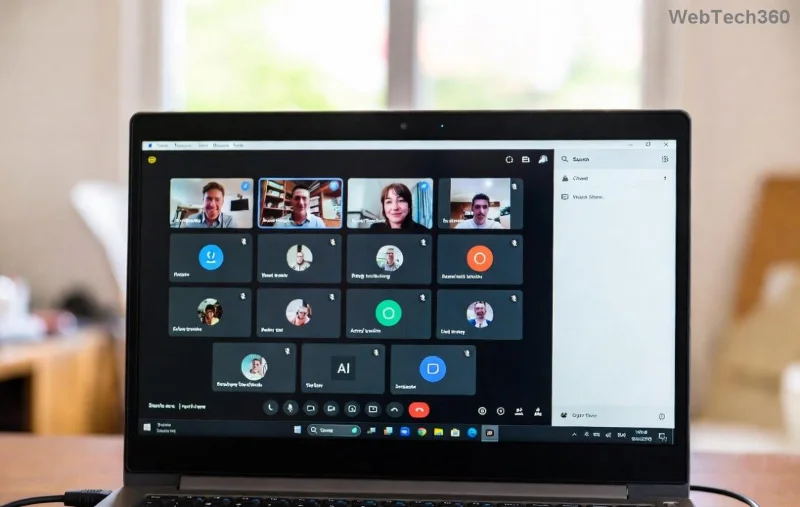
Imagine transforming chaotic virtual meetings into focused, productive discussions. Breakout rooms in Microsoft Teams make this a reality, enabling small-group collaboration while keeping everyone engaged. Whether you're hosting workshops, training sessions, or team brainstorms, mastering these features boosts participation and yields actionable outcomes. Ready to level up? Let's dive into actionable best practices for breakout rooms in Microsoft Teams that deliver results. 🚀
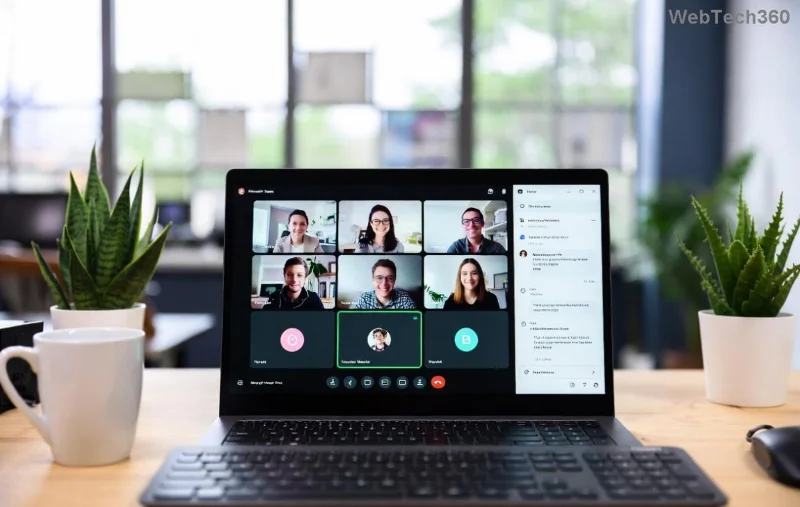
1️⃣ Plan Ahead: Set the Foundation for Success
Success starts before the meeting. Pre-planning ensures smooth execution and minimizes disruptions.
- Define clear objectives: Decide what each breakout room will achieve—brainstorming, problem-solving, or feedback?
- Pre-create rooms: In the Teams calendar, schedule and configure rooms in advance via Meeting options > Breakout rooms.
- Assign participants strategically: Use attendee lists to group by role, skill, or diversity for balanced dynamics.
Pro tip: Share the agenda with room assignments via chat beforehand. This builds anticipation and reduces confusion. ✨
2️⃣ Master Setup and Configuration
Get the technical side right to avoid hiccups. Here's how to configure Microsoft Teams breakout rooms flawlessly:
| Feature |
Best Practice |
Why It Matters |
| Number of Rooms |
Limit to 4-8 per session (up to 50 supported) |
Prevents overload; fosters intimate discussions |
| Timer |
Set 10-30 minutes; enable notifications |
Keeps momentum without rushing |
| Return to Main |
Allow self-return or force recall |
Controls flow and ensures timely regrouping |
| Room Limit |
Enable to cap per room (e.g., 6-10 people) |
Optimizes interaction; avoids overcrowding |
During the meeting, access via the Breakout rooms icon in the toolbar. Choose auto, manual, or random assignment for flexibility. 👍
![Microsoft Teams breakout room timer and management controls]()
3️⃣ Engage Participants Like Never Before
Empty rooms kill energy. Ignite participation with these engagement boosters:
- Provide clear instructions: Pin a note in each room's chat with tasks, roles, and goals. Example: "Discuss top 3 solutions; nominate a spokesperson."
- Share resources upfront: Upload shared OneNote pages, whiteboards, or polls to room chats.
- Encourage ownership: Let groups rename their rooms for fun and identity (e.g., "Idea Stormers").
- Monitor discreetly: As host, hop between rooms silently first, then join actively to facilitate.
Watch engagement soar—participants feel empowered, leading to richer insights. 😊
4️⃣ Manage Dynamics and Handle Challenges
No plan survives contact unchanged. Be ready to adapt:
- Rotate participants: Use "Add/remove participants" to swap for fresh perspectives mid-session.
- Handle stragglers: Auto-move late joiners or assign manually.
- Address tech issues: Remind everyone to check mic/camera; test in advance.
- Open rooms for observers: Invite co-organizers or guests to visit without disrupting.
For larger events, use the official Teams guide for advanced controls.
![Participants collaborating in a Microsoft Teams breakout room]()
5️⃣ Debrief and Capture Value
The magic happens post-breakout. Regroup effectively:
- Recall all to main room: Announce 2-minute warnings via notifications.
- Structured sharing: Use a round-robin or volunteer spokespersons; limit to 2 minutes each.
- Document outcomes: Assign a scribe per room to copy chat/OneNote to main session.
- Follow up: Email summaries with action items immediately after.
This turns discussions into decisions, ensuring lasting impact. 🎉
Advanced Tips for Power Users
Take it further with these gems:
- Integrate with Microsoft Whiteboard for visual collaboration in rooms.
- Use Power Automate for automated room assignments based on forms.
- For education, enable student-created rooms (requires Teams for Education).
- Record main sessions only—breakouts aren't recorded for privacy.
Experiment in test meetings to build confidence. Your teams will thank you!
Common Pitfalls to Avoid ❌
| Pitfall |
Fix |
| No pre-communication |
Send agenda 24 hours early |
| Uneven group sizes |
Manual assignment + limits |
| Forgotten debrief |
Schedule 15 minutes |
Why Breakout Rooms in Microsoft Teams Transform Meetings
Teams' latest updates enhance reliability with better mobile support, seamless switching, and AI-assisted summaries (via Copilot in eligible plans). Implement these best practices, and you'll see higher satisfaction, innovative ideas, and stronger teams. Start your next meeting smarter—your participants are waiting to shine!
Ready to try? Schedule a test session today and share your wins in the comments. What's your top breakout room tip? 👇