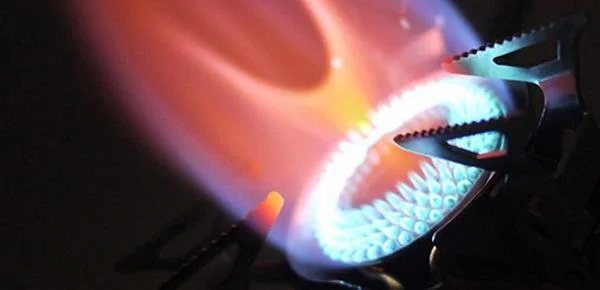
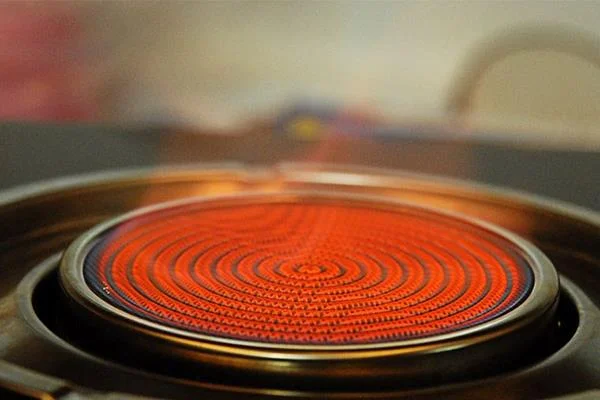
Gas stove is a popular household appliance of many families. But when going through a long period of use, a red flame will appear. When the kitchen has this phenomenon, you will feel worried about safety when using. So what is the cause and how to overcome it? Please rest assured WebTech360 will guide you how to repair gas stove at home is extremely simple but with unexpected results.
The burner is dirty.
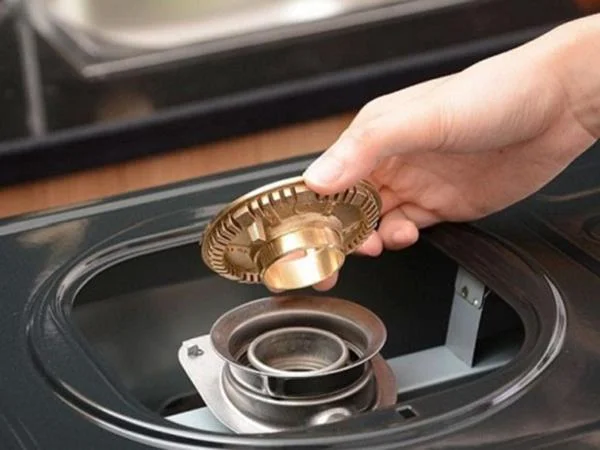
When you cook food, it will accidentally spill grease and cause the burner to dirty, causing the burning gas to have red flame. The burner is the place that determines the flames of the gas stove, so you need to clean the gas stove after each cooking. Use a gentle brush to remove grease and dirt on the burner, the situation will be significantly improved. Clean gas stoves will also create a sense of relaxation when you cook.
The burner is dirty.
Because the gas did not burn off.
The area of the kitchen space has a great influence on the stability of the gas burning. Less oxygen in the kitchen will prevent the gas from being fully burned, lost out, leading to a red fire, causing waste of gas to be released into the environment and possibly harmful or fire and explosion. You need to adjust the flame accordingly so that the flame is green to save gas and the cookware does not burn black.

Because the gas did not burn off.
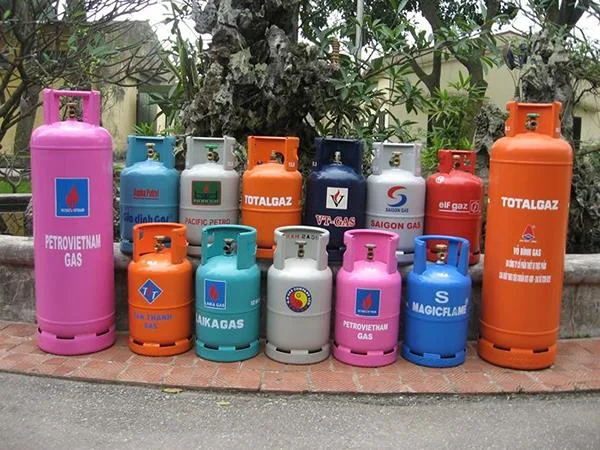
Gas cylinders contain many impurities.
This is also the reason why the gas fire turns red. You should choose reputable gas companies that are easy to use because there are many unsafe gas mixing phenomena on the market today. This will ensure the safety of family members, increasing the life of the kitchen.

Gas cylinders contain many impurities.
The bottom of the pot is dirty.
Gas appears red fire sometimes not due to the stove but the bottom of the pot with dust, cooking oil ... When the flame comes in contact with these substances, it turns red. So it is necessary to regularly clean the pot. The pot is clean, the food is delicious and nutritious.

The bottom of the pot is dirty.
Foreign matter in the gas pipe.
If you have checked all of the above reasons and the gas is still red, the cause may come from the gas pipe. You need to bring the gas stove to warranty or call a mechanic to fix it, you should not repair it yourself because it will cause more dangerous problems.
The above are the causes and remedies for the red flame gas phenomenon. If you have applied all the methods and still does not work, you should buy a new gas stove.