
Leftover Halloween Candy and Pumpkins: What to Do Next

Sort leftover Halloween candy safely, share or repurpose sealed treats, and choose food use or compost for pumpkins based on their condition.
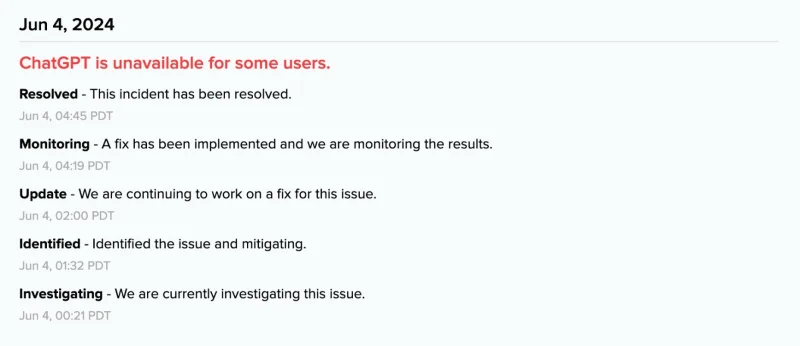
According to OpenAI's system status page, ChatGPT is currently down for a small group of users, many of whom are unable to use the Android mobile app or other services.
[Update 10:47] OpenAI said:
We experienced a major outage affecting users on all ChatGPT plans. The impact included all ChatGPT-related services, but did not include platform.openai.com or the API. The issue began on June 4 at 2:15 PM (GMT) and was resolved on June 4 at 5:01 PM (GMT).
All ChatGPT based applications and services should now work as expected.
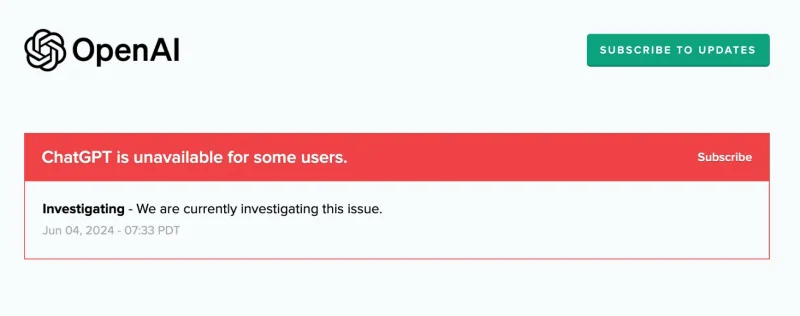
[Update 08:48] : OpenAI experienced another outage that affected many users, although the system was restored shortly after. This extended outage has been under investigation since 07:33 PDT, but no resolution has been found yet. OpenAI is “currently investigating this issue.”
[Update 05:17] : According to OpenAI, ChatGPT is no longer down and all services are up and running as of 04:45 a.m. PDT, noting that “the issue has been resolved.” No further details were shared about what may have caused the outage or the issues many people are experiencing. However, users can now access ChatGPT across all of its platforms without issue.
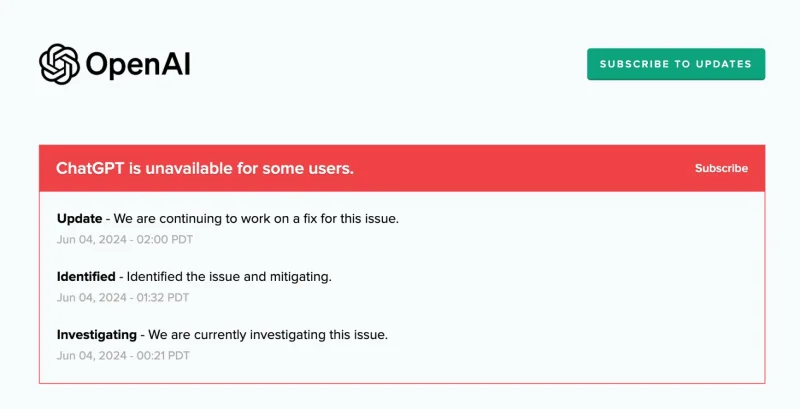
[Update 02:00] : The status has been updated again to confirm a “Major Outage” for the ChatGPT service. “We are continuing to work on this issue” is the only update shared at this time.
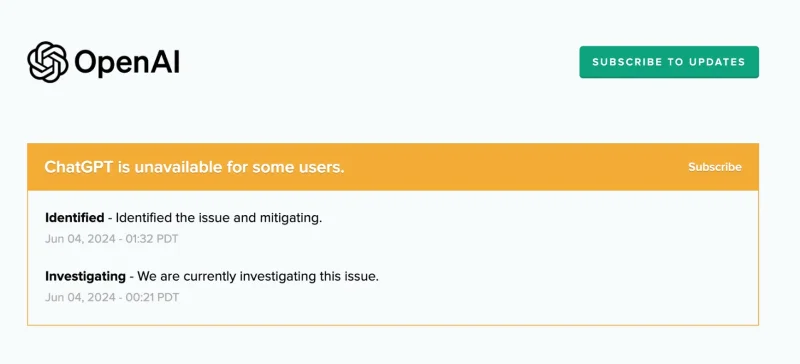
[Update 01:31] : OpenAI has identified issues affecting the service and according to the live platform status page, they are being “mitigated”. Hopefully this will restore access in the coming hours.
The outage began early Tuesday, 00:21 PDT, with multiple complaints on X (formerly Twitter) about being unable to launch chatbots from Chrome. However, the issue seems to be most concerning on mobile devices. The ChatGPT Android app is stuck at the login screen, suggesting the outage isn't limited to one platform. According to DownDetector, the most reported issues are with ChatGPT, not the website or app:
If connected, an “Internal Server Error” error will appear when trying to perform searches and ask questions. Paid subscribers are also experiencing connectivity issues. It is worth noting that ChatGPT is not down for all users. In some cases, users can still use the service as usual. In a quick test, it was still possible to log in with Google. But after logging in, some queries are slow and there are some illusions.
For example, when asking for “recent England match summary”, the system initially took over 2 minutes to respond and the results were extremely outdated, while this information was accurately retrieved on other AI-based platforms.
OpenAI's status page currently states that “ChatGPT is unavailable for some users” and that they are “currently investigating this issue .” At this stage, there are no further details on how long the ChatGPT service might be down.
The most recent major outage was on May 23, when the service went down for more than eight hours. Despite that, OpenAI had a 99.67% uptime rate over the previous 90 days.
Sort leftover Halloween candy safely, share or repurpose sealed treats, and choose food use or compost for pumpkins based on their condition.
Compare workplace Halloween costume choices by respect, dress code, mobility, and safety—and learn when a subtle accessory or a policy check is the better option.
Find a couples costume that fits your style, budget, and comfort level, from Addams Family classics to original inside-joke duos.
Need a last-minute high school Halloween costume? Compare 10 easy closet-based ideas by prep time, comfort, school-day practicality, and simple safety checks.
Use a simple 2026 Halloween decorating timeline for indoor décor, outdoor displays, and fresh pumpkins, with practical adjustments for weather and events.
Mix five vivid, approachable Halloween cocktails with measured recipes, simple prep tips, and an alcohol-free option for your party guests.
Find 15 office-friendly Halloween costume ideas for 2026, with practical checks for dress codes, respectful themes, comfort, and workplace safety.
Plan a fun elementary school Halloween party with easy crafts, games, inclusive treats, costume tips, and a sample 75-minute classroom schedule.
Compare realistic side hustles for 2026 by startup cost, fees, flexibility, and income control, with current tax and scam guidance from official sources.
Upgrade your home office ergonomics with current OSHA and NIOSH guidance on chair fit, monitor height, laptop setup, lighting, and movement.








