Leftover Halloween Candy and Pumpkins: What to Do Next

Sort leftover Halloween candy safely, share or repurpose sealed treats, and choose food use or compost for pumpkins based on their condition.
A daily plan is the foundation for your success, but even the best intentions can lead to frustration if you make the following mistakes.
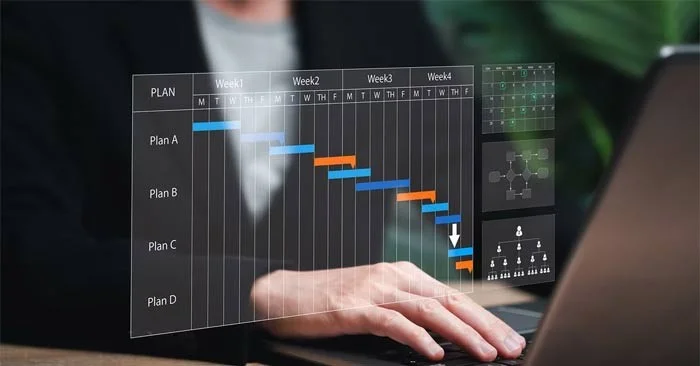
Mistakes to Avoid When Planning Your Day
When you start planning your day, it’s a mistake to “dump” everything into one long list without categorizing the tasks. For example, your daily writing task sits right next to your daily chores, which then sits next to your language learning task. It’s no surprise that this lack of structure quickly leads to feeling overwhelmed.
Categorizing tasks gives you a clearer overview of what needs to be done in each area of your life. You can easily write categories as headings on a paper to-do list, and some of the best to-do list apps offer categorization, such as Things 3 or TickTick .
Many people think that being productive means trying to get as much done as possible in a day. But overloading your to-do list only makes you more stressed and exhausted, with a growing sense of failure because you never get everything you planned done.
Too many tasks on your to-do list creates a vicious cycle because you will always find more to do. So, keep it simple and start by choosing a maximum of three big tasks per day. If you later find that you have more capacity, you can always adjust your plan.
Rigid routines are often established with good intentions, but they rarely survive real-life disruptions. Surprises are a part of life, so flexibility is essential to making life easier in modern society.
Even if something important doesn't interrupt you, you shouldn't jump straight from one task to another; your brain needs time to rest and recharge.
Focusing on low-priority tasks may feel productive, but it rarely moves you closer to your goals. Superficial activities like constantly checking email or completing small administrative tasks provide a false sense of accomplishment while distracting from meaningful progress.
Checking low-priority tasks off your to-do list may make you feel productive, but a few hours of deep work is much better for moving you forward. So when planning your day, set priorities first. Most to-do list apps, including Todoist and TickTick, offer some sort of prioritization feature.
If you spend a lot of time on administrative tasks, look for things you can automate. For example, you might want to invest in task management software that automatically moves cards around when a task is completed.
The harsh truth is that your productivity tools mean nothing without a strong system. Sometimes the most common ways of doing things just won't work for you. You have to experiment and find what works.
Try different productivity tactics for 3–4 weeks to see how they work. Once you find something that works, you’ll be able to stick with it long term.
Sort leftover Halloween candy safely, share or repurpose sealed treats, and choose food use or compost for pumpkins based on their condition.
Compare workplace Halloween costume choices by respect, dress code, mobility, and safety—and learn when a subtle accessory or a policy check is the better option.
Find a couples costume that fits your style, budget, and comfort level, from Addams Family classics to original inside-joke duos.
Need a last-minute high school Halloween costume? Compare 10 easy closet-based ideas by prep time, comfort, school-day practicality, and simple safety checks.
Use a simple 2026 Halloween decorating timeline for indoor décor, outdoor displays, and fresh pumpkins, with practical adjustments for weather and events.
Mix five vivid, approachable Halloween cocktails with measured recipes, simple prep tips, and an alcohol-free option for your party guests.
Find 15 office-friendly Halloween costume ideas for 2026, with practical checks for dress codes, respectful themes, comfort, and workplace safety.
Plan a fun elementary school Halloween party with easy crafts, games, inclusive treats, costume tips, and a sample 75-minute classroom schedule.
Compare realistic side hustles for 2026 by startup cost, fees, flexibility, and income control, with current tax and scam guidance from official sources.
Upgrade your home office ergonomics with current OSHA and NIOSH guidance on chair fit, monitor height, laptop setup, lighting, and movement.








