


Desk Decorating Ideas for a Spooky Office Cubicle

Create a spooky office cubicle with Halloween desk decor ideas that keep your workspace usable, tidy, and mindful of workplace safety.
Teamfight Tactics (TFT) Season 14 with the Cyber City theme will launch on April 2, 2025, bringing a futuristic world with factions fighting for control. There will be a new mechanic called "Hacks," which randomly changes elements like core selection, shops, and the market round, creating surprises in every match.
The new clan features may be related to high technology and cyborg upgrades, which are suitable for the Cyber City setting. At the same time, there will be clans related to "games of chance", making players feel excited when experiencing. If you do not have an account and do not know where to download the PBE version, please scroll down a little more so we can guide you to download TFT PBE and register for a DTCL PBE account.
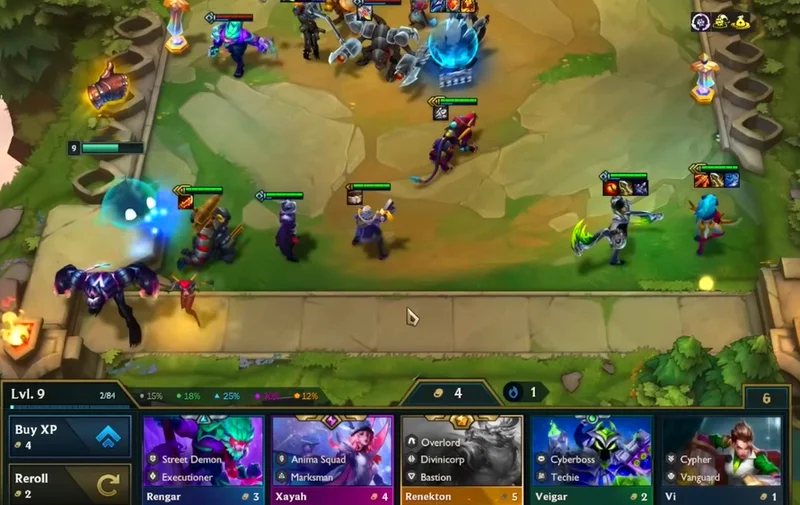
Table of Contents
Step 1: Access the registration link to download the LMHT PBE version below, select SIGN UP FOR PBE. If you already have a LOL PBE account, skip this step and scroll down to select the LOL PBE download link. Select Windows if you are using Windows operating system and Mac OS if you are using Macbook, iMac or other macOS devices.
Link to register PBE LOL account
Step 2: Fill in your email before you write your username and password, after filling in your email, select the arrow below to go to the next step.
Step 3: Enter your username and password, then Next.
Step 4: Finally, confirm your account and password one last time before creating a LOL PBE account.
Step 5: If you already have a previously created LOL PBE account, please select the download link below and skip it.
Link to download the League of Legends trial version
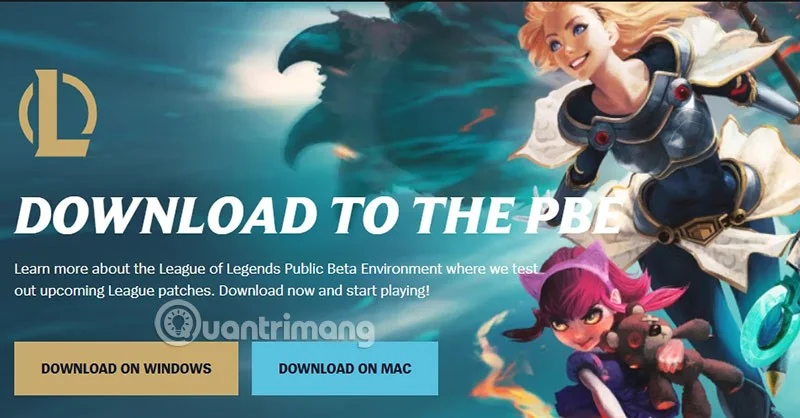
And choose one of the two operating system versions you are using to download LOL PBE corresponding to that version.
Step 6: The PBE server installation file will be downloaded immediately after that and it has the name as below.
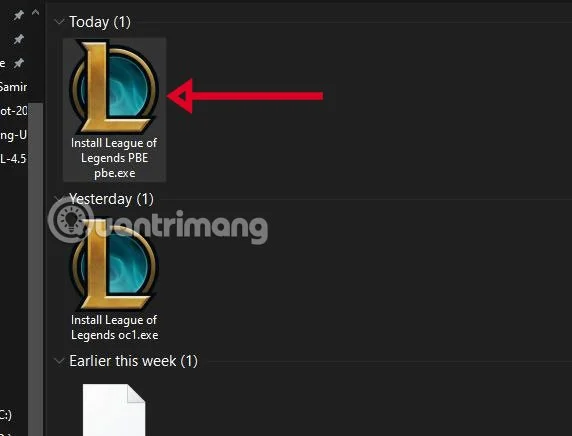
Step 7: Click Install to install LMHT test server according to the default path, but if you want to change the installation folder, select Advanced Options .

Step 8: Select the path, click OK > Install.
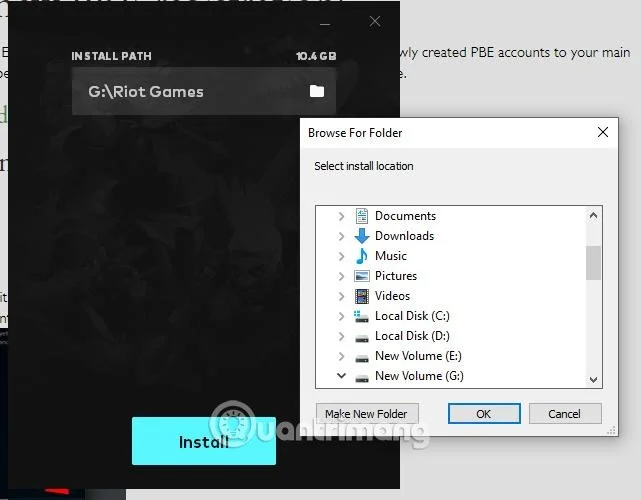
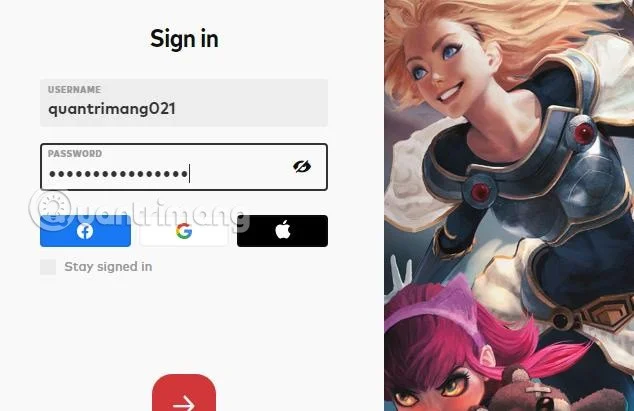
Step 9: Next, log in to your newly created PBE account and wait for the game to complete installation.
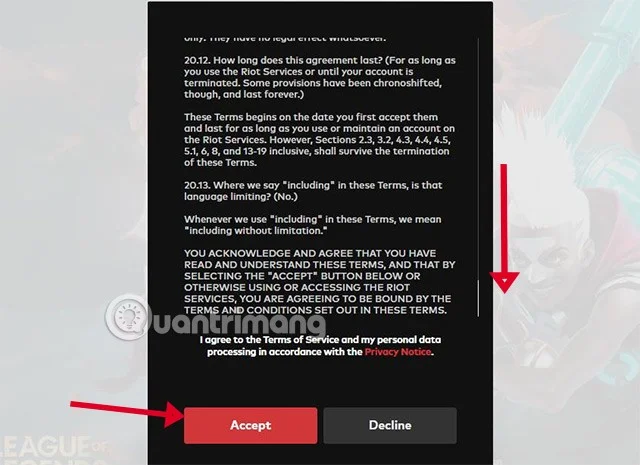
Step 10: Scroll down on this message and select Accept.
Step 10: That's it, you have completely installed the trial version of LMHT, DTCL.
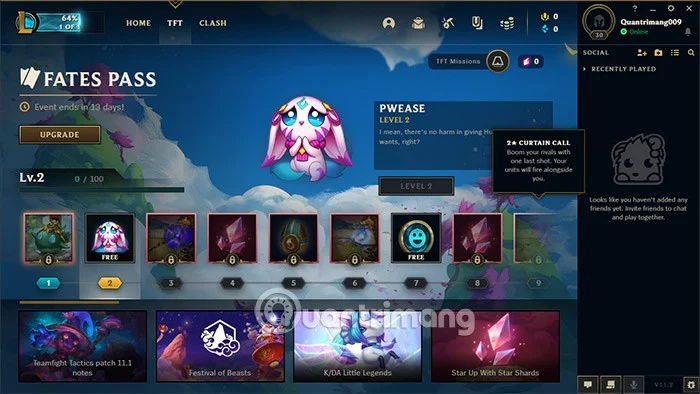
Step 11: Pay attention to the version corner, if it is PBE then the version will definitely be higher than the current official server version.
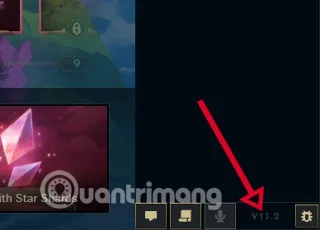
Step 12: Now go into the game and "appraise" the new content.
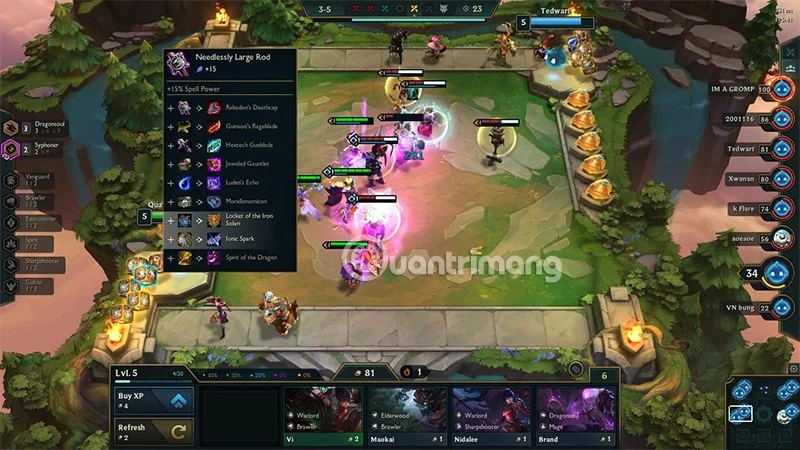
Teamfight Tactics Season 14, titled Cyber City, will take players into a futuristic city where factions compete for control. Launching on April 2, 2025, the season promises to bring a lot of innovation, including new gameplay mechanics and a champion roster that fits the high-tech theme.

One highlight of Cyber City is the "Hacks" mechanic, which allows for random changes to core gameplay elements. This can affect the choice of tech upgrades, store content, items from Loot Gems, granting exclusive tech cores from previous seasons, or having to choose between a strong boost and having to choose between two weaker boosts at once. This mechanic creates variety and surprises, requiring players to be more flexible in their tactics.

This season is expected to introduce new classes and focus on technology and cyborgs, such as the ability to hack or upgrade technology. We will still have 60 champions with 13 1- and 2-cost champions, 12 3-cost champions, 13 4-cost champions, and 8 5-cost champions.
Kobuko continues to accompany players but will cost 5 gold, a general not too unfamiliar to LMTH players is Rhaast, the Darkin version of Kayn appears separately for players to experience.
Cyber City also brings improvements such as the official Double Up mode, with support for friend queues, and the Teamwork Cannon feature, which allows sending heroes and items to teammates in-game. The PvE mode Tocker's Trials is also updated, bringing a fresh experience.
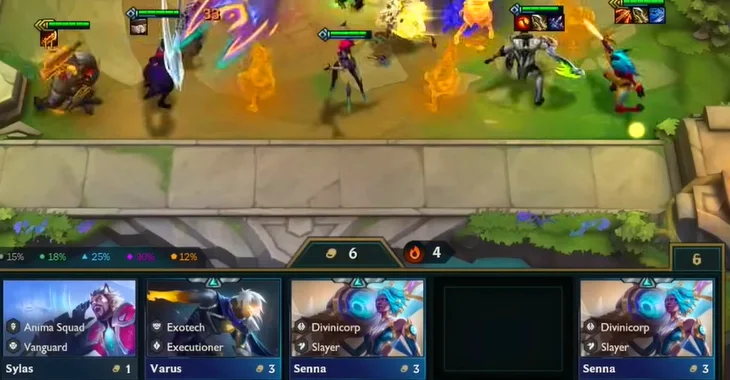
With the combination of Hacks mechanism, new races and generals, and improvements to game modes, Cyber City season 14 promises to bring a rich and surprising tactical experience. The official version is expected to be updated to the server on April 2, before that the PBE server will welcome this version on March 19.
If you encounter the Failed to Connect error as shown in the image below, click Cancel and use some IP "fake" software to fake the IP to another country like Thailand for example and log in again.
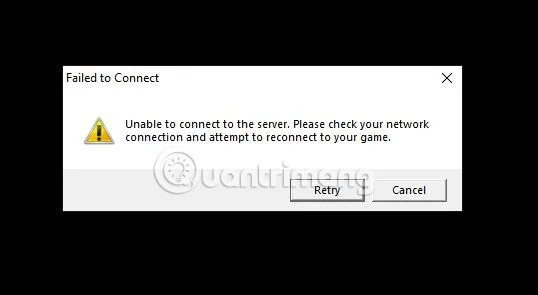
Re-entering the game may result in a slightly higher ping, so please wait another day or two to see if the server fixes this connection issue.
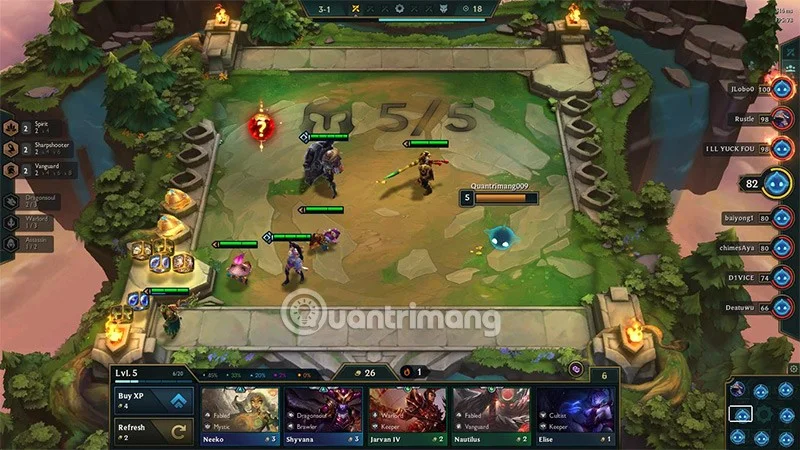
Because the PBE server is located in North America. If you are not playing from the North American region, you may experience higher ping than usual. Depending on the region, the ping will be high or average. If you experience too high ping, it may affect the player's experience.
The answer is yes, we will experience new content but maybe when it is put on the official server. Riot Games will change those parameters again to match the comments and reviews of players when experiencing this new content on the test server.
The number of players in the PBE server will be smaller than the regional servers, so queuing up to create a match will take longer. At the same time, players will also have to face players of different levels.
League of Legends developers will monitor all reported behavior on the PBE. Any player found to be using cheats or engaging in inappropriate behavior will receive the same penalties on the PBE as on the live server.
And if you get banned on one server, you'll get banned on the other. If a player repeats their behavior on the PBE, they'll be permanently banned from the PBE without any warning or chance to appeal.
You can report a cheater through the client if you spot any cheating behavior. Or you can report after the match if you forget.
PBE (short for Public Beta Environment) is a server focused on testing. Where the latest updates are always updated early for gamers to experience and detect bugs.
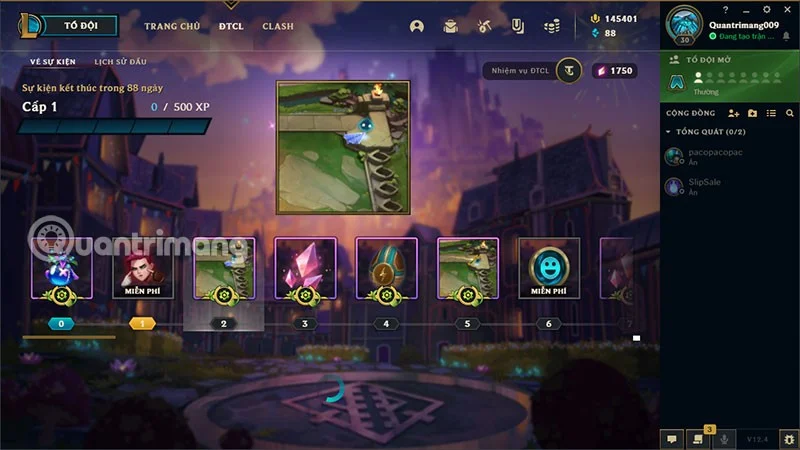
This allows Riot Games to fix any bugs once the update is released to live servers. This is an invaluable resource for Riot, as public testing saves time and resources and gives gamers the latest content to experience.
Players will receive an amount of 3000RP every day, allowing players to buy champions, skins, items, accessories, treasures, emotes, icons, tournament tickets, etc. in LMHT and arenas, pets, power, emotes in DTCL. These are all the latest content that gamers will
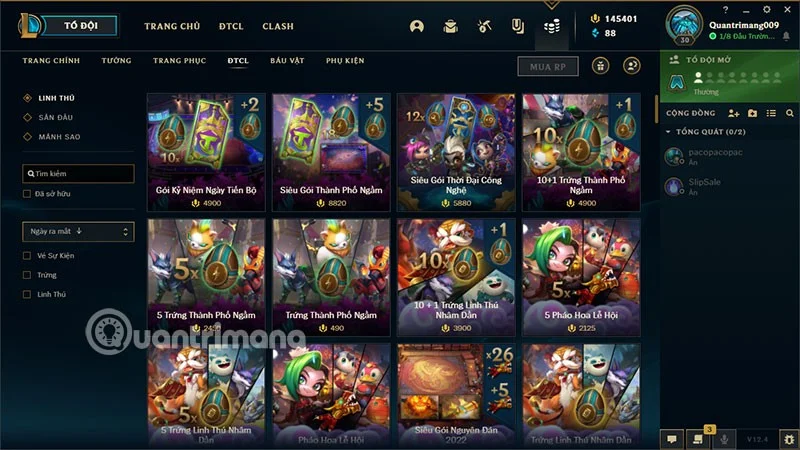
While not necessarily intended for the test server, it allows players to purchase and try out the latest skins on the PBE server and see if they like what they buy before deciding to buy it on the official server.
This can be a valuable tool for making an informed purchase without regrets. Players can report errors at any time.
Create a spooky office cubicle with Halloween desk decor ideas that keep your workspace usable, tidy, and mindful of workplace safety.
Plan a recognizable Halloween 2026 look with pop culture costumes inspired by Spider-Man, Supergirl, Toy Story 5, Moana, Mario, and Wednesday.
Sort leftover Halloween candy safely, share or repurpose sealed treats, and choose food use or compost for pumpkins based on their condition.
Compare workplace Halloween costume choices by respect, dress code, mobility, and safety—and learn when a subtle accessory or a policy check is the better option.
Find a couples costume that fits your style, budget, and comfort level, from Addams Family classics to original inside-joke duos.
Need a last-minute high school Halloween costume? Compare 10 easy closet-based ideas by prep time, comfort, school-day practicality, and simple safety checks.
Use a simple 2026 Halloween decorating timeline for indoor décor, outdoor displays, and fresh pumpkins, with practical adjustments for weather and events.
Mix five vivid, approachable Halloween cocktails with measured recipes, simple prep tips, and an alcohol-free option for your party guests.
Find 15 office-friendly Halloween costume ideas for 2026, with practical checks for dress codes, respectful themes, comfort, and workplace safety.
Plan a fun elementary school Halloween party with easy crafts, games, inclusive treats, costume tips, and a sample 75-minute classroom schedule.








