Home
» Games
»
Instructions for playing Hay Day game for beginners
Instructions for playing Hay Day game for beginners
Video Instructions for playing Hay Day game for beginners
Hay Day is currently the most popular and popular farm game on mobile devices. Hay Day's gameplay is similar to other fun farm games like FarmVille , Farm Fenzy , Farm Story ... and is developed on a sharp graphics platform, extremely eye-catching. Download.com.vn would like to introduce readers a brief tutorial on how to play Hay Day game on mobile so that new players can experience Hay Day easily and quickly!
Players should note, Hay Day is an online farm game . Your smartphone or tablet needs to connect to 3G or WiFi network while playing. Because it is an online game, Hay Day's capacity is also smaller than many other farm games, does not consume much equipment resources and affects access speed.
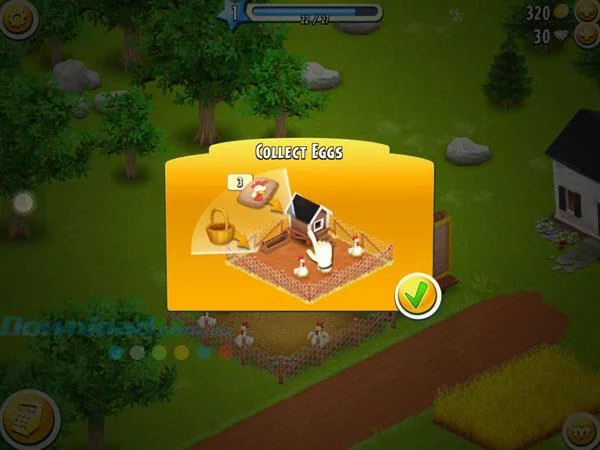
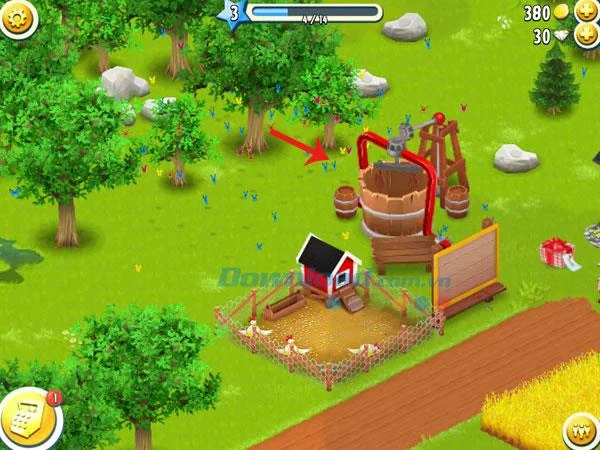
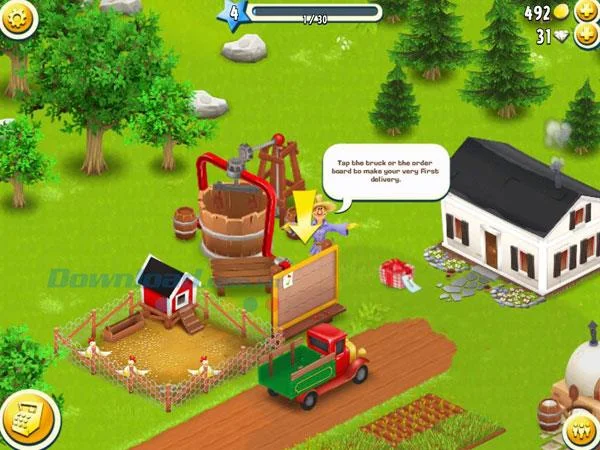
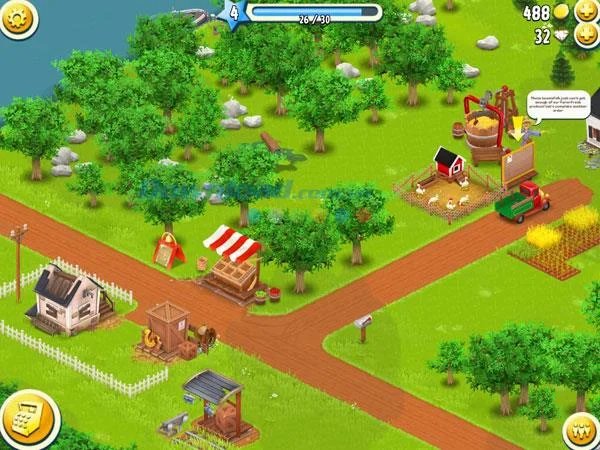
The first lesson on the Happy Day farm is how to collect chicken eggs. Chickens are also the first friends that players own in Hay Day. The operation is simple, at the chicken coop, hold and drag the basket on each chicken to get eggs. When chickens are hungry, they will "plague" on the ground, hold and then drag the chicken food symbol (next to the egg basket) on each chicken to feed them and have the power to lay eggs for us to harvest again. Initially you will be given a few chickens to raise capital. Want to increase this number, visit the online store in the lower left corner, drag each chicken from the shop to the barn to buy them.
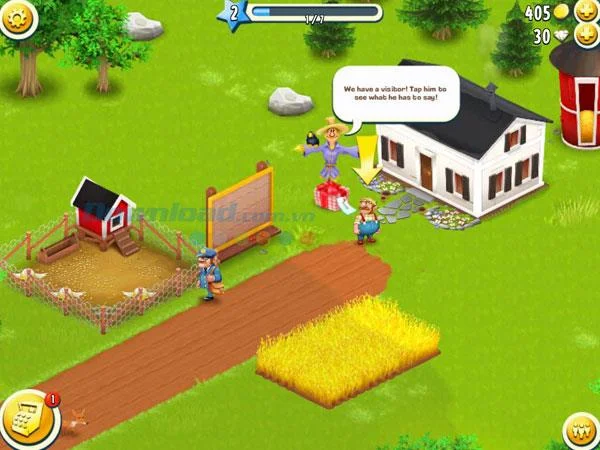
Your farm will often welcome visitors, whether it be farmers, neighbors or a new friend. Touch these characters to see what they say.
The first guest of Hay Day will ask you to name the farm. Usually this will be your default username in Game Center, but you can change it as you like.
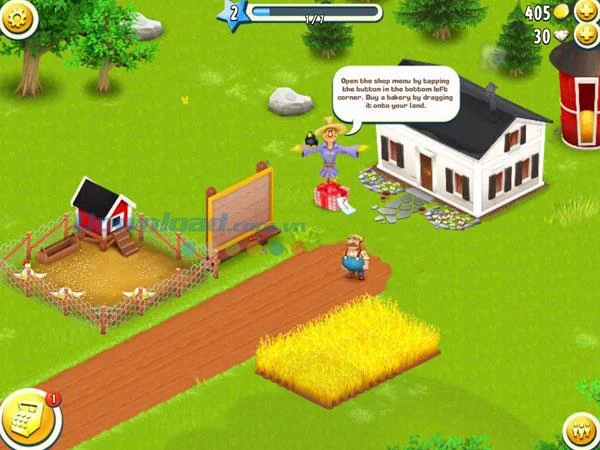
To buy anything for the farm, from poultry like chicken, cow, pig, sheep, goat, bee, watchdog, cat, horse, rabbit, donkey ... to the barn, Fences, trees, buildings, decorations ... You can access Hay Day's online store in the lower left corner of the game screen. The items are sold in gold and are limited in number for each level. Others will be unlocked at higher levels, so don't be impatient if they're not ready for you to buy.
The lower right corner of the screen is a person icon, including helpers, friends and followers. Please connect to your Facebook account to find more friends playing Hay Day.
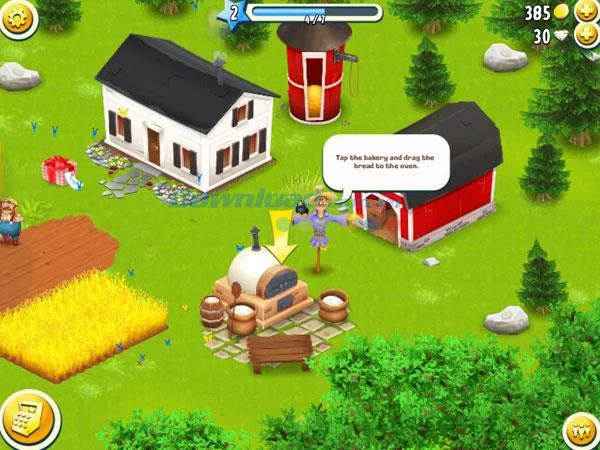
The bakery is the first thing you must shop for your farm. Open an online store, in the home building section, drag the Bakery to buy a bakery and put it in the appropriate location on the farm. The location of the red newspaper means that it is not suitable or not enough space to place the work. Should be located in the center of the farm to observe and harvest at the right time.
Touch the toaster icon and drag a cake into the oven to bake . You need to have enough wheat to do this. Hay Day does not sell seeds like other farm games, the number of seeds will recover after each level.
The calculation of time in Hay Day is based on real time. Therefore, each process of planting trees or baking will take you a few minutes and the player must wait until it is completed. However, you can also speed up this process if you do not want to wait by clicking the lightning icon, each operation will cost you a diamond.
Next, you have to buy a feed mill machine (Feed Mill) to create feed for farm animals. Touch the machine, then drag the chicken food icon to prepare. You take 5 minutes for this stage. Chicken feed consists of corn and wheat combined. Food for cows will be unlocked from level 6.
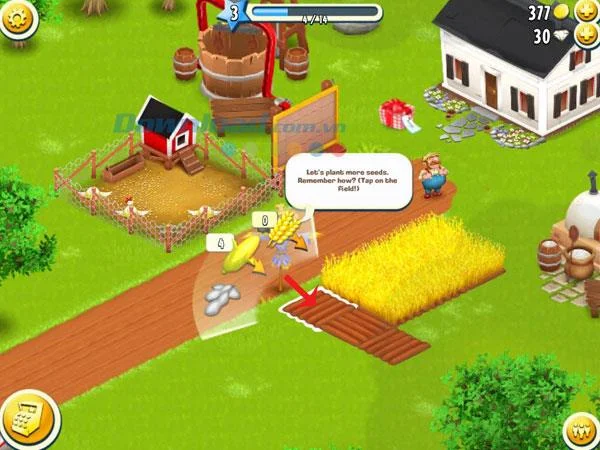
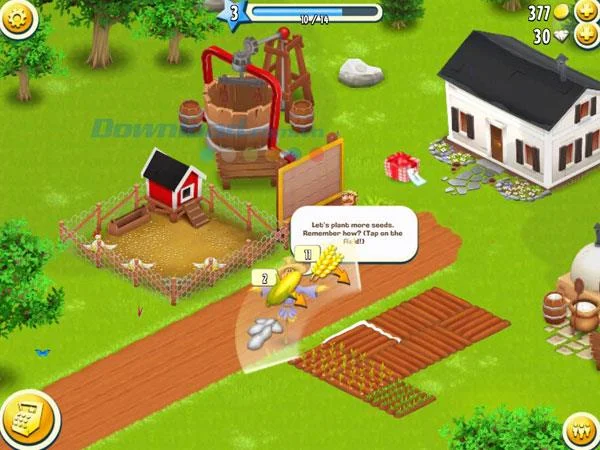
Hay Day gives you 6 plots to raise capital. Touch each plot and pull in the seeds like wheat and corn to sow. After a short period of time, the seed will grow and it is time to harvest. Keep pressing and dragging the seeds into each cell to sow the seeds in bulk. If you want to expand this arable land, visit the online store and buy more land plots and drag them into arbitrary locations.
After a period of time, the plants will grow tall and bear fruit so that you can use the sickle to harvest. The harvested food will be stored in silos and used for various jobs such as processing food for livestock and poultry, making bread, and selling orders.
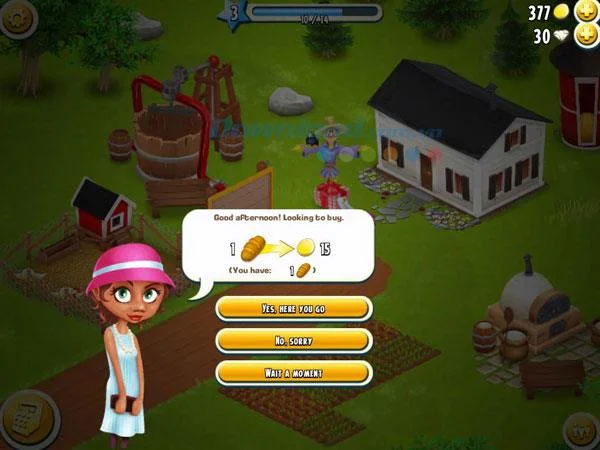
Welcome your 2nd guest to your Hay Day farm. This lovely girl needs to buy bread for 15 gold coins for a loaf. This is the retail form of the farm, click Yes, here you go to sell bread to the girl immediately. Click No, sorry if you do not want or Wait a moment if you are not ready.
The main income of the farm comes from trucks carrying huge orders. You can click on the car or bulletin board next to see what today's order is. Orders may be available in stock for you to sell, if not, rely on the quantity required to produce them.
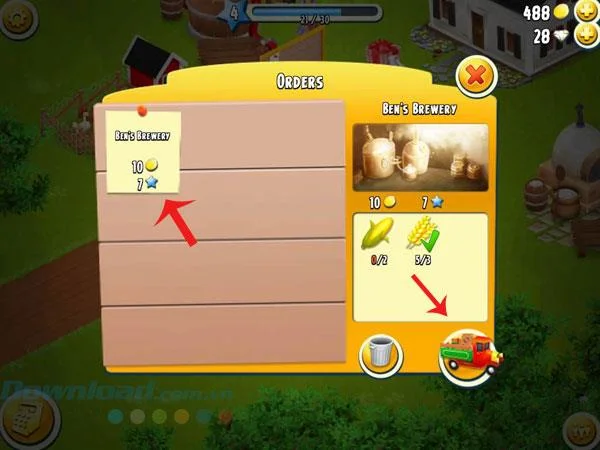
Orders will be valid in gold coins and green stars represent experience points for you to level up. When enough blue stars on the level bar, you will level up and be rewarded with gold and diamonds. The level up is extremely important, will help you unlock more new items and get rewarded worthy. To level up quickly, perform a lot of activities on the farm such as harvesting eggs, growing crops and harvesting, producing feed for poultry, baking bread, buying more items ...
To the left of the orders table is a paper note icon with order name and monetary value. On the right is the line item, which includes the items with specific quantities. You can touch the trash icon to cancel an order. If the items are ready, click the truck icon to sell to customers and collect the amount corresponding to the order value.
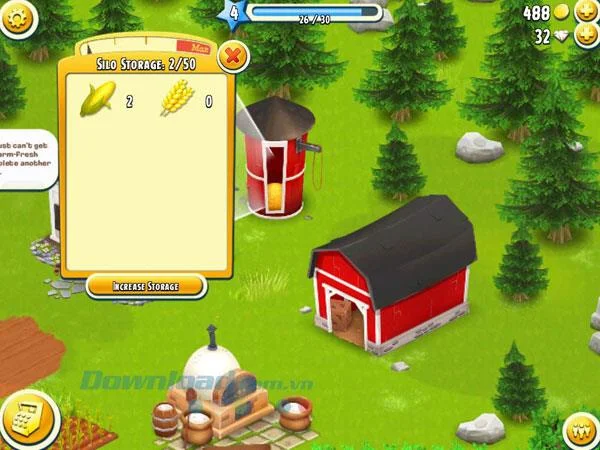
At the first levels, you will be provided free of some small constructions such as Silo - store of food harvested, including wheat, corn and other vegetables. The default capacity of Silo is 50 units, you can increase Silo capacity by clicking Increase storage below and using money to expand the storage.
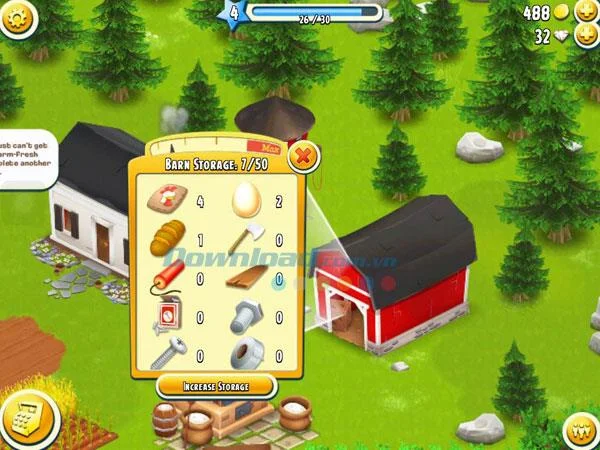
Next to Silo is Barn - a kind of general warehouse and contains all kinds of farm products, including feed for poultry, bread, ax, screw, chicken eggs ... Barn's capacity is also is 50 units of product, you can increase the Barn area when you press the Increase Storage button and incur a cost.
In addition to some existing buildings or purchased right at the first level, Hay Day also has more advanced buildings that are unlocked at the following levels, including water wells, food stalls in front of the farm, tables. event. Interesting features such as chatting with neighbors, visiting neighbors' houses, attending events ... at the next levels will create a rich and engaging gaming experience like never before!