Leftover Halloween Candy and Pumpkins: What to Do Next

Sort leftover Halloween candy safely, share or repurpose sealed treats, and choose food use or compost for pumpkins based on their condition.
Even the smallest makeup habits can unintentionally age you. This article will reveal the most common makeup mistakes that can age you without you even realizing it.
Makeup mistakes that make you look older
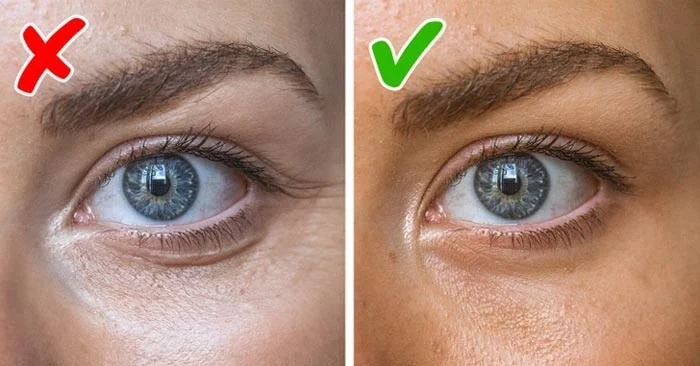
Be careful when using powder under your eyes, as it can easily dry out the delicate skin underneath, especially if you have mature or sensitive skin. Too much powder can settle into fine lines, making the under-eye area look older. Instead, focus on proper skin care to avoid using powder altogether.
Apply a moisturizing eye cream and let it absorb completely. Then, use an under-eye primer to conceal any creasing.
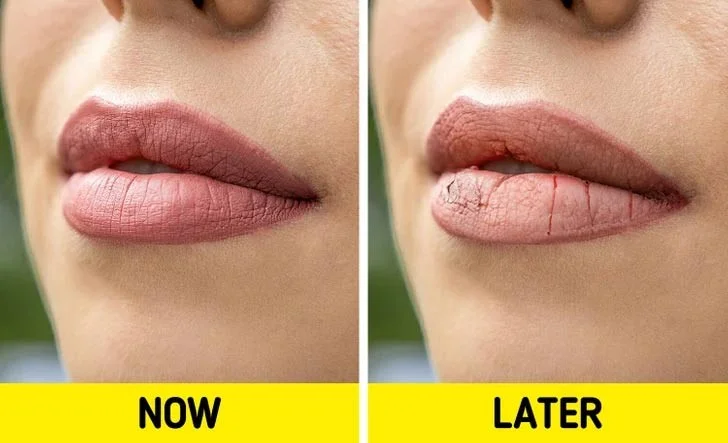
Matte lipsticks may be trendy, but they can dry out your lips and make them look older. Instead, try a creamy lipstick or a moisturizing lip balm with a hint of shine to keep your lips looking smooth and youthful. Be careful with super-glossy finishes, though. Glossy lip products, like lip glosses, can sometimes draw attention to fine lines, which can be unflattering, especially if you have aging skin.
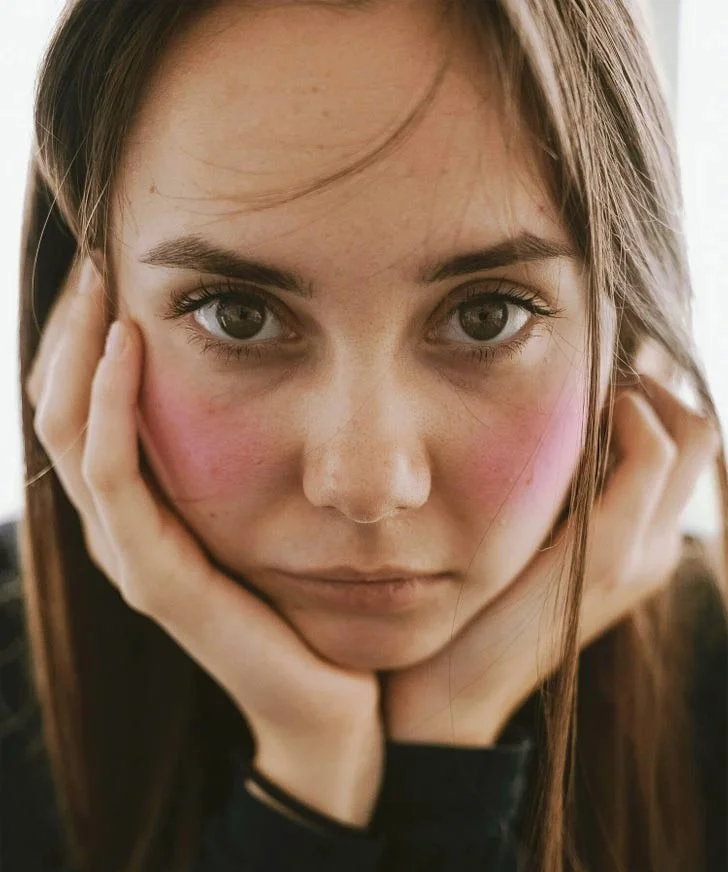
When applying blush, make sure it doesn't go below the bottom of your nose. You can blend it down a little bit, but the main color should be up high. Applying blush too low can actually age your face or make your cheeks look saggy. Applying blush higher on your cheekbones will create a lifting effect, almost like a mini facelift.
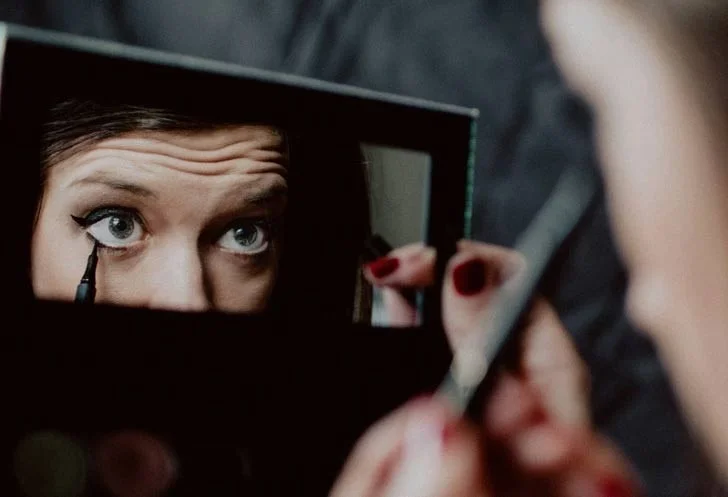
This is generally not recommended unless you use nude eyeliner on your lower lash line, as it can actually make your eyes look bigger and brighter. Using dark eyeliner right on your lower lash line is not a good idea: it can make your eyes look smaller, dull your skin, and even make you look older.
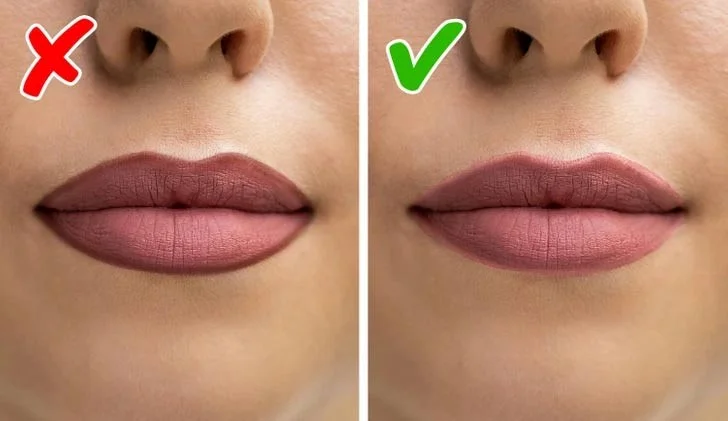
Using a lip liner can definitely make your lips look fuller. However, while it is true that using a lip liner that is one or two shades darker than your lipstick can create a plumping effect, don't overdo it. Avoid using a lip liner that is too dark or just lining your lips without applying any lipstick, which can look very unnatural.
Also, if you line your lips, keep it just 1 or 2 mm away from your natural lip line. If you go too far, you can end up looking fake instead of pretty.
Aging is a natural part of life, but certain habits can speed up the process more than you think. Everyday actions can secretly affect your skin, hair, and overall appearance in ways you might not expect. You can use makeup to look younger and more beautiful, but do it wisely. Don't let these small makeup mistakes make you look older!
Sort leftover Halloween candy safely, share or repurpose sealed treats, and choose food use or compost for pumpkins based on their condition.
Compare workplace Halloween costume choices by respect, dress code, mobility, and safety—and learn when a subtle accessory or a policy check is the better option.
Find a couples costume that fits your style, budget, and comfort level, from Addams Family classics to original inside-joke duos.
Need a last-minute high school Halloween costume? Compare 10 easy closet-based ideas by prep time, comfort, school-day practicality, and simple safety checks.
Use a simple 2026 Halloween decorating timeline for indoor décor, outdoor displays, and fresh pumpkins, with practical adjustments for weather and events.
Mix five vivid, approachable Halloween cocktails with measured recipes, simple prep tips, and an alcohol-free option for your party guests.
Find 15 office-friendly Halloween costume ideas for 2026, with practical checks for dress codes, respectful themes, comfort, and workplace safety.
Plan a fun elementary school Halloween party with easy crafts, games, inclusive treats, costume tips, and a sample 75-minute classroom schedule.
Compare realistic side hustles for 2026 by startup cost, fees, flexibility, and income control, with current tax and scam guidance from official sources.
Upgrade your home office ergonomics with current OSHA and NIOSH guidance on chair fit, monitor height, laptop setup, lighting, and movement.








