Multiplayer Games for Steam turn solo sessions into shared experiences with friends or strangers across the globe. Steam hosts thousands of titles supporting co-op, PvP, and large-scale matches, all accessible through one launcher. This guide shows you precisely how to locate, install, and launch them without wasting time on incompatible options.
Why Multiplayer Games for Steam Stand Out
Steam's built-in tools make it simple to match with players, join voice chat through Steam Overlay, and track progress with achievements. Most titles also support cross-platform play or dedicated servers, letting you keep the same group together across sessions. Before diving in, make sure your account has Steam Guard enabled and that your internet connection meets the game's listed requirements.
Popular genres range from survival crafting to fast-paced shooters. Checking player counts on the store page helps avoid empty servers during off-peak hours.
How to Find and Install Multiplayer Games for Steam
-
Open the Steam client and access the store
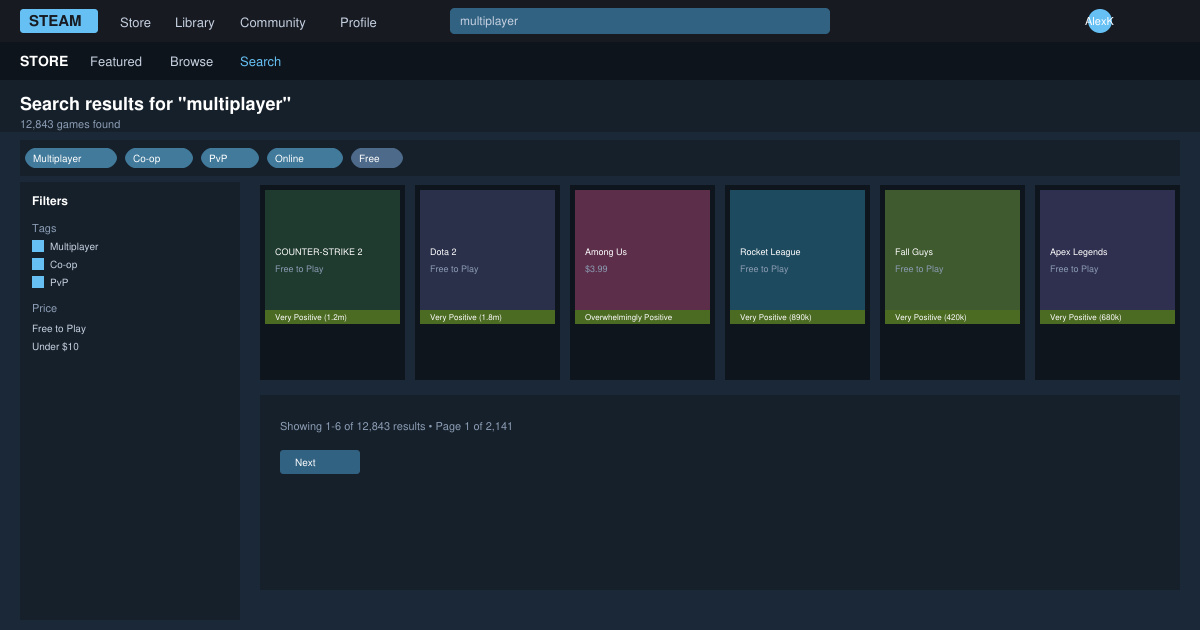
Launch the Steam desktop app on Windows, macOS, or Linux. Click the Store tab at the top of the window, then type a genre term such as "co-op" or "multiplayer" into the search bar at the top right.
-
Apply the multiplayer filter and sort results
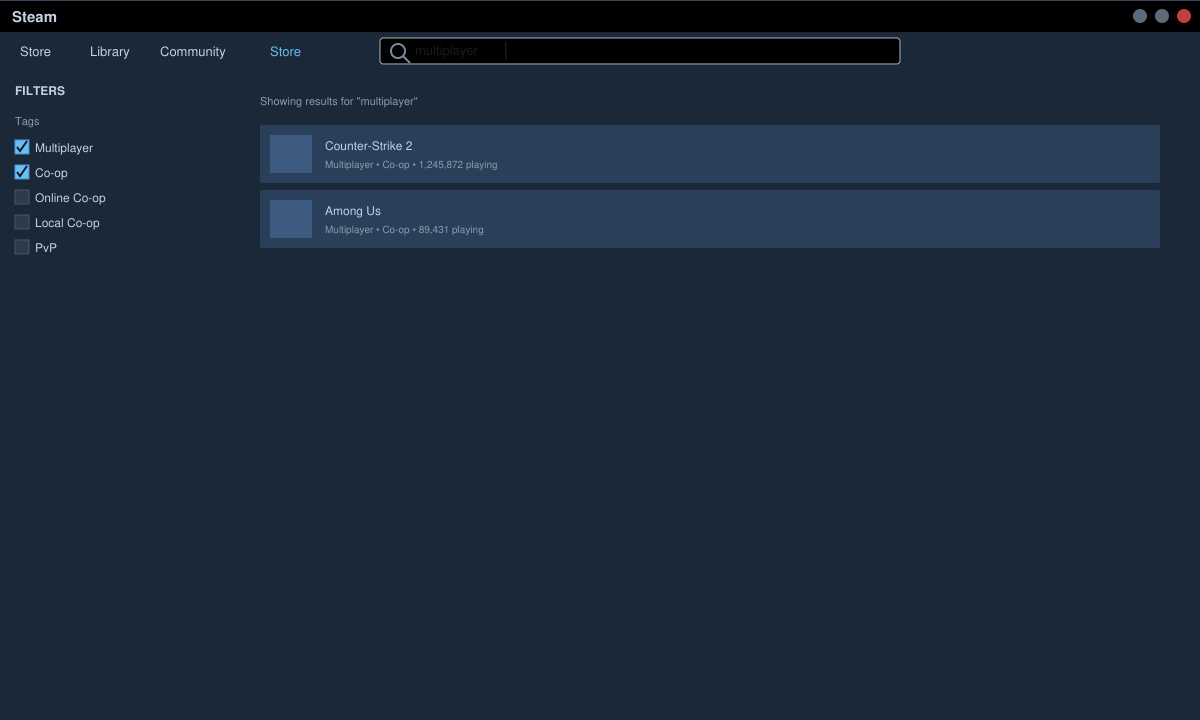
On the search results page, scroll to the left sidebar and check the "Multiplayer" and "Co-op" tags under Features. Use the sort dropdown to order by "Top Sellers" or "Release Date" so newer titles appear first.
-
Review system requirements and player count
Click any game thumbnail to open its store page. Scroll down to the system requirements section and compare them against your hardware. Check the recent player count graph to confirm active servers exist at your usual play times.
-
Add the game to your library and install
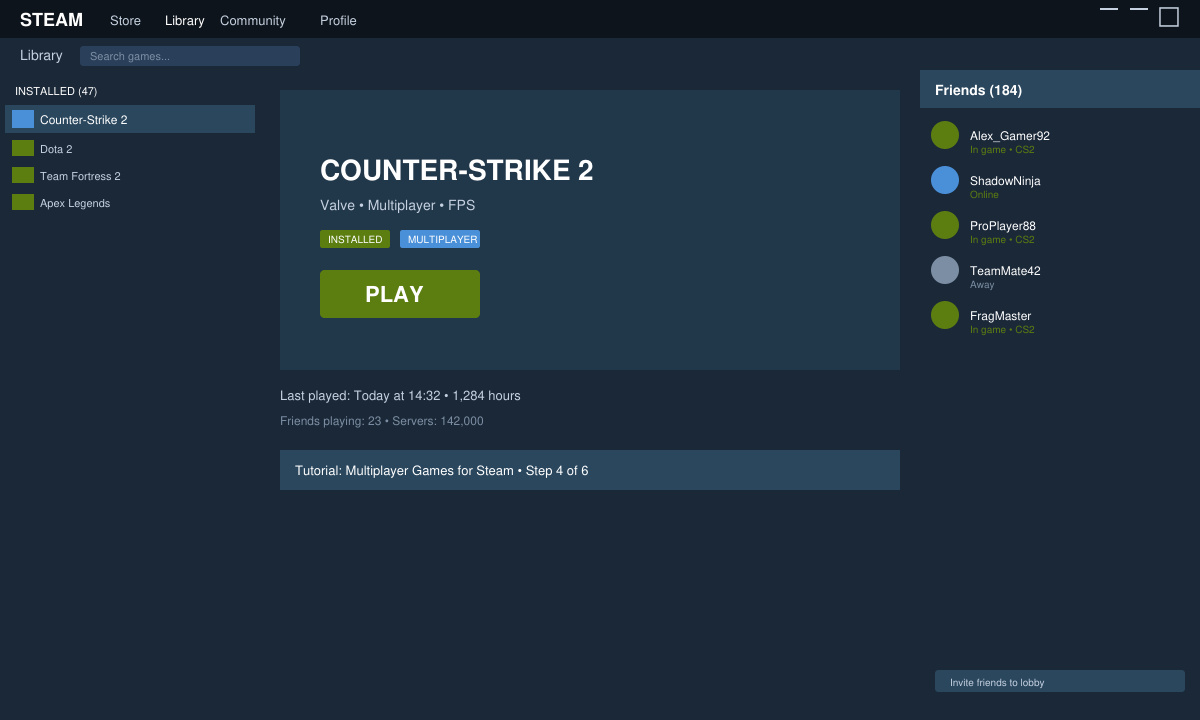
Click the green "Add to Cart" or "Buy" button if the title is paid, or "Play Game" if it is free-to-play. Once purchased or added, return to your Library, select the game, and hit the Install button. Steam will download the files and any required multiplayer components automatically.
-
Launch and invite friends
After installation finishes, click Play. Once inside the game, open the Steam Overlay with Shift+Tab, go to Friends, and right-click a friend to send an invite directly. Many games also let you create or join public lobbies from the main menu.
Tips and Troubleshooting for Multiplayer Games for Steam
Verify game files if matches fail to load: right-click the title in your Library, choose Properties, then Installed Files, and click Verify integrity of game files. This fixes corrupted downloads that break online play. Disable VPNs during the first connection attempt, as they often trigger anti-cheat blocks. For voice chat issues, open Steam Settings, navigate to Voice, and test your microphone input level before joining a session.
Keep your game and Steam client updated through the automatic update setting. Older versions frequently lose server compatibility after patches. If a game shows zero players, try changing the region filter in the game's own server browser rather than relying on Steam's default matchmaking.
Frequently Asked Questions
Do all Multiplayer Games for Steam require a subscription?
No. Many popular titles such as Team Fortress 2, Dota 2, and Warframe are completely free and only charge for cosmetic items.
Can I play Multiplayer Games for Steam with friends who use different platforms?
Some games support cross-play while others remain PC-only. Always read the store page description for explicit cross-platform mentions before purchasing.
What happens if a multiplayer game stops receiving updates?
Player counts usually drop and servers may shut down. Check the game's discussion forums on Steam for official announcements before investing significant time.
Conclusion
With the right filters and a quick verification step, you can jump into Multiplayer Games for Steam in just a few minutes and enjoy reliable sessions with others.







