Skype How to Call International

Making international calls through Skype saves money compared with traditional carriers while delivering reliable voice quality. Skype How to Call International requires only a free account, a small amount of credit or a subscription, and the correct country code. This article walks you through the exact steps on both desktop and mobile so your first call connects without issues.

Prerequisites for Skype How to Call International

Before dialing, confirm you have a verified Skype account and at least one payment method added. You also need a small Skype Credit balance or an active subscription that includes calls to the destination country. Make sure your device microphone and speakers work by testing them in Skype Settings > Audio & Video.
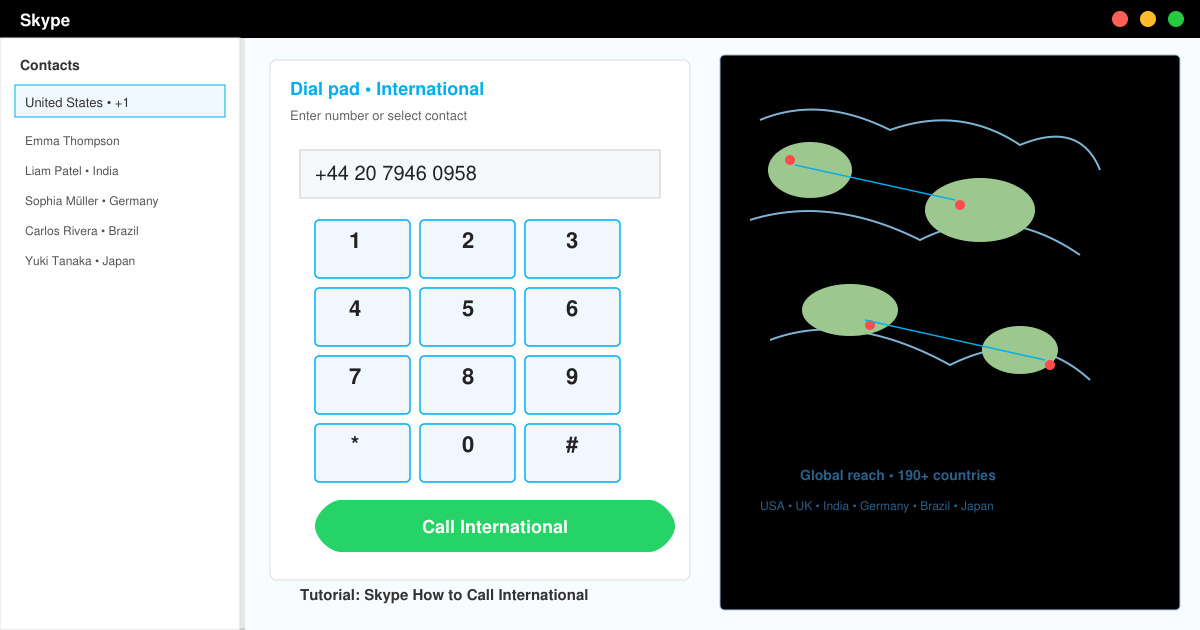
Overview screen showing Skype desktop interface with the dial pad open and a world map overlay indicating international reach

Step-by-Step Guide to Skype How to Call International

  1. Log in and open the dial pad

    Open the Skype application on Windows, macOS, iOS, or Android. Click or tap the dial-pad icon in the bottom-left corner of the main window. On mobile, swipe up from the bottom navigation bar and select Calls.
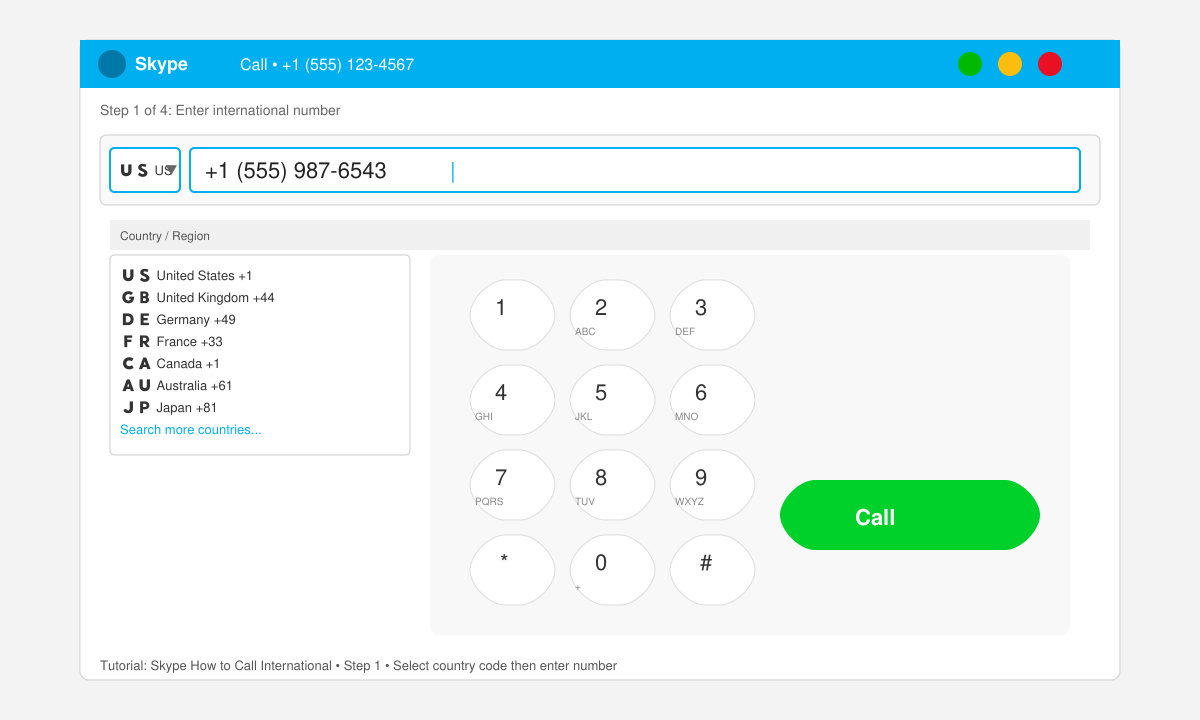
    Close-up of Skype dial pad with cursor in the number field and country selector visible
  2. Add credit or choose a subscription

    Click your profile picture, then select Skype Credit. Choose the amount you want to buy or switch to a monthly subscription such as the “World” plan if you call multiple countries frequently. Complete the purchase with your saved payment method.

  3. Enter the full international number

    Type the plus sign followed by the country code, area code, and local number. For example, to reach a landline in Germany enter +49 30 1234567. Skype automatically detects the destination and shows the per-minute rate before you call.

  4. Place the call and adjust settings

    Press the blue call button. Once connected, use the on-screen keypad to enter extension numbers if required. Toggle the microphone mute or speakerphone buttons as needed during the conversation.
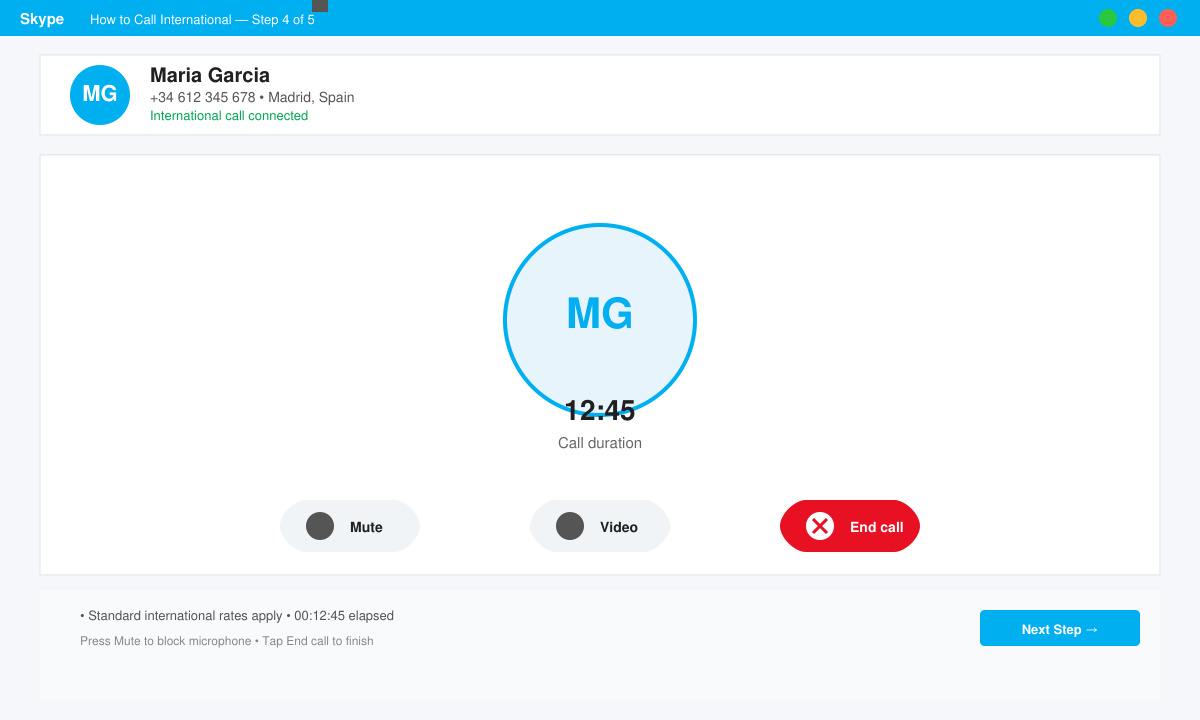
    Active international call screen showing call timer, mute button, and end-call option

Common Issues and Quick Fixes

  • If the call fails with an error, double-check that you have sufficient Skype Credit and that the number includes the correct country code.
  • Poor audio quality usually improves after switching from Wi-Fi to mobile data or closing bandwidth-heavy apps running in the background.
  • On mobile, grant Skype permission to access your microphone in the device Settings app if the call connects but no sound is heard.

Frequently Asked Questions

Can I call international numbers without Skype Credit?

No. Skype requires either prepaid Credit or a subscription plan that covers the destination country before any international call can connect.

Does Skype How to Call International work on both Wi-Fi and mobile data?

Yes. The feature works over any active internet connection, though Wi-Fi generally provides more stable call quality and avoids data charges.

Are there limits on how long an international call can last?

Skype does not impose a hard time limit, but the call ends automatically when your Credit balance reaches zero or your subscription minutes are exhausted.

Conclusion

Once your account is funded and you follow the numbered steps above, Skype How to Call International becomes a reliable, low-cost option for staying in touch across borders.


Leave a Comment

Discord Update Failed Loop

Discord Update Failed Loop

Stuck in the Discord Update Failed Loop? Follow these targeted fixes to break the cycle and complete the update without repeated failures or reinstalls.

How to Organize Your Entire Trip from Your Smartphone

How to Organize Your Entire Trip from Your Smartphone

Travel planning used to mean folders full of printed confirmations, handwritten notes, guidebooks, and a slightly terrifying number of browser tabs. Now, pretty much everything you need for a trip can live on the device already in your pocket.

Canva Free for Teachers

Canva Free for Teachers

Discover how Canva Free for Teachers gives educators full access to premium design tools at no cost. Verify your status and start creating classroom materials in minutes.

Skype How to Call International

Skype How to Call International

Skype How to Call International is simple and cost-effective once you set up credit and use the right country codes. Follow this guide to place clear calls from anywhere.

Skype to Skype Calls Free

Skype to Skype Calls Free

Make Skype to Skype Calls Free in minutes with this clear guide. Set up your account, add contacts, and start unlimited voice and video calls at no cost.

Your Connection is Not Private Chrome

Your Connection is Not Private Chrome

Fix the Your Connection is Not Private Chrome error quickly with these exact steps. Restore secure browsing by addressing certificate and settings issues in minutes.

Will European Electricity Bills Surge in 2026? Heatwave Demand, Price Risks and the Winter 2026–27 Outlook

Will European Electricity Bills Surge in 2026? Heatwave Demand, Price Risks and the Winter 2026–27 Outlook

Record heat has lifted air-conditioning demand while gas-market shocks have returned volatility to power prices. That creates a real risk of painful bills—but not a guaranteed, Europe-wide price explosion.

Can Large Format Printing Ever Be Sustainable? The Answer Is Changing Fast

Can Large Format Printing Ever Be Sustainable? The Answer Is Changing Fast

Large format printing has long faced criticism for its environmental impact. Traditional substrates, solvent-based inks, and short-lived promotional campaigns have all contributed to the perception that eye-catching graphics come at a high environmental cost.

What Young Riders Should Know About Moving Their Motorcycles Across Cities

What Young Riders Should Know About Moving Their Motorcycles Across Cities

Long-distance travel can involve heavy traffic, changing weather conditions, and rider fatigue. If you are also dealing with the responsibilities of moving home, such as packing belongings or coordinating accommodation, a long ride may add unnecessary pressure to an already busy schedule.

Solving Microsoft Teams Shortcut Error Not Opening

Solving Microsoft Teams Shortcut Error Not Opening

Tired of Microsoft Teams shortcut error preventing you from opening the app? Follow our expert, step-by-step guide with the latest fixes for instant resolution. Works on Windows, Mac & web – no tech skills needed!