Skype to Skype Calls Free lets you connect with other Skype users anywhere in the world without paying a cent. As long as both parties have a Skype account and an internet connection, you can make voice or video calls that last as long as you like. This article shows exactly how to set everything up and start calling right away.
Benefits of Skype to Skype Calls Free
Skype to Skype Calls Free removes the need for phone minutes or international calling plans. The service uses your existing data connection, whether on Wi-Fi or mobile data. Quality is usually high when both users have a stable connection, and you can switch between voice only and video at any time during the call.
Before starting, make sure you have a working microphone and webcam if you plan to use video. A quiet environment also improves call clarity for everyone involved.
Making Skype to Skype Calls Free Step by Step
-
Download and install Skype
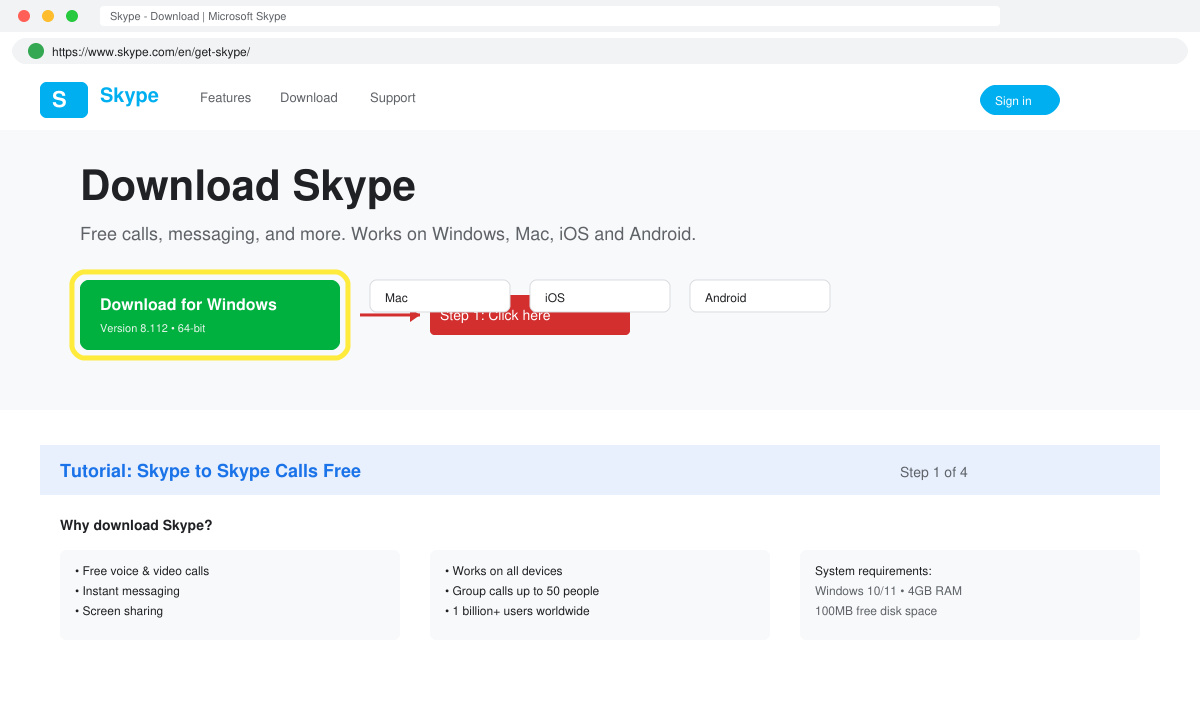
Go to skype.com and click the green Download button. Choose the version for your operating system or open the App Store on your phone and search for Skype. Run the installer and follow the on-screen prompts to complete the setup.
-
Create or sign in to your account
Open Skype and click Sign in or create. Enter your Microsoft account email or phone number. If you do not have one, follow the prompts to create a new account using your email address. Choose a strong password and verify your details when prompted.
-
Add the person you want to call
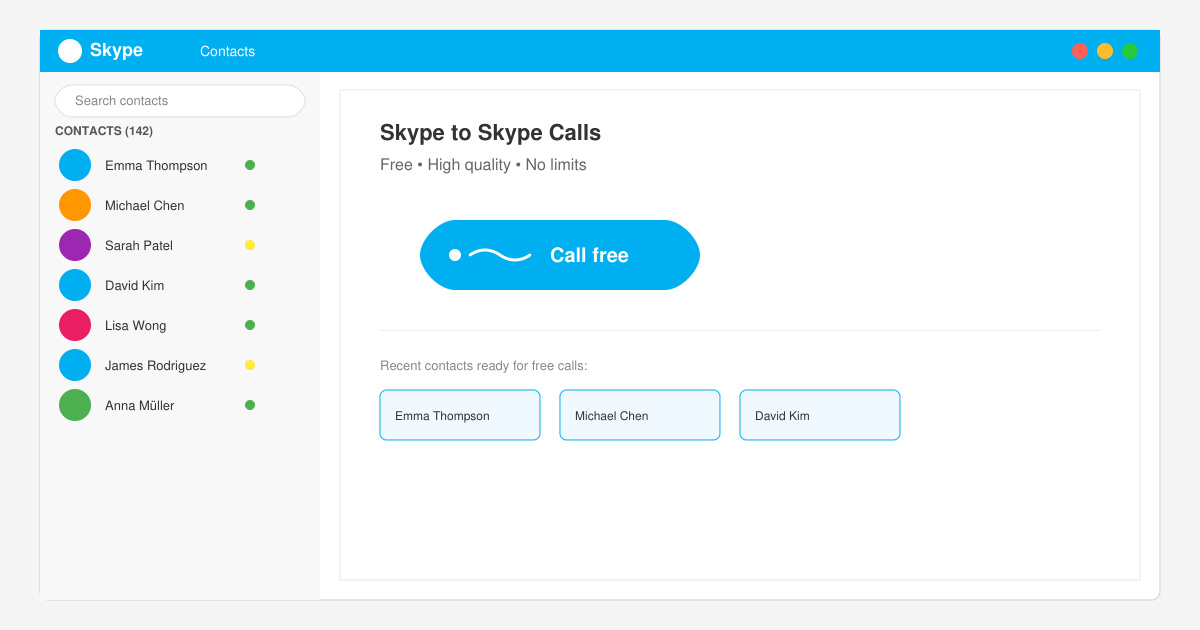
Click the search bar at the top and type the Skype name, email, or phone number of the contact. Send a contact request. Once they accept, their name appears in your Contacts list on the left side of the screen.
-
Start the free call
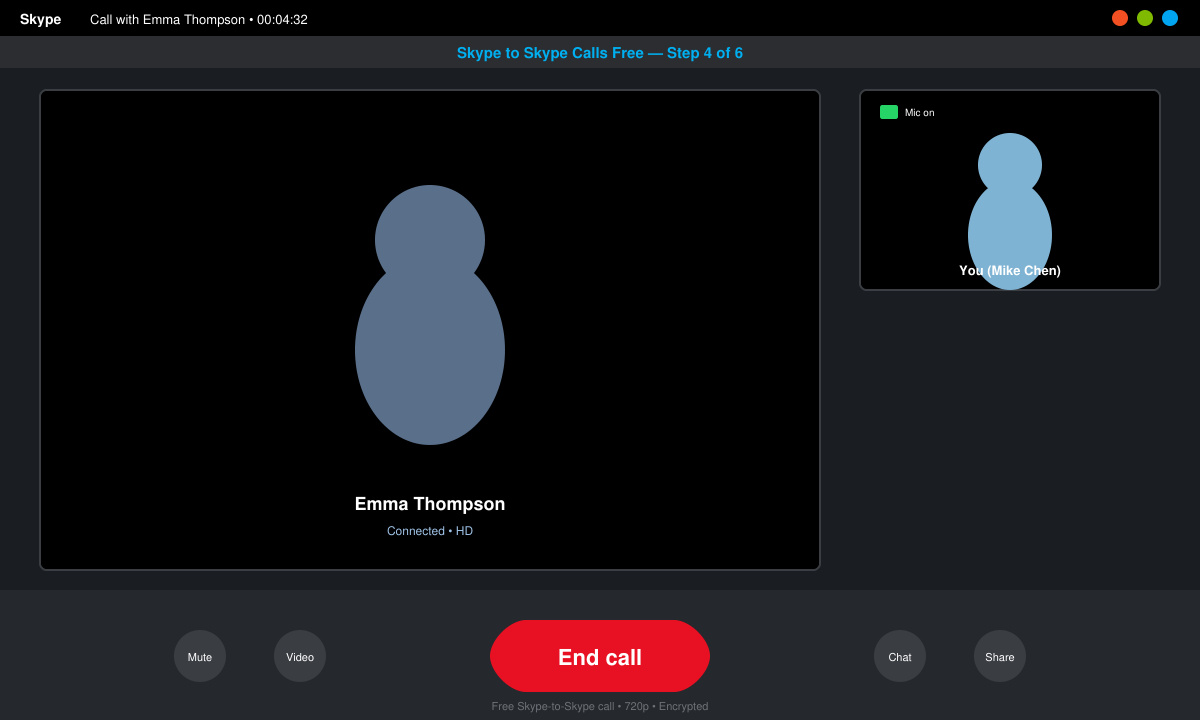
Click the contact name, then select the video camera icon for a video call or the phone icon for voice only. The other person receives a notification and can answer with one click. The call timer begins immediately and stays free for the entire duration.
Common Issues and Quick Fixes
- If the call button is grayed out, confirm both accounts are online and that you have accepted each other as contacts.
- Low audio quality usually improves when you switch from mobile data to a stronger Wi-Fi network.
- Camera not working? Go to Skype Settings > Audio & Video and test your devices before the next call.
- Calls dropping? Close other bandwidth-heavy apps and restart Skype.
Frequently Asked Questions
Do Skype to Skype Calls Free use mobile data?
Yes. If you are not connected to Wi-Fi the call will use your mobile data plan, so monitor usage on longer calls.
Can I record Skype to Skype Calls Free?
Skype includes a built-in recording button during the call. Both participants see a notification when recording starts.
Is there a limit to how long Skype to Skype Calls Free can last?
No. Calls continue until one person ends them, with no time restrictions or extra charges.
Conclusion
Once your account and contacts are ready, Skype to Skype Calls Free works reliably on any device with an internet connection. Follow the steps above and you will be making clear, cost-free calls within minutes.