
Leftover Halloween Candy and Pumpkins: What to Do Next

Sort leftover Halloween candy safely, share or repurpose sealed treats, and choose food use or compost for pumpkins based on their condition.
Your living room is more cluttered than it needs to be. Smart TVs are so advanced these days that a modern TV comes with a whole layer of convenience that you no longer need.
Table of Contents
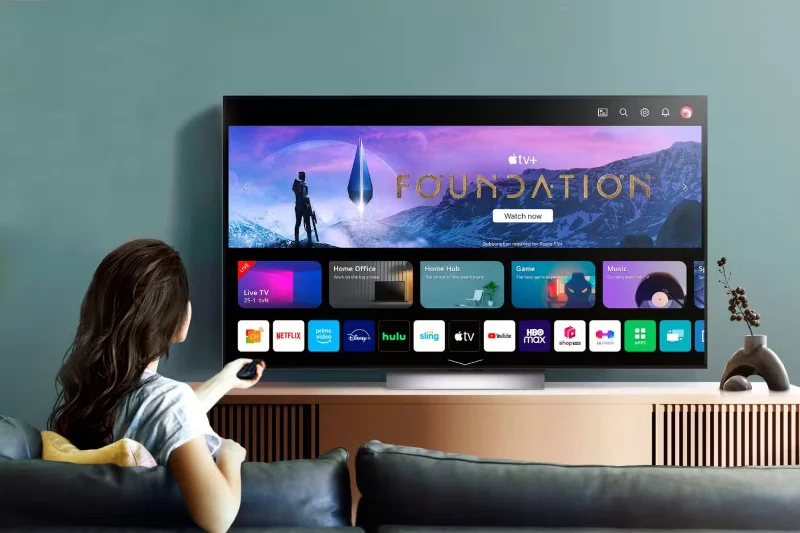
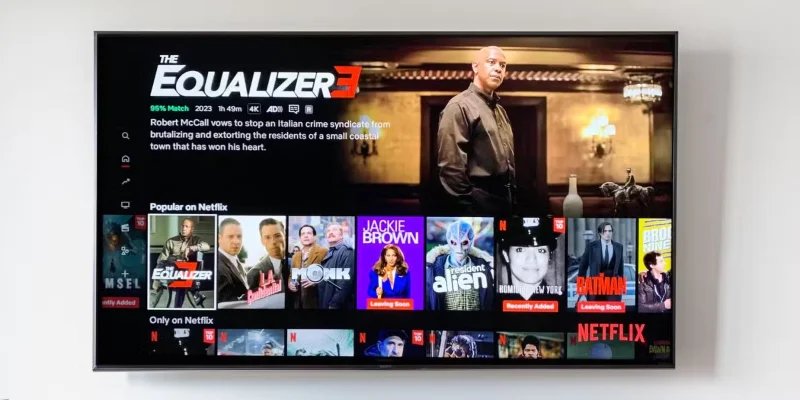
If you have a Smart TV, chances are it comes with streaming apps like Netflix , Hulu, Disney+, and YouTube . These apps provide direct access to the most popular streaming services without the need for additional hardware.
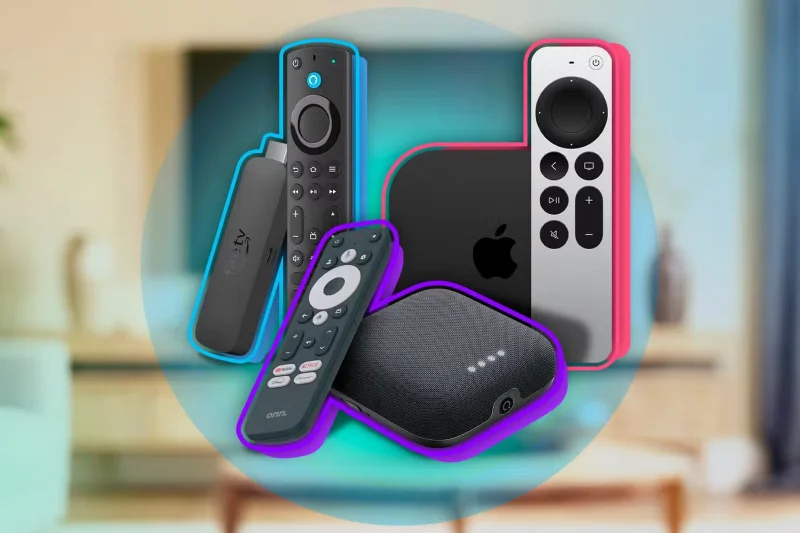
You might wonder if streaming devices like Roku or Fire TV are better than smart TVs. Dedicated boxes used to win. But not anymore. Smart TVs today have faster processors, smoother navigation, and regular software updates that keep them running smoothly.
Most Samsung QLED TVs , for example, let you stream in 4K HDR without needing an external streaming device like a Fire Stick or Chromecast . Some of Hisense's lower-cost models also offer similar capabilities, so you don't even need a high-end model to make your streaming device redundant.
Digital photo frames like Frameo are a fun way to display your favorite memories without printing out a bunch of photos, but if you have a Smart TV, you've got a much bigger, better version in your living room.
Most Smart TVs have built-in features that let you display photos directly from your phone or cloud storage. For example, Samsung's Ambient Mode lets you display photos from your phone on the TV or even mimic the look of a wall so the screen disappears when not in use.
Another option is that Google TV and Android TV systems easily integrate with Google Photos, allowing you to set albums as slideshows or even automatically display your latest vacation photos.
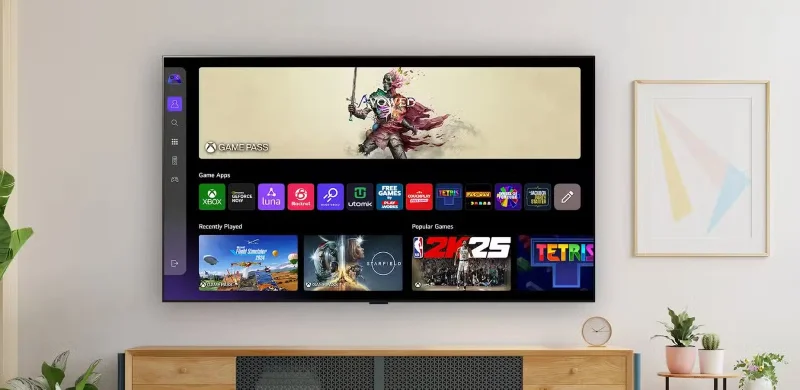
For the casual gamer, your Smart TV can easily replace the need for a dedicated gaming console. Many Smart TVs come with (or offer to download) casual titles like trivia, puzzle, or card games that you can play without any additional hardware. But the real game-changer is the integration of cloud gaming services.
Platforms like Xbox Cloud Gaming, NVIDIA GeForce NOW, and Amazon Luna are available on some Smart TVs, allowing you to stream games from the cloud. All you need is a reliable internet connection and a Bluetooth controller, and you're ready to play titles like Halo Infinite or Fortnite without needing a game console.
Of course, if you're a hardcore gamer who needs the absolute best graphics, low input lag, and exclusive titles, then a dedicated console like the PlayStation 5 or Xbox Series X is probably still a better choice. But for casual gamers who just want to relax with a quick game after work, a Smart TV might be all you need.
It may sound surprising, but Smart TVs can be good enough that you don't need a separate soundbar. While dedicated soundbars are still the go-to option for audiophiles looking for immersive surround sound, many modern Smart TVs have built-in speakers that deliver surprisingly powerful sound quality.
High-end Smart TVs from Sony, Samsung, and LG often feature advanced speaker systems with technologies like Dolby Atmos and DTS:X, creating three-dimensional sound right out of the box.
Additionally, Smart TVs often include features like “Audio Mode” presets, which let you customize your sound profile to suit different types of content. Using the right sound mode for the content you’re watching can help you avoid the need for a soundbar.
Streaming services have made Blu-ray players less necessary. Most major streaming platforms offer (depending on your plan) high-definition, 4K , and even HDR content if you know where to look. Thanks to technologies like Dolby Vision and HDR10+ , streaming can provide picture quality that’s on par with, or at least close to, what you’d get from a Blu-ray disc.
If you own a Blu-ray disc collection, many modern Smart TVs are compatible with external USB drives or network storage solutions. You can rip discs and store them digitally, allowing you to stream them directly to your TV.
Your Smart TV has the power to replace many gadgets and simplify your entertainment setup. From streaming devices and digital photo frames to game consoles and soundbars, it consolidates functions that previously required separate devices.
While dedicated gadgets still have a place for enthusiasts, you can save money, reduce clutter, and enjoy a seamless experience by maximizing the potential of your Smart TV.
Sort leftover Halloween candy safely, share or repurpose sealed treats, and choose food use or compost for pumpkins based on their condition.
Compare workplace Halloween costume choices by respect, dress code, mobility, and safety—and learn when a subtle accessory or a policy check is the better option.
Find a couples costume that fits your style, budget, and comfort level, from Addams Family classics to original inside-joke duos.
Need a last-minute high school Halloween costume? Compare 10 easy closet-based ideas by prep time, comfort, school-day practicality, and simple safety checks.
Use a simple 2026 Halloween decorating timeline for indoor décor, outdoor displays, and fresh pumpkins, with practical adjustments for weather and events.
Mix five vivid, approachable Halloween cocktails with measured recipes, simple prep tips, and an alcohol-free option for your party guests.
Find 15 office-friendly Halloween costume ideas for 2026, with practical checks for dress codes, respectful themes, comfort, and workplace safety.
Plan a fun elementary school Halloween party with easy crafts, games, inclusive treats, costume tips, and a sample 75-minute classroom schedule.
Compare realistic side hustles for 2026 by startup cost, fees, flexibility, and income control, with current tax and scam guidance from official sources.
Upgrade your home office ergonomics with current OSHA and NIOSH guidance on chair fit, monitor height, laptop setup, lighting, and movement.








