Leftover Halloween Candy and Pumpkins: What to Do Next

Sort leftover Halloween candy safely, share or repurpose sealed treats, and choose food use or compost for pumpkins based on their condition.
The bedroom is the most relaxing place in the house. Therefore, do not turn it into a messy room by making the following mistakes .
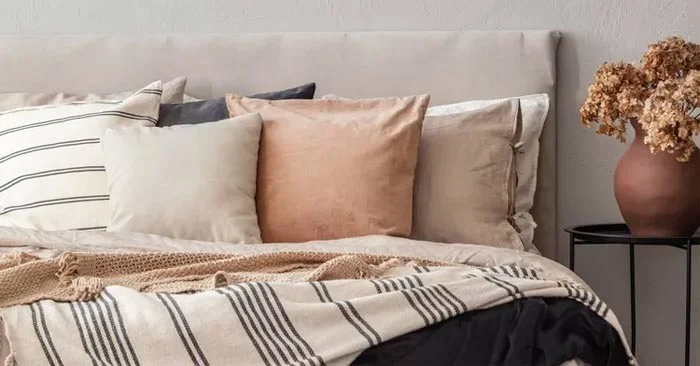
Creating a stylish and relaxing bedroom starts with the basics—a comfortable, high-quality mattress, luxurious bedding, and cozy pillows. After that, it’s all about designing a space that reflects your personal aesthetic. But if your bedroom feels stressful or overwhelming, the solution may not be to add more stuff—it may instead be to get rid of things that no longer serve you. Here are the things that may be cluttering up your bedroom and creating a less-than-stellar space.
Things that make the bedroom messy
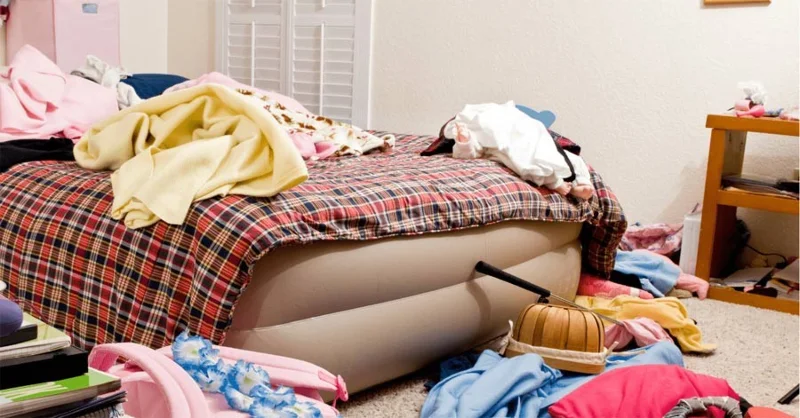
Bedrooms are places to rest, so they shouldn’t double as gyms. But if you live in a small home, bedrooms can serve multiple purposes. However, if that treadmill or bike never gets used, it belongs somewhere else. It’s time to get rid of that treadmill full of clothes. It’s not a closet. Piles of clothes on the treadmill, bike, or even the chair signal delayed decisions and added stress.
So move those things to another room, put them away, or consider selling them if you primarily train elsewhere.
A cluttered closet can make your bedroom a stressful place, so regular cleaning is essential. It’s also important to get rid of any unused or broken accessories. Jewelry, belts, and handbags that are never worn or are broken take up space and can cause decision fatigue in the morning. Be honest with yourself about what you should keep, donate, or throw away.
This is a common habit for many people. The bedroom often becomes a place to throw things that don’t belong, such as old receipts, papers, gym bags, or random household items. It’s time to put those things back in their rightful place. Take a few minutes each day to put things back where they belong if you want to keep your bedroom from becoming a mess.
Most of us charge our phones overnight next to our beds. It’s a practical choice, since they also double as alarm clocks. But do you need to charge your laptop, headphones, and tablet on your nightstand? Probably not. All those cords are prone to tangling and clutter.
The bedroom should be a retreat from the outside world, not an extension of your office. Reduce screen time and replace the bedside charger with a discreetly hidden charging drawer, or unplug completely for a more restorative space.
Two or three decorative pillows can add color and texture to a bedroom, but most of us don't need seven. More isn't always better when it comes to this accessory. While layers are comfortable, too many pillows can make a bed look cluttered rather than inviting.
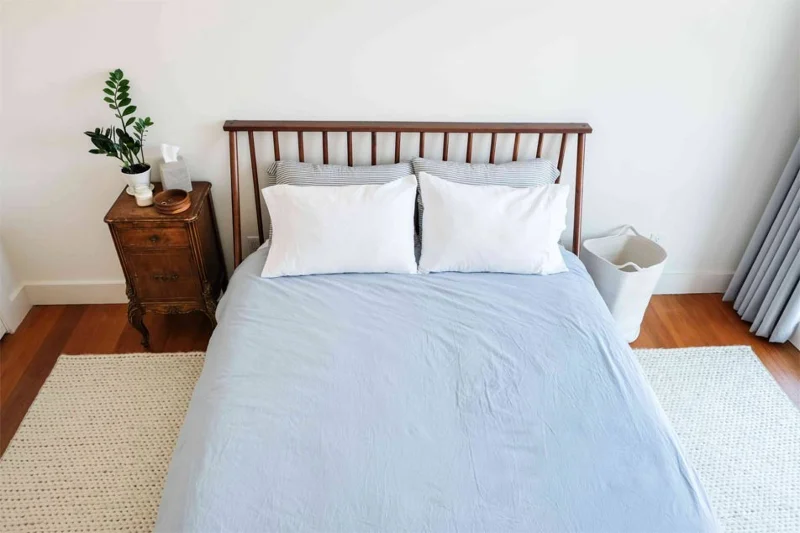
Lighting can have a huge impact on the atmosphere of a space, which is especially important in the bedroom. But it’s not just the lighting that matters—you should also pay attention to the fixtures themselves and how they contribute to the overall feel of your bedroom. Bedside lamps are just too bulky. Instead, use pendants and wall sconces for a sleek look while freeing up valuable space on your nightstand.
Sort leftover Halloween candy safely, share or repurpose sealed treats, and choose food use or compost for pumpkins based on their condition.
Compare workplace Halloween costume choices by respect, dress code, mobility, and safety—and learn when a subtle accessory or a policy check is the better option.
Find a couples costume that fits your style, budget, and comfort level, from Addams Family classics to original inside-joke duos.
Need a last-minute high school Halloween costume? Compare 10 easy closet-based ideas by prep time, comfort, school-day practicality, and simple safety checks.
Use a simple 2026 Halloween decorating timeline for indoor décor, outdoor displays, and fresh pumpkins, with practical adjustments for weather and events.
Mix five vivid, approachable Halloween cocktails with measured recipes, simple prep tips, and an alcohol-free option for your party guests.
Find 15 office-friendly Halloween costume ideas for 2026, with practical checks for dress codes, respectful themes, comfort, and workplace safety.
Plan a fun elementary school Halloween party with easy crafts, games, inclusive treats, costume tips, and a sample 75-minute classroom schedule.
Compare realistic side hustles for 2026 by startup cost, fees, flexibility, and income control, with current tax and scam guidance from official sources.
Upgrade your home office ergonomics with current OSHA and NIOSH guidance on chair fit, monitor height, laptop setup, lighting, and movement.








