Home
» Games
»
Top 5 Software to read DWG files Free, Best 2020
Top 5 Software to read DWG files Free, Best 2020
Are you looking for the best quality dwg file reader ? However, nowadays there are so many different software that make you wonder which software to choose?
Then here will be the top 5 suggestions that you should definitely not ignore.
Before learning about the software to read dwg files, you should take the time to find out " What is a DWG file ". Accordingly, this is the original file format software for AutoCAD software of Autodesk.
DWG file will contain all information of the user imported into the CAD drawing. And this information includes the design work, geometrical data, maps and images, etc.
Currently, the dwg file is an extremely popular data format for designers. However, unlike other files, the dwg file also requires a technical program to open the file, so you'll need to pocket some software to open the dwg file.
Top 5 software to read the best DWG files 2020
To be able to read the dwg file currently there are many different software. In which some of the most famous software are:
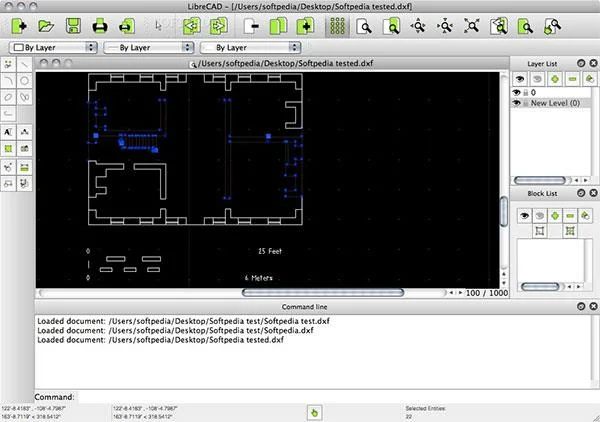
1. LibreCAD - Free open source DWG file reader
LibreCAD - Free open source DWG file reader
This is open source software available free of charge for Windows, Macintosh, and Linux platforms.
With this software, users can easily use it. It supports many languages today, up to 20.
Especially, this software also runs very smoothly on many operating systems. It is rated as the most popular, complete and most popular multifunctional 2D CAD tool.
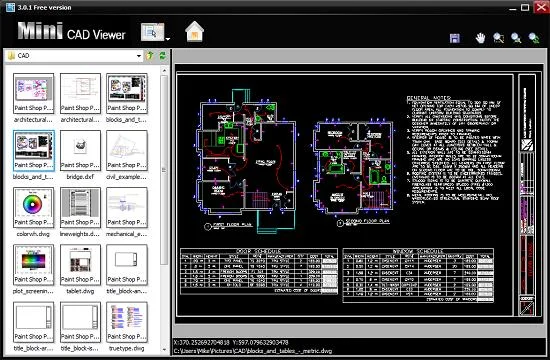
2. Mini CAD Viewer - Software to read AutoCAD drawings
Mini CAD Viewer - Software to read AutoCAD drawings
The second most popular software to read dwg files is the mini CAD Viewer . This software supports CAD viewing very compact and free. Even those who have no specialist CAD knowledge can easily use the product.
This software is highly appreciated by its compact size, easy to use, no need to install AutoCAD plug-in.
This software currently supports 5 main languages: English, German, Spanish, Italian and French. In particular, mini CAD Viewer also supports users in converting formats, from DWG to BMP and JPG.
Some key features of the software Mini CAD Viewer:
Support reading popular AutoCAD drawings.
Simple CAD design support suitable for the novice or the novice.
The software is extremely compact, easy to install.
Support to save products as DWG, BMP, JPG.
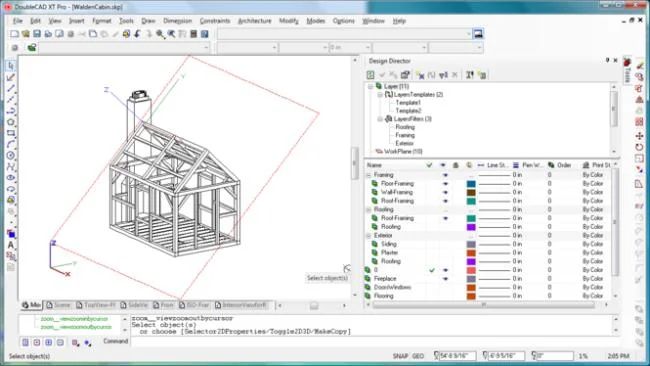
3. DoubleCAD XT - Software to read and edit DWG files
DoubleCAD XT 3rd software is used to read the most popular dwg files. It is also a 3D editing software that allows you to view dwg files very simply.
Besides, this software also has many functions such as:
Create new, edit, provide other drawing tools.
Edit detailed parameters and objects in the drawing
Has an interface and many features relatively similar to AutoCAD
Supports command lines
Supports many keyboard shortcuts
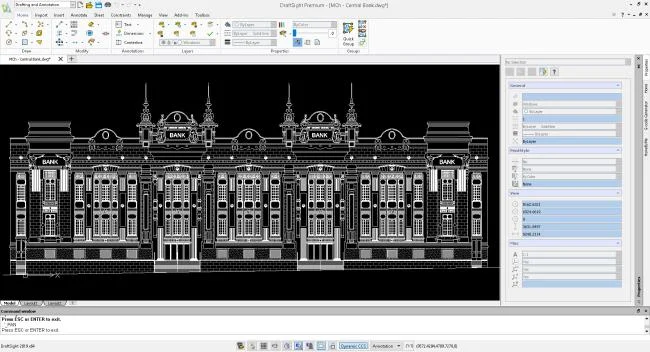
4. DraftSight - Outstanding dwg file reader
DraftSight - An outstanding dwg file reader
The fourth most known name is DraftSight software. This is one of the special software. It helps users to focus on two main features of editing and viewing dwg files.
This is one of the completely free software. It is also real CAD software. It helps you to create your own designs.
Take a look at some of the main features of the DWG DraftSight file reader:
Read and edit DXF, DWG files regardless of whether the computer has AutoCAD software installed or not.
Creates binary and DXF ASCII files.
Add new images in JPG, JPEG, PNG, BMP, GIF, TIF, TIFF formats.
Supports to save documents as PDF files.
Create objects as separate layers, and easily manage layers.
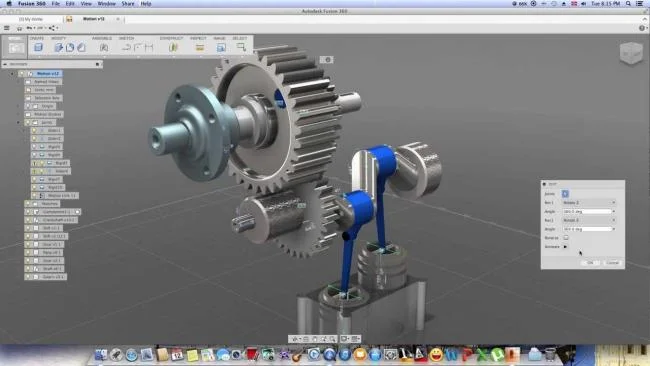
5. Autodesk 360 - Professional 3D graphic design software, supports DWG file reading
Autodesk 360 - Professional 3D graphic design software, supports DWG file reading
The last dwg file reader is Autodesk 360. This software is considered a miniature AutoCAD version.
With it users can use to view and edit DWG files anytime and anywhere. In particular, this software can run smoothly on smartphone devices.
As a result, it ensures top-notch flexibility for users.
The main features of the Autodesk Fussion 360 software are as follows:
Repeat the actions in the design and explore shapes.
Design simulation.
Design manufacturing.
Cooperation and management.
Above is a list of 5 software to read dwg files for everyone to refer. Hope these will be useful suggestions to help people choose a suitable software to read dwg files for themselves.