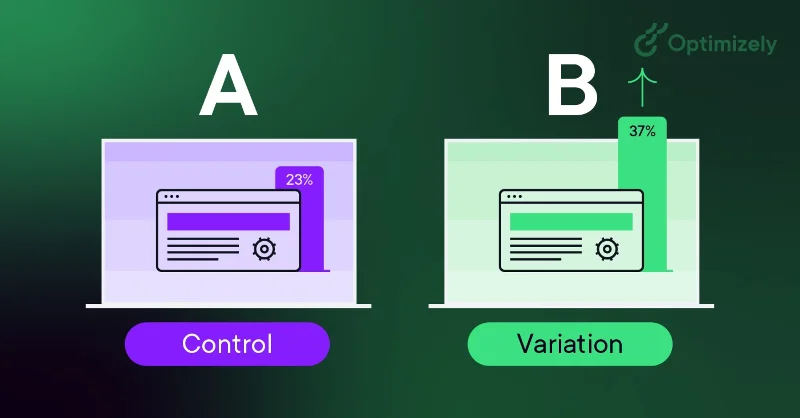
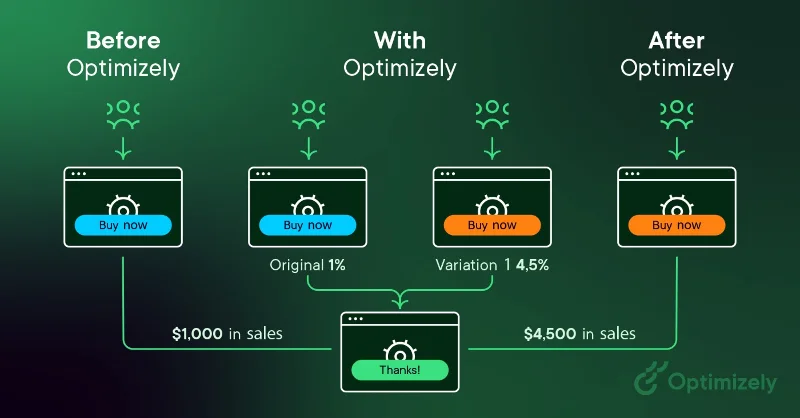
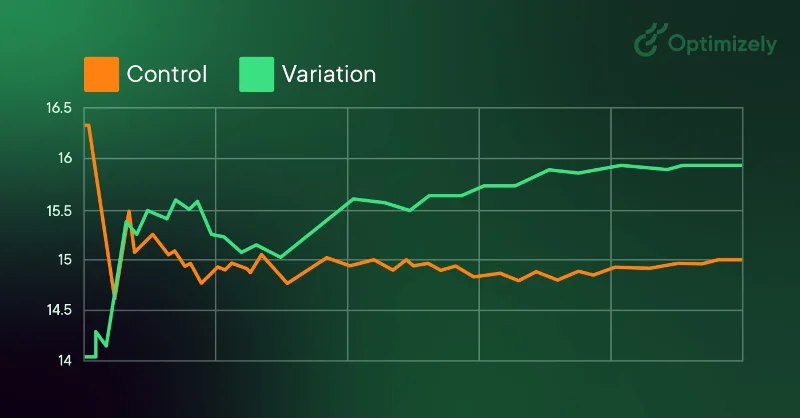
A/B testing (also known as Split testing or Bucket testing) is a method of comparing two versions of a web page or app against each other to determine which version performs better. It works by randomly showing two variations of a page to users and using statistical analysis to determine which variation achieves better results for your conversion goals.
Variation results of A/B testing
In practice, here's how A/B testing works:
Create two versions of a page - the original (control or A) version and the modified (variant or B) version
Randomly split your traffic between these versions
Measure user engagement through dashboards
Analyze the results to determine whether the changes had a positive, negative, or neutral impact.
The changes you test can range from simple tweaks (like headlines or buttons) to complete page redesigns. By measuring the impact of each change, A/B testing turns website optimization from guesswork to data-driven decisions, shifting the conversation from “we think” to “we know.”
As visitors are served either the control or the change method, their engagement with each experience is measured and collected in a dashboard and analyzed through statistics. You can then determine whether the change to the experience (change method or B) has a positive, negative, or neutral impact compared to the baseline version (control method or A).
“The concept of A/B testing is simple: Show different variations of a web page to different people and measure which variation is most effective at converting them into customers.” According to Dan Siroker and Pete Koomen (Book | A/B Testing: The Most Powerful Way to Turn Clicks into Customers)
Why should you do A/B testing?
A/B testing allows individuals, teams, and companies to make careful changes to their user experience while collecting data on its impact. This allows them to build hypotheses and learn which elements and optimizations in their experience have the most impact on user behavior. In other words, they can be proven wrong – their opinion of the best experience for a given goal can be proven wrong through A/B testing.
More than just answering a one-time question or resolving a disagreement, A/B testing can be used to continually improve a given experience or improve a single goal like conversion rate optimization (CRO) over time.
Examples of A/B testing applications:
B2B Lead Generation : If you’re a tech company, you can improve your landing pages by testing changes to your headlines, form fields, and CTAs. By testing each element one by one, you can determine which changes increase lead quality and conversion rates.
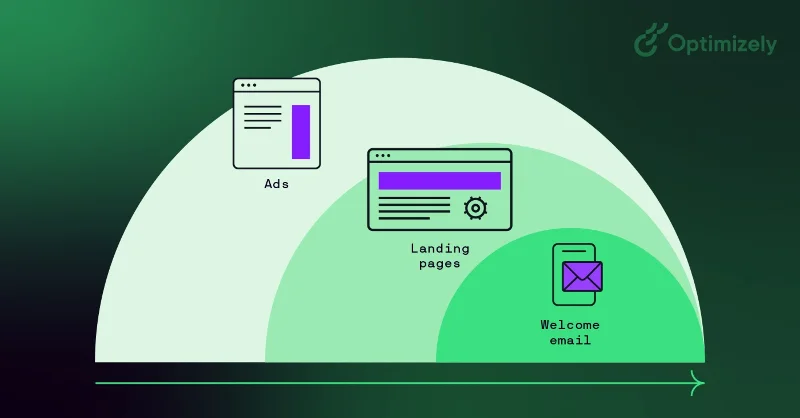
Campaign performance : If you’re a marketer running a product marketing campaign, you can optimize your ad spend by testing both your ad copy and your landing page. For example, testing different layouts can help determine which version converts visitors into customers best, reducing your overall cost of customer acquisition.
Product Experience : Product teams across the company can use A/B testing to validate assumptions, prioritize important features, and deliver products without risk. From integration flows to in-product notifications, testing helps optimize the user experience while maintaining clear goals and hypotheses.
A/B testing helps shift decision making from opinion-based to data-driven, challenging the term HiPPO (Highest Paid Person's Opinion).
As Dan Siroker notes, “We really don't know what's best, let's look at the data and use that data to help guide us . ”
How to do A/B testing
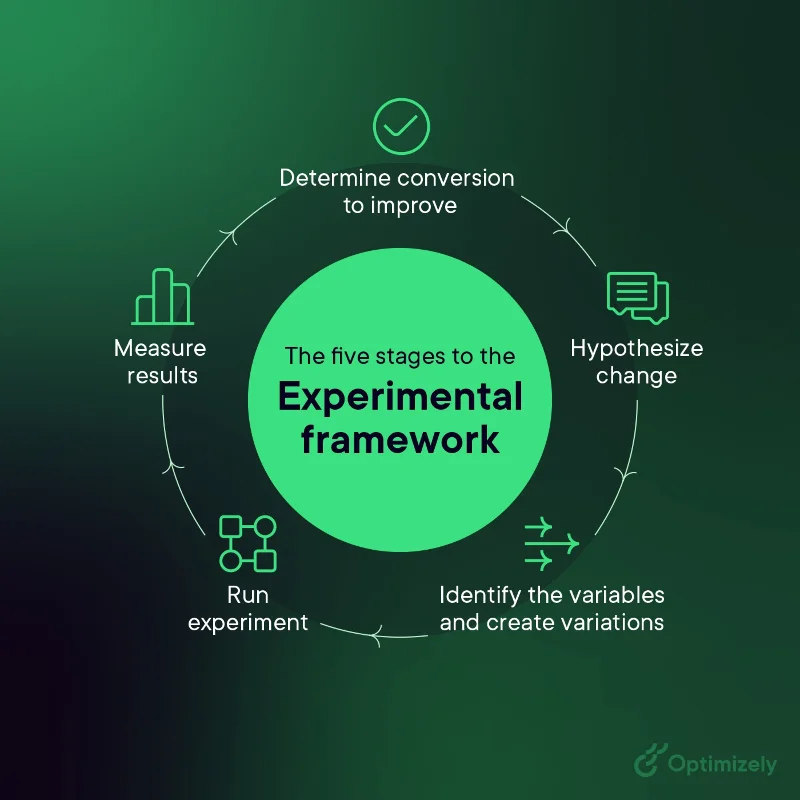
Here is an A/B testing framework you can use to get started running tests:
1. Data collection
Use analytics tools like Google Analytics to identify opportunities
Focus on high traffic areas through heat maps
Find pages with high bounce rates
2. Set clear goals
Identify specific metrics to improve
Set up measurement criteria
Set improvement goals
3. Create a test hypothesis
Form clear predictions
Based on existing data
Prioritize by potential impact
4. Design variations
Make specific, measurable changes
Ensure proper follow-up
Technical Implementation Check
5. Test run
Random traffic split
Track issues
Collect data systematically
6. Analyze the results
Test for statistical significance
Consider all the figures
Record lessons learned
A/B testing process diagram
If your variation wins, great! Apply those insights to similar pages and keep iterating to find success. But remember – not every test will yield positive results, and that’s okay.
In A/B testing, there are no failures, only opportunities to learn. Every test, whether positive, negative, or neutral, provides valuable insights about your users and helps refine your testing strategy.
Examples of A/B testing
Here are two examples of A/B testing in action.
1. A/B test on the homepage
Optimizely.com homepage scroll down animation
The goal was to drive user engagement. The team found that the answer in this case was a lot of barking.
During the test, visitors to the site who pet the dog on the site's home page will receive a link to the "Evolution of Experimentation" report. However, you will only see the dog 50% of the time.
Results : People exposed to the dog consumed 3 times more content than those who did not see the dog.
2. Pop-up to flop-up
Ronnie Cheung, Senior Strategy Consultant, Optimizely, wanted to introduce a facility details pop-up on the map view because when users clicked on the pin on the map view, they were taken to a PDP page with an additional step to complete the checkout.
Result : Fewer users visit the checkout page
Bottom line : Improve pop-up information so users can confidently proceed with payment.
Create a culture of A/B testing
Great digital marketing teams ensure that they involve multiple departments in their testing programs. By testing across multiple departments and touchpoints, you can increase your confidence that the changes you make to your marketing are statistically significant and have a positive impact on your bottom line.
Use cases include:
Social Media A/B Testing : Post timing, content format, ad creative variations, audience targeting, campaign messaging
A/B Marketing Test : Email campaigns, landing pages, ad copy and creative, call-to-action buttons, form design
But you can only scale your program if you adopt a test-and-learn mindset. Here's how to build a culture of experimentation:
1. Leadership support
Demonstrate value through early success
Share success stories
Link results to business goals
2. Empower the team
Provide the necessary tools
Train
Encourage hypothesis generation
3. Process integration
Make testing part of the development process
Create clear testing protocols
Record and share experiences
A/B testing data
A/B testing requires analytics that can track a variety of metrics while connecting to your data warehouse for deeper insights.
To start, here's what you can measure:
Key success metrics : Conversion rate, click-through rate, revenue per visitor, average order value
Supporting metrics : Time on site, bounce rate, pages per session, user journey patterns
Technical performance : Load time, error rate, mobile responsiveness, browser compatibility
What really makes the difference is native analytics. It allows you to maintain full control over data location by storing your test data on-premises. Furthermore, you can test against real business results and enable automated cohort analysis. It provides seamless multi-channel testing with a single source of truth while maintaining strict data governance and compliance.
Contentsquare is an end-to-end experience intelligence platform that teams can use to monitor their website's digital experience. With both quantitative and qualitative tools and capabilities, the platform allows you to add deeper insights to your A/B tests and understand the motivations behind user actions.
Visual Website Optimizer (VWO) is an experimentation platform with a comprehensive CRO toolset that allows you to A/B test different elements of your website and mobile apps, such as headlines, CTA buttons, and images, to see which variation converts more users.
Omniconvert is a website optimization platform with A/B testing, surveys, website personalization, customer segmentation, and behavioral targeting features.
Unbounce is a landing page builder that includes analytics and A/B testing features that allow you to track key performance indicators (KPIs) and optimize conversion rates.
Crazy Egg is a website optimization tool that allows you to analyze user behavior on your website. It includes features like heatmaps, scroll maps, and click reports to help you test different versions of your website to see which one generates more engagement or conversions.
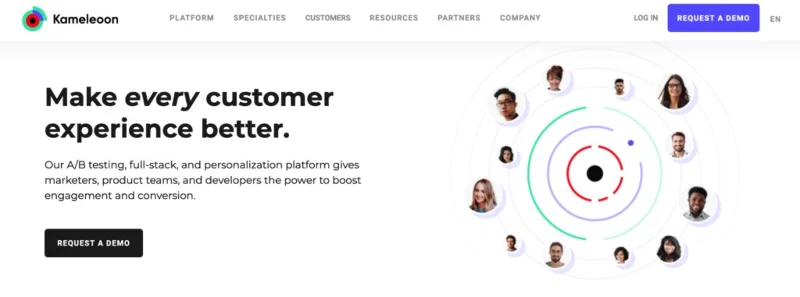
Kameleoon is a web optimization platform with full-featured, web testing capabilities that lets you run A/B testing in real-time and gives you data-driven insights to make better product decisions.
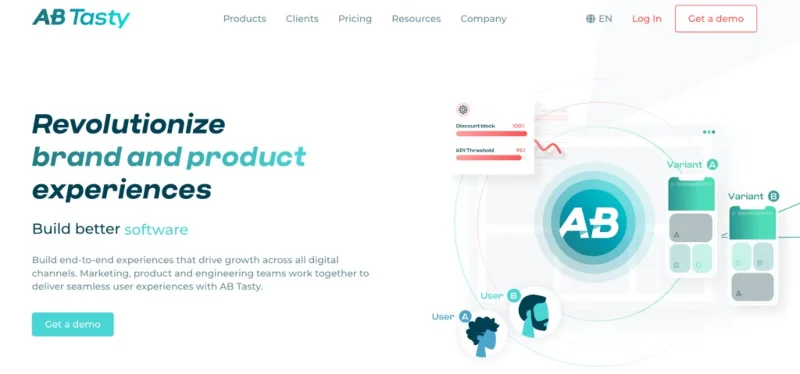
AB Tasty is a web optimization platform that offers feature management, A/B testing, and personalization tools to help you improve conversion rates and customer experience in real-time.
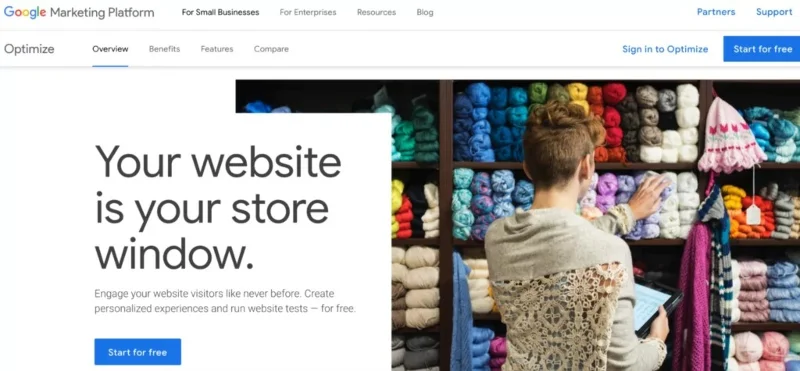
Google Optimize is one of the most popular A/B testing solutions out there. It's completely free and designed to work with other popular Google products like Google Analytics, Google Ads, and Firebase.
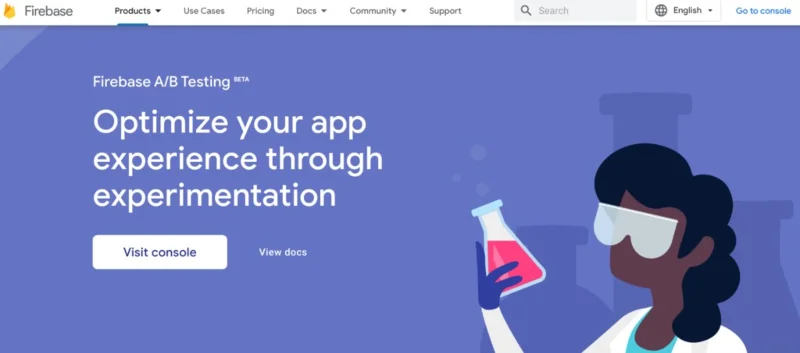
Firebase is an app development platform created by Google . Firebase's A/B testing module can help you test changes to your app's features, user interface, or engagement campaigns.
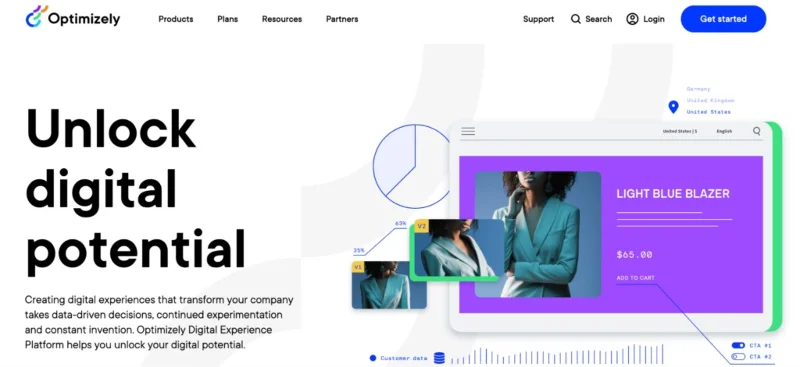
Optimizely is a digital experience platform. It comes with A/B testing and multivariate capabilities, as well as CMS, website personalization features, feature conversion capabilities, and more.
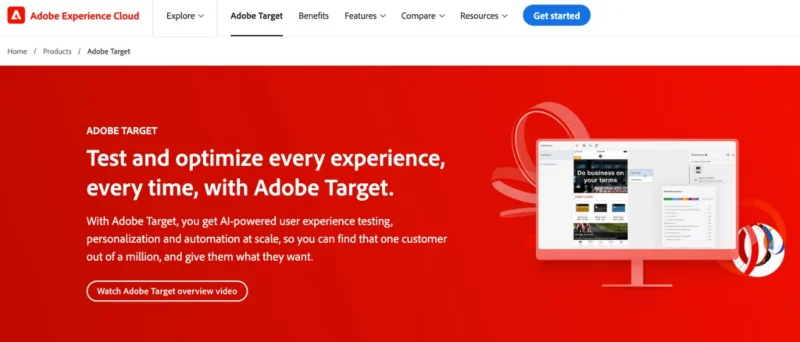
Adobe Target is a testing platform — part of the Adobe Experience Cloud. Like the entire experience cloud, Adobe Target is built for enterprises, focused on omnichannel user experiences and running tests on thousands or even millions of users.
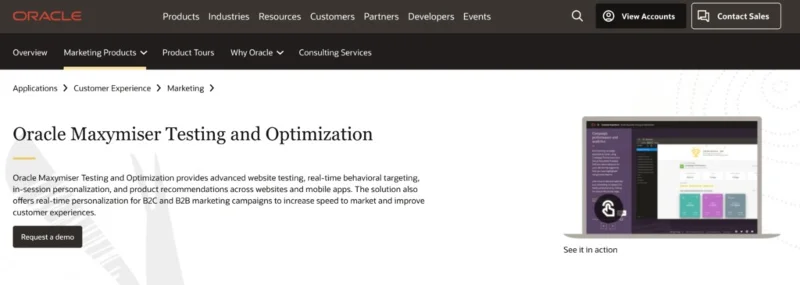
Maxymiser is a testing and optimization tool acquired by Oracle in 2015. The main focus of the tool is to put testing and personalization in the hands of marketers by eliminating the need for development resources.