Pop Culture Costume Ideas That Will Dominate Halloween 2026

Plan a recognizable Halloween 2026 look with pop culture costumes inspired by Spider-Man, Supergirl, Toy Story 5, Moana, Mario, and Wednesday.
Using the TV for too long without cleaning will cause dust to stick to the screen, reducing the image quality when watching and reducing the life of the TV. Please refer to our article below to learn 3 ways to clean the TV screen.
Table of Contents
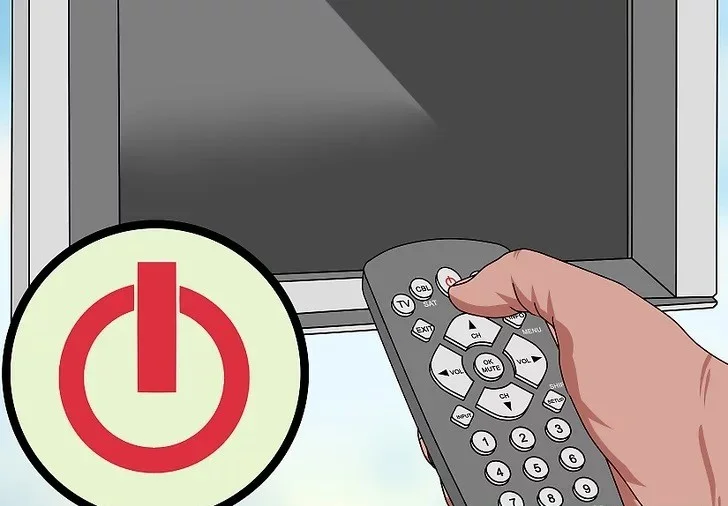
Step 1: Turn off the TV and unplug the power source to ensure safety and easy observation while cleaning the screen.
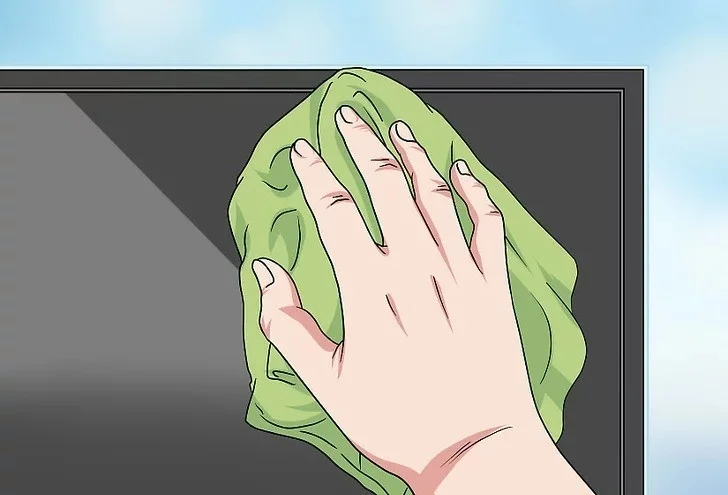
Step 2: Use a soft, dry microfiber cloth (like the cloth used to clean eyeglasses) to clean the TV screen. Note, you should not wipe hard or rub the TV screen if you still see dust on the screen.
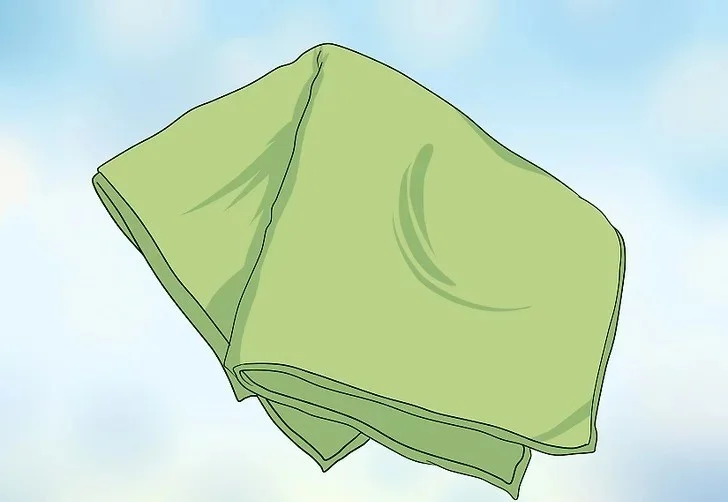
In particular, you should not use paper towels, toilet paper, or old shirts to wipe the screen. Such materials will scratch your TV screen or leave a lot of lint and paper residue on the screen.
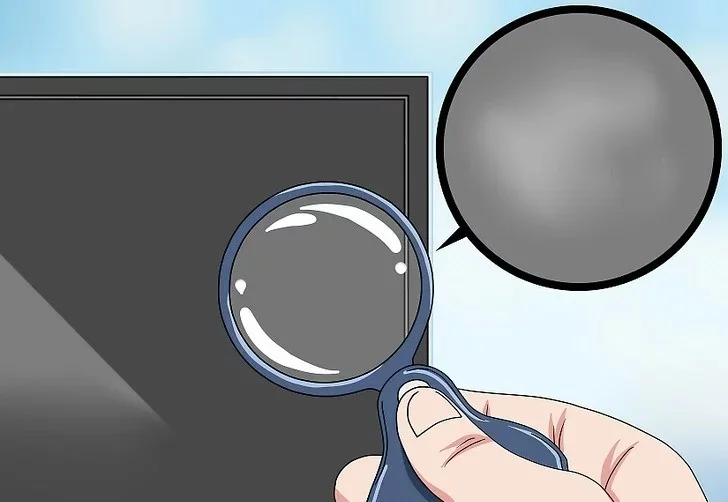
Step 3: Check the screen. If your TV screen is not clean and there is still dirt, follow the steps below.
Step 1: Turn off the TV and unplug the power source to ensure safety and easy observation while cleaning the screen.
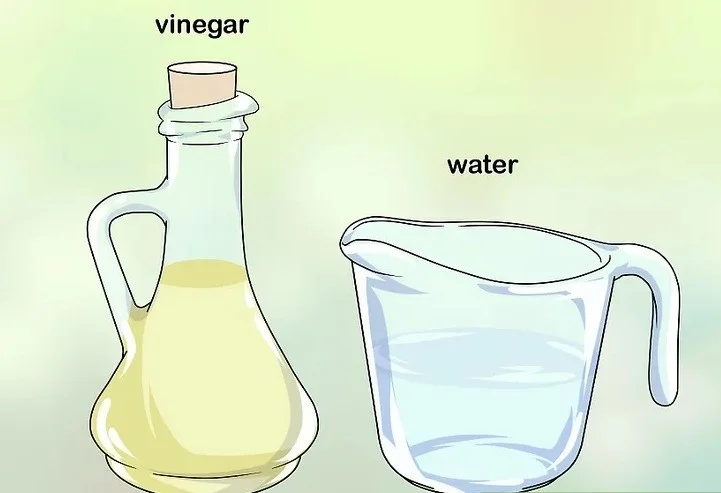
Step 2: Create a solution of vinegar and water in a 1:1 ratio. Vinegar is a natural cleaner that is safe and cheaper than other cleaners.
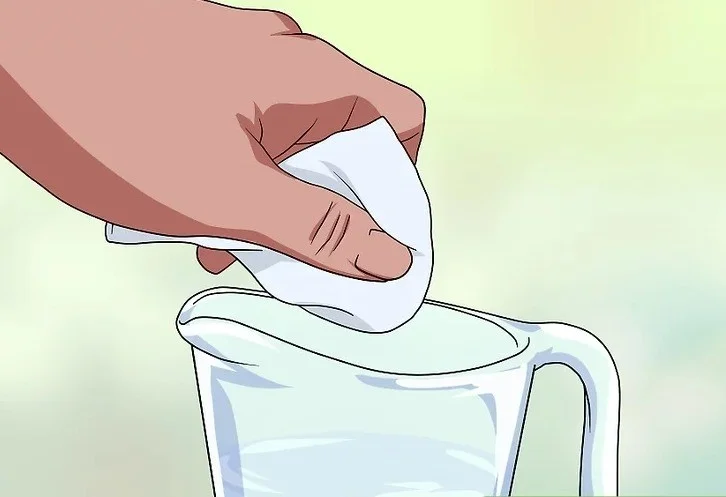
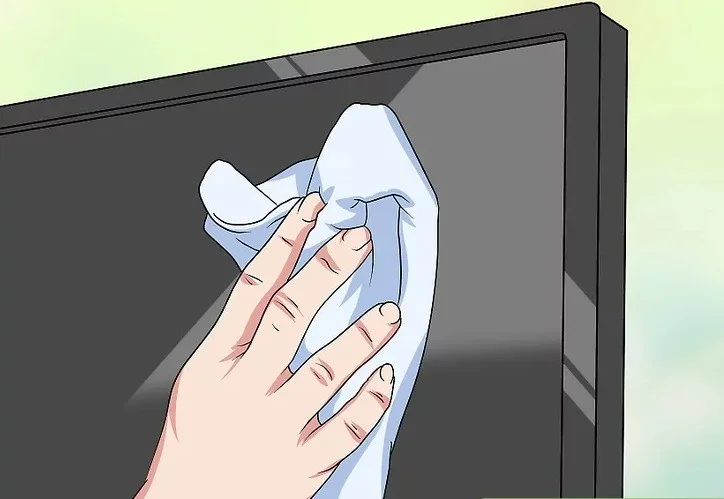
Step 3: Dip a microfiber cloth into the above solution, then gently wipe the screen in a circular motion.
Note:
Step 4: Use another clean cloth to dry the screen, avoiding leaving streaks.
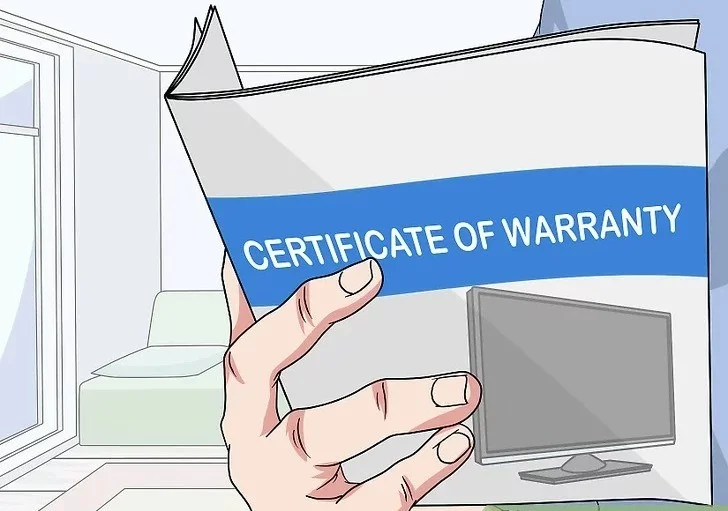
Step 1: Check your TV’s warranty. If the TV screen has scratches but is still under warranty, your best bet is to replace it with a new one. If the TV is no longer under warranty, read the next step.
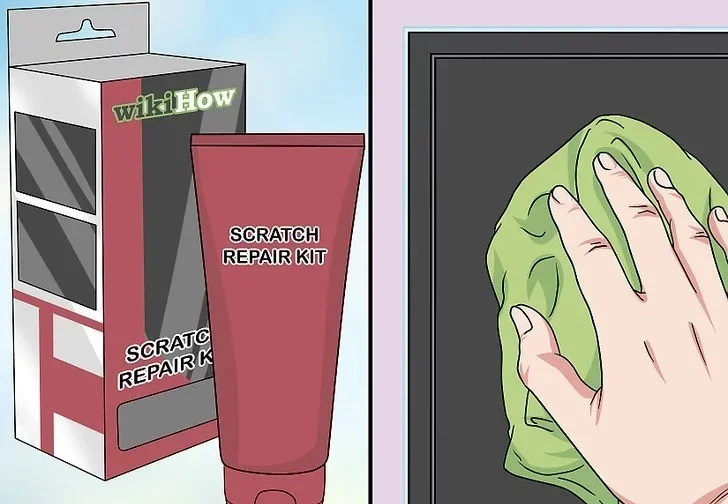
Step 2: Use a scratch removal kit. This is the safest method to remove scratches from your TV screen.
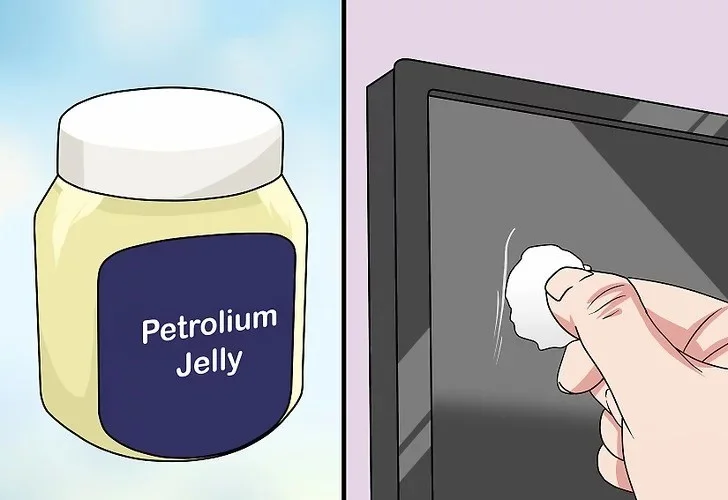
Step 3: Put a little petroleum jelly on a cotton ball and dab it on the scratch.
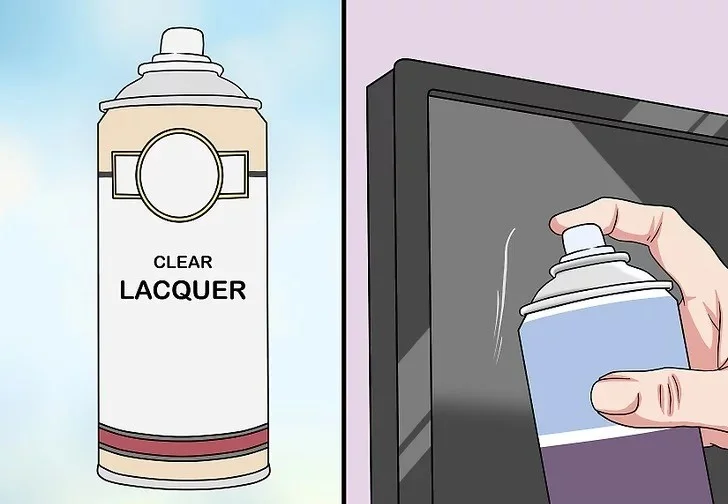
Step 4: Use a clear coat sprayer and spray a small amount directly onto the scratch and let dry naturally.
Plan a recognizable Halloween 2026 look with pop culture costumes inspired by Spider-Man, Supergirl, Toy Story 5, Moana, Mario, and Wednesday.
Sort leftover Halloween candy safely, share or repurpose sealed treats, and choose food use or compost for pumpkins based on their condition.
Compare workplace Halloween costume choices by respect, dress code, mobility, and safety—and learn when a subtle accessory or a policy check is the better option.
Find a couples costume that fits your style, budget, and comfort level, from Addams Family classics to original inside-joke duos.
Need a last-minute high school Halloween costume? Compare 10 easy closet-based ideas by prep time, comfort, school-day practicality, and simple safety checks.
Use a simple 2026 Halloween decorating timeline for indoor décor, outdoor displays, and fresh pumpkins, with practical adjustments for weather and events.
Mix five vivid, approachable Halloween cocktails with measured recipes, simple prep tips, and an alcohol-free option for your party guests.
Find 15 office-friendly Halloween costume ideas for 2026, with practical checks for dress codes, respectful themes, comfort, and workplace safety.
Plan a fun elementary school Halloween party with easy crafts, games, inclusive treats, costume tips, and a sample 75-minute classroom schedule.
Compare realistic side hustles for 2026 by startup cost, fees, flexibility, and income control, with current tax and scam guidance from official sources.








