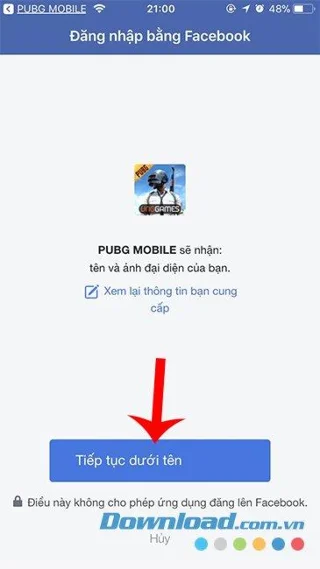
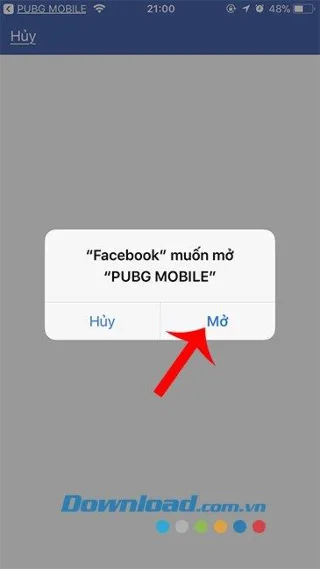
The publisher of VNG game has made an official announcement to PUBG Mobile Global survival shooting gamers who will have their accounts reset when they switch to PUBG Mobile VN after December 31. According to the previous information, VNG issued a deadline of December 19, but it was due until the end of 2019 due to many objective factors. The way to switch is also very simple when you just need to link to your Facebook account to sync items and related data to your PUBG Mobile VN account to play as usual.
PUBG Mobile VNG for Android PUBG Mobile VNG for iOS
The Battle Royale blockbuster was released by VNG in Vietnam in early 2019 and has many attractive policies to entice gamers to return to play on the server to play on the localized Vietnamese interface. After 1 year of waiting for gamers to get acquainted with the new server, VNG has officially reset the international PUBG Mobile game account to PUBG Mobile VN if not quickly done before December 31 here.
How to change your international PUBG Mobile account to PUBG Mobile Vietnam
Step 1 : You go to the App Store and download more versions of PUBG Mobile Vietnam to your phone.
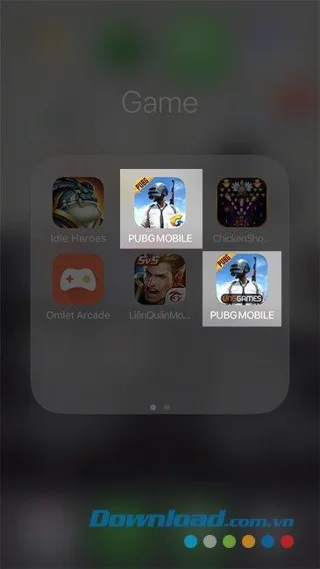
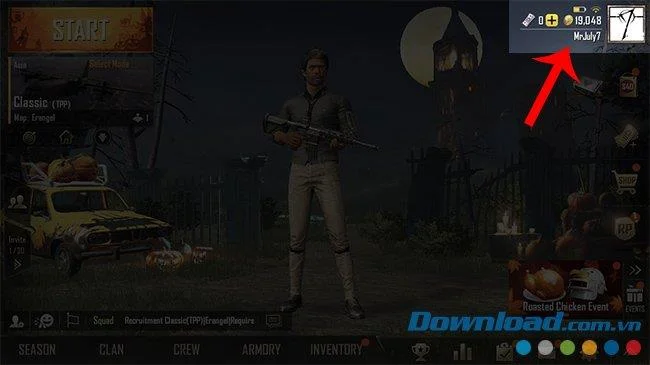
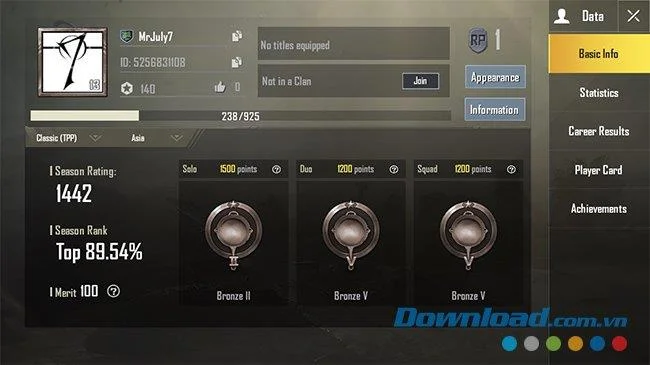
Step 2 : Before making the conversion, you can log in again to check your current PUBG Mobile account (level, amount, titles ...).
![PUBG Mobile account to PUBG Mobile VN]()
You can take a screenshot to remember or compare it after we have finished switching accounts.
![PUBG Mobile account to PUBG Mobile VN]()
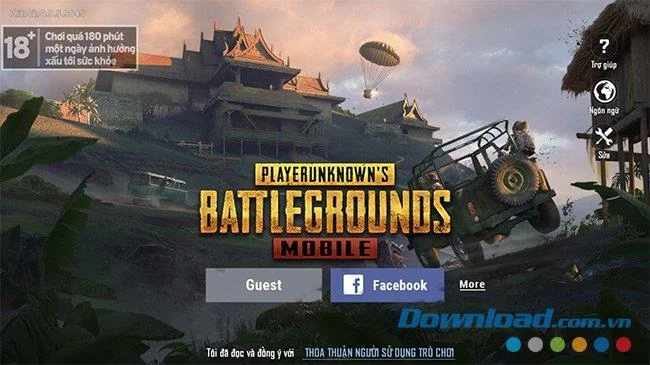
Step 3: No need to log out, you log out and access the game PUBG Mobile VNG , choose to log in with your Facebook account .
![PUBG Mobile account to PUBG Mobile VN]()
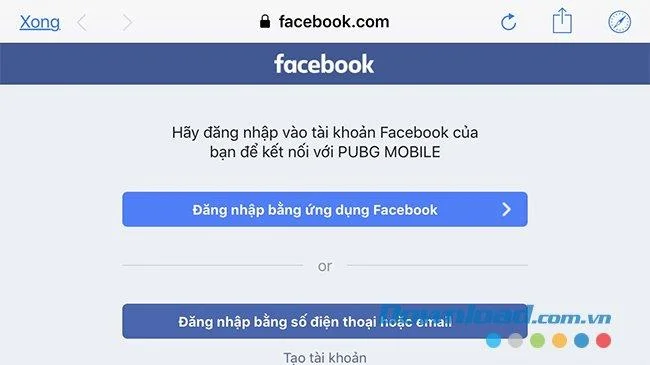
Step 4 : The game will ask you to log in again.
![PUBG Mobile account to PUBG Mobile VN]()
Follow the instructions to continue.
![PUBG Mobile account to PUBG Mobile VN]()
![PUBG Mobile account to PUBG Mobile VN]()
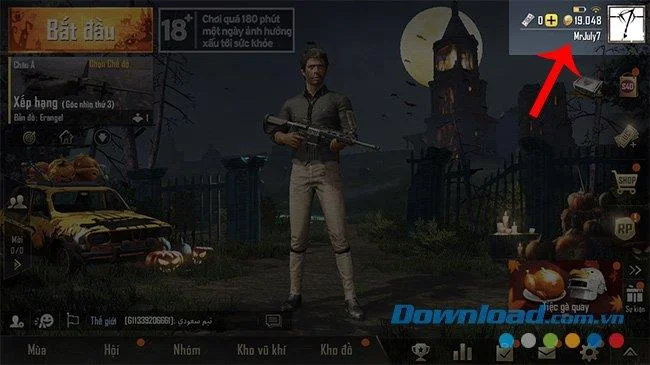
After successfully logging into PUBG Mobile VNG, you can see everything from the international account has been transferred here.
![PUBG Mobile account to PUBG Mobile VN]()
From character appearance, outfit, skills, level characters ...
![PUBG Mobile account to PUBG Mobile VN]()
You can also compare the achievements, everything remains the same as on the old account. From now on you can safely play PUBG Mobile VNG with better quality and better support than when playing the international version before.
Update new 2021
PUBG MOBILE (VN)
PUBG MOBILE (VN) is the Vietnamese version of the PLAYERUNKNOWN'S BATTLEGROUNDS for smartphones. A special version geared towards this country in Southeast Asia that you can access as a guest, as well as identify yourself using social networks such as Google.
This action game challenges you to participate in battles that include 100 real players who must fight inside an isolated island until one of you becomes the last man standing. To become that last survivor, you'll have to move around the setting, collect as much weaponry as possible and make sure the rest of the players don't destroy you. The accessible game area shrinks as time goes by, so the battles become more frantic.
Fans of the original PUBG will find few differences between the two. The control system is a wonderful adaptation of the original version, as well as the objects and elements that you can interact with. You can also enter different types of buildings, drive vehicles, equip your weapons with accessories, use kits, etc.
The game perfectly adapts to your smartphone thanks to the different setup options. You can adjust the visuals as well as customize the controls to achieve a gaming experience that fits your preferences. Do keep in mind that this version has Vietnamese as its main language.
PUBG MOBILE (VN) is a fantastic battle royale for smartphones and tablets, as well as an amazing adaptation of the original PLAYERUNKNOWN'S BATTLEGROUNDS. It includes different game modes, several maps and tons of customizing options. Also, if you play by teams, you can communicate with your teammates through your smartphone's microphone. This is an excellent version that's exclusively geared towards Vietnamese speaking players.