Home
» Today
»
Australia’s Multi-State Thunderstorm System: How to Check Live Radar and Plan Ahead
Australia’s Multi-State Thunderstorm System: How to Check Live Radar and Plan Ahead
For a live Australian thunderstorm picture, check the Bureau of Meteorology (BoM) warnings first, follow the rain radar loop second, and confirm road and emergency updates before deciding whether to travel. Radar shows observed precipitation; it is not a warning system by itself, and a quiet-looking map does not cancel official advice.
The Bureau of Meteorology’s eastern Australia severe-weather update on Sunday, October 25, 2026, was marked current at 12:00 p.m. Australian Eastern Daylight Time (AEDT, UTC+11:00), or 01:00 UTC. In Brisbane, Queensland, that same moment was 11:00 a.m. Australian Eastern Standard Time (AEST, UTC+10:00); Queensland does not observe daylight saving time. This is the timestamp of that update, not a promise about conditions now. A multi-state outbreak can involve separate storm cells and bands, with different hazards from one district to the next. Use the live BoM warnings page for the current picture; warnings can be issued, changed, or canceled as storms evolve. For local offsets, see the official Australian time and daylight-saving reference.
Illustrative scenario: Imagine a fictional Brisbane resident, Alex, who plans to drive to Toowoomba while severe weather is forecast somewhere in the wider region. Alex and the trip are examples, not a real account or a claim that a particular road is closed. The four checks below show how to turn a broad weather headline into a local decision.
1. Read the warning for the places you will actually be
Open the BoM warnings page and check the location where you are now, your destination, and the route between them. Read the warning text, not just the colored map. Look for the issue time, affected districts, named hazards such as damaging winds, hail, heavy rain or flash flooding, recommended actions, and when the next update is expected.
BoM uses detailed severe thunderstorm warnings for individual storms within range of capital-city radars; their maps can show storm movement for up to 60 minutes and an immediate-threat area. Regional warnings cover broader forecast districts and indicate where severe storms are occurring or may occur over the next three hours. For Alex, a warning near Toowoomba matters even if Brisbane looks calm. If the warning advises shelter or avoiding travel, follow it rather than trying to judge the risk from distance alone.
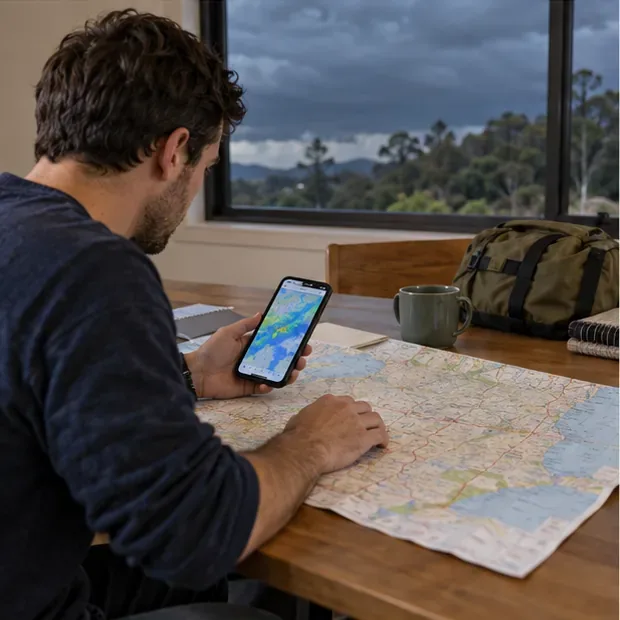
A phone check is a quick way to open official warnings and confirm the affected district.
2. Use the live radar as a moving picture
Open BoM’s rain radar and weather maps, search for a town or postcode, and play the recent radar loop. Watch successive frames to see where rain echoes are moving relative to your location. BoM says its radar map produces a new image every five minutes; check the timestamp shown on the map before relying on a frame.
Radar colors represent returned signal and precipitation intensity, not a simple danger score. Hail can create a strong reflectivity signal, while the estimated-rain layer combines radar and rain-gauge data. Radar also has limits: beyond roughly 200 kilometers from a radar, its beam may be high above the ground, and it can miss some low-level rain. Compare the loop with the written warning and local observations. If a warning is active, BoM advises following it even when the radar image looks quiet.
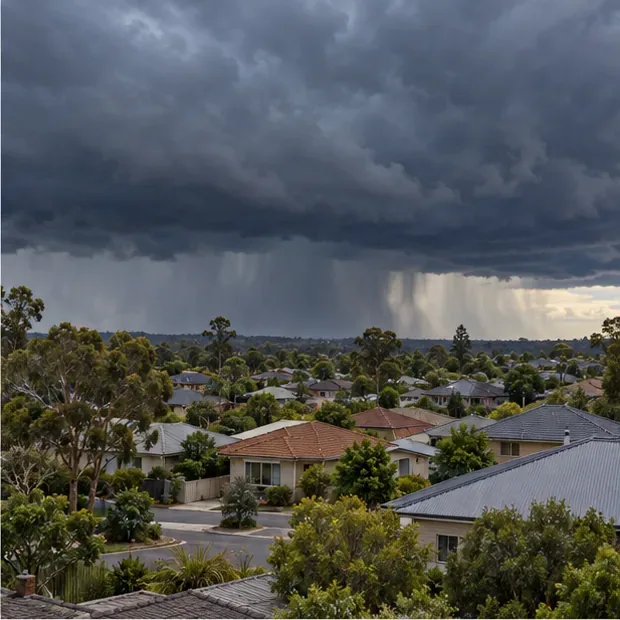
A distant storm front can look broad, but local warning areas determine who should act.
3. Check the whole route, including road closures
Weather radar cannot tell Alex whether a highway, bridge, or local road is open. Before leaving, check the official traffic service for the state or territory on the route. Examples include QLDTraffic for Queensland, Live Traffic NSW for New South Wales, and VicTraffic for Victoria. For local streets and council-managed roads, check the relevant local government’s updates as well.
Check conditions along the route, not only at the destination, and refresh the information shortly before departure. If an alert, closure, or emergency instruction affects the route, delay the trip or follow the official detour. Do not use a navigation app’s suggested alternate route to bypass a closure. In Alex’s example, a clear-looking patch on radar is not proof that every road west of Brisbane is safe or open.
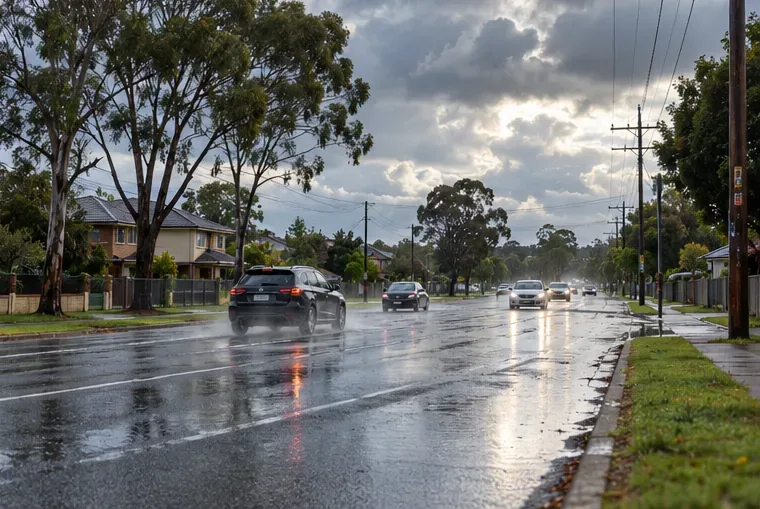
Review the full route and official traffic updates before starting a trip.
4. Set a decision point and prepare a backup plan
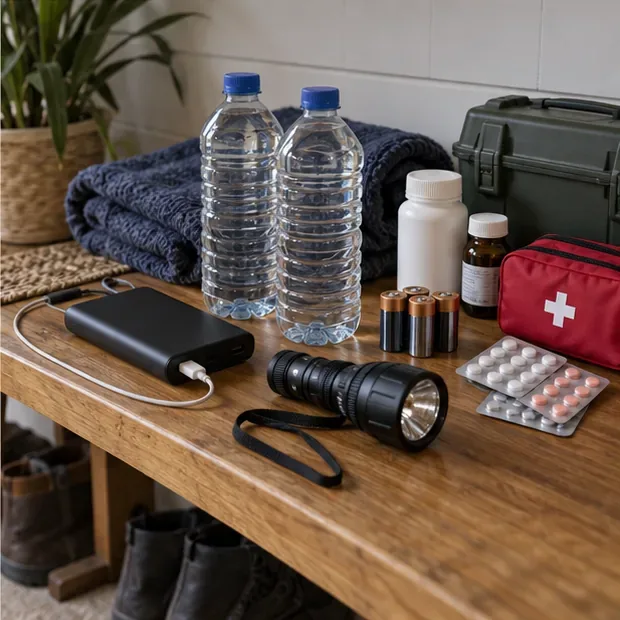
Choose when you will check again: before departure, before reaching an exposed stretch, and whenever official alerts change. If storms are near, postponing is safer than trying to outrun them. Keep your phone charged, bring a power bank if you have one, and make sure needed medications, a flashlight, batteries, water, and an emergency kit are accessible. At home, BoM recommends securing loose outdoor items, closing external doors and windows, and sheltering indoors away from windows, doors, and skylights during a thunderstorm.
If you are already driving when conditions deteriorate, stop only somewhere safe and away from trees, creeks, and power lines when possible; follow local emergency instructions. Never drive, walk, ride, or swim through floodwater. The Queensland State Emergency Service also advises avoiding storm-damaged areas and staying clear of fallen power lines. For life-threatening danger in Australia, call Triple Zero (000).
A small home storm kit keeps basic supplies together if power or travel is disrupted.
What a radar map cannot decide for you
A broad storm system does not make every suburb equally dangerous, and thunderstorm cells can develop, change, or dissipate quickly. Radar helps you see recent precipitation; official warnings describe the hazards and affected areas; emergency services and road agencies tell you what actions and restrictions apply. Use all three in that order.