Back Up and Restore a Zimbra CE Mailbox Using TGZ Exports
Export an individual Zimbra Community Edition mailbox, validate its TGZ backup, and restore missing items without overwriting existing mail.
To flush a Zimbra mail queue, first inspect the queue and fix the reason delivery is delayed; then run Postfix’s postqueue -f. That command requests delivery attempts for queued mail. It does not delete messages. Do not use postsuper -d ALL as a “flush” command: it deletes queued mail instead of retrying it.
On a busy or production Zimbra server, start with the queue ID, recipient, and last delivery error. A large queue can represent a temporary remote outage, DNS or network failure, a local MTA problem, or unwanted outbound mail. Flushing before identifying a spam burst or fixing a repeated connection failure can add load without clearing the backlog.
Inspect it first. Connect to the Zimbra MTA as an administrator and list the queue with the Postfix binary bundled with your installation:
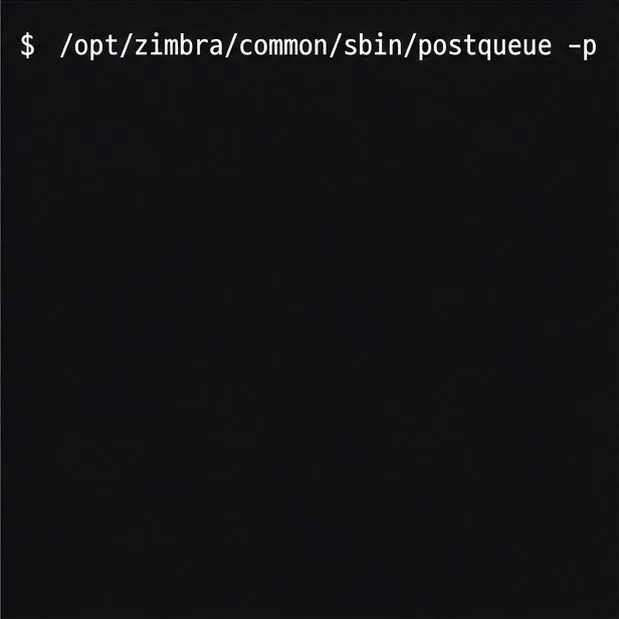
/opt/zimbra/common/sbin/postqueue -p
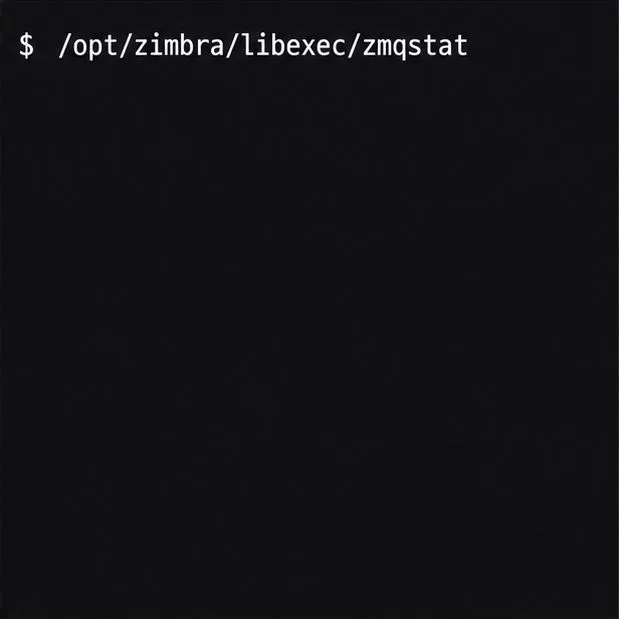
/opt/zimbra/libexec/zmqstat
The first command lists message IDs, size, arrival time, sender, pending recipients, and often the reason a delivery attempt failed. Zimbra’s zmqstat helper summarizes counts such as active, deferred, incoming, and held mail. If the first path does not exist, Zimbra releases may use /opt/zimbra/postfix/sbin/postqueue instead; use the binary shipped with that server, not an unrelated system Postfix installation.
Look for a pattern before acting. Many deferred messages to one destination can point to a remote server or network problem. A repeated “host not found” message suggests DNS resolution trouble; connection timeouts or refusals suggest reachability or service problems; a temporary SMTP 4xx response usually means the receiving server asked for a later retry. Check the matching queue ID in /var/log/zimbra.log for context, for example:
grep 'QUEUE_ID' /var/log/zimbra.log | tail -20Replace QUEUE_ID with an actual ID from the queue listing. If the queue suddenly contains many messages from an unfamiliar sender or to unrelated recipients, investigate possible account compromise or outbound abuse before triggering another delivery run.
postqueue -f the right fix?Use a flush after the underlying problem is corrected—for example, after a remote mail host recovers, DNS resolution works again, or the route/firewall issue has been fixed. From the Zimbra host, request a delivery attempt for the queue:
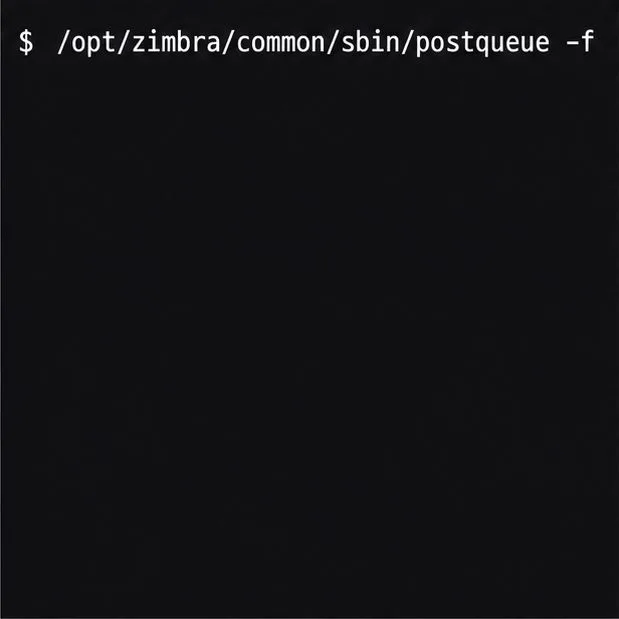
/opt/zimbra/common/sbin/postqueue -fSome Zimbra releases place the bundled command under /opt/zimbra/postfix/sbin. If the command is not found, check the installed Zimbra path and substitute that path. Postfix documents postqueue -f as an attempt to deliver all queued mail. It may return before every message finishes, and messages that still cannot be delivered remain queued for normal retries. The command is not a promise that every recipient will accept the mail.
Avoid running flush repeatedly while the failure is still present. Postfix warns that frequent flush requests for undeliverable mail can reduce delivery performance for other messages. For one deferred message, Postfix also supports scheduling an immediate attempt by queue ID with postqueue -i QUEUE_ID; use that only when you have identified the message and a reason to retry it now.
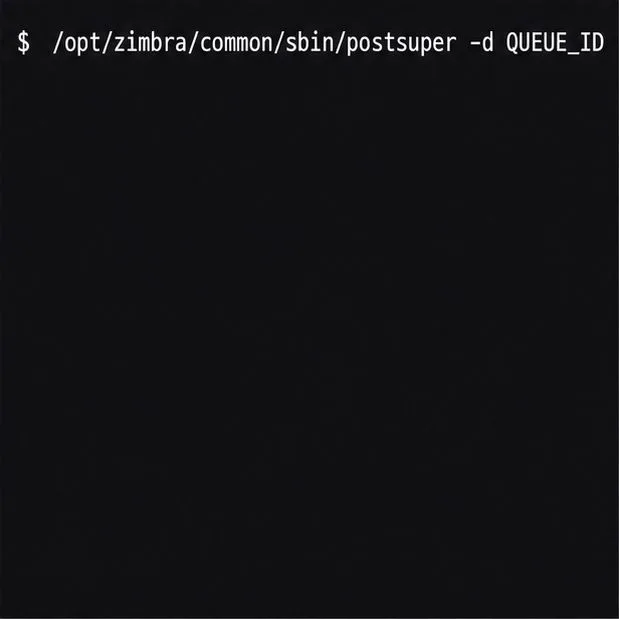
Delete only a message that you have identified as unwanted, malicious, or no longer deliverable by policy. Record its queue ID, sender, recipient, and relevant log evidence first, and confirm the action with the mail owner when appropriate. To remove one message, use the bundled postsuper binary as root:
/opt/zimbra/common/sbin/postsuper -d QUEUE_IDReplace the placeholder with one verified queue ID. The command permanently removes that queued message; it does not deliver it or return it to the sender. The Zimbra path may use /opt/zimbra/postfix/sbin/postsuper on older layouts. Check the official Postfix manual for the precise semantics of -d.
Never run postsuper -d ALL to fix a backlog unless you explicitly intend to discard every queued message and have approval for that loss. The uppercase ALL selector is a bulk deletion. Likewise, held mail will not be delivered until it is deliberately released; inspect why it was held before changing its status. A queue cleanup can erase legitimate business mail, not just spam.
After the flush, rerun postqueue -p and zmqstat after enough time for delivery attempts to occur. Compare counts and check whether old queue IDs disappear or move out of deferred status. Confirm delivery with a test message to a destination that was affected, and review the corresponding MTA log entry. A queue need not reach zero if new mail is arriving or some recipients remain unavailable.
If the same errors persist, stop flushing and return to the recorded failure reason. For Postfix command behavior, use the postqueue manual and postsuper manual. Zimbra’s queue management notes document its MTA queue tools and warn that deleting queued messages can affect users.
Export an individual Zimbra Community Edition mailbox, validate its TGZ backup, and restore missing items without overwriting existing mail.
Plan your Art Basel Miami visit with this 5-step guide to ticket prices, transit, and dining costs, calculating a realistic daily budget of $145 to $550.

Follow these 6 steps to navigate an American office holiday party with confidence, connect with coworkers, and leave a professional impression.
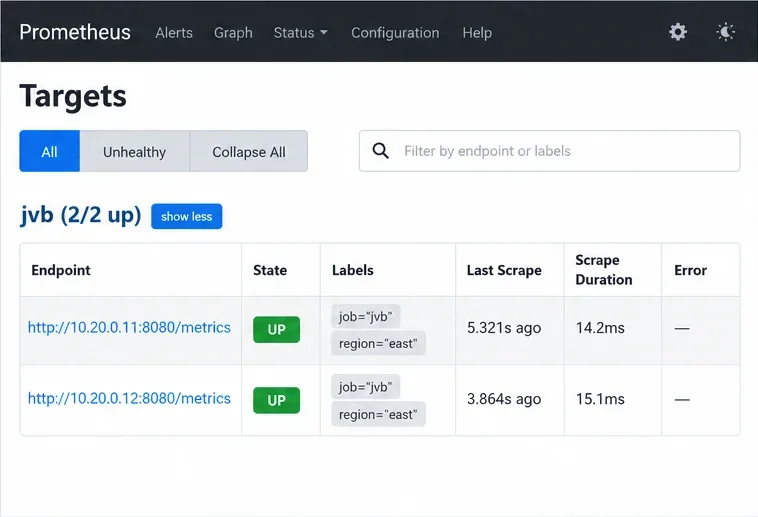
Scrape each JVB’s private metrics endpoint securely, confirm Prometheus targets are healthy, and build Grafana panels for bridge load and meeting traffic.
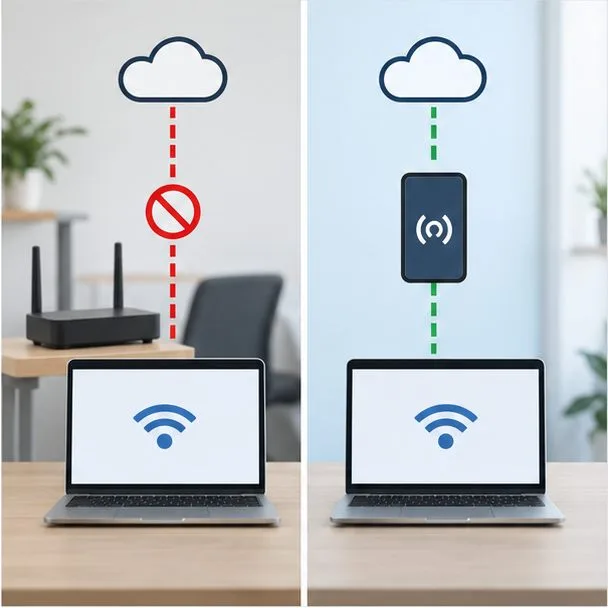
Trace webcam failures to browser permission, a restricted network, or the BigBlueButton server’s UDP and NAT setup, then verify the stream in a live meeting.
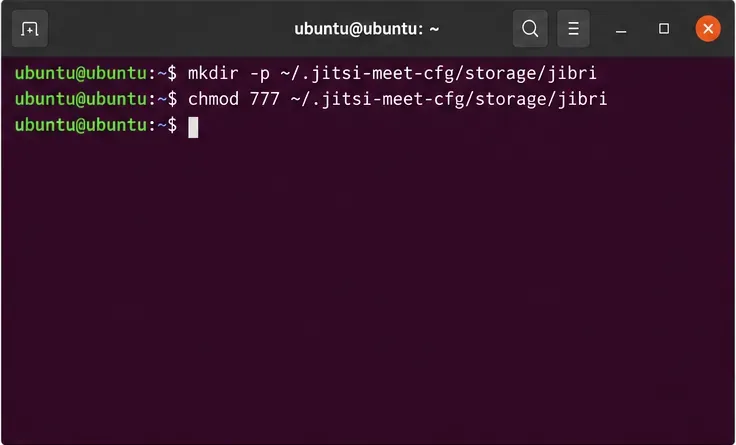
Enable Jitsi Meet recording and live streaming with the official Docker Compose Jibri service, secure XMPP credentials, writable storage, and practical verification steps.
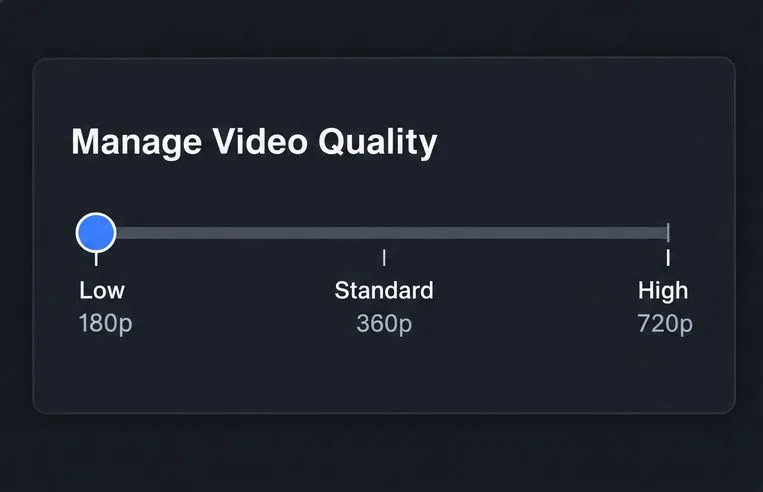
Lower Jitsi Meet video quality to 180p or 360p, reduce outgoing camera traffic, and test bitrate caps without sacrificing meeting audio.
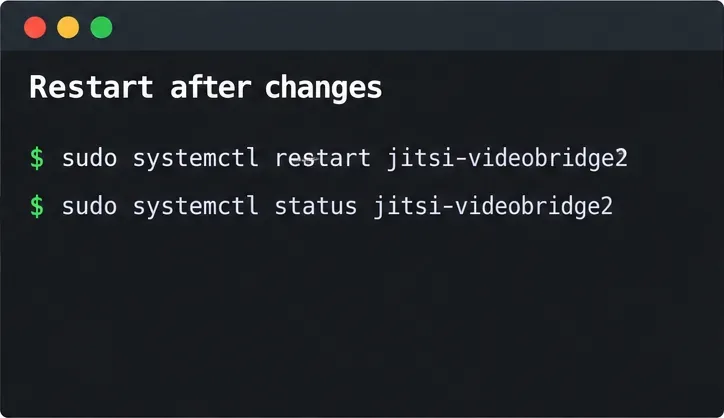
Trace bridge failures from service health to UDP 10000 and NAT mapping, then retest Jitsi Meet without opening unrelated firewall ports.
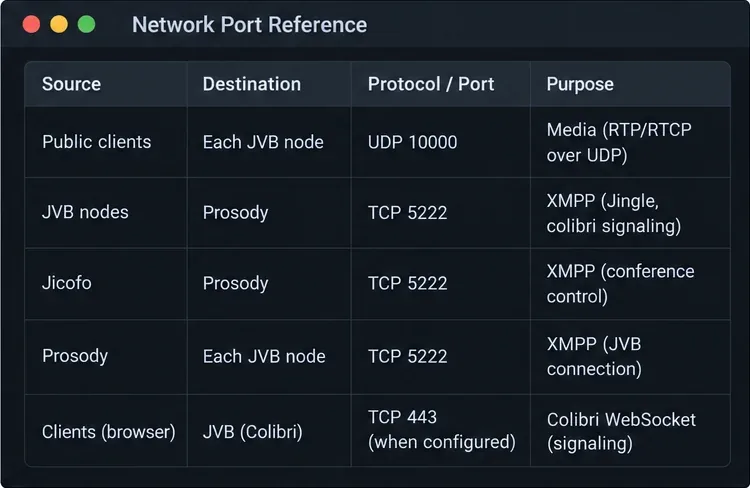
Add Jitsi Videobridge nodes for more concurrent meetings, configure OCTO only when a single conference must span bridges, and verify network paths and bridge discovery.