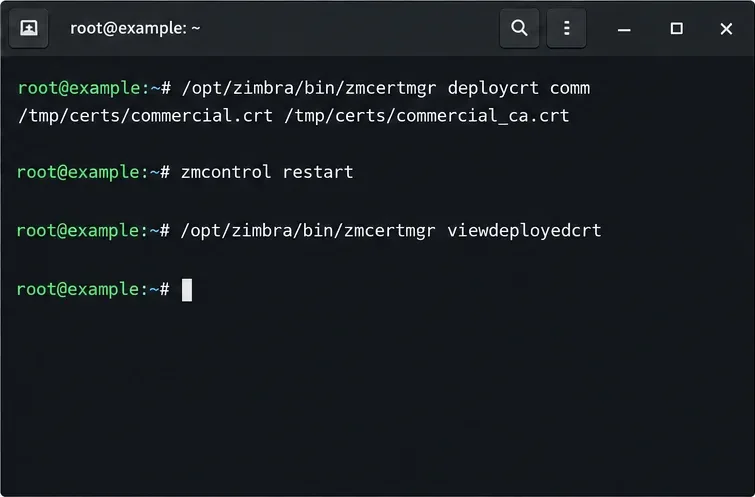
Install a Commercial SSL Certificate on Zimbra Safely
Prepare the matching key and CA chain, verify the certificate with zmcertmgr, and deploy it on Zimbra with a service and hostname check.
If a Zimbra server shows an amavisd process near 100% CPU, first determine whether one worker is stuck on a message or whether mail volume has simply increased. Check the process, queue, and /var/log/zimbra.log; then, if the worker remains runaway, restart Amavis with Zimbra’s zmamavisdctl command and investigate any recurring message or custom SpamAssassin rule. A restart can briefly interrupt content scanning, so use it after capturing evidence and during a suitable maintenance window when possible.
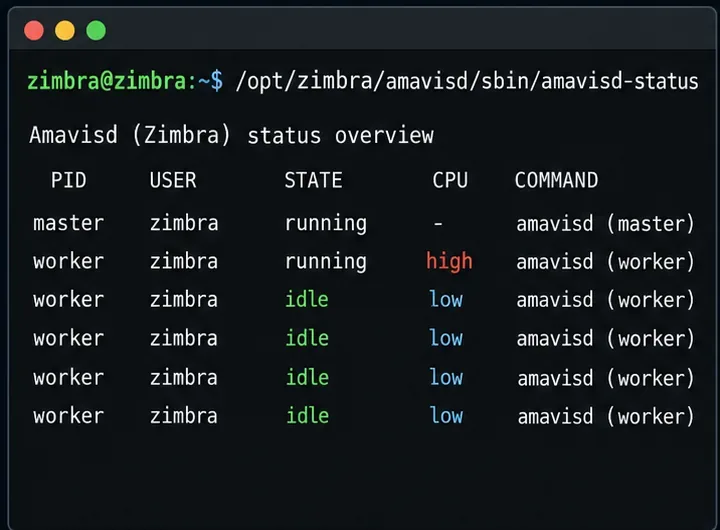
Run these checks as the zimbra account on the MTA host. If your installation uses a different service layout, follow its release-specific Zimbra administrator documentation; do not substitute a generic Linux Amavis service command.
su - zimbra
ps -eo pid,pcpu,etime,args | grep '[a]mavisd'
/opt/zimbra/amavisd/sbin/amavisd-status
The process list tells you whether CPU usage belongs to Amavis and whether one process has accumulated a long elapsed time. The status utility can show what active workers are doing on releases that include it. Zimbra documents the utility and its state codes, but its path and availability can differ by release; check before relying on it:
test -x /opt/zimbra/amavisd/sbin/amavisd-status && /opt/zimbra/amavisd/sbin/amavisd-status -c 10 -w 2A short burst during a mail spike can be normal. A single worker remaining CPU-bound while other workers are idle, especially alongside repeated deferred messages, is more consistent with a stuck scan. Amavis is the content-filter interface between Postfix and the configured antivirus and antispam scanners, so the CPU reading alone does not identify which component or message is responsible.
Review recent Amavis events and the Postfix queue before restarting anything:
grep -i amavis /var/log/zimbra.log | tail -n 100
postqueue -p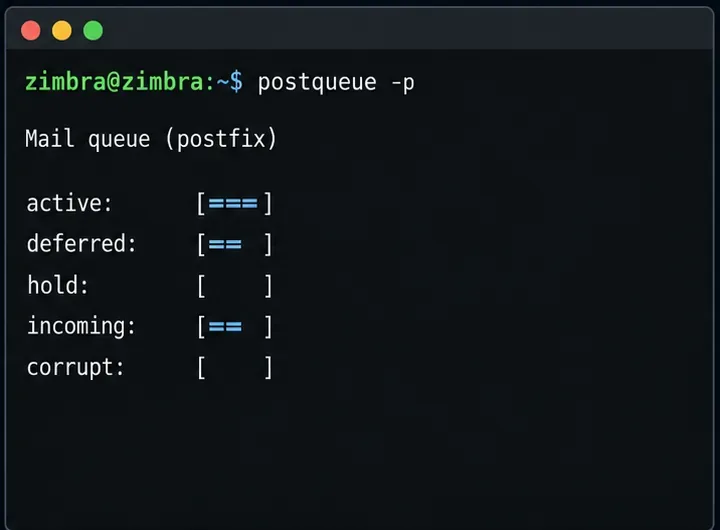
In the log, compare repeated entries around the same time and look for a scan that starts without a corresponding completion or handoff. Zimbra’s troubleshooting notes describe cases where a SpamAssassin rule does not finish and an incoming message repeatedly returns through the queue. A rising deferred queue can also mean ordinary capacity pressure, so use timestamps and message identifiers to correlate events instead of assuming every queue delay is a bad message. Protect message contents and addresses when sharing logs.

If the problem began after a local SpamAssassin rule or module change, review the custom rules under /opt/zimbra/data/spamassassin/localrules/ and the relevant change history. Back up the local file, revert only the suspected recent change, and retest. Do not edit the generated /opt/zimbra/conf/amavisd.conf directly as a permanent fix: Zimbra’s configuration tools can rebuild managed files. If you need more detail, temporarily raise Amavis logging on the affected MTA:
zmprov ms "$(zmhostname)" zimbraAmavisLogLevel 2
zmamavisdctl restart
grep -i amavis /var/log/zimbra.log | tail -n 100
After collecting the needed evidence, return the setting to its normal level (Zimbra’s troubleshooting reference lists 1 as the default) and restart Amavis so the generated configuration takes effect:
zmprov ms "$(zmhostname)" zimbraAmavisLogLevel 1
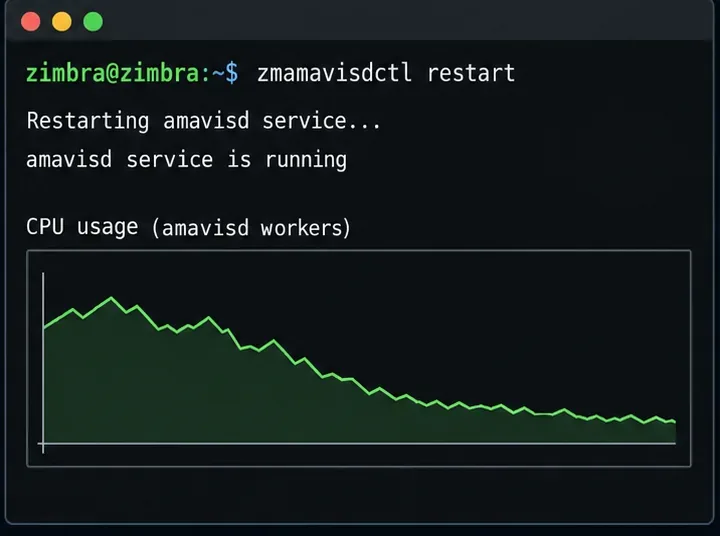
zmamavisdctl restartIf one worker stays saturated and mail scanning is backing up, a controlled restart is a reasonable recovery step after you have noted the process ID, recent log lines, and queue state. As the zimbra user, run:
zmamavisdctl restart
zmcontrol status
This restarts the content-filter service managed by Zimbra. It can interrupt in-progress scans briefly; Postfix may defer mail while the filter returns. Do not repeatedly kill workers or restart the entire Zimbra stack as a first response. In a multi-MTA deployment, run the check on the host showing the high CPU and confirm which MTA receives traffic before making service changes.
If the same pattern returns, preserve the affected queue ID and correlate it with Amavis log entries. Zimbra’s debugging reference describes isolating a suspect message for analysis; use the supported queue-management procedure for your Zimbra/Postfix version and test a copy on a separate system where possible. Do not delete queued mail just to clear CPU. If custom rules are not involved, check whether a supported Zimbra update addresses the installed SpamAssassin or Amavis issue, and review antivirus update or scanner errors in the Zimbra logs.
After the restart or rule rollback, check service status, active workers, CPU, and queue depth again:
zmcontrol status
ps -eo pid,pcpu,etime,args | grep '[a]mavisd'
postqueue -p
tail -n 100 /var/log/zimbra.logIf CPU remains high across several workers, the issue may be throughput, message volume, scanner cost, or host capacity rather than one runaway process. Keep antivirus and spam protections enabled while you diagnose; disabling them changes the server’s security posture and should only be a deliberate, temporary mitigation with an alternative filtering plan.
Prepare the matching key and CA chain, verify the certificate with zmcertmgr, and deploy it on Zimbra with a service and hostname check.
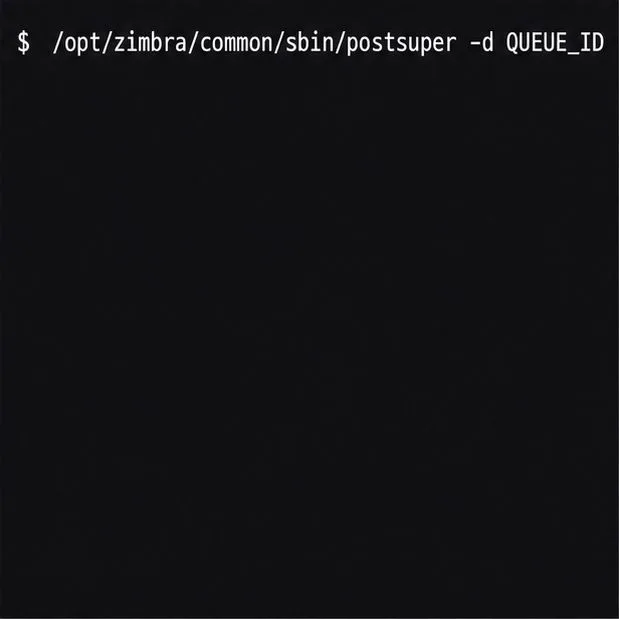
Inspect the Zimbra Postfix queue, fix the cause of delayed delivery, and safely request a retry. Learn when to remove a specific message and what never to purge blindly.
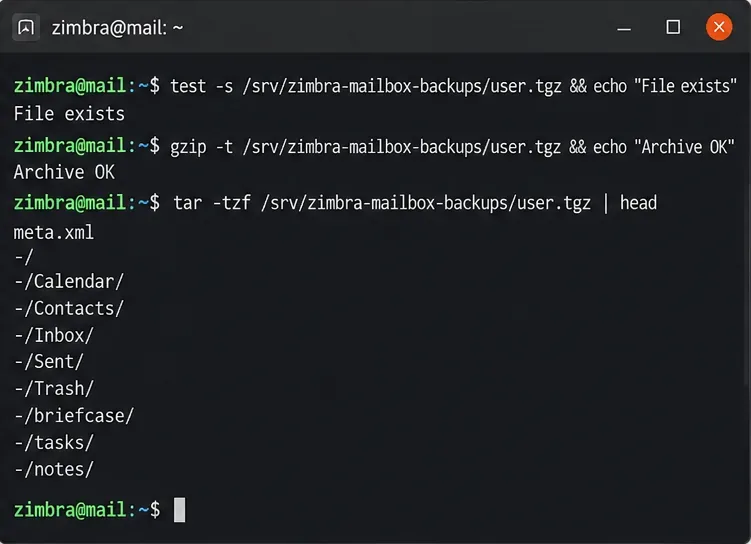
Export an individual Zimbra Community Edition mailbox, validate its TGZ backup, and restore missing items without overwriting existing mail.
Plan your Art Basel Miami visit with this 5-step guide to ticket prices, transit, and dining costs, calculating a realistic daily budget of $145 to $550.

Follow these 6 steps to navigate an American office holiday party with confidence, connect with coworkers, and leave a professional impression.
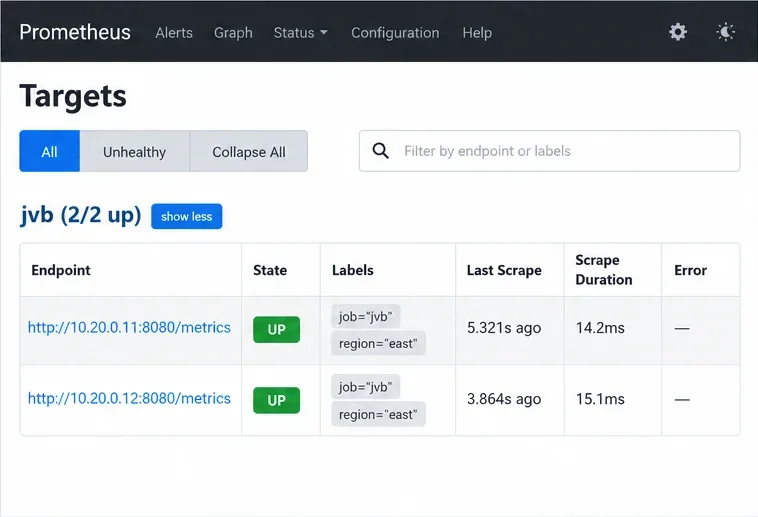
Scrape each JVB’s private metrics endpoint securely, confirm Prometheus targets are healthy, and build Grafana panels for bridge load and meeting traffic.
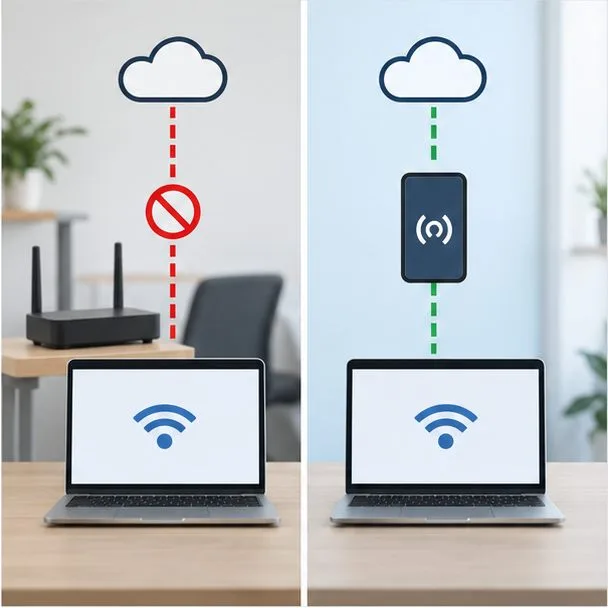
Trace webcam failures to browser permission, a restricted network, or the BigBlueButton server’s UDP and NAT setup, then verify the stream in a live meeting.
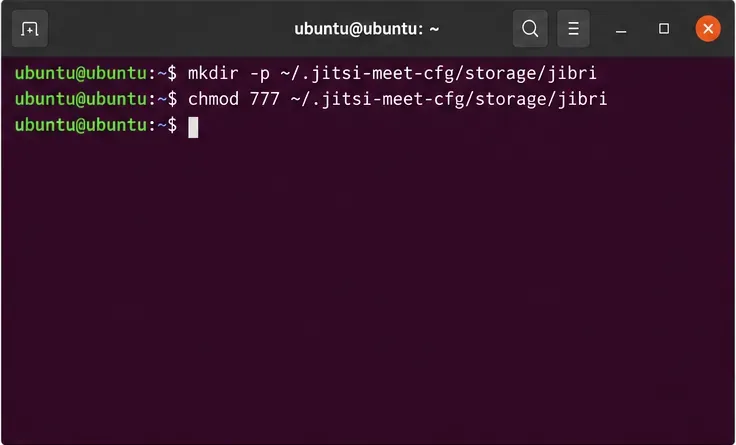
Enable Jitsi Meet recording and live streaming with the official Docker Compose Jibri service, secure XMPP credentials, writable storage, and practical verification steps.

Lower Jitsi Meet video quality to 180p or 360p, reduce outgoing camera traffic, and test bitrate caps without sacrificing meeting audio.