Factory reset on TV, helps to reset the TV to its original state, allowing you to better use the TV. Let's learn how to factory reset on LG TV right in the following article.
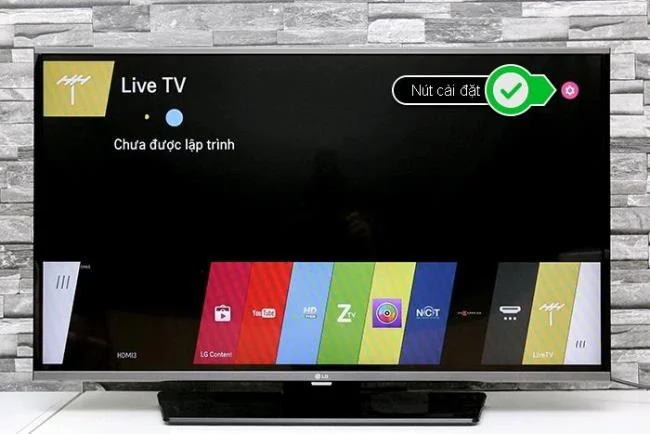
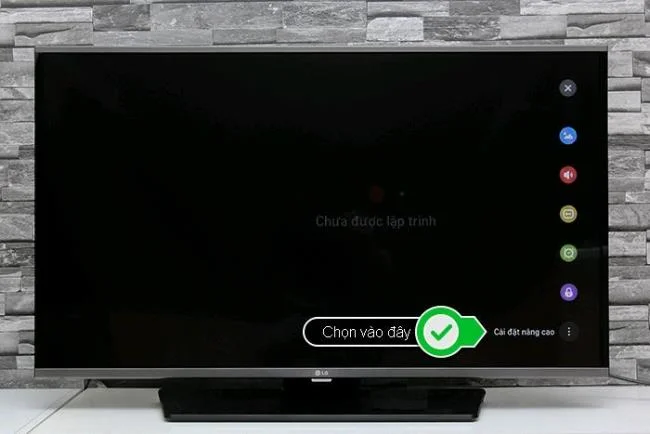
Step 1: Select the setup button on the TV interface- next, choose the Advanced settings.
Select the install button on the TVSelect on Advanced Settings
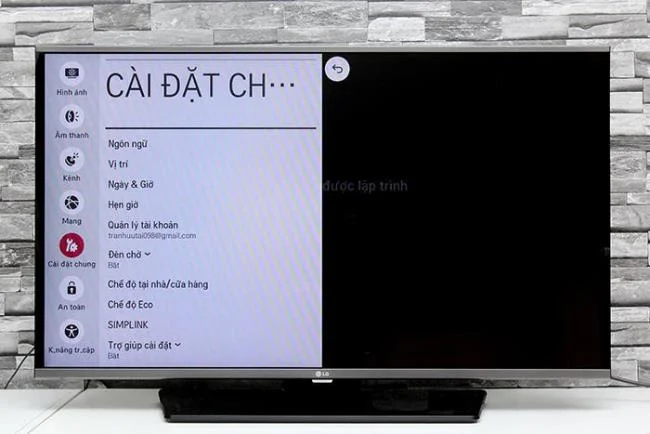
Step 2: In the Settings interface, select General.
Select on general settings
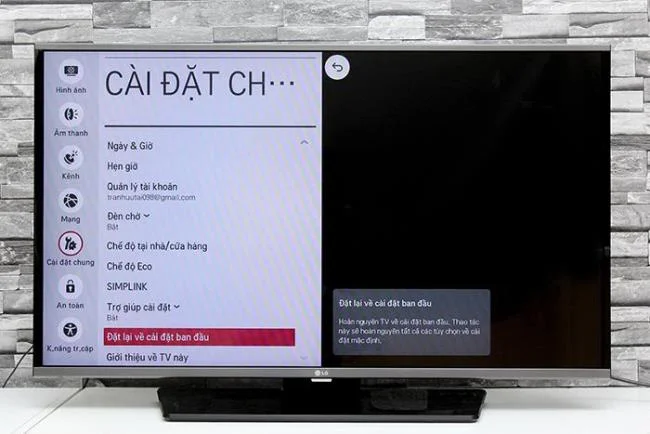
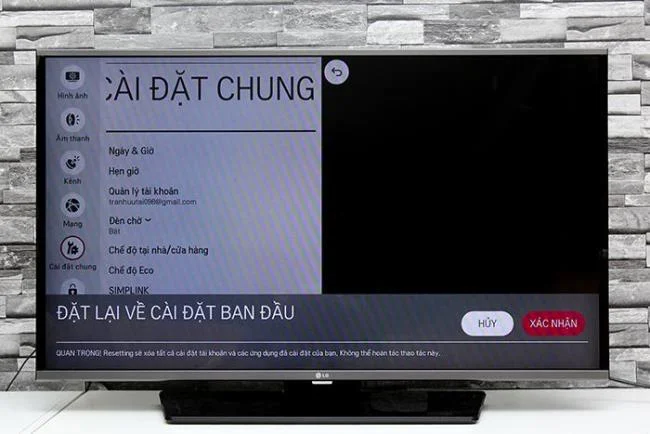
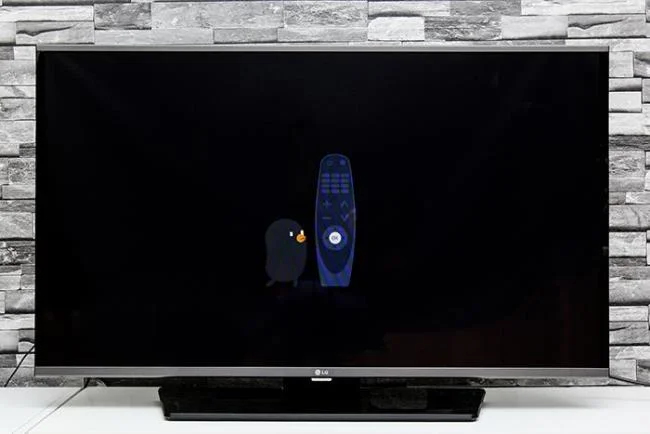
Step 3: In General settings select - Reset to factory settings, then select Confirm. Now wait for the TV to reset to factory settings - after the process is done, you should see a Bean Bird that instructs the TV set up.
Select Reset to factory settingsSelect ConfirmAfter Bean Bird appears, you can use the TV again
Note: The installation restore may take 3 to 5 minutes, so you need to wait.