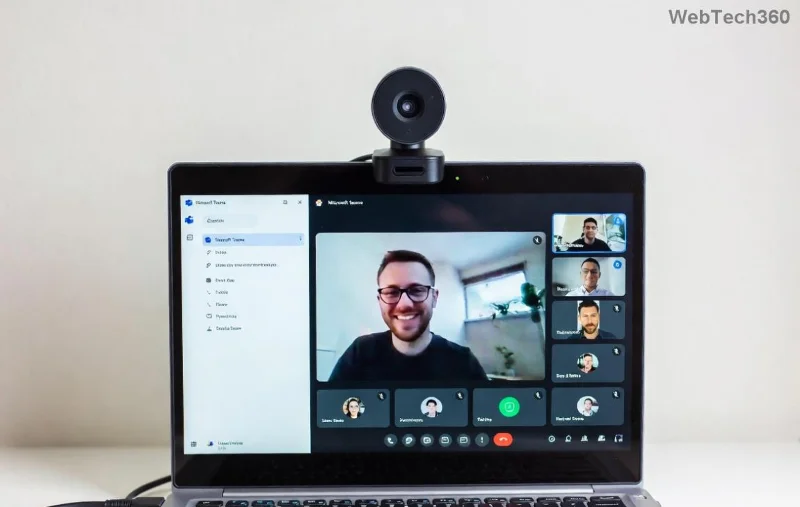
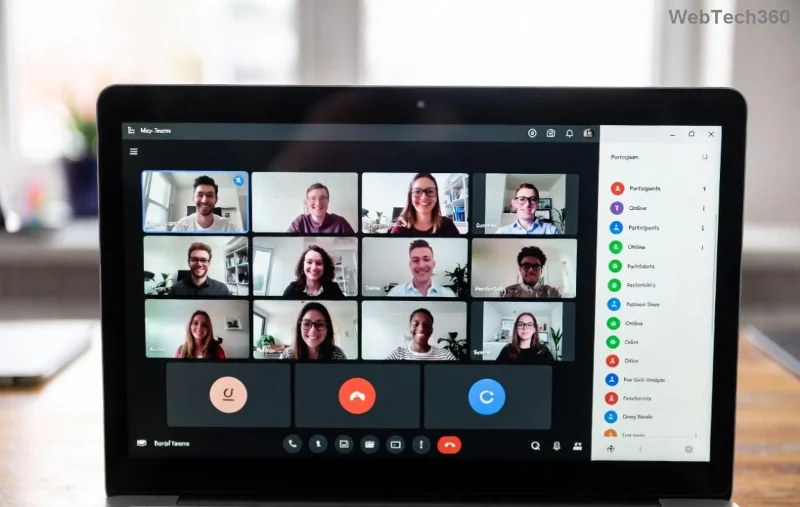
Frustrated with Microsoft Teams background error on Mac? You're not alone—blurry effects, failed uploads, or "background unavailable" messages plague many users during important meetings. The good news? These issues are usually quick fixes away from smooth, professional video calls. This guide delivers step-by-step solutions tailored for the latest macOS and Teams versions, so you can get back to impressing your team. Let's dive in and make your backgrounds pop! ✨
Why Does Microsoft Teams Background Error on Mac Happen? Quick Diagnosis
Before fixing, understand the culprits:
- ❌ Permission restrictions: macOS blocks Teams from accessing camera or screen for backgrounds.
- ❌ Outdated app: Bugs in older Teams versions cause blur failures.
- ❌ Cache glitches: Corrupted files prevent custom backgrounds from loading.
- ❌ Hardware limits: Older Macs struggle with AI-powered effects like blur.
Spot your issue? Great—start with the simplest fixes below. If one works, you're done! 👏
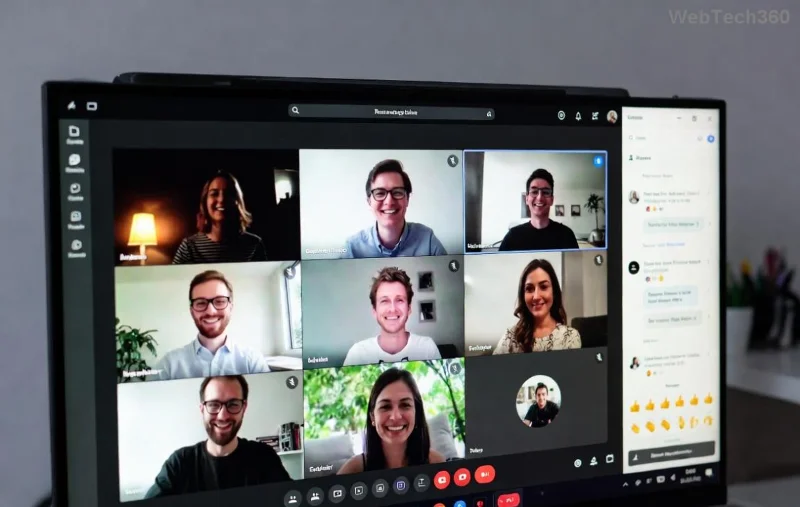
Fix 1: Grant Essential Permissions in macOS Settings ✅
The #1 cause of Teams background error on Mac is denied access. Here's how to unlock it:
- 🔍 Open System Settings > Privacy & Security.
- 📹 Under Camera, find Microsoft Teams and toggle it ON.
- 🖥️ Go to Screen & System Audio Recording—enable Teams here too.
- 💾 Crucial: In Full Disk Access, add Teams (drag app from Applications or use + button).
- 🔄 Quit and relaunch Teams. Test a background in a new meeting.
Pro tip: Restart your Mac after changes for instant results. 80% of users fix it here! 🎉
Fix 2: Update Teams to the Latest Version 🚀
Bugs in older builds cause background glitches. Stay current:
- In Teams, click your profile picture > Check for updates.
- Or download fresh from Microsoft's official site.
- Install, sign in, and test virtual backgrounds in Settings > Devices > Background effects.
Latest patches fix macOS Sonoma/Ventura compatibility—your backgrounds will load flawlessly.
Fix 3: Clear Teams Cache and Reset Preferences 🧹
Corrupted cache = failed backgrounds. Wipe it clean:
- Quit Teams completely (⌘ + Q).
- Open Finder > Go > Go to Folder > Type
~/Library/Application Support/Microsoft/Teams.
- 🗑️ Delete contents of Cache, Code Cache, Databases, and GPUCache folders.
- Also delete
~/Library/Preferences/com.microsoft.teams.plist.
- Relaunch Teams—backgrounds refresh automatically.
Feels like a new app! If custom images fail, re-upload them post-clear.
![Step-by-step guide to clearing Microsoft Teams cache on Mac for background error fix]()
Fix 4: Optimize Your Mac for Background Effects ⚙️
Teams needs solid hardware. Quick tweaks:
| Check |
Action |
Expected Result |
| Lighting |
Bright, even room light—no backlighting. |
Sharper AI detection for blur/backgrounds. |
| Camera |
Use external webcam if built-in fails (e.g., Logitech C920). |
Smoother effects processing. |
| RAM/CPU |
Close heavy apps; ensure 8GB+ RAM. |
No lag in real-time backgrounds. |
| Image Format |
Upload PNG/JPG under 1920x1080, <4MB. |
Instant load without errors. |
These ensure Teams background on Mac runs like butter. Test in preview mode first! 😊
Fix 5: Switch Background Types or Use Blur Only 🌟
If customs fail:
- In meeting > More actions > Apply background effects.
- 👉 Try Blur first—least demanding.
- Pick pre-loaded images or upload fresh ones.
- Disable "Artistic effects" if enabled—they're glitch-prone.
Fix 6: Reinstall Teams Completely 🔄
Last resort for stubborn errors:
- Drag Teams from Applications to Trash.
- Empty Trash & clear leftovers (use Fix 3 paths).
- Re-download from Microsoft.
- Fresh install often resolves deep-rooted background errors.
![Successful Microsoft Teams background applied on Mac after fixes]()
Fix 7: Advanced Troubleshooting for Persistent Issues 🛠️
Still stuck?
Wrap-Up: Your Perfect Teams Background on Mac Awaits! 🎊
Congrats—you've conquered the Microsoft Teams background error on Mac! Start with permissions and updates for 90% success. Bookmark this for future reference, and share your wins in comments below. Ready for pro calls? Hit that meeting now—your backgrounds are flawless. Questions? Drop them—we're here to help! 🚀