Couples Costume Ideas for 2026: Iconic Pairs and Clever Tropes

Find a couples costume that fits your style, budget, and comfort level, from Addams Family classics to original inside-joke duos.
Instagram has announced that it will allow users to post Reels videos up to 3 minutes long, doubling the previous limit of 90 seconds. The information was announced by Adam Mosseri, Director of Instagram, who emphasized that the change came from user feedback that 90 seconds "is too short."
This is a big change from Mosseri, who said last July that Instagram wouldn't pursue longer videos because it could hurt the platform's "core" of connecting people with friends.
The decision comes as TikTok , which has allowed three-minute videos since 2021, prepares to face a ban in the US. TikTok is scheduled to go dark on Sunday when the ban officially takes effect.
Is Instagram Late to the Reels Race?
Instagram's expansion of the Reels length limit is a bit late. It's been more than two years since the platform allowed 90-second videos. Instagram previously tested increasing the limit to 10 minutes, but has yet to roll it out, limiting longer videos to non-Reels posts.
Expanding the Reels to three minutes could help Instagram attract more users, especially as TikTok threatens to disappear from the US market. However, success will depend on whether Instagram can maintain a seamless user experience.
If TikTok is indeed banned in the US, this could create a huge opportunity for competing platforms like Instagram, YouTube Shorts, or RedNote (Xiaohongshu). But whether Instagram can actually take advantage of this opportunity to replace TikTok will depend on many other factors.
If TikTok disappears, what will be the opportunity for Instagram?
TikTok currently has about 170 million users in the US, most of them young people. If the platform disappears, these people will find new places to create and consume short-form content. Instagram Reels, on the other hand, has a big advantage because it is already integrated into the Instagram ecosystem, a social network familiar to many TikTok users.
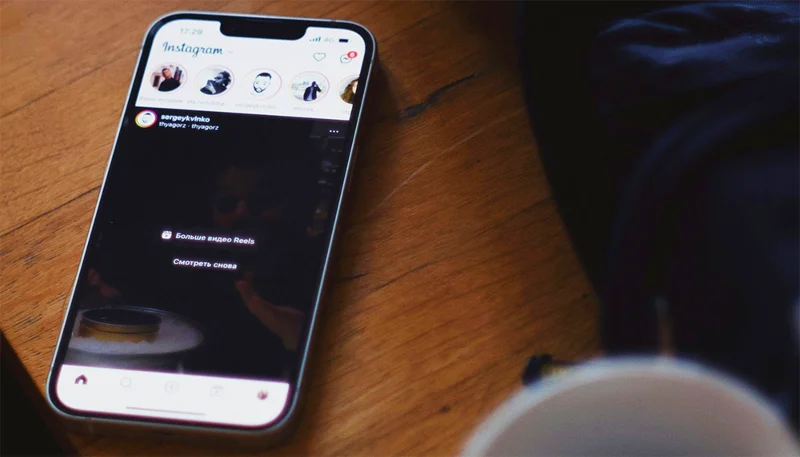
Instagram’s decision to raise the limit to three minutes helps the platform better cater to the demand for longer content, one of TikTok’s previous strengths. At the same time, if Instagram can provide better tools for creators, such as editing features, unique effects, and monetization opportunities, it could attract TikTok’s creative team.
Find a couples costume that fits your style, budget, and comfort level, from Addams Family classics to original inside-joke duos.
Need a last-minute high school Halloween costume? Compare 10 easy closet-based ideas by prep time, comfort, school-day practicality, and simple safety checks.
Use a simple 2026 Halloween decorating timeline for indoor décor, outdoor displays, and fresh pumpkins, with practical adjustments for weather and events.
Mix five vivid, approachable Halloween cocktails with measured recipes, simple prep tips, and an alcohol-free option for your party guests.
Find 15 office-friendly Halloween costume ideas for 2026, with practical checks for dress codes, respectful themes, comfort, and workplace safety.
Plan a fun elementary school Halloween party with easy crafts, games, inclusive treats, costume tips, and a sample 75-minute classroom schedule.
Compare realistic side hustles for 2026 by startup cost, fees, flexibility, and income control, with current tax and scam guidance from official sources.
Upgrade your home office ergonomics with current OSHA and NIOSH guidance on chair fit, monitor height, laptop setup, lighting, and movement.
Learn why emotional intelligence matters in leadership, where it helps most, how to strengthen it, and how to tell whether your approach is working.
A practical roadmap for moving into tech without a degree: choose an accessible role, build job-ready skills, prove them with projects, and use hiring feedback to improve.








