How to Use the BoM Melbourne Radar Before You Travel
Use the Bureau of Meteorology’s Melbourne radar to locate your route, read rain layers, track approaching echoes, and check warnings before departure.
Information checked Sunday, October 25, 2026. The Queensland Government’s disaster portal currently reports that heavy rain has caused flash flooding in parts of southeast Queensland, with showers and thunderstorms expected to persist across southeast, southwest, and central Queensland over the weekend. That is statewide context, not a street-level warning. Flood risk can change from one suburb or road to the next. This guide shows how to combine Bureau of Meteorology (BoM) rain radar with official warnings and local updates. A radar image can show where rain is falling, but it cannot confirm whether a street is flooded or safe to cross.
Local updates matter. A City of Moreton Bay notice published October 23 described saturated ground, high creeks, and the possibility that reopened roads could close again. Those were dated observations for that council area, not a live status report for all of Queensland. Before making a travel or safety decision, open the current warning and local-condition pages linked below.
| Question | Start here | What it tells you |
|---|---|---|
| Where is rain now? | BoM rain radar | Recent rainfall echoes and their movement |
| What action is advised? | BoM and Queensland warnings | Warning area, hazard, level, and instructions |
| Are local roads or places affected? | Council disaster dashboard and alerts | Local closures, community notices, and other local updates |
| Can I use this route? | QLDTraffic | Statewide road conditions, hazards, and closures |
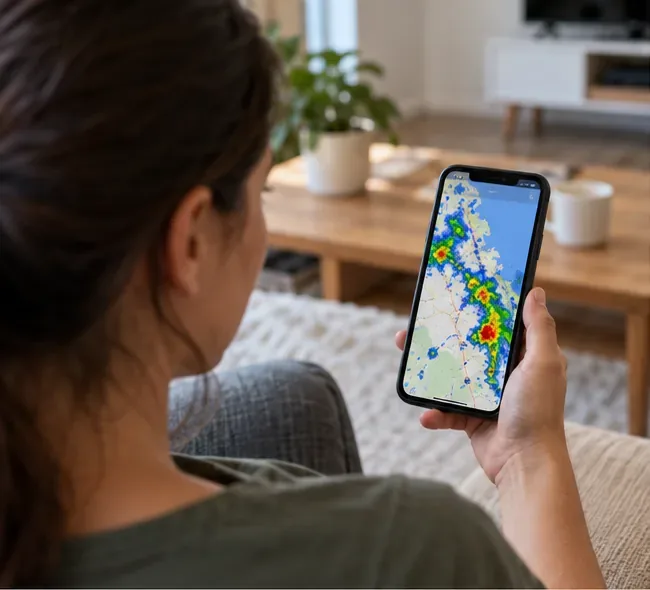
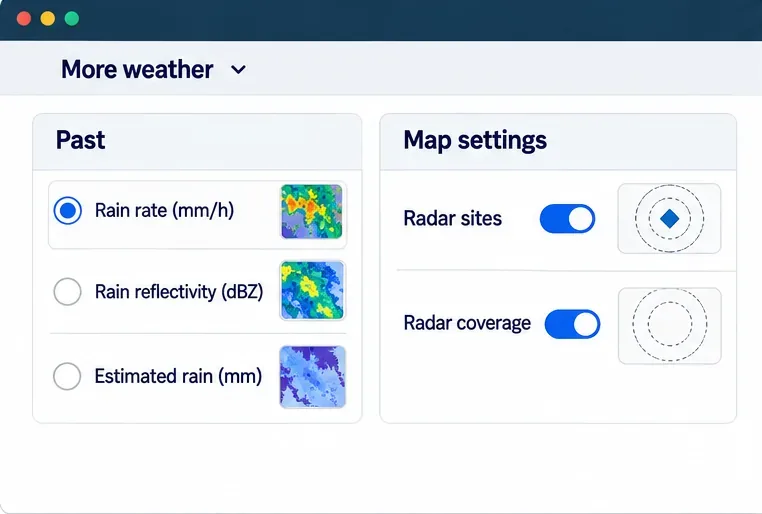
Open the BoM rain radar and weather maps and search for the nearest town or suburb. Queensland covers a large area, so a state-level view can hide conditions around your home, school, workplace, or planned route. Choose a nearby radar site and check whether your location falls within its coverage. The Bureau’s current map includes radar sites and coverage options, plus map settings for roads, towns, and other geographic features.
Play the radar loop rather than relying on one frame. BoM says it produces a new radar image every five minutes. The sequence can help you see whether a rain band is approaching, moving away, or building over a nearby area. Check the displayed time as well: a saved screenshot or an older image may not represent current weather.
Read the color legend, but do not interpret it as a flood-depth scale. Radar estimates rainfall intensity; it does not measure the water on a road, in a creek, or inside a property. BoM notes that the heaviest radar colors can sometimes indicate hail. Radar also has limits: beyond roughly 200 kilometers, the beam may show rain higher in the atmosphere that does not reflect what is reaching the ground. Mountains, distance, and the radar’s viewing angle can also leave gaps. A blank or quiet radar frame is not proof that an area is safe.
Check both the BoM Queensland warnings page and the Queensland Government’s current warnings and alerts page. BoM issues weather-based warnings, including severe weather warnings for heavy or intense rain that may cause flash flooding. In Queensland, local governments and other agencies also issue warnings with community actions. The two systems work together, so one page may not contain every instruction relevant to a particular neighborhood.
Queensland uses the Australian Warning System for its public warning levels. Use the level as a quick cue, then read the actual message:
Every time you open an alert, check the named suburbs or district, the hazard, when it was issued, the expected impacts, the specific action requested, and when the next update is due. The Queensland warnings page says its map can be delayed by up to five minutes, so refresh it and look for the issuing agency’s latest message. Emergency Alert can also send voice calls or texts to phones in a defined area. Queensland identifies official Emergency Alert texts as coming from +61 444 444 444. Keep alerts available on your phone, but continue checking official web pages and local channels.
Open your local council’s disaster dashboard for place-specific information. Councils may publish local alerts and details about roads, facilities, evacuation centers, or service disruptions. Queensland’s disaster portal links to local-government dashboards. For Moreton Bay, the council’s October 23 update is a useful example of why local reporting matters: it described saturated ground and high creeks and warned that roads that had reopened could close again. Check the council’s current dashboard before treating that dated notice as today’s conditions.
For water levels and river-flood forecasts, use BoM’s flood warning and water information service. Flash flooding can develop quickly from intense rain, while river flooding may respond later as water moves downstream. A rain radar and a river gauge answer different questions, so use both when a creek or river is relevant to your location.
Before driving, check QLDTraffic for closures and hazards, or call the Department of Transport and Main Roads information line at 13 19 40. QLDTraffic focuses on road and travel conditions across the state; a local council dashboard may be needed for a council-managed road. Recheck the route immediately before leaving because conditions and closures can change.
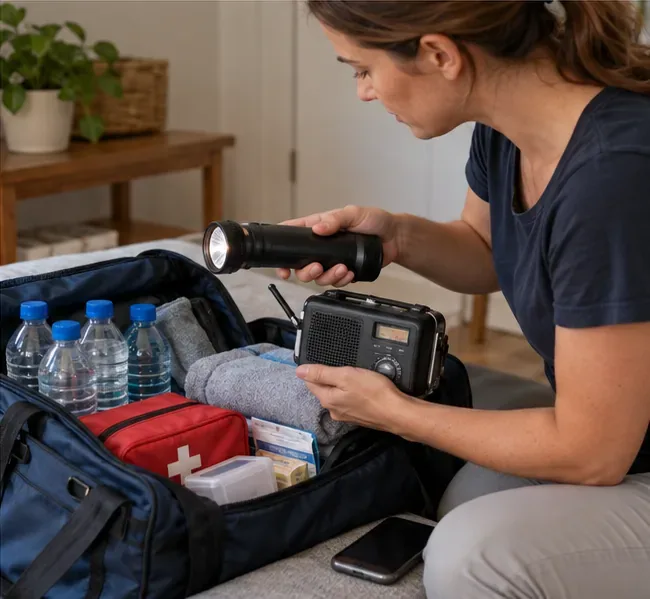
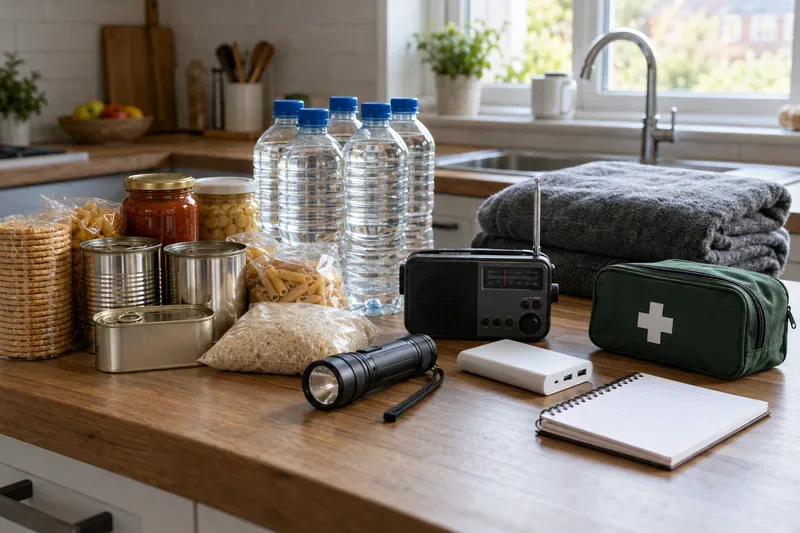
If an official warning tells your area to move to higher ground, leave, or shelter, follow the instruction rather than waiting for the radar to look worse. Keep a charged cell phone, battery-powered radio, flashlight, drinking water, medication, and essential documents ready if conditions may disrupt power or travel. Know an alternate route and a safe place to go, but do not take a route through water.
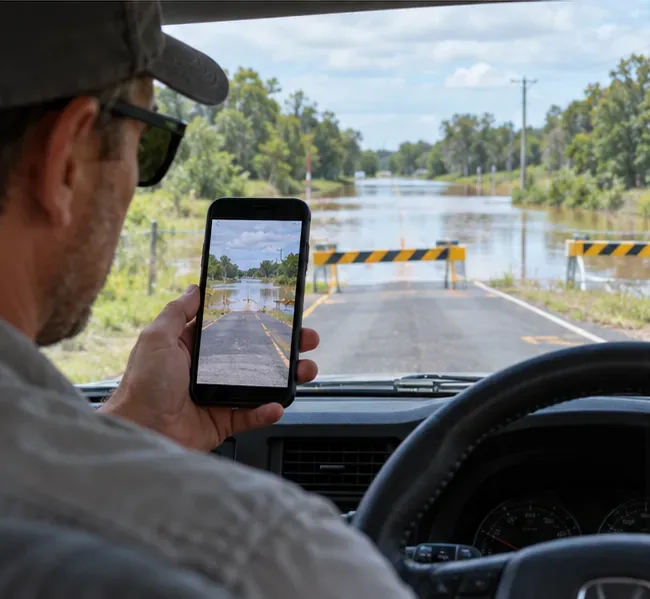
Queensland’s safety advice is direct: if it is flooded, forget it. Never drive, walk, ride, swim, or wade through floodwater. Depth and current are difficult to judge, and a road that appears passable may be damaged underneath. Obey barriers and closure signs. Wait for the road authority to reopen a road; water receding does not by itself mean the surface is safe.
Call Triple Zero (000) for a life-threatening emergency. For non-life-threatening flood or storm assistance in Queensland, contact the State Emergency Service (SES) at 132 500. Do not enter floodwater to retrieve belongings or check a waterway.
Official sources: BoM radar and map guide; BoM weather radar capabilities and limitations; Queensland warning levels and emergency alerts; Queensland road-condition and floodwater guidance; Queensland SES flood guidance; City of Moreton Bay’s October 23 local update.
Use the Bureau of Meteorology’s Melbourne radar to locate your route, read rain layers, track approaching echoes, and check warnings before departure.
A practical Queensland flood guide: check BoM radar, read warnings, verify local roads and council updates, and know what to do if conditions worsen.
Two poultry cases have been confirmed in Great Britain this season. Here is what UK residents, bird keepers, and consumers need to know about health risks, reporting, and food safety.
The UK’s Be Ready campaign recommends three days of emergency essentials. Learn why it launched, what to keep at home, and how to prepare without panic buying.
DVLA’s October warning does not mean new tests have started. Learn the current age-70 renewal rules, eyesight and medical checks, and what remains a proposal.
Get the Iowa vs. Minnesota game guide: Oct. 24 kickoff in Minneapolis, CDT and UTC times, Huntington Bank Stadium, FS1, FOX One, radio, and Floyd of Rosedale storylines.
Tennessee visits South Carolina on Oct. 24 at Williams-Brice Stadium. Check the 3:30 p.m. EDT kickoff, ESPN coverage, key players and game-day basics.
Texas A&M vs. Alabama is set for Saturday, October 24, at 2:30 p.m. CDT (UTC−05:00). Find the ABC broadcast, ESPN app, official live stats, and radio options.
Learn about Daniel Stewart’s Port Adelaide career, path to the AFL, key statistics, and what the club has confirmed in its latest announcement.
Queensland Police say four people were injured in a Loganholme shooting on October 24, 2026. Review confirmed details and official update channels.