

Desk Decorating Ideas for a Spooky Office Cubicle

Create a spooky office cubicle with Halloween desk decor ideas that keep your workspace usable, tidy, and mindful of workplace safety.
Our homes are filled with devices that simplify our lives and keep us connected, but many of them are surprisingly easy targets for cybercriminals. If not properly protected, these gadgets can pose a risk to your privacy and security, but there are some simple steps you can take to protect your home.
1. Wi-Fi Router
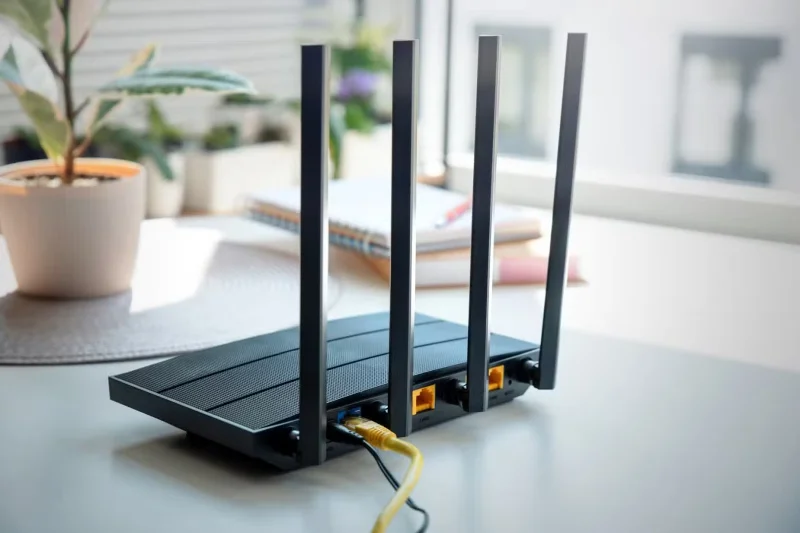
If there's one device in your home that hackers want to take over, it's your Wi-Fi router. And that's because your router connects all of your devices to the internet . A compromised router could give hackers access to everything on your network, from your laptop to your smart fridge.
Two common vulnerabilities with Wi-Fi routers are outdated software and using default login credentials. A study by the Ohio Society of Certified Public Accountants found that 89% of respondents had never updated their router software and 72% had never changed their Wi-Fi password.
To keep your router secure, make sure your router firmware is up to date. If you’re unfamiliar with the process, check out Quantrimag.com’s guide to updating your router firmware . Next, change the default login information to something strong and unique. Use a combination of uppercase and lowercase letters, numbers, and symbols.
Encryption is important too. Turn on WPA3 encryption if your router supports it - or at least WPA2 - to protect your network from unauthorized access!
2. Security cameras and smart doorbells
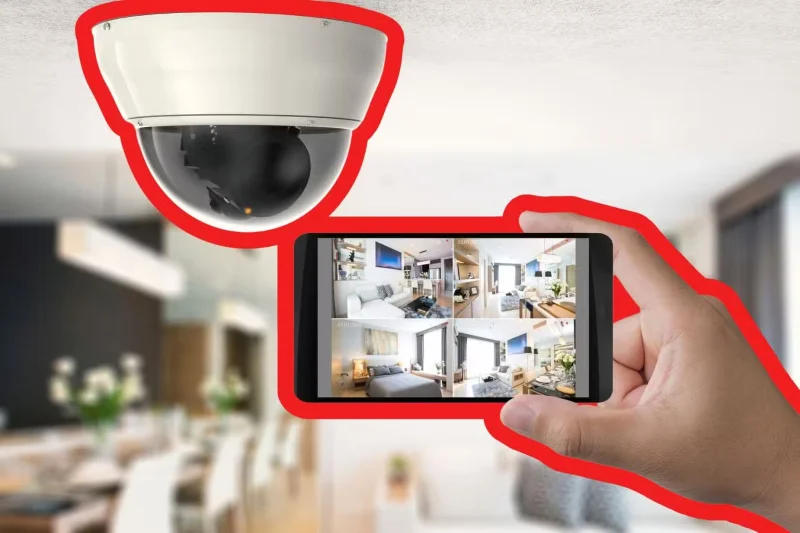
Security cameras and smart doorbells are designed to protect your home, but they can backfire if left unsecured. Just like Wi-Fi routers, outdated firmware and default passwords are top vulnerabilities for smart cameras and doorbells. Hackers can exploit these weaknesses to access live feeds, disable devices, or even use them as gateways to your entire network.
To lock things down, start by changing the default password and enabling two-factor authentication (2FA) if available. Make sure your camera's firmware is up to date, as manufacturers regularly release patches for newly discovered vulnerabilities.
Choose models that offer end-to-end encryption for your video streams, which helps prevent unauthorized access even if the data is intercepted. Also, avoid using public Wi-Fi networks to access your camera feed, as these connections are often insecure and vulnerable to exploits.
3. Smart speakers and voice assistants
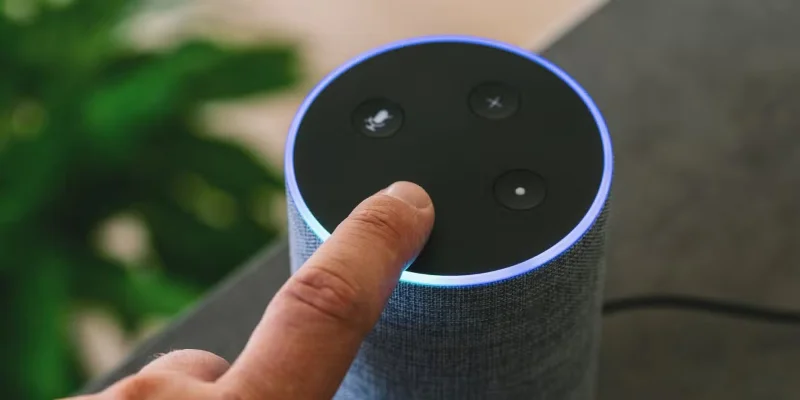
Smart speakers and voice assistants like Alexa, Google Assistant, and Siri are incredibly convenient. But these devices are always listening and can also pose security risks.
In August 2024, NCC Group reported vulnerabilities in Sonos smart speakers that could allow hackers to eavesdrop on users. This is just one of many incidents where smart speakers have proven to be vulnerable devices.
4. Smart TV
Smart TVs can also be a gateway for hackers and data trackers. Many Smart TVs collect data about your viewing habits and, if hacked, can become a gateway for attackers to break into your home network. Some Smart TVs even have built-in cameras and microphones that can be used for spying if not properly secured.
To protect yourself, start by turning off ACR and other tracking features in your TV’s settings. Each brand hides this option in a different place, but a quick search of your model number should point you in the right direction. Also, avoid installing unnecessary apps—each one poses a potential security risk, especially if it’s not from a trusted developer.
5. Smart Home Hub and automation system
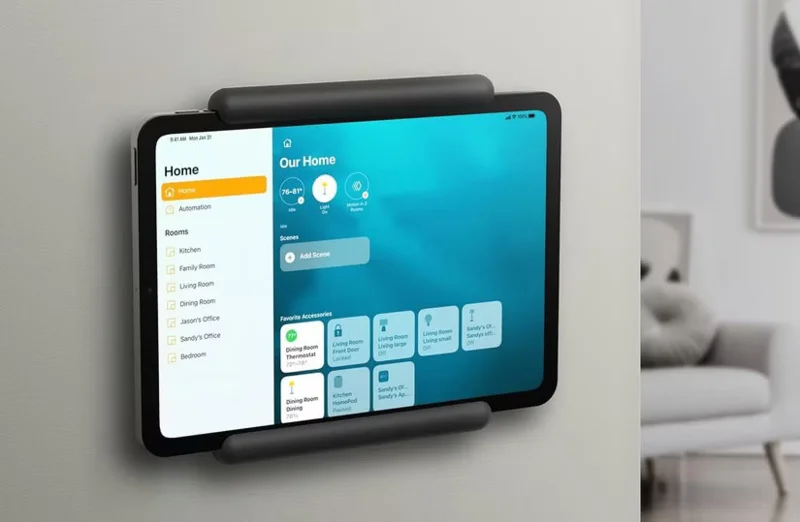
Smart home hubs let you control everything from lights to thermostats with a single command. But that convenience also makes them a valuable target for hackers. If hackers get into your hub, they can potentially take control of every device connected to it.
The biggest risks come from weak passwords and unpatched software. Many users set up their smart home hubs once and forget about them, leaving them vulnerable to vulnerabilities that manufacturers have patched in later updates. Attackers can also exploit weak authentication methods through default credentials or brute force attacks .
6. Game console
If you think gaming consoles are all about games and entertainment, hackers are eager to prove you wrong. From stored payment information to voice and camera features, these devices store more personal data than most people realize.
Kaspersky Lab reports that in the first half of 2022, malware attacks on games increased by 13% compared to the same period in 2021. Hackers use logins stolen from other websites to break into gaming accounts, especially if you reuse passwords. Once in, they can make unauthorized purchases, sell your account online, or lock you out completely.
Privacy is another concern. Game consoles collect data on everything from your gaming habits to your voice chats. While this can improve your experience, it also means more personal information is at risk.
Your home is more connected than ever, but that convenience comes with risks. Cybercriminals are always looking for weaknesses, and these devices are often the easiest targets. The good news is that the tips you've just learned will go a long way toward keeping you safe.
Create a spooky office cubicle with Halloween desk decor ideas that keep your workspace usable, tidy, and mindful of workplace safety.
Plan a recognizable Halloween 2026 look with pop culture costumes inspired by Spider-Man, Supergirl, Toy Story 5, Moana, Mario, and Wednesday.
Sort leftover Halloween candy safely, share or repurpose sealed treats, and choose food use or compost for pumpkins based on their condition.
Compare workplace Halloween costume choices by respect, dress code, mobility, and safety—and learn when a subtle accessory or a policy check is the better option.
Find a couples costume that fits your style, budget, and comfort level, from Addams Family classics to original inside-joke duos.
Need a last-minute high school Halloween costume? Compare 10 easy closet-based ideas by prep time, comfort, school-day practicality, and simple safety checks.
Use a simple 2026 Halloween decorating timeline for indoor décor, outdoor displays, and fresh pumpkins, with practical adjustments for weather and events.
Mix five vivid, approachable Halloween cocktails with measured recipes, simple prep tips, and an alcohol-free option for your party guests.
Find 15 office-friendly Halloween costume ideas for 2026, with practical checks for dress codes, respectful themes, comfort, and workplace safety.
Plan a fun elementary school Halloween party with easy crafts, games, inclusive treats, costume tips, and a sample 75-minute classroom schedule.








