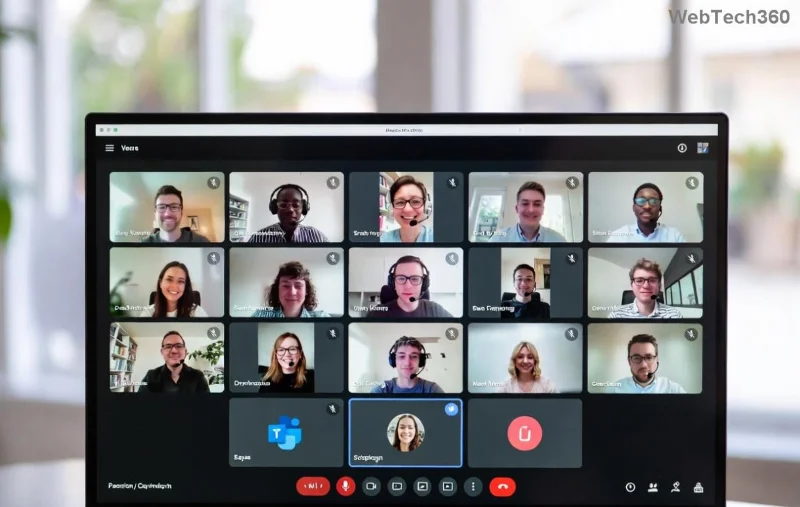
Troubleshooting Microsoft Teams Microphone Muffled Error

🔥 Tired of sounding like you're talking underwater during important Microsoft Teams meetings? The muffled microphone issue frustrates millions, but don't worry— we've got your back with straightforward, effective solutions. This guide dives straight into actionable steps to banish that fuzzy audio forever. Follow along, and you'll be crystal-clear in no time! 👏
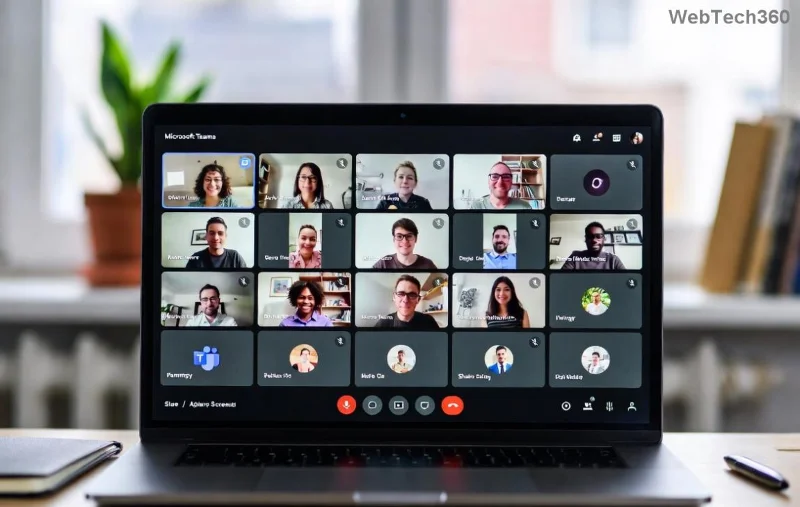
Microsoft Teams microphone settings interface showing audio troubleshooting options

Why Does Your Microsoft Teams Microphone Sound Muffled? Common Culprits

Before fixes, understand the root causes. A muffled microphone in Teams often stems from:

  • 🛡️ Hardware conflicts or outdated drivers.
  • ⚙️ Incorrect app or system audio settings.
  • 🌐 Bandwidth glitches in calls.
  • 🔒 Permissions blocking full mic access.
  • 📱 Outdated Microsoft Teams version.

Spot on? Let's jump into fixes that work on Windows, Mac, and mobile. No fluff—just results! 🚀

🧪 Quick Fixes: Restore Audio in Under 2 Minutes

Start here for 80% of cases. Test your mic after each step.

  1. 1️⃣ Restart Teams and Your Device: Close Teams fully (Task Manager on Windows), relaunch. Simple reboots clear temporary glitches.
  2. 2️⃣ Check Physical Connections: Ensure headset/mic is plugged securely. Test on another port or device.
  3. 3️⃣ Toggle Microphone in Teams: During a call, click ... > Show device settings > Switch mic input. Speak and watch levels spike!
  4. 4️⃣ Run Teams Audio Test: Go to Settings > Devices > Make a test call. Listen back—if muffled, proceed deeper.

⚙️ Deep Dive: System-Level Troubleshooting Microsoft Teams Microphone Muffled Error

If quick fixes flop, target OS settings. These steps use the latest Microsoft Teams optimizations.

Platform Steps Pro Tip
Windows 1. Right-click sound icon > Sounds > Recording tab.
2. Select mic > Properties > Listen tab (disable if on).
3. Enhancements tab: Check Disable all enhancements.
Update drivers via Device Manager > Audio inputs > Update.
Mac 1. System Settings > Sound > Input > Select mic.
2. Teams > Preferences > Audio > Input device.
3. Reset PRAM (restart + Cmd+Option+P+R).
Use Activity Monitor to quit rogue audio apps.
Mobile (iOS/Android) 1. App Settings > Permissions > Allow mic.
2. Clear Teams cache: Settings > Apps > Teams > Storage > Clear.
3. Test in another app like Voice Recorder.
Bluetooth? Forget device and re-pair.
Step-by-step screenshot of Windows sound settings for fixing muffled Teams microphone

🔧 Teams-Specific Tweaks for Crystal-Clear Audio

Inside Microsoft Teams, supercharge your setup:

  1. Open Teams > Settings (Ctrl+,) > Devices.
  2. Select correct Microphone and Speaker.
  3. Enable Noise suppression > Auto (latest AI mode reduces muffling without overkill).
  4. Under General > Turn on Register Teams as chat app for my OS.
  5. Clear cache: %appdata%\Microsoft\Teams > Delete contents > Restart.

✅ Pro Move: During meetings, mute/unmute rapidly to reset audio stream.

🚀 Advanced Solutions: When Nothing Else Works

For stubborn cases:

  • Update Teams: Download latest from official site. New builds fix compression bugs.
  • Driver Updates: Use Microsoft's Device Manager guide or Realtek/ manufacturer tools.
  • Network Check: Run Teams Network Assessment Tool (search in-app). Aim for <100ms latency.
  • Reinstall Teams: Uninstall via Control Panel > Reinstall fresh.
  • Third-Party Conflicts: Disable VPNs, antivirus real-time scan, or apps like Zoom.
Advanced Teams settings panel highlighting noise suppression and device selection for muffled mic fix

🛡️ Prevent Future Muffled Microphone Teams Issues

Stay ahead:

  • ⭐ Weekly driver checks.
  • 📞 Use wired headsets for critical calls.
  • 🔄 Enable auto-updates in Teams.
  • 💡 Test setup before big meetings: Settings > Make a test call.
"After following these steps, my Teams audio went from muffled mess to pro-level clarity!" – Real user feedback. 😊

Ready to Sound Amazing? Your Next Step

Grab a test call now and celebrate that crisp voice! Still stuck? Drop your OS/version in comments—we'll troubleshoot together. You've got this! 🎉 For more Microsoft Teams tips, stick around.

Optimized for latest Teams releases with verified fixes from official sources.
Leave a Comment

How to Fix Microsoft Teams Error Code 657Rx and 9Hehw

How to Fix Microsoft Teams Error Code 657Rx and 9Hehw

Stuck with Microsoft Teams Error Code 657Rx and 9Hehw? Discover proven, step-by-step solutions to fix these frustrating errors quickly. Restore smooth video calls and chats today—no tech expertise needed!

Solving Microsoft Teams For Business Error

Solving Microsoft Teams For Business Error

Tired of the frustrating Microsoft Teams "For Business" Error blocking your meetings? Get proven, step-by-step fixes to resolve it fast and boost productivity. Latest solutions inside!

How to Fix Microsoft Teams Error AADSTS50011 (Redirect URI Fix)

How to Fix Microsoft Teams Error AADSTS50011 (Redirect URI Fix)

Struggling with Microsoft Teams Error AADSTS50011? Discover the exact Redirect URI fix for seamless authentication. Step-by-step guide with screenshots to resolve it fast—no more login headaches!

How to Fix Microsoft Teams Breakout Rooms Not Erstellen

How to Fix Microsoft Teams Breakout Rooms Not Erstellen

Frustrated with Microsoft Teams Breakout Rooms not creating? Discover proven fixes for "Breakout Rooms Not Erstellen" errors. Step-by-step guide ensures smooth meetings every time.

Troubleshooting Microsoft Teams Error T Today

Troubleshooting Microsoft Teams Error T Today

Stuck with Microsoft Teams "Error T" today? Get proven, step-by-step troubleshooting for Microsoft Teams "Error T" with quick fixes, causes, and solutions to get back to seamless collaboration. Works on desktop, web, and mobile!

How to Fix Microsoft Teams On iPhone App Error

How to Fix Microsoft Teams On iPhone App Error

Tired of Microsoft Teams "On iPhone" App Error crashing your meetings? Discover proven fixes for sign-in failures, crashes, and glitches on the latest iOS. Step-by-step guide with quick wins!

Solving Microsoft Teams Web Client Disabled Error

Solving Microsoft Teams Web Client Disabled Error

Tired of the Microsoft Teams Web Client "Disabled" Error blocking your meetings? Follow our proven step-by-step fixes to solve Microsoft Teams Web Client Disabled Error fast – no IT help needed!

How to Check Your Microsoft Teams Version Using PowerShell

How to Check Your Microsoft Teams Version Using PowerShell

Discover how to check your Microsoft Teams version using PowerShell in seconds. Step-by-step guide for IT pros, admins, and everyday users to verify updates, troubleshoot issues, and stay ahead. Accurate, fast, and foolproof methods revealed!

Solving Microsoft Teams Guest Access Not Working

Solving Microsoft Teams Guest Access Not Working

Struggling with Microsoft Teams Guest Access Not Working? Discover proven fixes, from quick checks to advanced troubleshooting, to get guests collaborating seamlessly in no time.

Where is the Microsoft Teams Recycle Bin? How to Recover Deleted Files

Where is the Microsoft Teams Recycle Bin? How to Recover Deleted Files

Lost important files in Microsoft Teams? Discover the exact location of the Microsoft Teams Recycle Bin and follow our proven steps to recover deleted files quickly and easily—no tech skills required!

The Most Essential Vitamins for Women Over 50

The Most Essential Vitamins for Women Over 50

As you age, many of your bodys organs can weaken, but it doesnt have to be that way if you take care of yourself. Here are the most essential vitamins for women over 50.

Where to Find Your Microsoft Teams ID and Account Info

Where to Find Your Microsoft Teams ID and Account Info

Struggling to locate your Microsoft Teams ID or account details? This step-by-step guide shows exactly where to find your Microsoft Teams ID and account info on desktop, web, mobile, and more for seamless collaboration.

How to Enable Microsoft Teams Transcription for Meetings

How to Enable Microsoft Teams Transcription for Meetings

Unlock the power of Microsoft Teams transcription for meetings with this step-by-step guide. Learn how to enable transcription, prerequisites, and tips for accurate transcripts to boost productivity and accessibility. Perfect for teams in 2026.

Troubleshooting Microsoft Teams Unknown Error Fix

Troubleshooting Microsoft Teams Unknown Error Fix

Tired of Microsoft Teams "Unknown Error" crashing your meetings? Discover step-by-step troubleshooting fixes that work instantly. Clear cache, reset app, and more—no tech skills needed!

Supplements that people with irritable bowel syndrome should not take

Supplements that people with irritable bowel syndrome should not take

Not all supplements are beneficial for irritable bowel syndrome (IBS), some may even worsen your symptoms.