Couples Costume Ideas for 2026: Iconic Pairs and Clever Tropes

Find a couples costume that fits your style, budget, and comfort level, from Addams Family classics to original inside-joke duos.
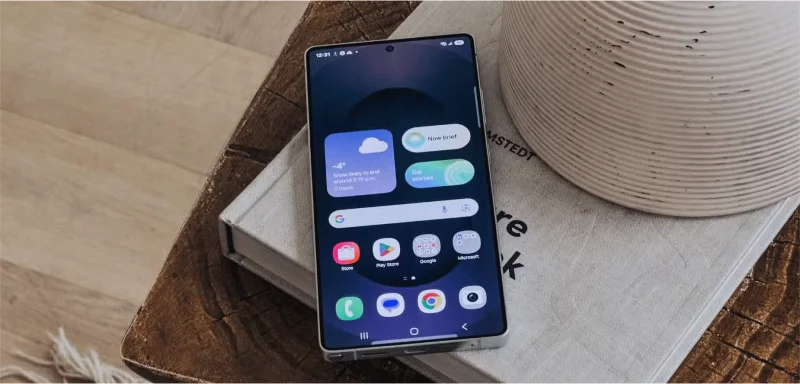
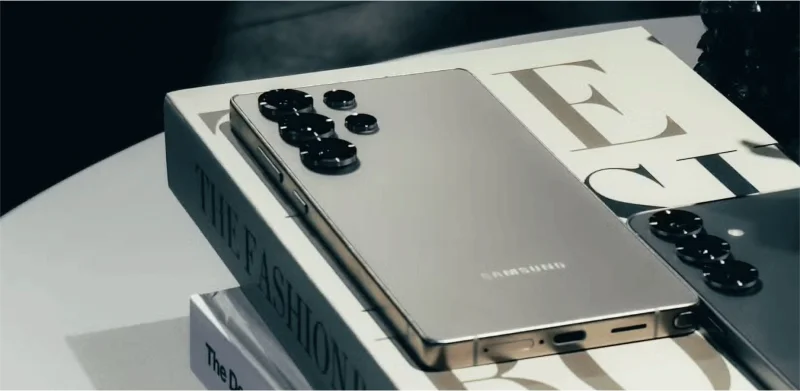
Many were really looking forward to seeing what Samsung had in store for the Galaxy S25 series, but after seeing everything the company had to offer, they were left disappointed. There wasn't much to look forward to in this year's upgrade.
1. Samsung Galaxy S25 is almost nothing more outstanding than Galaxy S24
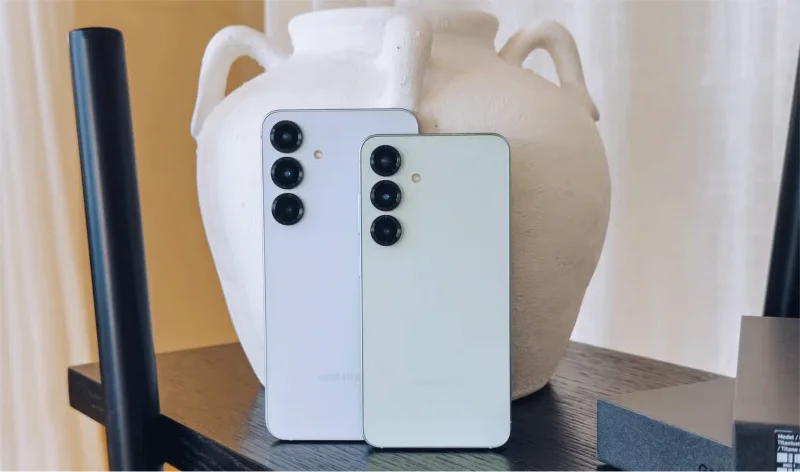
Starting with the Galaxy S25 and S25+, they were the biggest disappointments of the event. They look almost identical to last year's similar products, and not much has changed inside either.
Aside from the upgrade to a custom Snapdragon 8 Elite chip for the Galaxy and a bump in RAM to 12GB, everything else remains the same. The battery capacity, charging speed, camera, and display are essentially unchanged.
People were really hoping Samsung would adopt silicon-carbon batteries this year, similar to the OnePlus 13. However, it looks like we'll have to wait at least another year for that.
While the S25 series brings some new Galaxy AI features , these seem to be the only major differences from the S24. Plus, it wouldn't be surprising if these features eventually make their way to the S24 series.
2. Other Android phones offer more features for the same price
Over the past two months, we've been really impressed by two phones - the Vivo X200 Pro and the OnePlus 13. Despite launching in early 2024, the Galaxy S24 Ultra was previously considered the new standard for Android phones. But its successor doesn't feel the same way.
Like the standard Galaxy S25 models, the Galaxy S25 Ultra uses the same 5,000mAh battery. However, because it doesn't use silicon-carbon battery technology - which can provide higher energy density in the same physical space - it's inferior to the OnePlus 13.
OnePlus has managed to fit a 6,000mAh battery into a phone that isn't significantly thicker, making Samsung's lack of innovation in this area all the more disappointing.
With newer Android devices offering brighter screens, faster charging speeds, and more—often at the same or lower price points—the S25 series feels like a slightly tweaked version of the S24. Samsung simply added a few software features to make it feel different, but in practice, the upgrades feel too minor.
3. Samsung Galaxy S25 doesn't offer the full Qi2 experience
When the S24 series launched last year, the only thing missing was proper support for Qi2 wireless charging. Now, with the S25 series, Samsung has added 15W wireless charging that’s compatible with the Qi2 standard – but there’s a catch.
The phone itself doesn’t have a built-in magnet. Instead, to use compatible accessories that attach magnetically to the back of the phone, you’ll need to buy a special case with built-in magnets. Because of this limitation, the S25 series is labeled “Qi2-ready” rather than “Qi2-certified.”
While the faster charging speeds are welcome, the lack of built-in magnets diminishes the real benefit of Qi2. For those of us who like to use our phones case-free, this feels like an unnecessary compromise.
4. The S Pen is a downgrade
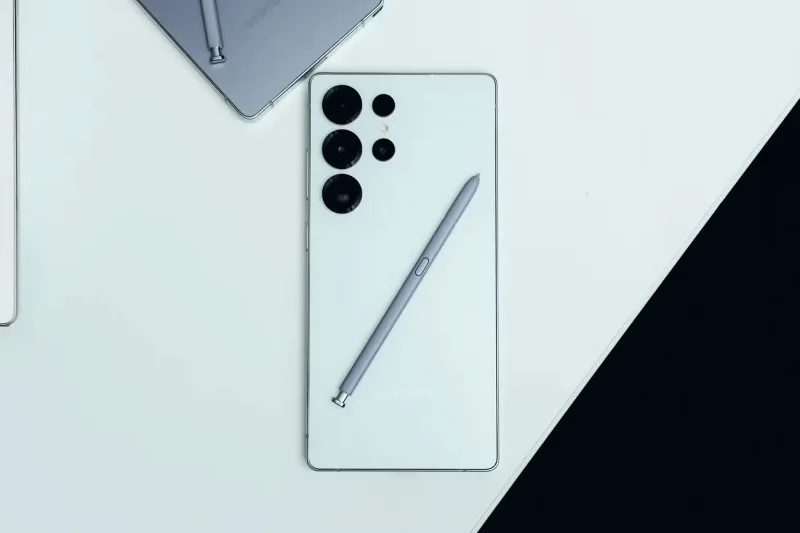
There are plenty of clever ways to use the S Pen. However, with the Galaxy S25 Ultra, some of its most useful features have been removed. The side button on the S Pen can no longer be used as a remote camera shutter to take photos, a handy feature for many users.
Additionally, Air Actions – which let you perform gestures in the air with the S Pen – has been completely removed. Since the S Pen is one of the key features that sets the Ultra series apart from other phones, it’s unclear whether cutting costs here was the right decision.
While it's a bit disappointing what Samsung brought to the table this year, some of the Galaxy's new AI features are still worth exploring.
Find a couples costume that fits your style, budget, and comfort level, from Addams Family classics to original inside-joke duos.
Need a last-minute high school Halloween costume? Compare 10 easy closet-based ideas by prep time, comfort, school-day practicality, and simple safety checks.
Use a simple 2026 Halloween decorating timeline for indoor décor, outdoor displays, and fresh pumpkins, with practical adjustments for weather and events.
Mix five vivid, approachable Halloween cocktails with measured recipes, simple prep tips, and an alcohol-free option for your party guests.
Find 15 office-friendly Halloween costume ideas for 2026, with practical checks for dress codes, respectful themes, comfort, and workplace safety.
Plan a fun elementary school Halloween party with easy crafts, games, inclusive treats, costume tips, and a sample 75-minute classroom schedule.
Compare realistic side hustles for 2026 by startup cost, fees, flexibility, and income control, with current tax and scam guidance from official sources.
Upgrade your home office ergonomics with current OSHA and NIOSH guidance on chair fit, monitor height, laptop setup, lighting, and movement.
Learn why emotional intelligence matters in leadership, where it helps most, how to strengthen it, and how to tell whether your approach is working.
A practical roadmap for moving into tech without a degree: choose an accessible role, build job-ready skills, prove them with projects, and use hiring feedback to improve.








