Iphone X vs XR comparison: Which phone is more worth buying?
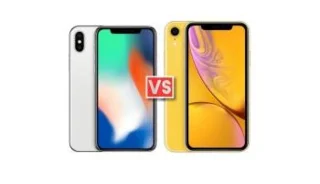
Comparing the Iphone X and XR in terms of price, design, performance and battery life will help you decide which phone to buy in the present moment.
Comparing the Iphone X and XR in terms of price, design, performance and battery life will help you decide which phone to buy in the present moment.
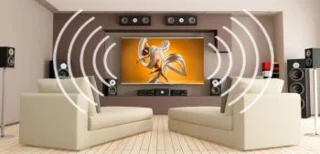
Sharp TVs are not only known for their superior imaging technology, but even in sound, Sharp is also extremely attentive to impressive new technologies.
If you are looking to buy a cheap Android TV, the cheap Smart Android TV from TCL and Skyworth will probably be the right choice for you to consider.
Besides picture or sound technologies, TCL TV users are also satisfied by the interesting connections that TVs bring.
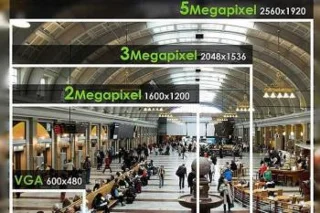
Finding which phone to take the best picture today is the concern of many people. Here is a list of WebTech360 that will suggest you.

HDMI, USB, Screen Mirroring… are the most common connections on Toshiba TVs that many people use.
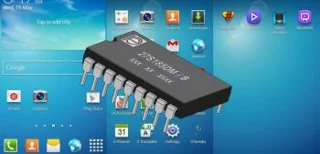
Does the phone have ROM like a computer? And if you are an Android user, have you heard the concept of updating ROM to make your device run smoother and have more features? Let's understand WebTech360!
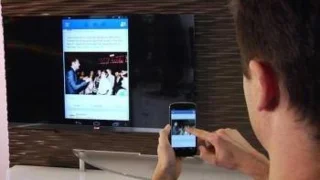
Connecting your phone to the TV via bluetooth is a useful and convenient way to quickly play music to help bring a space for rest and entertainment. So how to install connection? Please refer to WebTech360 through the article below!
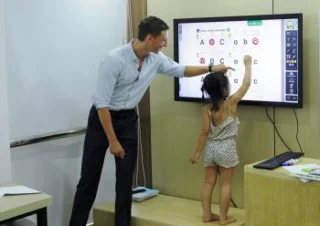
Android Box TV is known to users for its ability to transform the regular TV you are using into a Smart TV. Android Box TV provides us with special entertainment and relaxation programs, but few people know that this device can also become a tool for the children in our family to learn English. everyday.
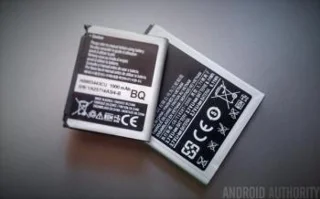
When talking about the batteries of mobile devices and electronic devices, users often hear about the battery capacity expressed in mAh. So what is mAh? Let's find out with WebTech360!

Instructions for factory reset and reinstalling Android phone software
Which apps are pre-installed or later on an Android device always makes it difficult to recognize if you don't sort them.
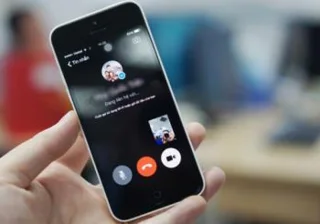
Nowadays, keeping in touch with friends, family and loved ones has become easier, more convenient and faster thanks to smart phones. However, for some reason, those of them block your phone number in order not to contact you. Such as: calling not listening, texting not answering. Or there are cases where they have problems communicating, cannot reach you.
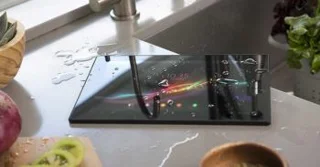
Have you ever wondered about symbols such as IP53, IP53, IP67, IP68 waterproof and dustproof standards and wondered what they can do for your phone. Let's find out about those specifications with WebTech360!
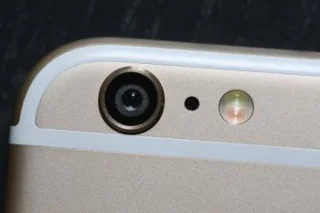
The flash is known to be a must-have feature on today's smartphones as a tool to assist users when taking photos in the best low-light conditions. In this article, WebTech360 will analyze more clearly about the flash on the phone and the effect of the flash on the phone!
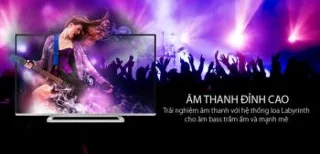
Besides the imaging technologies, the sound technology on Toshiba TVs is also an admirable thing.
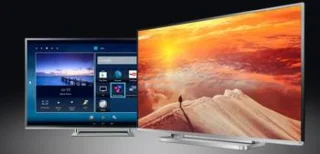
With the rich application store of Android 4.4 operating system, Toshiba TV gives users a new experience for users.

How to check if your device has iCloud from previous users, check in time for you to have the best solution.
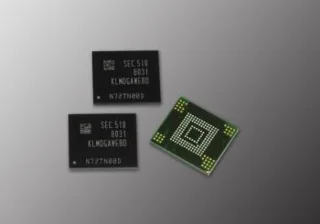
On a mobile device, typically a smartphone, there is a term that you hear a lot over and over, which is the phone's internal memory? So what is the phone's internal memory? Let's find out with WebTech360!
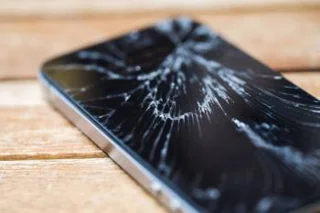
The screen is one of the most expensive phone components and is also the component that is susceptible to damage due to both subjective and objective problems from falling, breaking the phone, entering water and even the manufacturer's fault. However, prevention is better than cure, how to handle and prevent phone screen drops, broken screens and deal with that problem without spending too much budget to invest in a new phone. Let's find out with WebTech360 right now!
Short battery life is perhaps the biggest headache for Android devices today. Therefore, many applications were born to help devices save battery power better.
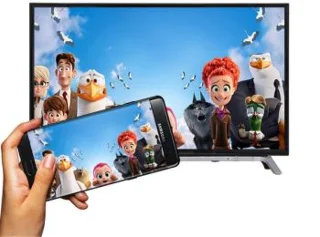
Projecting the phone screen to the big screen of the TV will help users get a new user experience. However, not everyone knows how to do it, so the article below WebTech360 Supermarket will guide you on how to project the screen of your phone on a new generation Toshiba Smart TV.
If you don't have to send fax regularly, just a few times a year or want to send a fax quickly with your mobile device, CamScanner and HelloFax are two services that can meet your needs.

HDMI, USB or MHL are the most basic connections on Sharp TVs that you should use every day for best entertainment.
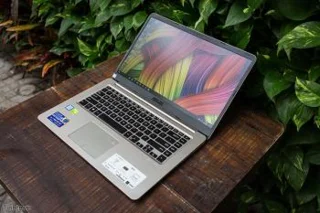
Screen brightness "Nit" is considered the most important part for screens of electronic devices such as televisions, cell phones, laptops, ... To explain in detail and concretely the concept: screen brightness "nit" image to the user is not easy. Let WebTech360 analyze more clearly in this article!
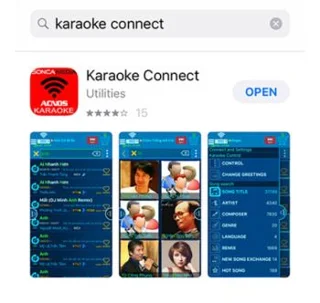
After buying Acnos pull speaker, you are given a USB that contains a database of karaoke songs to sing with your friends. ? Let's find out with WebTech360 in the article below!

You often listen to music with bluetooth speakers, bluetooth headphones and often do not notice what is the bluetooth technology on the smartphone you are listening to? That is Bluetooth A2DP technology, so let's explore this Bluetooth A2DP technology with WebTech360!
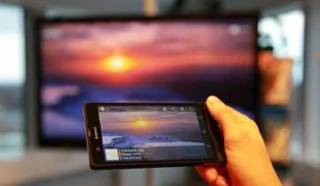
Sharing data, projecting the phone screen on Smart TV models is not a new feature, but still many users today do not know how to perform as well as use the feature. this utility function. So the article below WebTech360 Supermarket will guide you through the basic steps to be able to share data from your phone on TCL Smart TV.
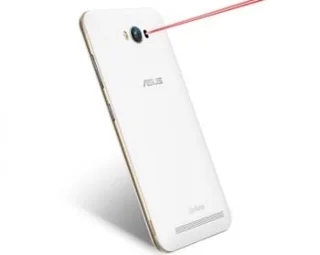
Have you ever heard of "laser focus on phone" technology or "laser focus camera"? To answer this question, let's explore the following article with WebTech360!
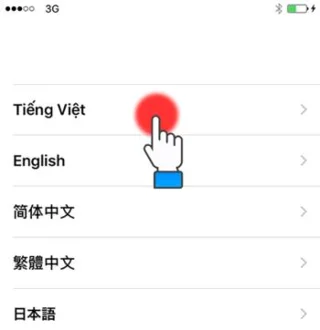
You've just switched to a new iPhone smartphone and want to recover all of your data from your old iPhone to your new one, but don't know how to backup "restore" data from iCloud. Please follow the article below from WebTech360 offline!